
Static IP for Heroku and MongoDB Atlas
Secure and Reliable Connectivity for Distributed Database Clusters.
By utilizing our high-availability static gateways, you ensure that every node in your distributed database cluster recognizes and authorizes your application's traffic.
This architecture eliminates connection timeouts caused by rotating IPs while maintaining a hardened security posture through E2EE-protected routing.
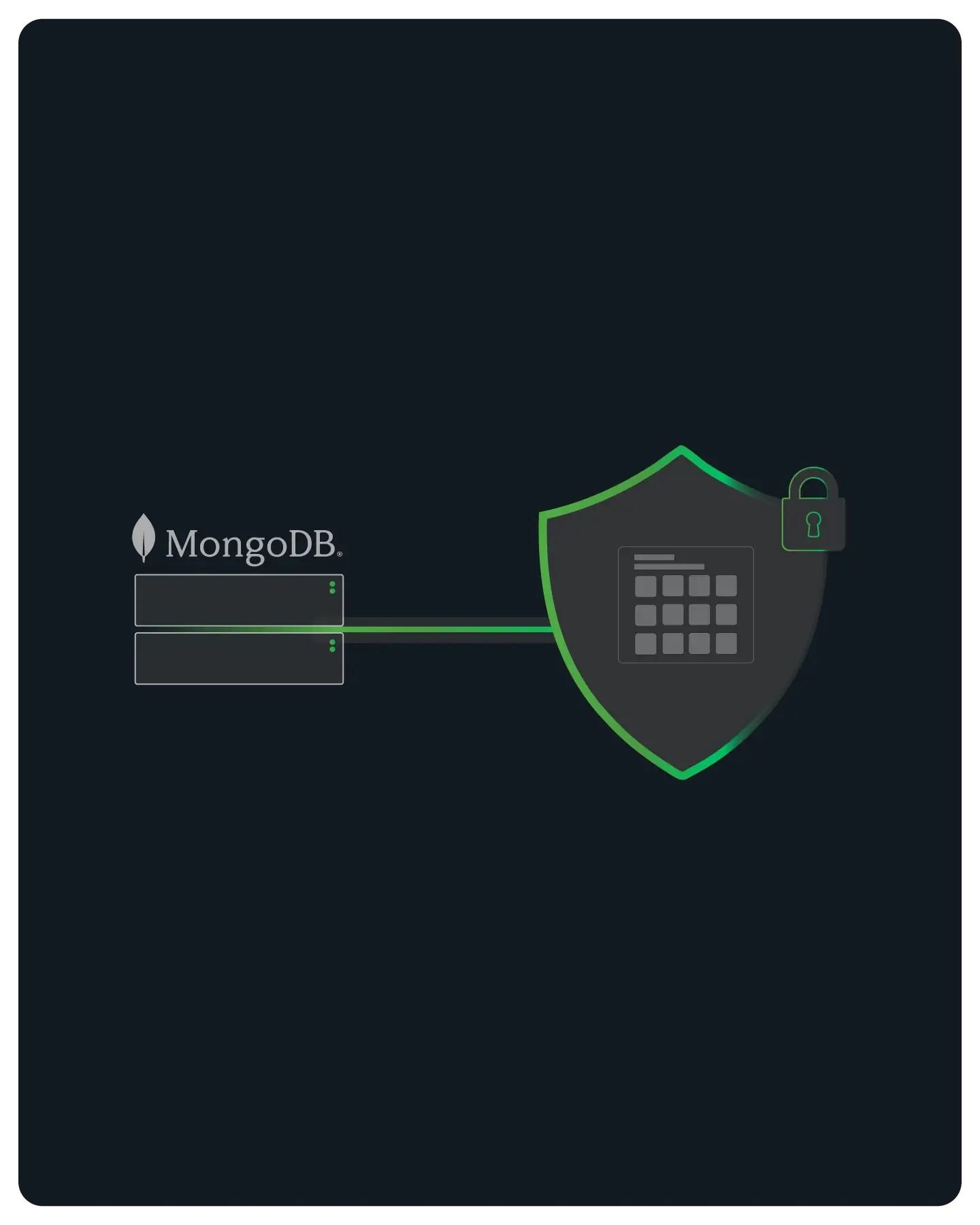
Solving the Dynamic IP Constraint for MongoDB Atlas
MongoDB Atlas requires a specific IP or CIDR block whitelist to authorize connections, which presents a challenge for applications running on Heroku’s Common Runtime.
Because Heroku dynos operate on a pool of dynamic AWS IP addresses that rotate frequently, maintaining a secure firewall on Atlas is impossible without a static gateway.
QuotaGuard provides a consistent, dedicated IP presence that ensures your database remains locked down while your application scales and restarts seamlessly.

Streamlined Integration via QGTunnel
One of the most difficult aspects of connecting Heroku to MongoDB is managing the complex protocol requirements of distributed clusters and replica sets.
QuotaGuard simplifies this by using QGTunnel, a specialized wrapper that handles the network routing at the process level.
By leveraging Transparent Mode, QGTunnel allows your application to communicate with MongoDB as if it were a direct connection, removing the need for custom proxy logic or driver modifications.
No Code Modifications Required
When using QGTunnel in Transparent Mode with matching ports, you do not need to change your connection strings or driver configurations.
The tunnel intercepts the request at the network layer and routes it through the static gateway, allowing you to use your standard MongoDB URI exactly as it is.
Support for MongoDB+SRV URLs
Connecting to a cluster via an SRV record requires routing to multiple backend shards, which can be difficult to configure manually.
QuotaGuard provides a clear workflow for looking up shard hostnames and creating the necessary tunnels to ensure that every part of your replica set is correctly mapped through your static IP.
Simple Procfile Integration
Implementation is handled by prepending a single command to your startup process in your Heroku Procfile.
This ensures that every time your dyno boots up, the tunnel is initialized automatically and manages all outbound database traffic without any manual intervention.

E2EE Architecture for Sensitive Data Environments
For organizations handling sensitive information such as PII, PHI, or financial data, standard proxying is often insufficient to meet rigorous compliance standards.
QuotaGuard Shield offers an E2EE (End-to-End Encryption) architecture that ensures data is protected throughout the entire transit path.
This approach allows you to satisfy HIPAA, PCI, and SOC2 requirements while maintaining the high-performance connectivity required for modern cloud-native applications.

FAQs
Technical Configuration and Setup for MongoDB
First, provision the add-on and note your two static IPs, then add them to the Network Access tab in the MongoDB Atlas dashboard.
Next, you must download the qgtunnel package into your project root and configure the tunnel settings in the QuotaGuard dashboard.
If you are using a mongodb+srv URL, you will need to look up your cluster’s shards via SRV records and create a tunnel for each shard hostname to ensure the entire replica set is covered.
Be awayre...MongoDB is tricky...Please see our in-depth guide here: https://www.quotaguard.com/docs/language-platform/mongo-db/connect-mongodb-static-ip
No, provided you utilize QGTunnel in Transparent Mode.
Transparent Mode allows the software to override the DNS for your MongoDB hostnames and redirect traffic locally to the tunnel, which then passes it through the static proxy.
If you match the local and remote ports (typically 27017 for MongoDB), your application can continue using its original connection string without any modification to the host, port, or driver logic.
Integration is handled via your application's Procfile. You simply need to prepend your standard startup command with bin/qgtunnel.
For example, a web process that previously ran npm start would be updated to web: bin/qgtunnel npm start.
This ensures the tunnel binary is the parent process, allowing it to manage the network environment for your application from the moment it starts.
QuotaGuard Static provides the standard dual-IP gateway for routing outbound traffic through a known identity.
QuotaGuard Shield is designed for high-compliance environments and includes an E2EE (End-to-End Encryption) architecture.
While both provide the same static IP benefits, Shield ensures that QuotaGuard cannot see or access any data passing through the proxy, making it the required choice for applications that must adhere to HIPAA, PCI, or SOC2 standards.
If you encounter connectivity issues, you can enable verbose logging by setting the QGTUNNEL_DEBUG environment variable to true and restarting your application.
This will output detailed technical logs to your Heroku console, allowing you to verify that the tunnel is correctly intercepting and routing your database requests.
Our engineering team can use these redacted logs to help identify network-level bottlenecks or DNS resolution errors within your specific configuration.
To maximize uptime and eliminate dependencies on our administrative API, you should download a local configuration file from your dashboard and save it as .qgtunnel in your application’s root directory.
This hardening step ensures the QGTunnel binary initializes using local settings upon every dyno boot, providing immediate connectivity regardless of external API availability.
Committing this file to your repository is a production best practice for any enterprise application requiring high-availability MongoDB access.
The QGTunnel binary is designed specifically for Linux-based environments and is not natively compatible with macOS or Windows.
To verify your MongoDB connectivity and tunnel configurations before deploying to Heroku, we recommend using a Virtual Machine or a Docker container running a Linux distribution such as Ubuntu.
This ensures that your local testing environment accurately mirrors the production networking stack where your application will be running.
Still have questions?
We don’t outsource Support to non-Engineers.
Reach out directly to the Engineers who built Shield to discuss your specific architecture, integration challenges, or compliance constraints here 👇
🚀 Ready to Get Started? Choose Your QuotaGuard Path
QuotaGuard STATIC
QuotaGuard SHIELD
Trusted by Engineering Teams Everywhere
Reliability Engineered for the Modern Cloud
For over a decade, QuotaGuard has provided reliable, high-performance static IP and proxy solutions for cloud environments like Heroku, Kubernetes, and AWS.
Get the fixed identity and security your application needs today.