
Static Egress & Inbound IP Gateway for Make (Integromat)
The complete network layer for Make.com.
Shield your inbound webhooks from attacks while routing outbound scenario traffic through a dedicated, verifiable identity to firewalled databases and corporate ERPs.
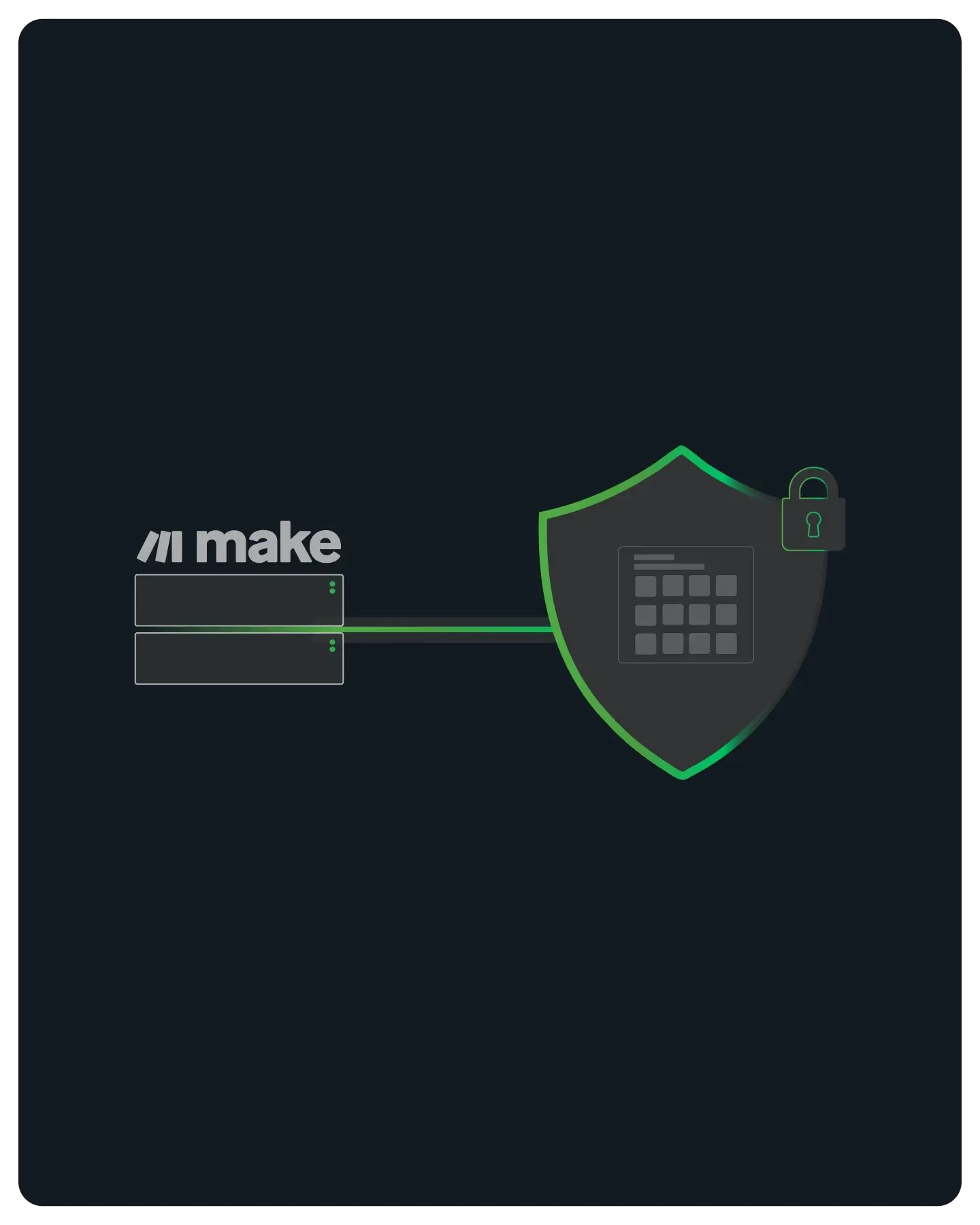
Enterprise Connectivity for Low-Code
Make runs your scenarios on dynamic AWS IP pools, which security-conscious partners block by default.
QuotaGuard provides a verifiable, static "Passport" for your automation logic, allowing you to connect securely to restricted environments without asking IT to open the firewall to the entire world.
Note: Designed for connecting to business infrastructure (SQL, ERP, Banking). Not for web scraping consumer sites.

Security & Compliance Without Compromise
Ensure true End-to-End Encryption (E2EE) with SSL Passthrough to protect your most sensitive business data.
We route your traffic without ever holding the decryption keys, making it the only technical path for Make users in regulated industries to satisfy stringent security audits.
True E2EE (SSL Passthrough)
Shield uses SSL passthrough, and neither Static nor Shield ever decrypts your outbound payload.
Shield's difference is the hop between your Make scenario and the proxy: Static's hop uses the plain HTTP proxy protocol, while Shield encrypts it with TLS. Use Shield for regulated data such as HIPAA or PCI workloads.
Selective Routing
Route only sensitive requests (like authentication or database lookups) while keeping other steps direct.
This granular control reduces latency by ensuring only restricted endpoints are tunneled through the proxy.
JSON/SOAP Compatibility
Works flawlessly whether you are sending JSON payloads or communicating with legacy SOAP endpoints.
Our transparent tunneling ensures that complex headers and payload structures remain completely unaltered during transit.

Reliability for Business Logic
When Make runs your business logic, downtime is not an option.
We provide the infrastructure stability to ensure your critical syncs (from Salesforce to NetSuite) happen without interruption.
FAQs
Technical answers for configuring HTTP Modules, handling Zones, and routing traffic from your Scenarios.
Yes.
As long as you can use the HTTP module, you can route traffic through QuotaGuard, regardless of your Make subscription tier.
Your connection string (URL) includes the username, password, host, and port.
We provide a simple dashboard view to copy/paste these directly into the Make HTTP module settings.
Yes.
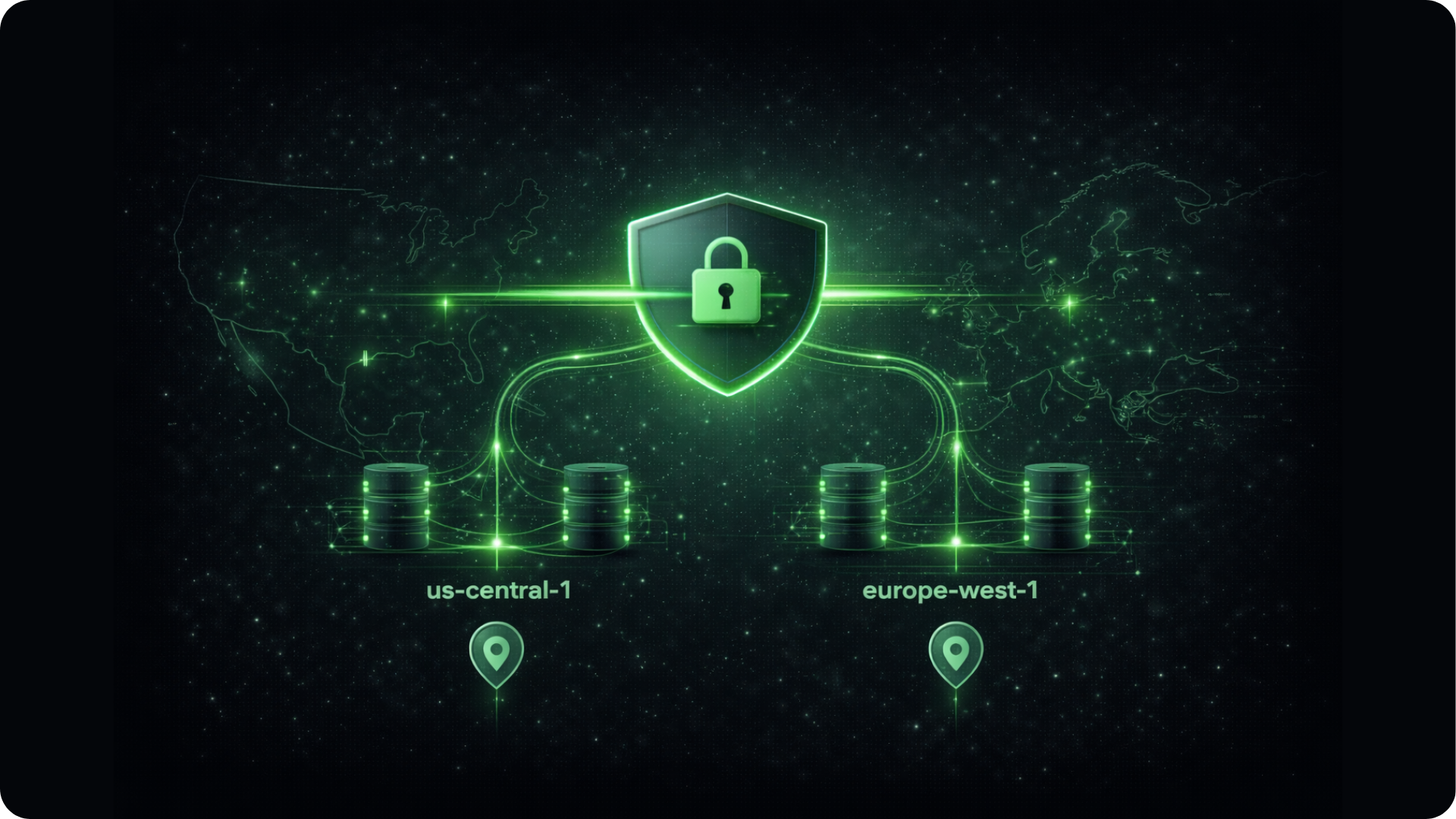
Latency matters in automation. We offer 10 distinct proxy clusters globally, our most popular are in both the US/Canada (East/Central/West) and EU (Germany/Ireland). When you set up your QuotaGuard account, simply select the region that matches your Make organization's zone.
This keeps your request hops short and ensures your data residency stays compliant with GDPR if you are keeping traffic within Europe.
This is the first step in debugging.
Create a simple test scenario: Add an HTTP module and make a GET request to https://api.ipify.org. This confirms your outgoing traffic is originating from your dedicated QuotaGuard IP. Once verified, you can provide this IP to your client or IT team to be allowlisted in their firewall.
In the module's proxy settings, enter your QuotaGuard connection string. Run the scenario once.
The output body should return your QuotaGuard Static IP, not the generic Amazon/Make IP. If you see our IP, the tunnel is working, and the issue likely lies with the target server's whitelist settings.
If you have issues, we are always here to help, so Contact Us.
If you are handling PHI or PCI-sensitive data, you should use QuotaGuard Shield. While our Static service is secure, Shield provides an End-to-End Encrypted (E2EE) tunnel and prevents SSL termination at the proxy level (SSL Passthrough).
This ensures that neither Make nor QuotaGuard can inspect the payload of your transaction, essential for strict compliance audits in Finance and Healthtech.
No.
The proxy configuration is a setting inside the HTTP module, not a separate module or step. It does not consume extra operations. However, because routing through a static IP adds a small physical hop, you may see a marginal increase in execution time.
If you have strict timeouts set on your HTTP request (e.g., <5s), we recommend increasing the timeout limit slightly in the module's "Advanced Settings" to account for the secure routing.
You can, but your security team will likely reject the request.
Make utilizes hundreds of dynamic AWS IP addresses that are shared across all their customers. Whitelisting these ranges opens your firewall to traffic from any Make user, not just you.
QuotaGuard provides you with two load-balanced static IPs (for redundancy) assigned to your subscription, allowing you to lock down your firewall to a fixed, trusted source.
Still have questions?
We don’t outsource Support to non-Engineers.
Reach out directly to the Engineers who built Shield to discuss your specific architecture, integration challenges, or compliance constraints here 👇
🚀 Ready to Get Started? Choose Your QuotaGuard Path
QuotaGuard STATIC
QuotaGuard SHIELD
Trusted by Engineering Teams Everywhere
Reliability Engineered for the Modern Cloud
For over a decade, QuotaGuard has provided reliable, high-performance static IP and proxy solutions for cloud environments like Heroku, Kubernetes, and AWS.
Get the fixed identity and security your application needs today.