
Static Inbound & Outbound IPs for Docker
Assign a permanent, verifiable IP identity to your Docker containers.
Connect containerized microservices to firewalled databases and secure APIs from any runtime.
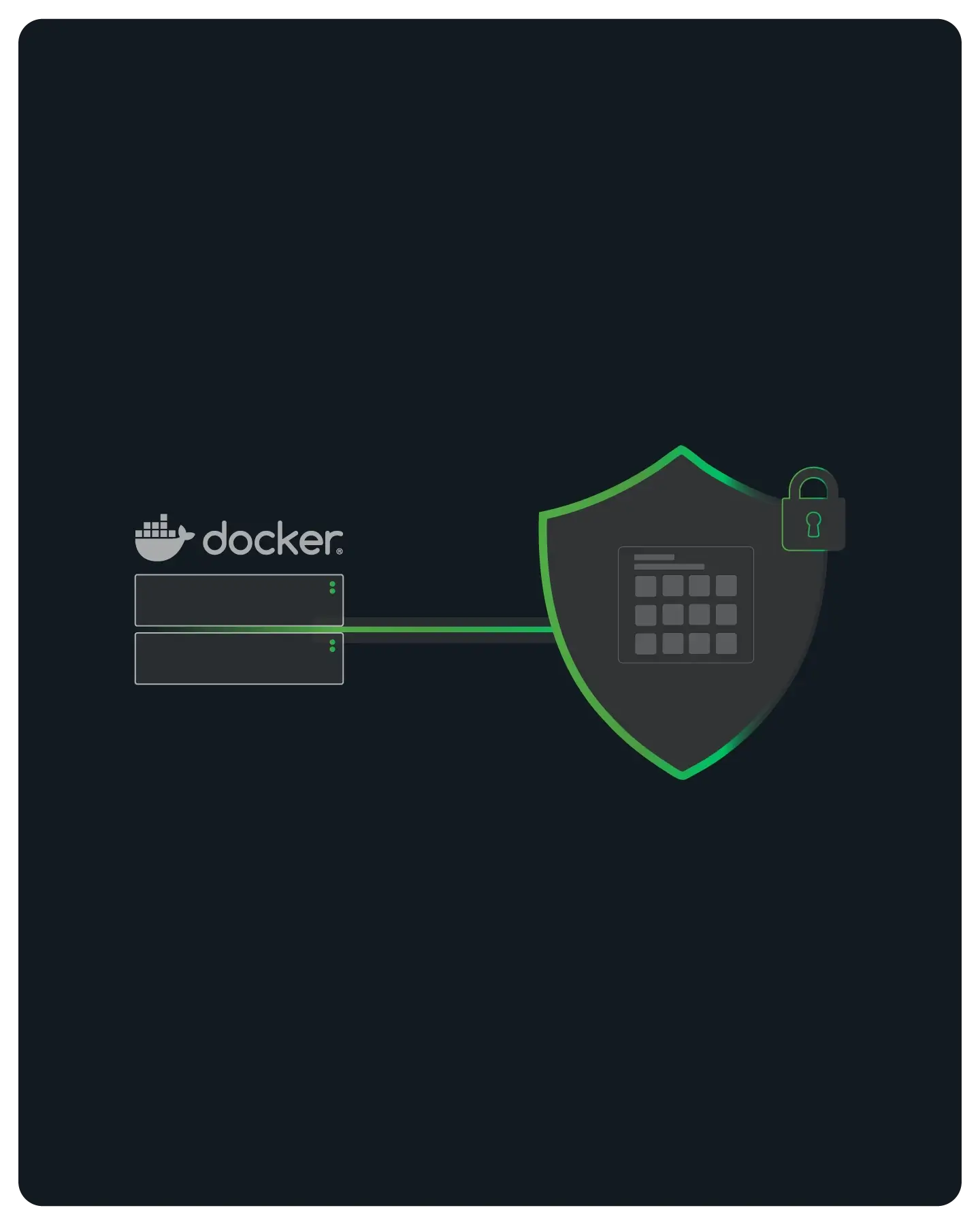
Fixed IP Identity for Allowlisting
Docker containers are designed to be ephemeral, but your security requirements are not. When containers scale or move between hosts, they lose their IP identity.
QuotaGuard provides a permanent, static outbound IP for your stack, ensuring your traffic is always trusted by firewalls, regardless of where the container is running.
Note: QuotaGuard is designed for connecting Docker infrastructure to IP-restricted B2B resources like SQL databases, internal APIs, and secure gateways. This solution is not intended for web scraping consumer sites (e.g., social media or ticketing platforms) that block cloud infrastructure.

Configuration via Environment Variables
No root access or complex iptables rules required.
Most Docker-ready languages (Go, Python, Node, Ruby) respect standard proxy environment variables.
Simply inject them into your container at runtime.
Docker Compose Integration
Add HTTP_PROXY and HTTPS_PROXY under the environment: key in your YAML file.
This propagates the proxy settings to your application process automatically upon startup.
Legacy Binary Support
Use our wrapper tools within your Dockerfile to tunnel traffic for legacy applications that don't natively support proxies.
We provide binaries compatible with Alpine and Debian base images to handle the heavy lifting.
SOCKS5 for Non-HTTP
Easily route Redis, MySQL, or custom TCP traffic from your container using our SOCKS5 proxy.
Perfect for microservices that need to talk to legacy backend systems without exposing them to the public web.

Built for Microservices
Microservices architectures generate high volumes of outbound requests.
QuotaGuard is architected to handle high-concurrency connections typical of containerized environments without adding latency.
FAQs
Technical details on environment variables, build-time vs. run-time configuration, and networking nuances.
Not necessarily.
While you can run a proxy sidecar (like Envoy or Nginx), QuotaGuard typically works by just setting environment variables (HTTP_PROXY) directly on your application container.
This is lighter on resources and easier to manage in a simple Docker Compose stack.
Simply exec into your running container (docker exec -it <id> sh) and run a curl command using the proxy: curl -x $QUOTAGUARDSTATIC_URL https://ipinfo.io/ip.
It should return your QuotaGuard static IP. Provide this verified IP to your IT team to be allowlisted in the destination firewall.
Yes. Our service is standard HTTP/SOCKS5, which is OS-agnostic.
However, if you are using our qgpass wrapper binary for tunneling, ensure you download the version compiled for musl libc (Alpine) rather than glibc (Debian/Ubuntu/CentOS).
Yes.
If you need to fetch dependencies from a restricted repository during the build phase, you can pass your proxy credentials as --build-arg variables.
Note: Be careful not to bake these credentials into the final image layer; use multi-stage builds to keep your secrets safe.
Java does not always respect system environment variables like HTTP_PROXY.
You typically need to pass the proxy settings as JVM arguments: -D http.proxyHost=... -D http.proxyPort=....
You can set this in your ENTRYPOINT or CMD line within the Dockerfile.
It can. If you set HTTP_PROXY, some applications might try to route internal service names (like http://redis:6379) through QuotaGuard.
To prevent this, always set the NO_PROXY environment variable to include local ranges and service names (e.g., NO_PROXY=localhost,127.0.0.1,*.local,redis).
Absolutely.
Since Fargate and Cloud Run abstract the underlying networking, you cannot assign a Static IP to the host.
QuotaGuard is the only way to get a static egress IP in these serverless container environments. You just inject the environment variables via the cloud console configuration.
Still have questions?
We don’t outsource Support to non-Engineers.
Reach out directly to the Engineers who built Shield to discuss your specific architecture, integration challenges, or compliance constraints here 👇
🚀 Ready to Get Started? Choose Your QuotaGuard Path
QuotaGuard STATIC
QuotaGuard SHIELD
Trusted by Engineering Teams Everywhere
Reliability Engineered for the Modern Cloud
For over a decade, QuotaGuard has provided reliable, high-performance static IP and proxy solutions for cloud environments like Heroku, Kubernetes, and AWS.
Get the fixed identity and security your application needs today.