
Inbound & Outbound Static IPs for Retool
Connect Retool apps to firewalled databases, internal APIs, and enterprise data sources with a dedicated, verifiable network identity.
Eliminate connection rejections from security groups and IP allowlists without moving off Retool or managing your own cloud networking.
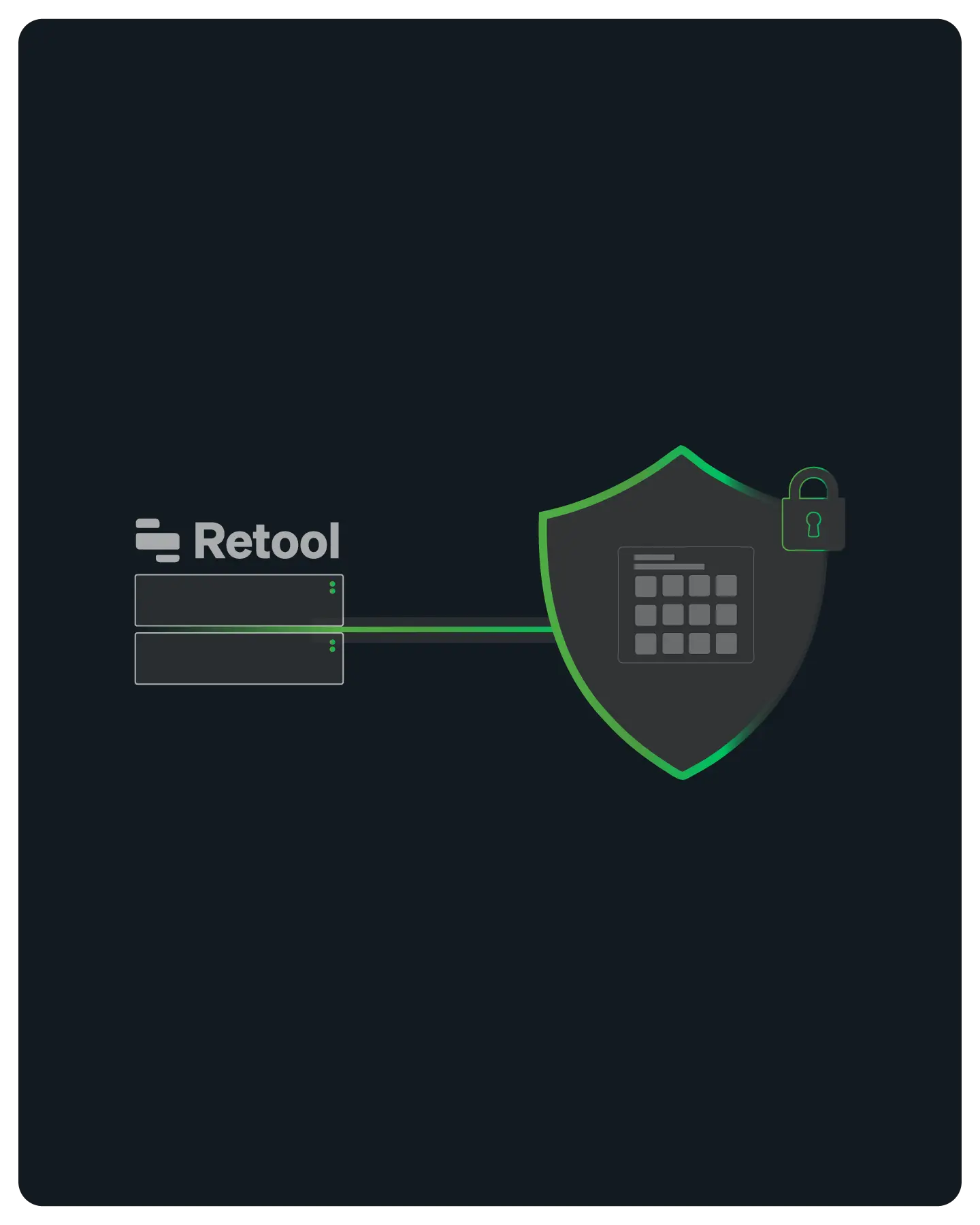
Enterprise Connectivity & Allowlisting
Retool Cloud runs on shared AWS infrastructure where outbound IP addresses rotate constantly across large public cloud subnets.
Note: QuotaGuard is designed for connecting Retool apps to IP-restricted B2B resources like SQL databases, internal APIs, and enterprise data sources. This solution is not intended for scraping consumer sites that block cloud infrastructure.

Flexible Configuration for Cloud and Self-Hosted
QuotaGuard works with both Retool Cloud and self-hosted Retool deployments.
Setup method differs by deployment type.
Self-Hosted: Environment Variable Injection
For self-hosted Retool running on Docker or Kubernetes, add HTTP_PROXY and HTTPS_PROXY to your Retool container environment.
Every Retool resource inherits the static IP automatically: REST APIs, GraphQL, and all HTTP-based data sources. No per-resource configuration needed.
Retool Cloud: Middleware Pattern for Database Connections
Retool Cloud doesn't support global proxy environment variables. For direct database connections that require a static IP, the reliable approach is a lightweight middleware service deployed with QuotaGuard configured.
Retool talks to that service via a REST API resource. The middleware queries the database from your static IPs. Your database never sees a Retool Cloud address.
QGTunnel for Raw TCP Database Connections
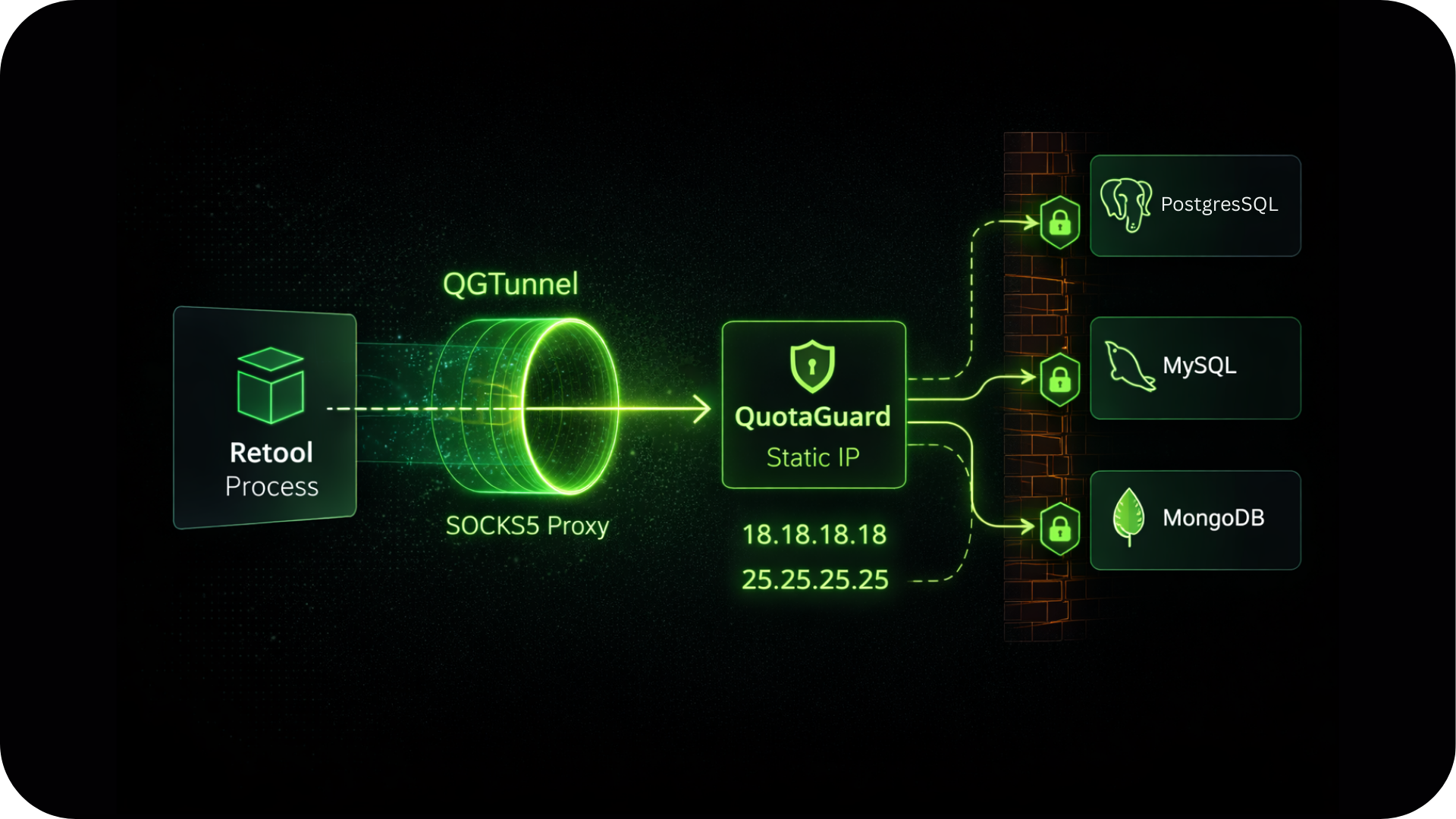
For self-hosted Retool with direct PostgreSQL, MySQL, or MongoDB connections, QGTunnel provides transparent SOCKS5 proxying.
Wrap your Retool process with QGTunnel and your database driver connects to the original hostname while traffic exits from your static IPs.
No application code changes required.
Reliability for Internal Tool Workloads
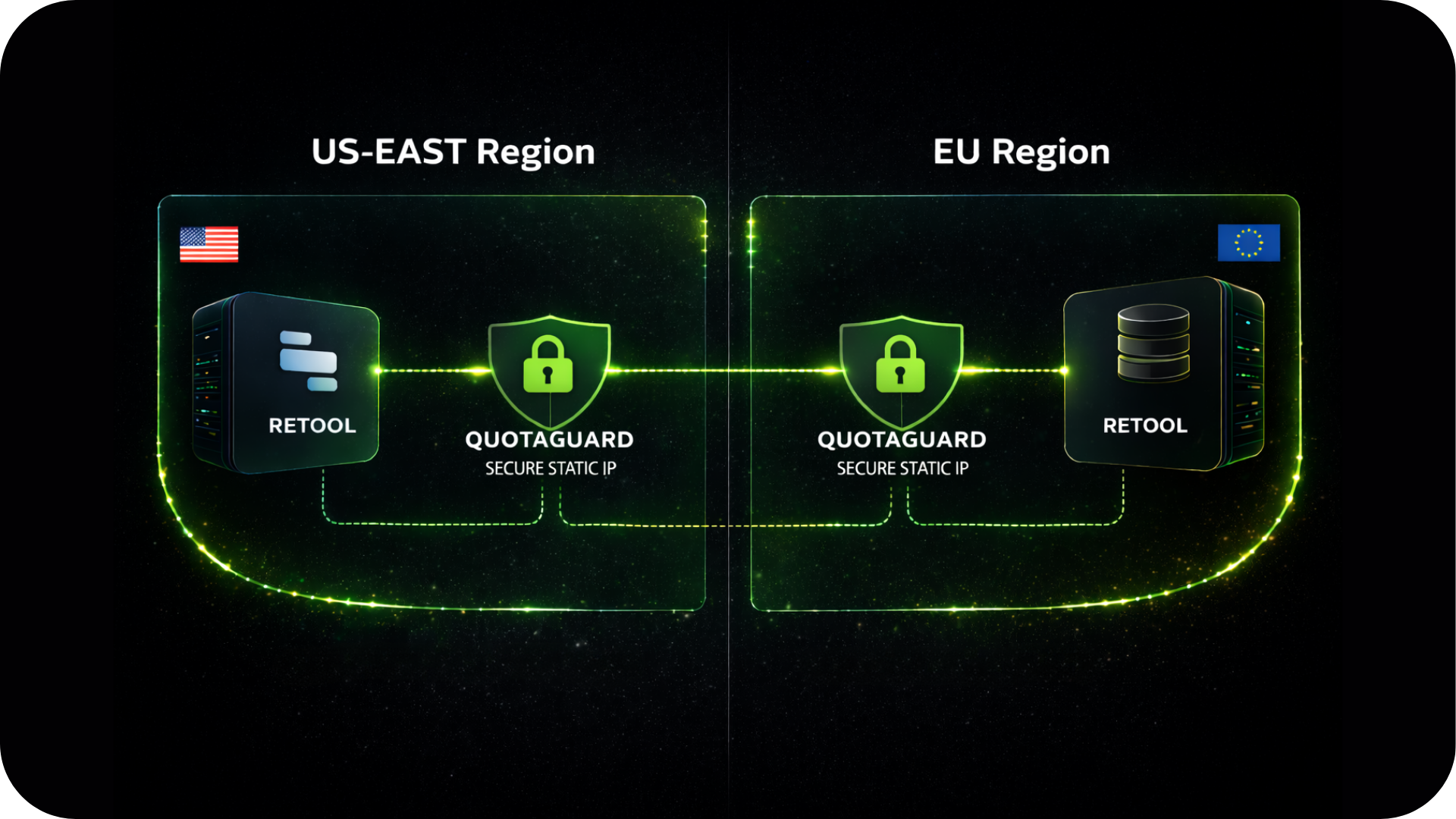
Internal tools often power critical business workflows.
QuotaGuard's proxy layer is built with the availability those workloads require.
FAQs
Technical Configuration and Setup for Retool Apps
Retool publishes the IP ranges their cloud infrastructure uses. Adding all of them to your database allowlist technically works, but it opens your database to every other Retool customer on that same infrastructure.
Most security teams won't accept that, and the list changes when Retool updates their infrastructure.
QuotaGuard's two static IPs are a much smaller, controlled surface than Retool's published ranges.
Both. Self-hosted Retool is the simpler setup: set HTTP_PROXY and HTTPS_PROXY in your container and every resource picks it up automatically.
Retool Cloud works via the middleware pattern for database connections, or directly for REST API and GraphQL resources that support proxy configuration.
See the Retool static IP setup guide for both configurations.
Yes, via QGTunnel on self-hosted Retool. The HTTP proxy handles REST and GraphQL traffic.
For raw TCP database connections, QGTunnel intercepts those connections transparently and routes them through your static IPs.
For Retool Cloud, the middleware pattern is the reliable path for direct database access.
Create a Retool REST API resource pointed at https://ip.quotaguard.com and run a GET query.
The response returns the IP your request came from. It should match one of your two static IPs shown in the QuotaGuard dashboard.
Run it a few times to see both IPs in rotation.
No.
The static IPs are assigned to your QuotaGuard subscription, not to a specific server or container.
Upgrade Retool, migrate to new infrastructure, add more Retool instances.
Your two static IPs stay the same. Your database allowlist never needs to change after initial setup.
Yes.
Use separate QuotaGuard connection strings for your staging and production Retool instances to keep those environments isolated at the network level.
Your staging queries leave from different IPs than your production queries, and you can verify firewall connectivity in staging before it matters in production.
QuotaGuard Shield provides end-to-end encryption via SSL Passthrough for Retool deployments that handle PHI, payment card data, or other regulated information.
Shield also assigns a fixed inbound static IP if your Retool instance needs to receive data from systems that only push to registered endpoints.
See the Shield product page for details.
Still have questions?
We don’t outsource Support to non-Engineers.
Reach out directly to the Engineers who built QuotaGuard to discuss your specific architecture, integration challenges, or compliance constraints here 👇
🚀 Ready to Get Started? Choose Your QuotaGuard Path
QuotaGuard STATIC
QuotaGuard SHIELD
Trusted by Engineering Teams Everywhere
Reliability Engineered for the Modern Cloud
For over a decade, QuotaGuard has provided reliable, high-performance static IP and proxy solutions for cloud environments like Heroku, Kubernetes, and AWS.
Get the fixed identity and security your application needs today.