
Managed Static Outbound IPs for Railway Applications
Give selected Railway connections a stable, managed network identity for firewalled databases, partner APIs, and enterprise allowlists.
Keep the same two allowlisted addresses through deploys and platform changes without operating your own NAT or proxy infrastructure.
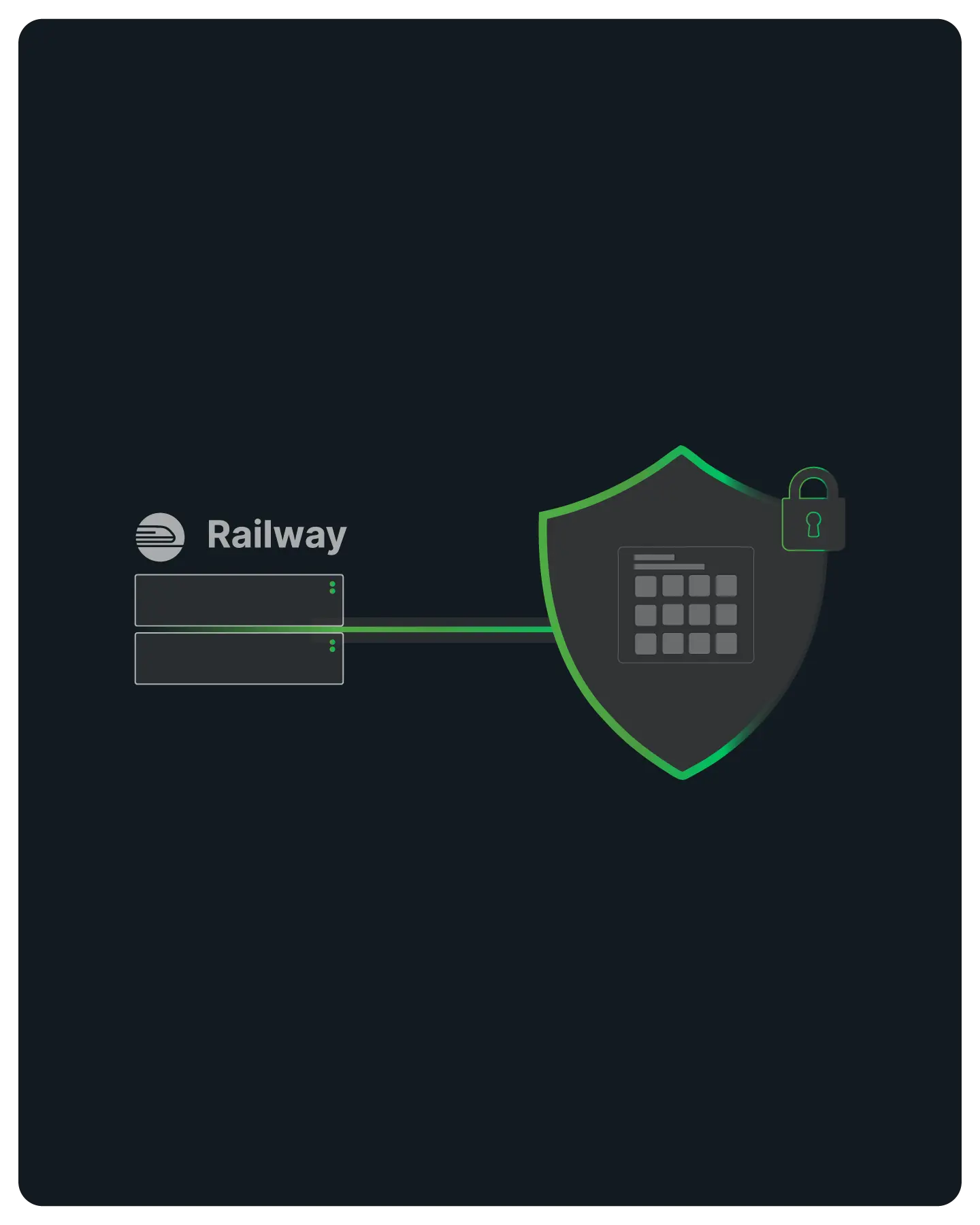
Enterprise Connectivity & Allowlisting
Railway services without its Pro static-egress feature use dynamic outbound infrastructure that cannot provide a small permanent allowlist.
Note: QuotaGuard is designed for connecting Railway services to IP-restricted B2B resources like SQL databases, internal APIs, and enterprise gateways. This solution is not intended for scraping consumer sites that block cloud infrastructure.
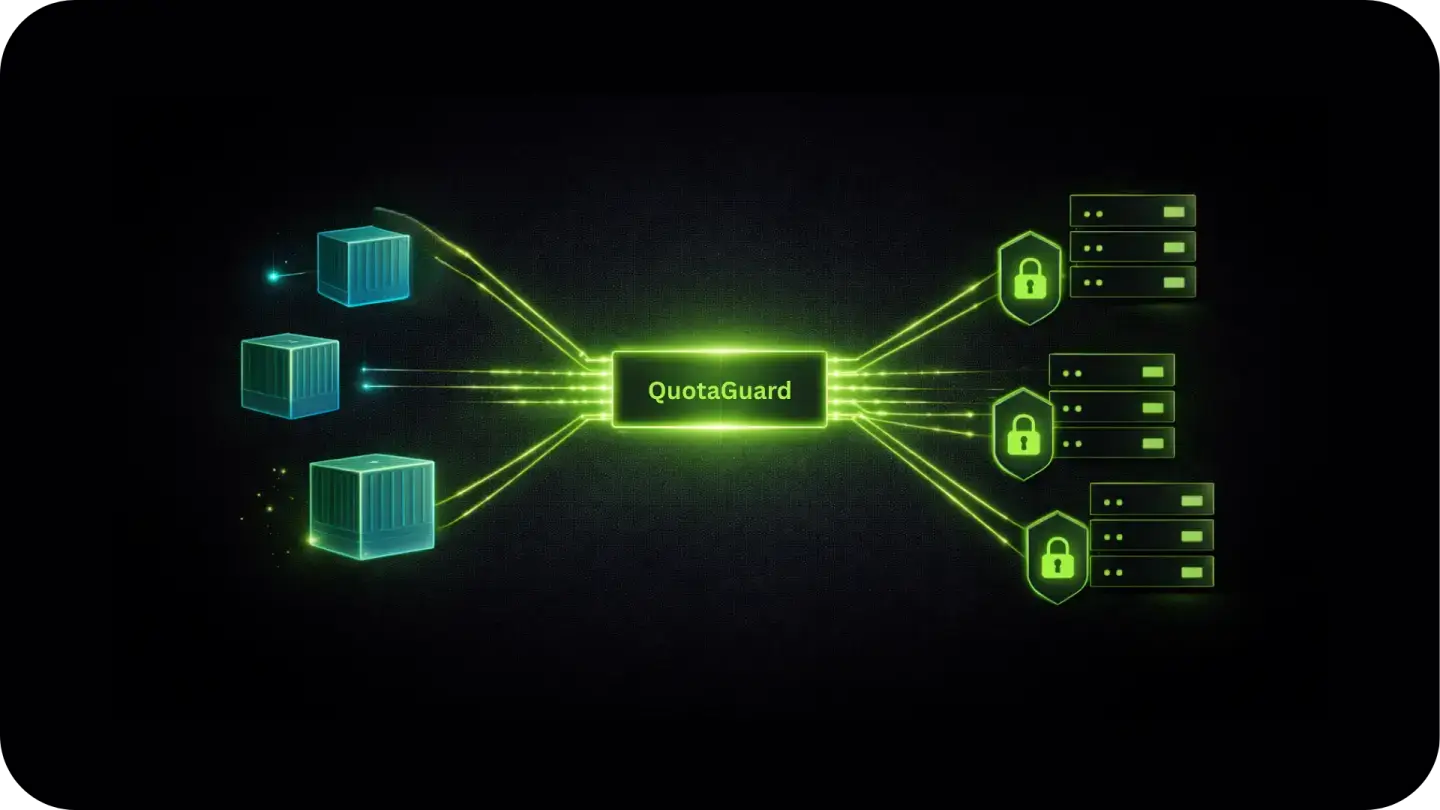
Selective Outbound Configuration
Store the QuotaGuard connection securely in Railway Variables, then configure the client that opens the protected connection.
Application-level routing lets unrelated internal and public traffic keep its normal path.
Secret Variable and Client Configuration
Store the exact dashboard connection string as QUOTAGUARDSTATIC_URL. For global proxy-aware clients, you may also set HTTP_PROXY and HTTPS_PROXY. Include NO_PROXY for localhost and .railway.internal.
Not every HTTP client honors proxy environment variables. Explicit per-client configuration is the reliable way to route only the destination that needs a stable source IP.
QGTunnel for Database Connections
For raw TCP connections to PostgreSQL, MySQL, or MongoDB (where an HTTP proxy isn't enough), QGTunnel provides transparent SOCKS5 proxying.
Wrap your Railway start command with QGTunnel and your database driver connects to the original hostname while traffic exits from your static IPs. No application code changes required.
Per-Environment Isolation
Use separate QuotaGuard connection strings for staging and production Railway environments.
Keep development traffic completely separate from live production data, and verify firewall connectivity in staging before it matters in production.

Reliability for Production Workloads
QuotaGuard operates the proxy infrastructure, load-balanced service path, monitoring, capacity, support, and incident response so the application team does not also run an egress fleet.

FAQs
Technical Configuration and Setup for Railway Apps
Railway Pro includes three permanent outbound IPv4 addresses per service, with traffic balanced across them. Railway says those addresses are not guaranteed to be dedicated.
The addresses are tied to the Railway service region and change when the service moves regions.
QuotaGuard provides two portable static addresses on a managed proxy path; standard plans are shared, while Enterprise can provide dedicated infrastructure.
QuotaGuard is the normal fit when you want selective routing, two allowlist entries, cross-platform continuity, and a separate managed support path.
Use Railway's native option when service-wide, region-bound egress on an existing Pro plan is the specific requirement.
Make a GET request to https://ip.quotaguard.com from within your Railway service after configuring the proxy.
The response should match one of the two IPs in the QuotaGuard dashboard. A short test may show only one because connection reuse and load balancing do not guarantee that both appear; allowlist both.
Yes, via QGTunnel. The HTTP proxy handles HTTP and HTTPS traffic. For raw TCP connections to PostgreSQL, MySQL, or native MongoDB drivers, QGTunnel intercepts those connections transparently and routes them through your static IPs.
Download QGTunnel, configure a tunnel in the QuotaGuard dashboard for your database host and port, then start your Railway service with bin/qgtunnel your-start-command.
See the Railway static IP setup guide for the full configuration.
Yes. The static IPs are assigned to your QuotaGuard account, not to a specific Railway instance or container.
Every time your service starts, it reads the proxy URL from environment variables and connects through the same two IPs.
Your partners never need to update their allowlists after the initial setup.
A proxy adds another network hop, and the result depends on the Railway region, QuotaGuard region, destination, protocol, and connection reuse.
Choose the closest practical QuotaGuard region and test the actual production client. Do not promise a universal latency number.
Yes, subject to the subscription's plan and usage limits. Multiple services can use the same QuotaGuard credentials and present the same two static addresses.
If you need different IPs for different services (for example to isolate production from staging at the network level), use separate QuotaGuard subscriptions.
Treat the full proxy URL as a credential and store it in Railway Variables rather than source code.
Limit who can read or change the variable, do not print it in logs, and rotate it if it is exposed.
That way you can rotate credentials without a code change or rebuild.
Still have questions?
We don’t outsource Support to non-Engineers.
Reach out directly to the Engineers who built Shield to discuss your specific architecture, integration challenges, or compliance constraints here 👇
🚀 Ready to Get Started? Choose Your QuotaGuard Path
QuotaGuard STATIC
QuotaGuard SHIELD
Trusted by Engineering Teams Everywhere
Reliability Engineered for the Modern Cloud
For over a decade, QuotaGuard has provided reliable, high-performance static IP and proxy solutions for cloud environments like Heroku, Kubernetes, and AWS.
Get the fixed identity and security your application needs today.