
Static IPs for ServiceNow Integrations
Restrict your ServiceNow instance by source IP and only allowlisted addresses can reach it, including your REST API integrations.
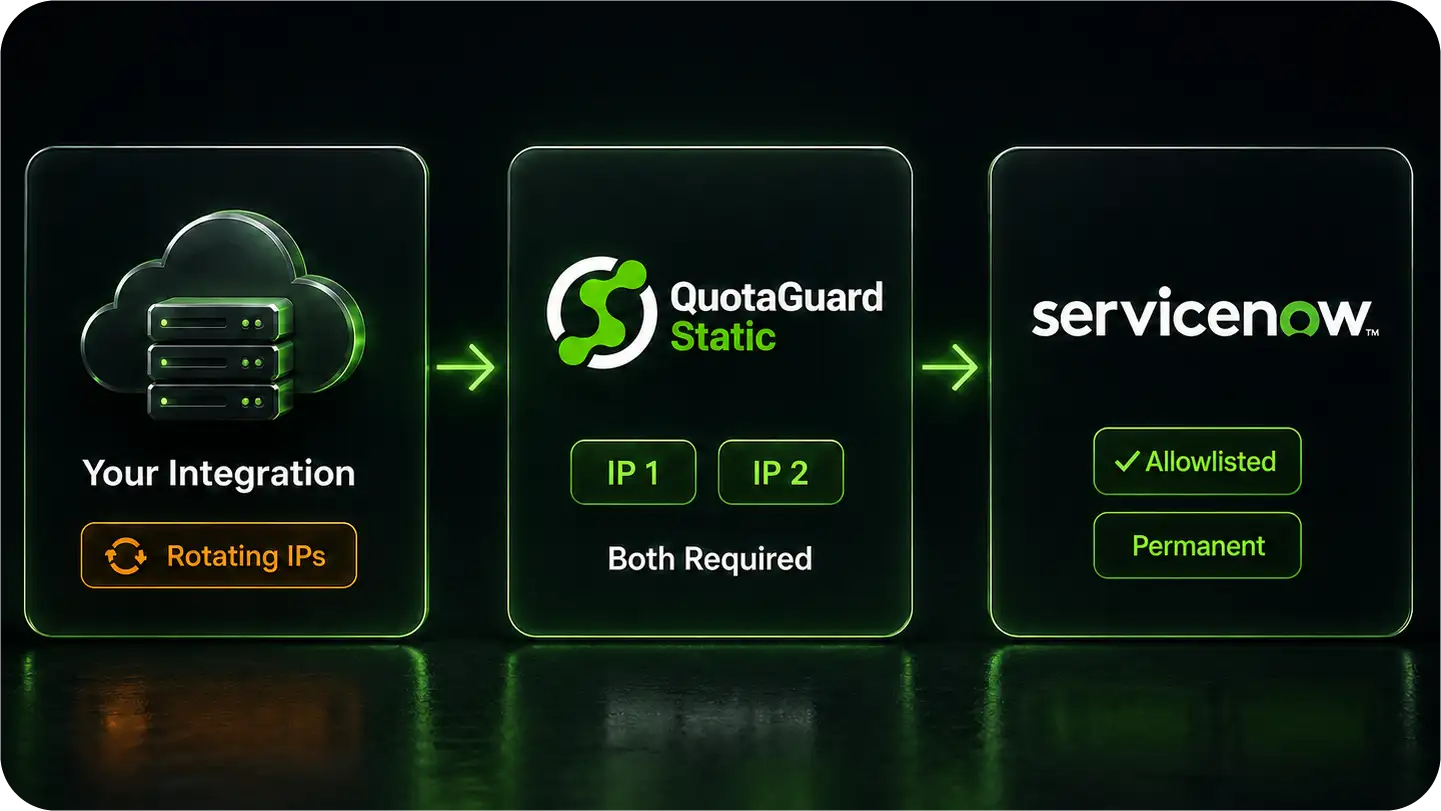
An integration on a cloud platform has a rotating egress IP, so ServiceNow rejects it even when the credentials are valid.
QuotaGuard gives you two fixed IPs you add to ServiceNow's IP Access Control once, so your integration keeps connecting no matter how its platform changes underneath.
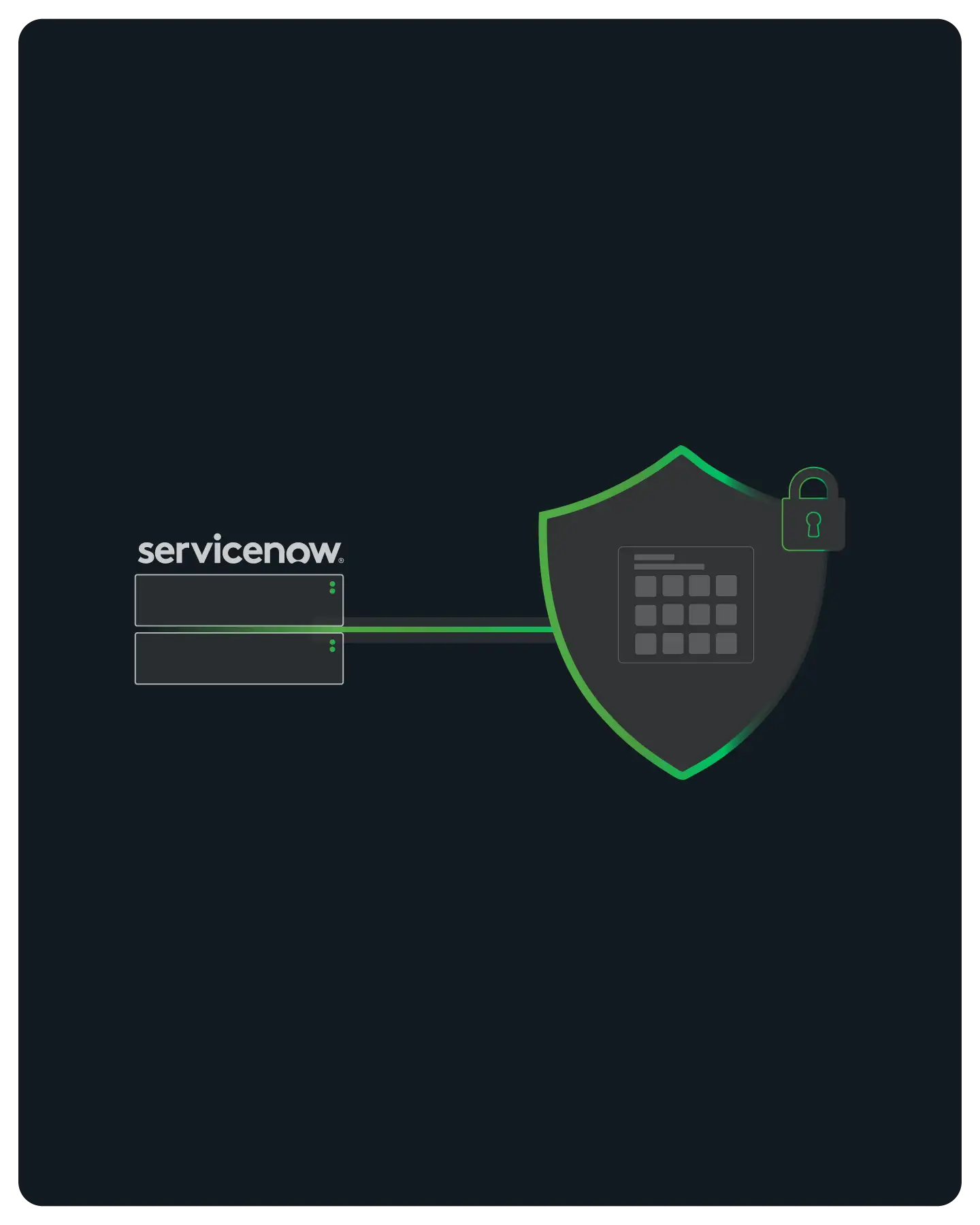
Enterprise Connectivity & Allowlisting
ServiceNow lets administrators restrict access by source IP, through IP Address Access Control across the instance and through REST API Access Policies scoped to specific APIs.
Both apply to non-interactive REST integration accounts, not just human logins, so a server-side integration must come from an allowlisted IP.
An app on a cloud platform egresses from a rotating address, which the allowlist rejects. QuotaGuard gives that integration two static IPs that belong to your account, so you allowlist two addresses and never touch the list again.
Note: QuotaGuard is for connecting cloud integrations to IP-restricted enterprise resources like the ServiceNow REST API, partner APIs, SQL databases, and gateways. It is not for scraping consumer sites that block cloud infrastructure.
Native Configuration
QuotaGuard works at the application layer through environment variables.
No change to ServiceNow, no custom infrastructure. Point your ServiceNow REST API calls through the proxy and they exit from your two static IPs.
Environment Variable Setup
Store your QuotaGuard connection string as an environment variable on your integration's host.
Set the standard proxy variables so your HTTP client routes through it automatically, or attach the proxy to the specific calls that reach ServiceNow so nothing else is affected.
Clients in Python, Node.js, Go, and others respect the proxy variables without code changes.
Works With the Table API, OAuth, and Basic Auth
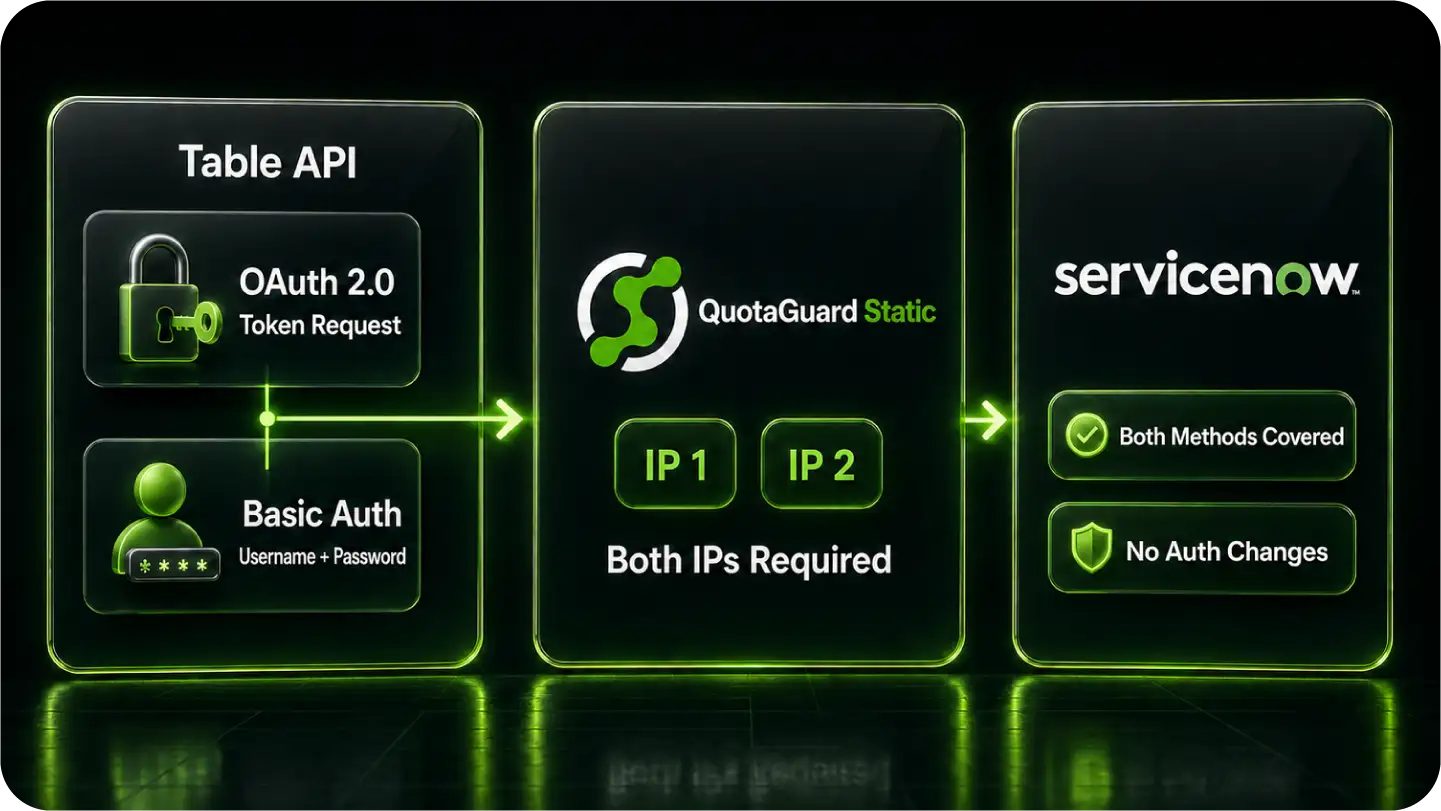
ServiceNow's REST Table API authenticates with OAuth 2.0 or Basic Auth.
The proxy carries the token request and the API calls alike, so every request that touches ServiceNow exits from your two static IPs. Nothing about the authentication flow changes.
Works on Any Integration Host
The setup is the same whether your integration runs on Heroku, AWS Lambda, a container platform, a serverless function, or your own server.
The proxy variables are read by your HTTP client, so there is nothing host-specific to configure and nothing that breaks when your platform changes its egress addresses.
Reliability for Production Integrations
ITSM workflows run on a schedule and in bursts.
QuotaGuard handles that without becoming the bottleneck, and gives your integration a fixed network identity ServiceNow can trust on every request.
FAQs
Technical Configuration and Setup for ServiceNow Integrations
Yes.
Administrators can restrict instance access by source IP through IP Address Access Control, and restrict API access specifically through REST API Access Policies.
Both apply to REST integration accounts, so a server-side integration must connect from an allowlisted IP.
Route your ServiceNow REST API calls through QuotaGuard by setting the proxy connection string as an environment variable on your integration's host.
Then add your two QuotaGuard IPs to the instance's IP Access Control or the relevant REST API Access Policy.
Every request to ServiceNow then arrives from one of those two fixed addresses.
From the integration host, after configuring the proxy, make a request to <code>https://ip.quotaguard.com</code>.
The response returns the IP your request came from, which should match one of the two static IPs in your dashboard.
Check a few times and you will see both IPs in rotation.
Yes.
The proxy carries both the OAuth token request and the Table API calls, so every request that reaches ServiceNow exits from your two static IPs, with the authentication flow unchanged.
Yes. The static IPs are assigned to your QuotaGuard account, not to your hosting platform.
Your integration reads the proxy URL from its environment and connects through the same two IPs regardless of how the platform rotates its egress addresses.
Use QuotaGuard Shield for that.
Shield uses SSL passthrough and never decrypts your traffic at the proxy, which is the model for HIPAA, PCI-DSS, and SOC 2 workloads.
QuotaGuard Static tunnels outbound HTTPS without decrypting the payload and is appropriate for standard ITSM integration traffic, but not for regulated data.
Still have questions?
We don’t outsource Support to non-Engineers.
Reach out directly to the Engineers who built Shield to discuss your specific architecture, integration challenges, or compliance constraints here 👇
🚀 Ready to Get Started? Choose Your QuotaGuard Path
QuotaGuard STATIC
QuotaGuard SHIELD
Trusted by Engineering Teams Everywhere
Reliability Engineered for the Modern Cloud
For over a decade, QuotaGuard has provided reliable, high-performance static IP and proxy solutions for cloud environments like Heroku, Kubernetes, and AWS.
Get the fixed identity and security your application needs today.