
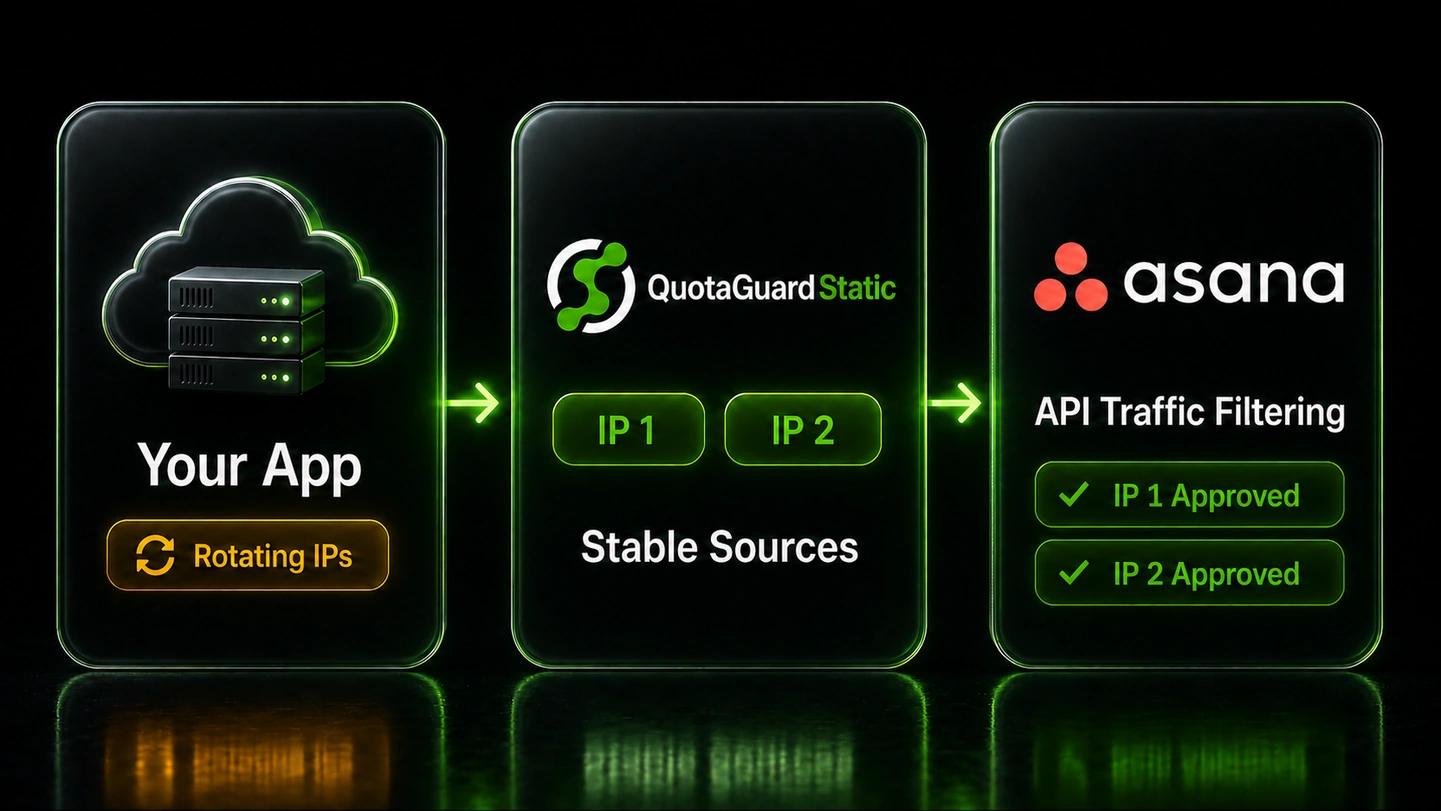
QuotaGuard gives custom Asana integrations two fixed outbound IPv4 addresses for Enterprise+ API Traffic Filtering.
Route controlled PAT, OAuth, service-account, and SCIM requests through the subscription pair. Asana then sees stable, predictable sources instead of changing cloud egress.
Use the Asana API Traffic Filtering setup article for the implementation path.
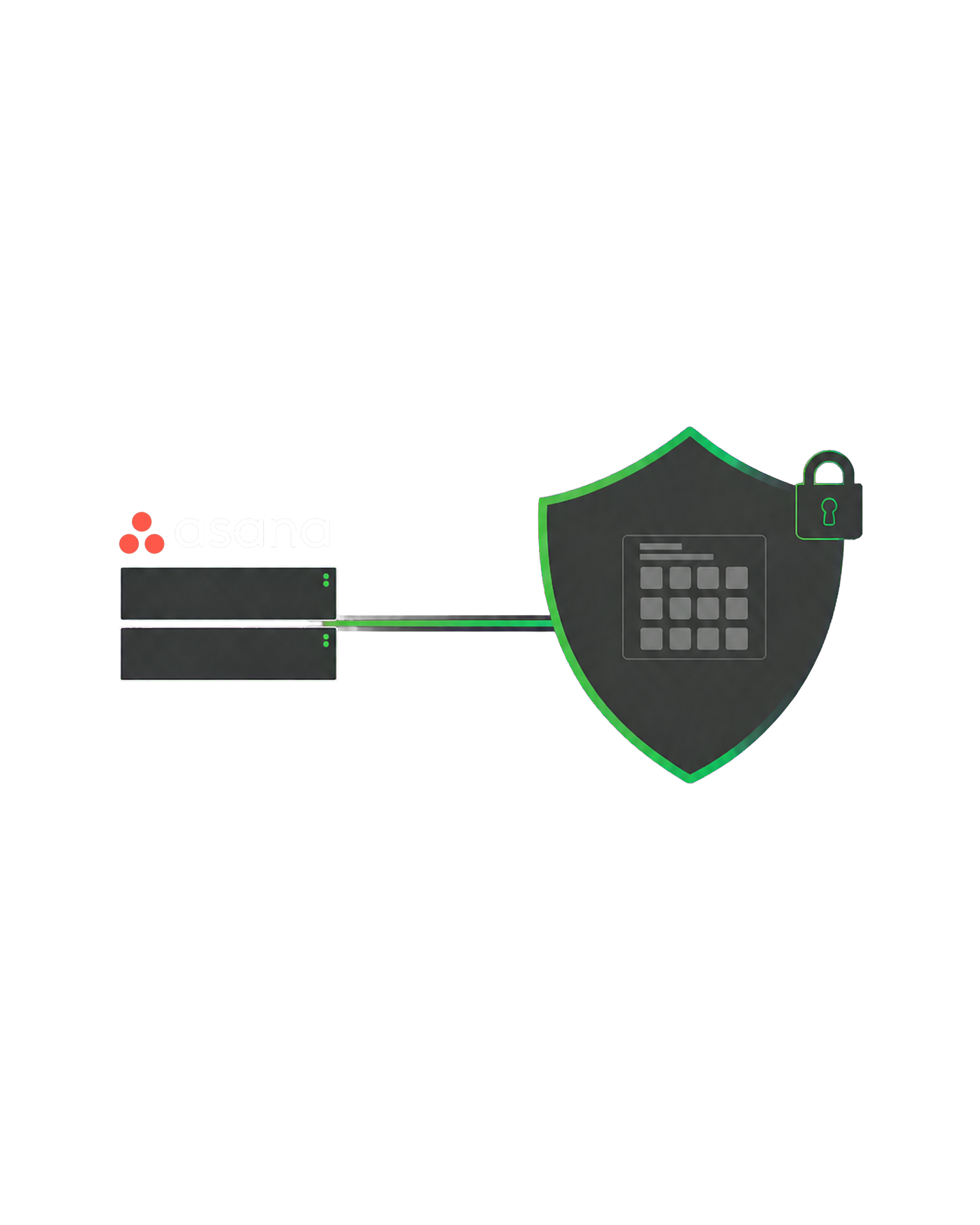
Asana says API filtering works best when integrations route through a controlled network or proxy with stable, predictable addresses. QuotaGuard supplies that network identity to customer-controlled cloud applications.
Add both subscription IPs to the Asana allowlist and route the application's Asana HTTPS calls through QuotaGuard. Requests can keep the same approved sources even when the hosting platform changes its native egress.
Each QuotaGuard subscription receives two load-balanced static IPv4 addresses with health checks and automated failover. Add both values from the QuotaGuard dashboard so either route in the pair remains accepted by Asana.
QuotaGuard fits custom applications and internally managed integrations whose HTTP client can use a proxy. It cannot change the source address of a public third-party integration that does not expose proxy or network configuration.
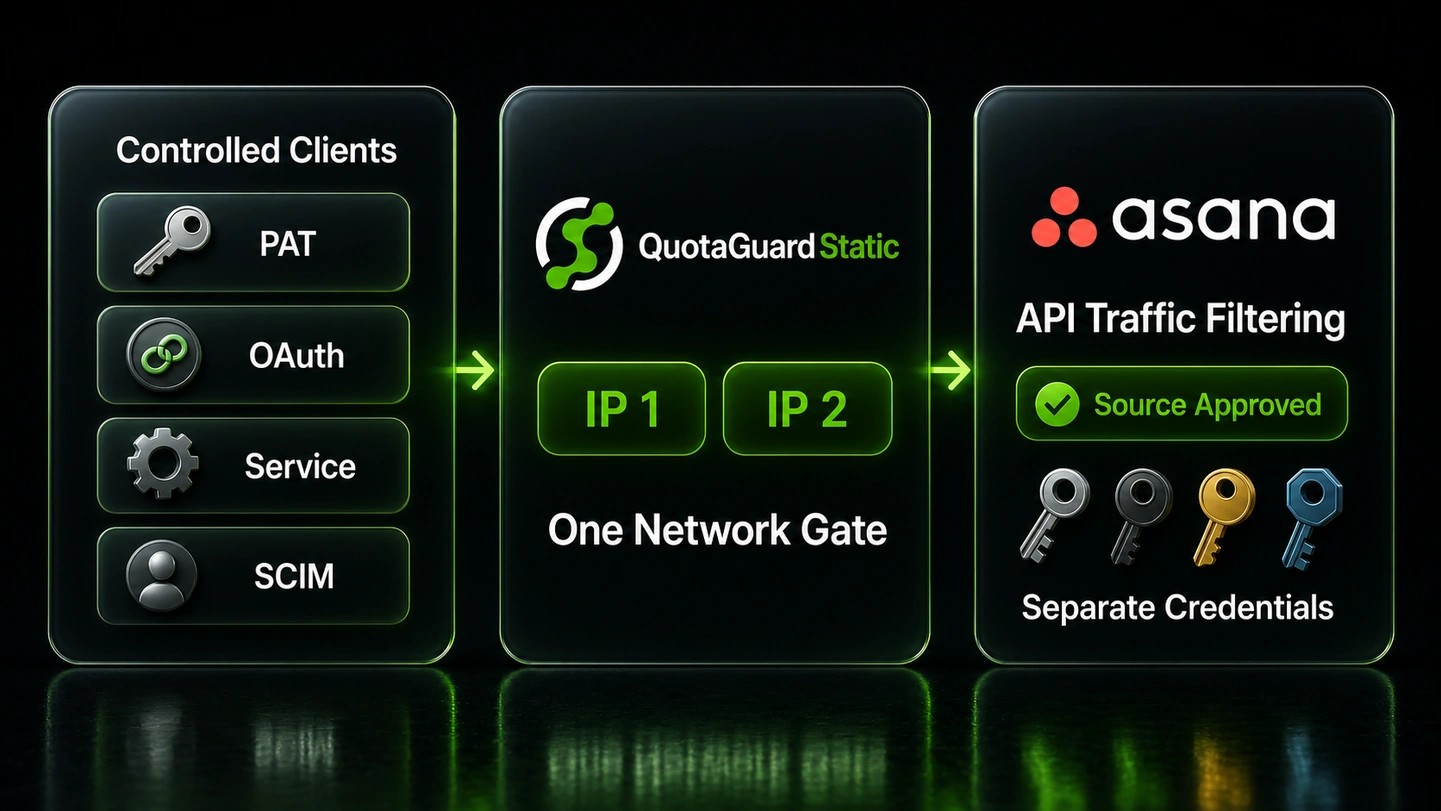
The proxy changes the network source, not the Asana credential. Personal access tokens, OAuth access tokens, service-account tokens, and provisioning credentials still determine which identity and permissions apply after the source passes the allowlist.
When the separate API option is enabled, Asana says the network rule covers all programmatic access to the domain. The same QuotaGuard pair can identify the controlled paths behind several credential and provisioning models.
Keep each credential's lifecycle and permission model unchanged. The static pair adds a network requirement alongside those existing controls.
Asana personal access tokens are bearer credentials created in the developer console. A controlled script or internal service can keep its normal Authorization header while its HTTP client routes the request through QuotaGuard.
Asana recommends OAuth for apps that act on behalf of users. OAuth does not replace the source-IP test when API filtering is enabled, so the customer-controlled app still needs to send its token-authenticated calls from an allowed network path.
Asana explicitly includes service accounts, SCIM, and other identity-provider provisioning endpoints in API Traffic Filtering. Route each customer-controlled provisioning client through the approved pair before turning on enforcement.
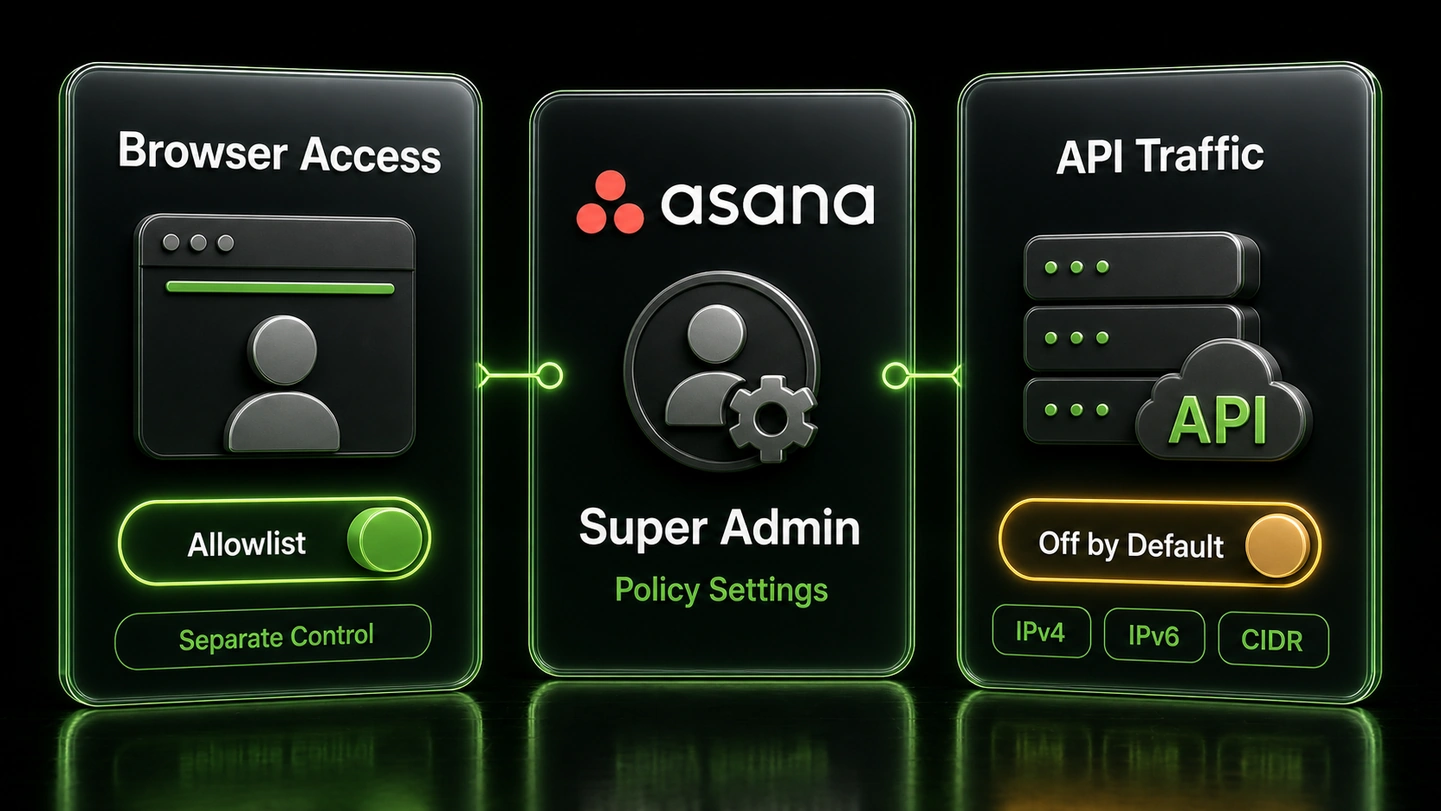
Asana's main IP allowlist applies to browser access by default. API Traffic Filtering remains off until a super admin separately enables the Apply to API traffic option.
That separation lets the organization stage its network policy deliberately. Verify every controlled API path before extending enforcement beyond browser sessions.
Only a super admin can enable or modify Asana IP allowlisting. The super admin's current address must be included before Asana allows the settings to be saved or enabled.
Asana accepts individual IPv4 and IPv6 addresses plus CIDR-formatted ranges. Add the two individual IPv4 addresses assigned to the QuotaGuard subscription rather than the proxy hostname.
Asana recommends App Management and Integrations controls when an organization needs to govern public or cloud-hosted integrations without relying on source IPs. Keep those apps outside API filtering unless their network origin can be made stable and predictable.
Common questions about Asana static IPs and QuotaGuard.
Does an Asana API integration need a static IP?
It needs an approved source when an Enterprise+ super admin enables the separate Apply to API traffic option. The main IP allowlist governs browser access by default and does not restrict API requests on its own. A customer-controlled integration with changing cloud egress can use QuotaGuard to arrive from the same two approved IPv4 addresses.
Which Asana plan includes API Traffic Filtering?
Asana currently lists IP allowlisting and API Traffic Filtering on Enterprise+. Its July 2026 release notes describe the API option as extending the same network policy across browser and programmatic access. Confirm the feature in the domain's admin console before planning enforcement.
Where does a super admin enable Asana API filtering?
Open the admin console, find IP Allowlisting under Security, define the approved addresses or ranges, enable the allowlist, and separately select Apply to API traffic. Asana requires the super admin's current IP to be included before the settings can be saved or enabled. The API option is off by default even when browser allowlisting is active.
Which address formats does Asana accept?
Asana accepts individual IPv4 or IPv6 addresses and ranges written in CIDR notation. QuotaGuard provides two individual IPv4 addresses per subscription, so add both dashboard values. Do not add the QuotaGuard proxy hostname because Asana evaluates the source address of the request.
Which Asana credentials and endpoints are covered?
Asana says API Traffic Filtering covers all programmatic access to the domain, including personal access tokens, OAuth apps, service accounts, SCIM, and other identity-provider provisioning endpoints. The network rule works alongside each credential's existing permissions. It does not convert one credential type into another or replace token management.
Will QuotaGuard fix every public Asana integration?
No. The customer must control the application or HTTP client well enough to route its Asana requests through QuotaGuard. Asana warns that public integrations and cloud-hosted apps with uncontrolled dynamic addresses may stop working under API filtering. For apps that cannot use a proxy, Asana recommends its App Management and Integrations controls instead of an IP-based rule.
How do I move a custom Asana integration onto QuotaGuard?
Create the QuotaGuard route in the application's HTTP client, confirm it exits through one of the subscription's two dashboard IPs, and add both IPs to the Asana allowlist. Test a harmless authenticated API request through the proxy before enabling Apply to API traffic. Keep the previous approved network path available until every controlled integration and provisioning client has passed the test.
Should I use QuotaGuard Static or Shield for Asana?
QuotaGuard Static is sufficient for most Asana API integrations. The application's HTTPS session to Asana remains encrypted and QuotaGuard does not decrypt its payload. Shield additionally encrypts the customer-to-proxy hop. Use Shield when the workflow carries regulated data covered by QuotaGuard's HIPAA or PCI-DSS product position, or when an internal control requires TLS on every hop. Neither product makes the Asana environment compliant by itself.
Can I get dedicated IPs for Asana?
Yes. Dedicated IPs and proxy resources are included on direct Enterprise plans, currently $219 per month for QuotaGuard Static and $269 per month for QuotaGuard Shield. Starter, Production, and Business use shared static IP pairs. The two addresses assigned to each subscription remain fixed for the customer to register with Asana.
Does Asana API Traffic Filtering control webhook delivery?
Do not treat the outbound API rule as an inbound webhook rule. Asana webhooks send HTTP POST events from Asana to a customer-controlled target URL, while this integration covers requests traveling from the customer's application through QuotaGuard to the Asana API. Any inbound webhook access policy must be designed and tested separately for the receiving endpoint.
For over a decade, QuotaGuard has provided reliable, high-performance static IP and proxy solutions for cloud environments like Heroku, Kubernetes, and AWS.
Get the fixed identity and security your application needs today.