
Static IPs for Bloomberg Data License API
The Bloomberg Data License API only accepts requests from IP addresses you register in Bloomberg's Enterprise Console.
A cloud app on Replit, Vercel, or AWS Lambda has a rotating outbound IP, so Bloomberg rejects it, either with a 401 that names your IP as not whitelisted or a connection that drops before any response.
QuotaGuard gives you two fixed IPs you register once in the Enterprise Console, so your app reaches Bloomberg reliably no matter how your platform changes its addresses underneath.
Enterprise Connectivity & Allowlisting
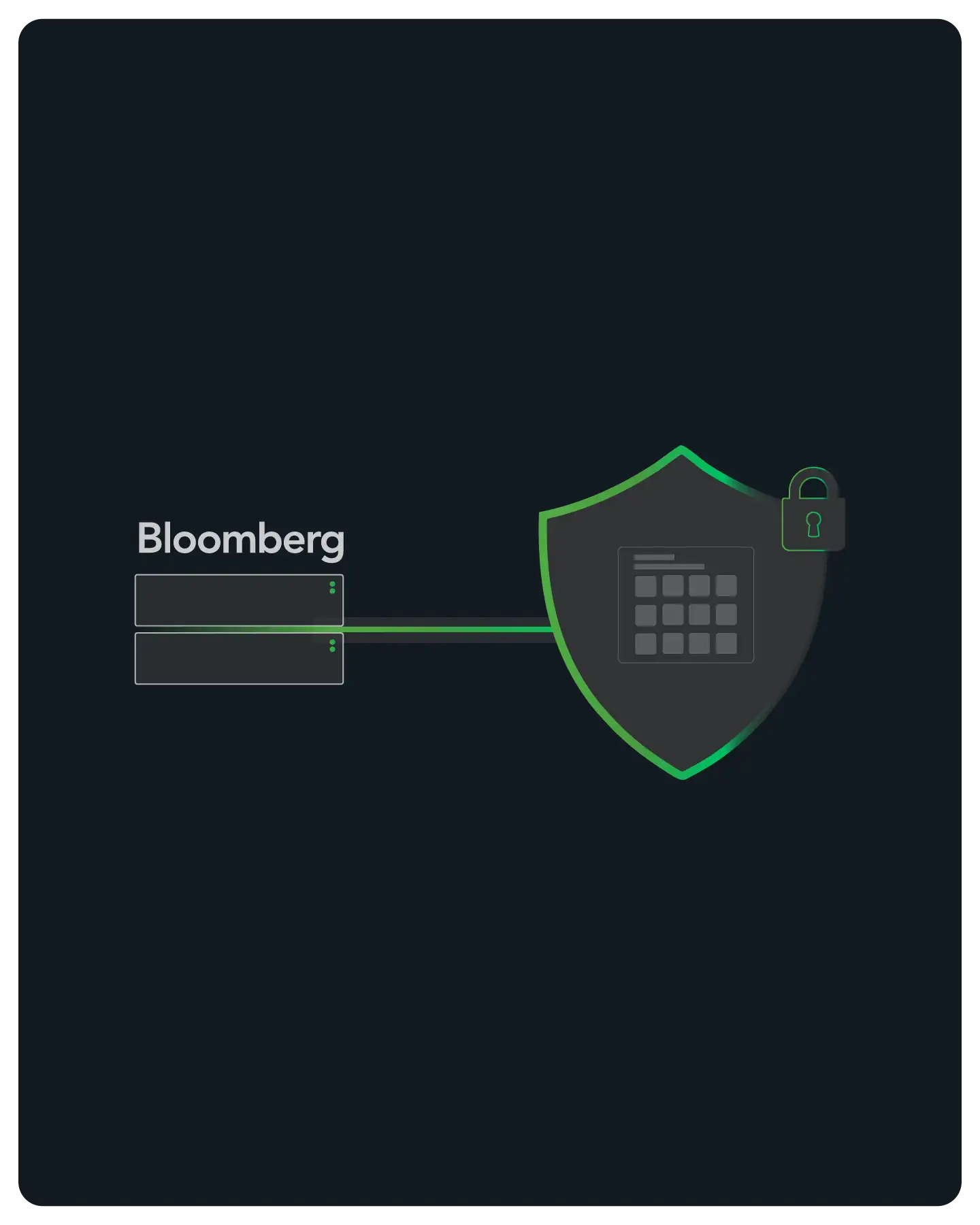
The Bloomberg Data License Hypermedia API enforces a customer-controlled IP allowlist. Every request to the API has to originate from an IP address registered against your Web API application in the Bloomberg Enterprise Console.
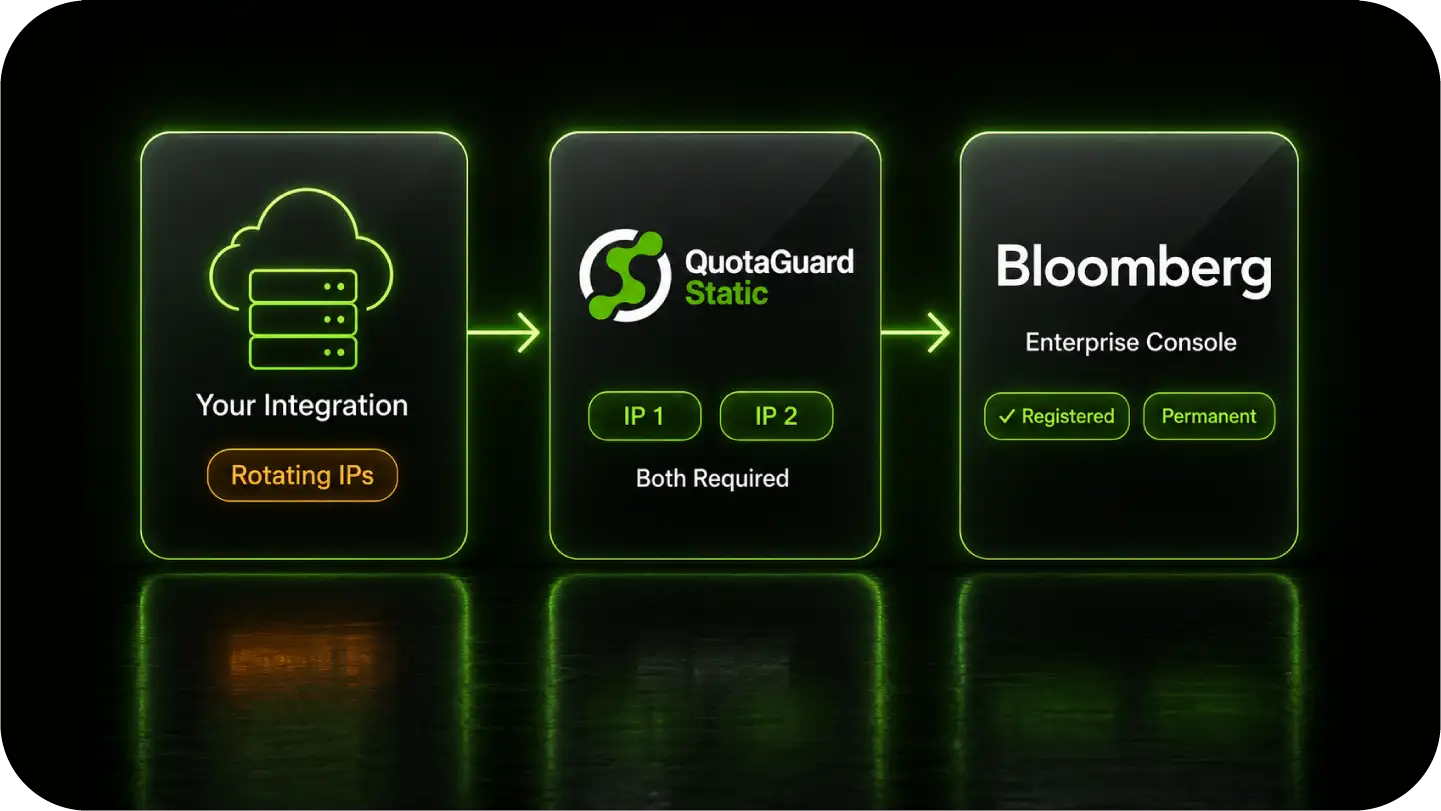
An app running on cloud infrastructure egresses from a rotating address, which the allowlist rejects, so the connection either returns a not-whitelisted error or is closed before Bloomberg returns any HTTP response.
QuotaGuard gives that app two static IPs that belong to your account. You register both once, and every request to Bloomberg then arrives from one of them.
Scope: this applies to the Bloomberg Data License Hypermedia API, the REST interface at api.bloomberg.com/eap. The Bloomberg Terminal, Desktop API, Server API, and B-PIPE connect over Bloomberg's own network or dedicated lines and are not proxy use cases.
Native Configuration
QuotaGuard works at the application layer through environment variables.
No change to Bloomberg, no custom infrastructure. Point your Bloomberg API calls through the proxy and they exit from your two static IPs.
Environment Variable Setup
Store your QuotaGuard connection string as an environment variable on your app's host, the same place you keep your Bloomberg credentials.
Set the standard proxy variables so your HTTP client routes through it automatically, or attach the proxy to the specific calls that reach Bloomberg so nothing else is affected.
Clients in Python, Node.js, and the Bun runtime used on Replit all support routing a request through a proxy.
Covers Both the OAuth and the Data Hosts
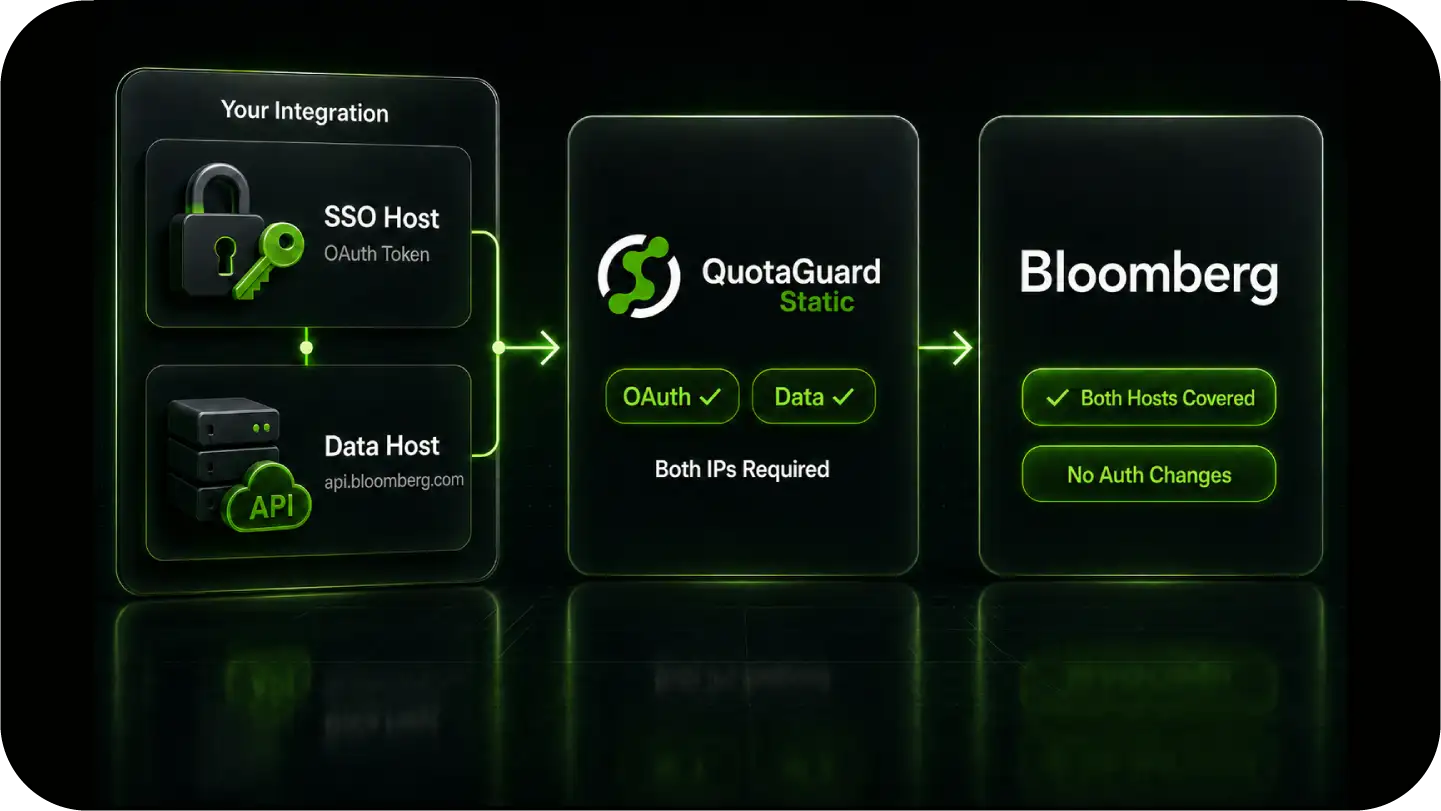
A Bloomberg Data License integration touches two hosts: the SSO host that issues your OAuth token and the data host that serves your content.
Both have to come from a registered IP. Routing through QuotaGuard sends both the token request and every data request out through your two static IPs, so the whole flow satisfies the allowlist with no change to how you authenticate.
Works on Any Host
The setup is the same whether your app runs on Replit, Vercel, AWS Lambda, a container platform, or your own server.
The proxy is read by your HTTP client, so there is nothing host-specific to configure and nothing that breaks when your platform changes its egress addresses.
Reliability for Production Data Pipelines
Data License pipelines run on a schedule and feed downstream systems.
QuotaGuard gives your integration a fixed network identity Bloomberg can trust on every request, without becoming the bottleneck.
FAQs
Technical Configuration and Setup for Bloomberg Data License APIs
Yes.
The Data License Hypermedia API only accepts requests from IP addresses registered against your Web API application in the Bloomberg Enterprise Console.
A request from an unregistered address is rejected, commonly with a 401 stating the IP is not whitelisted, or with the connection closing before any HTTP response.
Route your Bloomberg API calls through QuotaGuard by setting the proxy connection string as an environment variable on your app's host.
Then register your two QuotaGuard IPs in the Enterprise Console against your Web API application.
Every request to Bloomberg then arrives from one of those two fixed addresses.
The Data License Hypermedia API, the REST interface at api.bloomberg.com/eap.
The Bloomberg Terminal, Desktop API, Server API, and B-PIPE connect over Bloomberg's own network or dedicated lines, so an outbound proxy does not apply to them.
Yes. QuotaGuard load-balances across the pair, so traffic can leave from either address at any time. Register both in the Enterprise Console.
Registering only one is a common cause of intermittent failures and of connections that are accepted at the TLS layer and then closed.
After configuring the proxy, route a request to https://ip.quotaguard.com through it.
The response returns the IP your request came from, which should match one of the two static IPs in your QuotaGuard dashboard.
Yes.
The static IPs are assigned to your QuotaGuard account, not to your hosting platform.
Your app connects through the same two IPs regardless of how the platform rotates its egress addresses, so your Enterprise Console registration stays valid.
Yes.
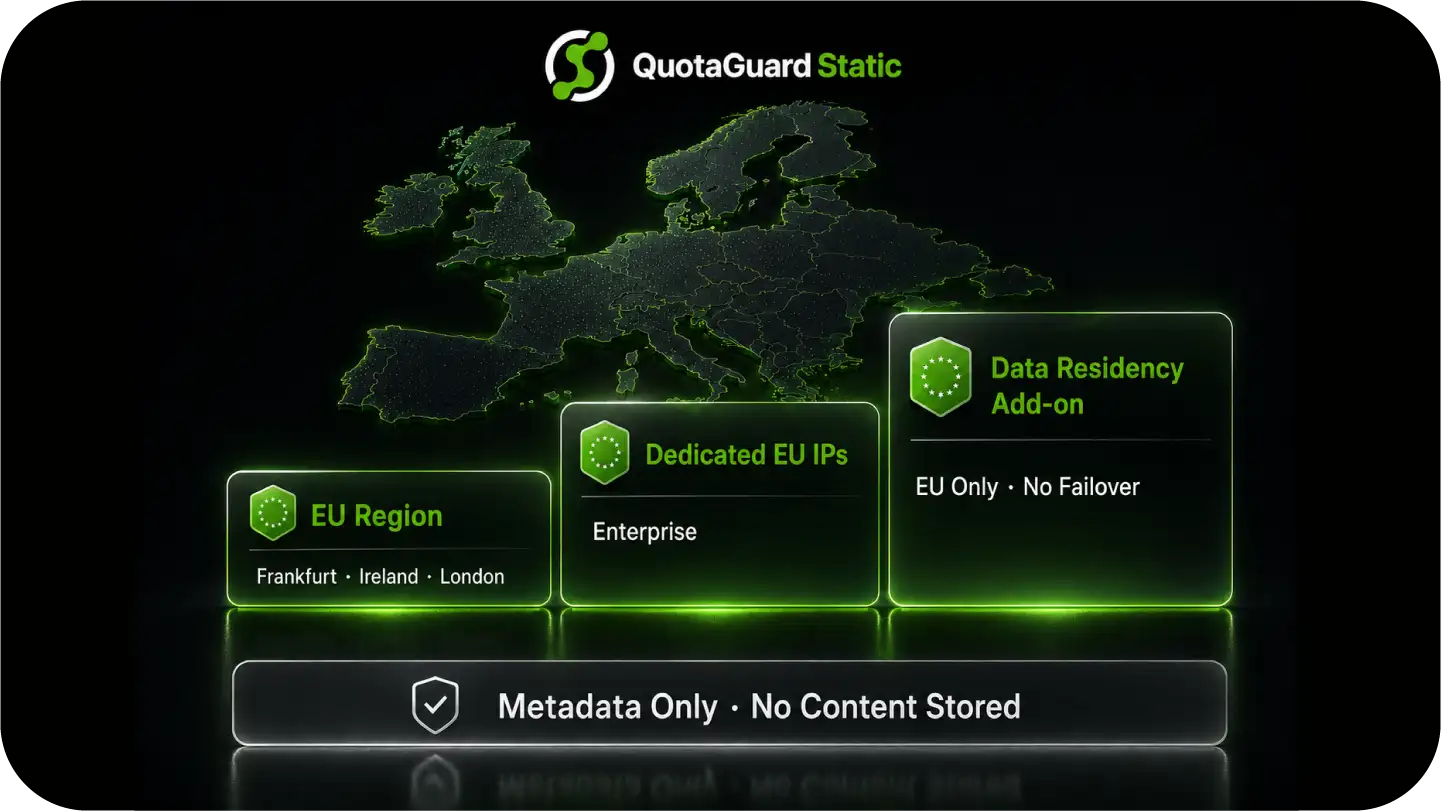
Select an EU region and your two static IPs are EU-based, in Frankfurt, Ireland, or London.
Enterprise adds dedicated EU IPs, and the Data Residency add-on locks traffic, static IPs, and connection logs to the EU from $899 per month.
Static is the right starting point. Your Bloomberg calls are outbound HTTPS, which Static carries through a CONNECT tunnel without decrypting your traffic or credentials.
Choose QuotaGuard Shield when your security review also requires the connection between your app and the proxy to be encrypted, so even your proxy credentials are never sent in the clear on that hop. Both give you the same two static IPs.
Still have questions?
We don’t outsource Support to non-Engineers.
Reach out directly to the Engineers who built Shield to discuss your specific architecture, integration challenges, or compliance constraints here 👇
🚀 Ready to Get Started? Choose Your QuotaGuard Path
QuotaGuard STATIC
QuotaGuard SHIELD
Trusted by Engineering Teams Everywhere
Reliability Engineered for the Modern Cloud
For over a decade, QuotaGuard has provided reliable, high-performance static IP and proxy solutions for cloud environments like Heroku, Kubernetes, and AWS.
Get the fixed identity and security your application needs today.