
Databricks Static IPs
QuotaGuard gives your application two fixed outbound IPs that satisfy a Databricks IP access list, so calls to the workspace REST API and SQL endpoints from serverless and cloud hosts stop getting blocked.
One configuration covers your whole Databricks stack. The REST API, the Python SDK, the CLI, JDBC, ODBC, and BI tools all exit from the same two static IPs.
Static covers most workspace access. Shield adds SSL passthrough for regulated lakehouse data your security review will not allow a proxy to decrypt.
Two Fixed IPs Satisfy a Databricks IP Access List
Databricks controls which networks can reach a workspace with IP access lists. When the feature is on and an allow list exists, only the listed IPs get through, and everything else is blocked.
QuotaGuard gives you two static IPs to put on that list and keep there. They do not change when you deploy, restart, scale, or switch plans.
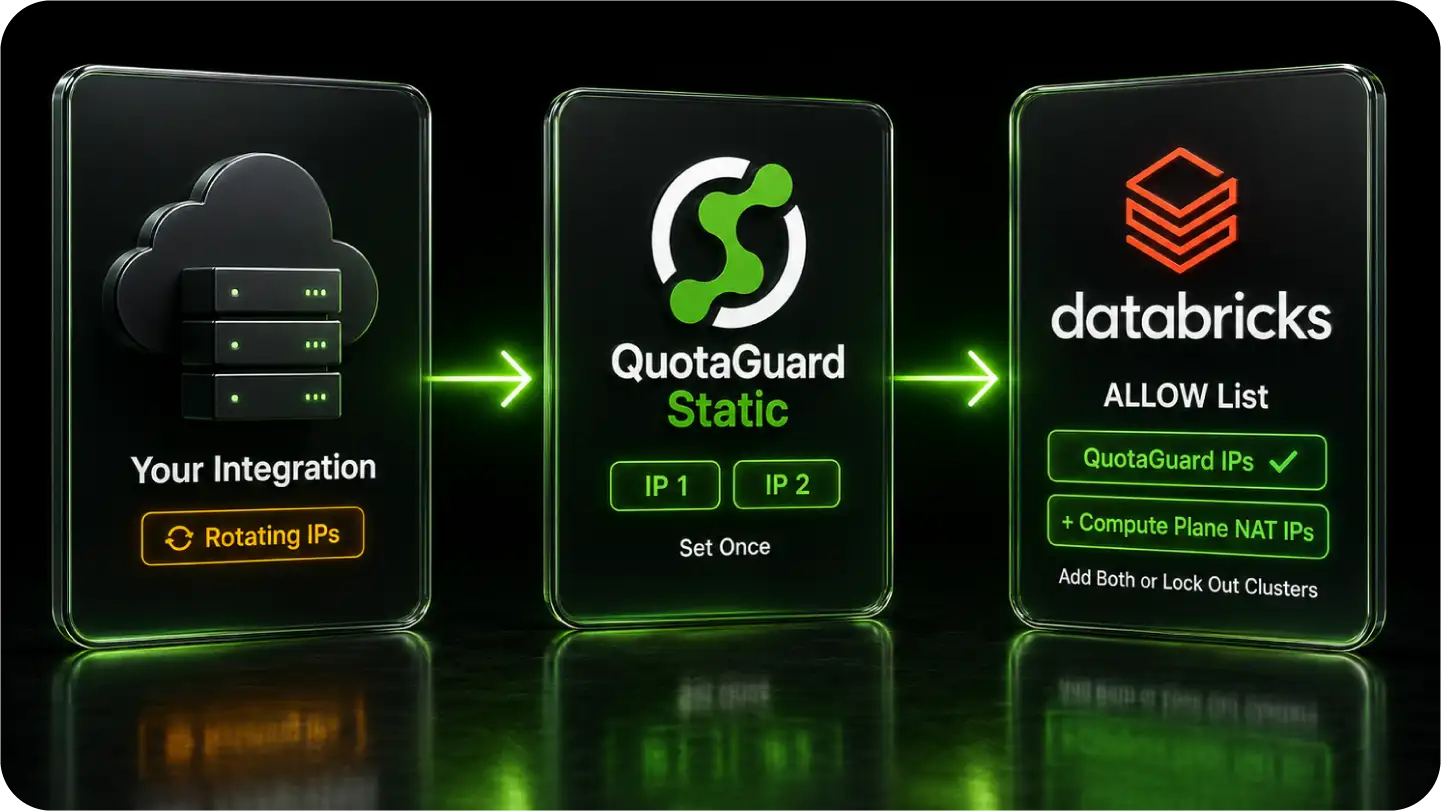
One Static Identity Across Every Databricks Client
Databricks connections run over HTTPS, so QuotaGuard applies the same way across the REST API, the SDK, the CLI, and SQL clients. You set the proxy once per client and register the same two IPs.
It does not matter which tool connects. The workspace sees one of your two fixed IPs on every request.
REST API, SDK, and CLI
The Databricks REST API covers Jobs, the SQL Statement Execution API, Unity Catalog, MLflow, and Repos. The Python SDK and the CLI sit on top of it and honor the standard proxy environment variable, so a single setting routes all of them through your static IPs.
This is the path most automation uses. CI pipelines, scheduled jobs, and service integrations call the REST API from hosts whose IPs would otherwise rotate.
JDBC, ODBC, and BI Tools
The Databricks JDBC driver, version 3 and above, takes UseProxy, ProxyHost, and ProxyPort, with ProxyAuth, ProxyUID, and ProxyPWD for the proxy's credentials. The ODBC driver uses the same proxy settings.
dbt, Power BI, Tableau, and other SQL clients sit on those drivers, so the same configuration gives them a fixed identity to your SQL warehouses.
A Load-Balanced Pair With Failover
Each subscription includes two static IPs in a load-balanced pair with health checks and automatic failover. Both go on the allow list.
If one node has an issue, traffic routes through the second address, so scheduled jobs and live queries stay connected. QuotaGuard has maintained 99.95% uptime, the reliability that production lakehouse jobs depend on.
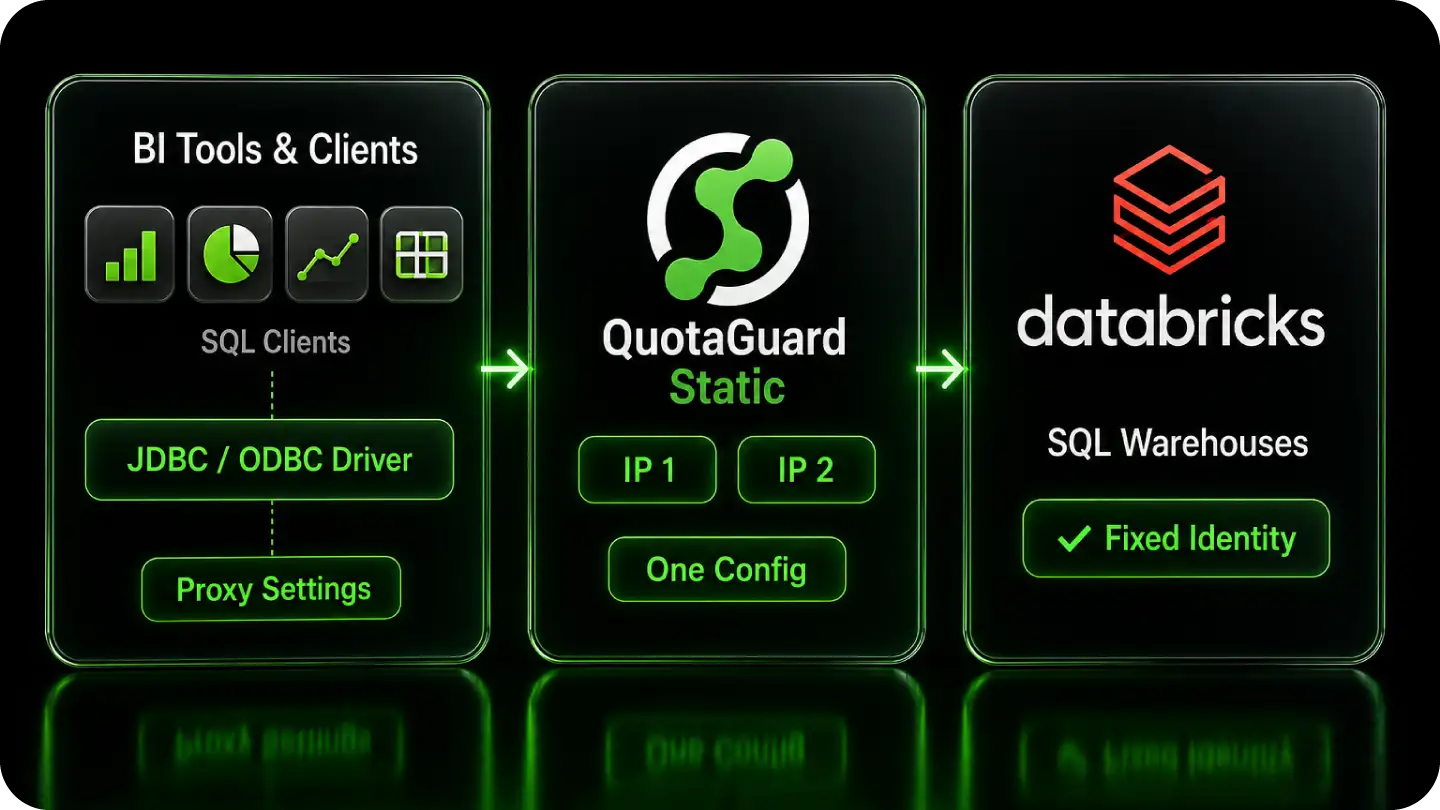
Static for Access, Shield for Regulated Lakehouse Data
A lakehouse often holds regulated data. The product choice is about that data, not about getting the connection to pass, because the IP access list sees a static address either way.
Most workspaces are fine on Static. Regulated workloads need the stronger guarantee that no proxy in the path can read the traffic.
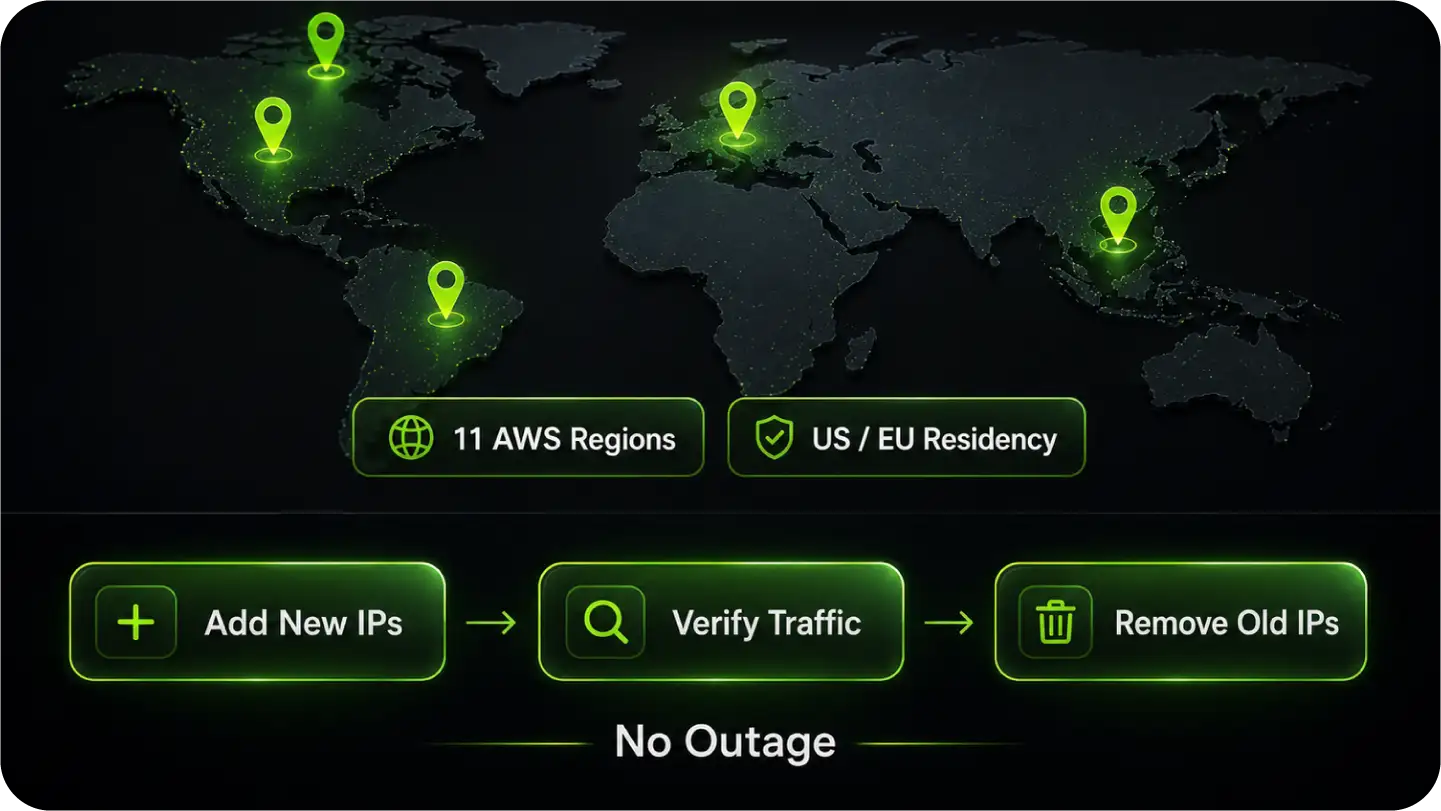
FAQs
Common questions about Databricks static IPs and QuotaGuard.
Only when IP access lists are enabled on the workspace or account.
When they are, every connection's source IP must be on an allow list to reach the workspace web app or REST API, and apps on serverless and PaaS hosts fail that check because their outbound IPs rotate.
You can confirm the feature's state through the workspace settings or the IP Access Lists API, and remember that the feature must be explicitly enabled, because an allow list on its own does nothing until it is turned on.
A few minutes.
Add your QuotaGuard connection URL to your app and set your Databricks client's proxy settings to point at it.
A workspace admin then adds your two static IPs to an ALLOW list with the IP Access Lists API, the CLI command databricks ip-access-lists create, or the console.
Changes to the list take a few minutes to take effect.
Static satisfies the IP access list and is sufficient for most workspaces.
Use Shield when the data under query is regulated under HIPAA, PCI-DSS, or SOC 2, or when your security policy requires that no proxy can decrypt traffic.
The access list only ever sees the source IP, which is static with either product, so the choice is about whether a proxy may read the data, and Shield's passthrough means it cannot.
Yes.
Lists accept individual IPv4 addresses and CIDR ranges, including a single address as a /32, up to 1000 values across all allow and block lists combined.
Block lists are evaluated before allow lists, so an address on a block list is rejected even if it also appears on an allow list.
You register both QuotaGuard IPs on your ALLOW list.
IP access lists require the Enterprise pricing tier on AWS, or the Premium plan on Azure and Google Cloud, and they support IPv4 only.
The account console and the workspace each have their own IP access lists.
If both are configured, a request has to satisfy both, so allowlist your QuotaGuard IPs at whichever scope is enforced for your connection.
The Python SDK and the CLI honor the standard HTTPS_PROXY environment variable, so one setting routes every REST API call.
The JDBC driver, version 3 and above, takes UseProxy, ProxyHost, and ProxyPort directly in the connection, and the ODBC driver uses the same proxy settings.
For an authenticated proxy like QuotaGuard, the JDBC driver also takes ProxyAuth, ProxyUID, and ProxyPWD for the proxy credentials.
It can, if you forget your compute plane.
The public NAT IPs your compute plane uses to reach the control plane must also be on an allow list, or enabling the feature cuts off your own clusters.
Databricks does refuse to apply a list that would block the IP of the user setting it, but that guard only protects that one user, not your compute plane, so add those NAT IPs explicitly alongside the QuotaGuard pair.
Yes.
Dedicated IPs are available on QuotaGuard Enterprise plans, which are $219 per month for Static and $269 per month for Shield on direct billing.
On lower tiers your two IPs are still static and still pass the access list; they are just shared with other QuotaGuard customers.
A dedicated pair matters when your security review requires that no other organization's traffic can originate from an address on your allow list. Request it from support after signup.
PrivateLink and Private Service Connect remove the public internet path, and IP access lists do not apply to that private traffic, so if you are fully on PrivateLink within one cloud you may not need a public-IP allow list.
QuotaGuard is the option that works across clouds and platforms over the public path. For inbound, QuotaGuard's outbound proxy covers your clients reaching Databricks.
If a partner or enterprise system pushes data into your application on a fixed endpoint, QuotaGuard Static includes inbound proxy on direct plans from $19 per month, and Shield covers the inbound path when that data is regulated.
Still have questions?
We don’t outsource Support to non-Engineers.
Reach out directly to the Engineers who built Shield to discuss your specific architecture, integration challenges, or compliance constraints here 👇
🚀 Ready to Get Started? Choose Your QuotaGuard Path
QuotaGuard STATIC
QuotaGuard SHIELD
Trusted by Engineering Teams Everywhere
Reliability Engineered for the Modern Cloud
For over a decade, QuotaGuard has provided reliable, high-performance static IP and proxy solutions for cloud environments like Heroku, Kubernetes, and AWS.
Get the fixed identity and security your application needs today.