
Give your Glide app two fixed outbound IP addresses that any partner API can add to its allowlist. Point the Call API at a small relay function that egresses through QuotaGuard, and every request arrives from the same pair of static IPs.
Glide's Call API sends an Endpoint, Method, Headers, and Body, but it cannot set an HTTP proxy or run a sidecar. QuotaGuard closes that gap with a hosted relay pattern, so the destination API sees your two static IPs instead of Glide's shifting cloud egress.
Register the two IPs once on the API's allowlist and they stay fixed, even as you move between QuotaGuard plans.
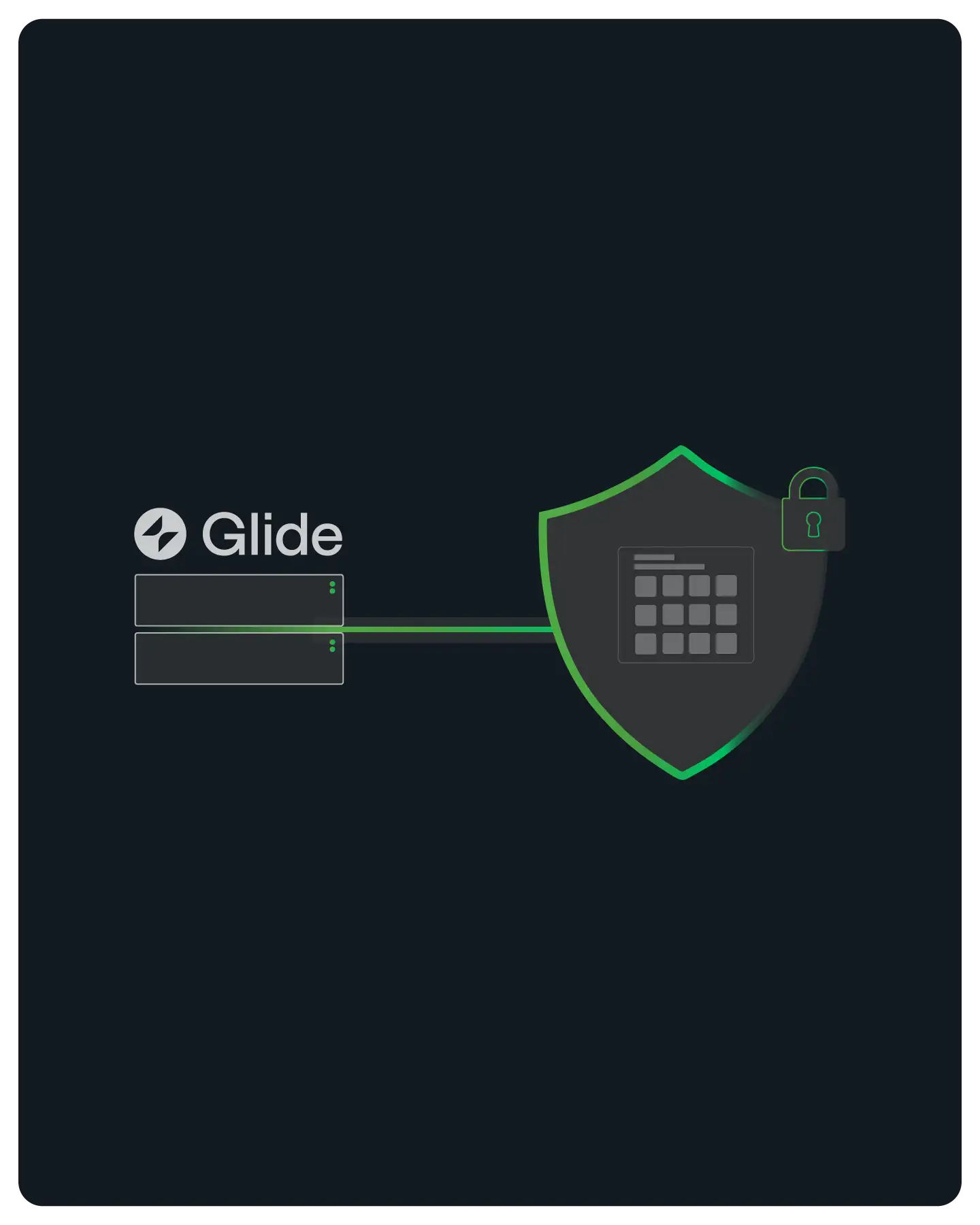
You connect Glide to an API that only accepts traffic from approved IP addresses, without leaving Glide or rebuilding your app. The Call API keeps doing what it already does, and QuotaGuard supplies the fixed egress the destination requires.
The reusable pattern, with a ready-to-run example, is documented in the QuotaGuard static-IP-without-a-proxy guide and the lambda-relay example repo.
Glide calls a small relay function that you host on AWS Lambda or a Google Cloud Function. The relay forwards your request through QuotaGuard and returns the response, so no proxy or sidecar is needed inside Glide.
Your Call API sends X-Relay-Key, a shared secret, and X-Target-URL, the API you actually want to reach. The relay checks the key, then forwards the request to the target through the QUOTAGUARDSTATIC_URL connection.
The destination receives the request from one of your two QuotaGuard static IPs, never from Glide's rotating cloud addresses. Point X-Target-URL at ip.quotaguard.com to confirm which of the two IPs answered.

You set this up inside the Call API editor you already use. The Endpoint becomes the relay function URL, two headers do the routing, and your data model does not change. It works the same whether you use Call API as a computed column or as an action.
Put the relay function URL in the Endpoint field and keep your original Method and Body. The relay passes the method and body straight through to the target, so a POST stays a POST and your JSON arrives intact.
Glide lets you mark a header value as secret, so X-Relay-Key stays out of plain view. X-Target-URL holds the real API address and can be pulled from a column when different rows call different destinations.
Glide disables HTTP redirects on the Call API to prevent server-side request forgery. The relay returns the target's response directly rather than a redirect, so each call completes in a single hop.

Every QuotaGuard subscription includes two static IP addresses, load balanced with automatic failover. You allowlist both on the destination API, and traffic keeps flowing if either address is taken out of rotation.
Each QuotaGuard subscription provides two load-balanced static IPs. Add both to the API's allowlist so a failover never drops your requests, and note that the pair belongs to the subscription, not to any single app.
QuotaGuard runs across AWS regions, so you can position your egress close to the destination API and keep round trips short. The two static IPs stay the same wherever you place them.
Your two IPs stay the same as you move between plans, so you update the allowlist once and leave it alone. Direct pricing starts with QuotaGuard Static from $19/month, and Shield from $29/month for regulated data.

Common questions about Glide static IPs and QuotaGuard.
Does my Glide app actually need a static IP?
You need one when the API you call enforces an IP allowlist, meaning it rejects requests from any address it has not approved in advance. Glide's Call API egresses from shared cloud infrastructure whose IPs are not fixed or publishable, so you cannot allowlist Glide directly. If the destination API has no IP allowlist, you do not need this. To check, look for an "allowed IPs," "IP allowlist," or "network policy" setting in the API's security or developer options.
How do I connect Glide to an allowlisted API through QuotaGuard?
Deploy the relay function, a small AWS Lambda or Google Cloud Function that egresses through your QUOTAGUARDSTATIC_URL connection, then set your Call API Endpoint to the relay URL and add the X-Relay-Key and X-Target-URL headers. The ready-to-run example lives in the QuotaGuard static-examples repo, and the reusable pattern is documented in the static-IP-without-a-proxy guide. Test it by setting X-Target-URL to ip.quotaguard.com, which returns one of your two static IPs.
Why does Glide need a relay function instead of a proxy setting?
The Call API exposes only the Endpoint, Method, Headers, Body, and query strings. There is no field to set an HTTP proxy and no place to run a sidecar. The relay function is the supported way to route Glide's outbound traffic through a fixed IP: Glide calls the relay, the relay egresses through QuotaGuard, and the destination sees your static pair. One relay can serve every Glide app you point at it.
Should I use QuotaGuard Static or Shield?
Static is right for standard HTTPS API calls. Your payload is tunneled end to end and is never decrypted at the proxy, which suits most Glide integrations. Choose Shield, which uses SSL passthrough, only when you move regulated data under HIPAA, PCI-DSS, or SOC 2. Direct pricing is QuotaGuard Static from $19/month and Shield from $29/month.
How many IPs do I get, and do they change?
Every QuotaGuard subscription includes two load-balanced static IPs, and you should allowlist both so an automatic failover never blocks your calls. The pair stays fixed as you change plans, so you register the two addresses on the API once. The IPs belong to the subscription rather than to any single app, so several Glide apps calling the same relay share the same pair.
Can incoming webhooks to my Glide app use these static IPs?
The two static IPs cover outbound traffic, which is the direction the Call API uses. Inbound webhooks that a partner sends to Glide arrive at Glide's own endpoints and do not pass through QuotaGuard, so a partner that filters by source IP is allowlisting the caller, not you. When your Glide app is the one calling out, for example acknowledging an event or polling a registration API, that outbound call goes through the relay and presents your static pair.
How do I update or verify the allowlisted IPs later?
Your two IPs are shown in the QuotaGuard dashboard, and you confirm the live value by pointing X-Target-URL at ip.quotaguard.com, which returns the IP that answered. If a destination ever needs re-verification, run that test call and compare the returned address against the pair on the API's allowlist. Because the IPs are stable across plan changes, routine updates are rare.
For over a decade, QuotaGuard has provided reliable, high-performance static IP and proxy solutions for cloud environments like Heroku, Kubernetes, and AWS.
Get the fixed identity and security your application needs today.