
Give your Apps Script two fixed IPs that any allowlisted API will accept. Your UrlFetchApp calls arrive from the same pair every run, so the destination stops seeing an unknown address from Google's shared pool.
Apps Script has no proxy field on UrlFetchApp and no env vars or sidecar in the sandbox, so a small relay function you host does the egress. Apps Script calls the relay, the relay forwards through QuotaGuard, and the API sees your two static IPs.
Register the pair on the allowlist once and they stay fixed. QuotaGuard has run static outbound IPs since 2013, direct from $19/month.
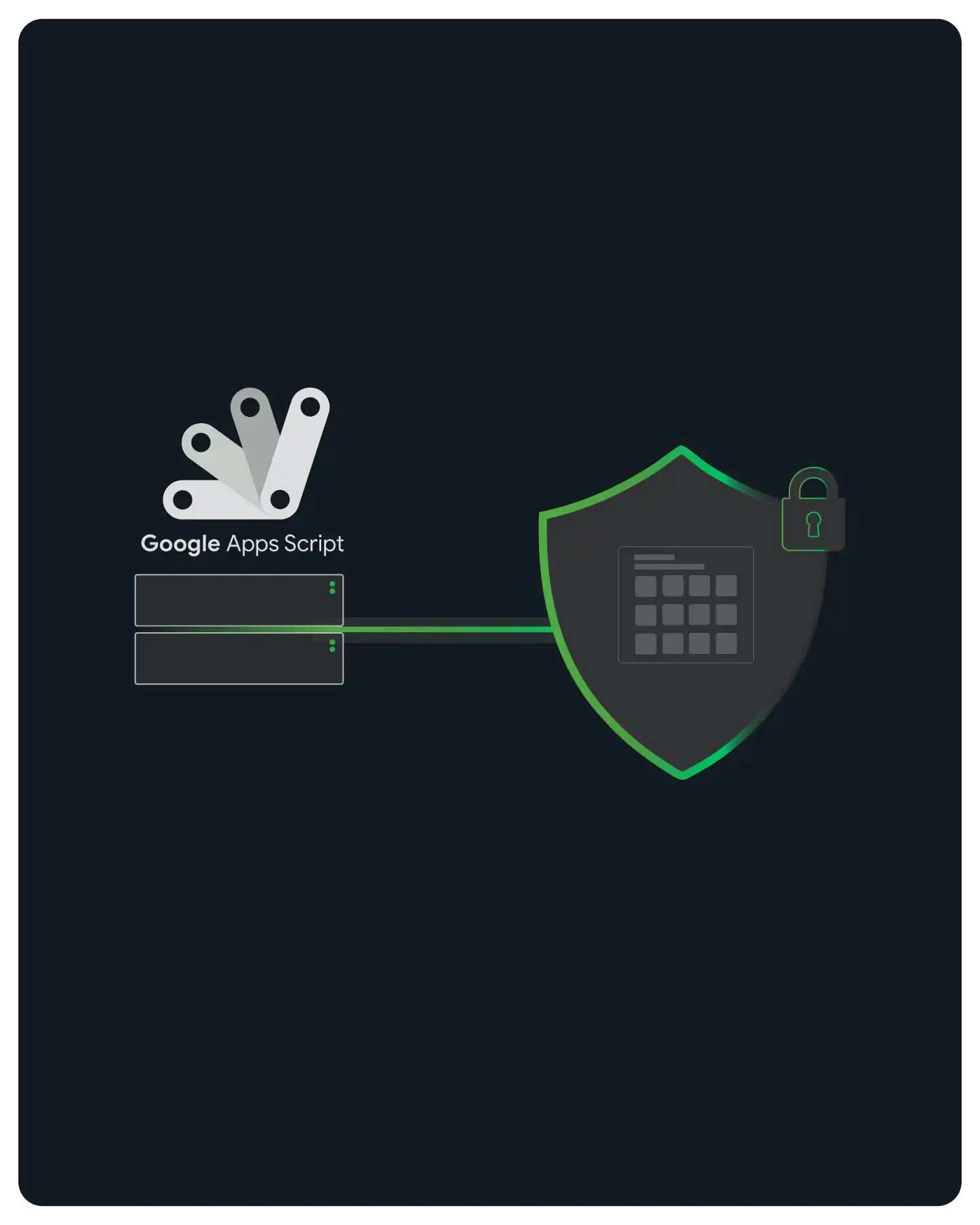
You get a stable pair of source IPs for outbound calls even though Apps Script gives you no way to set a proxy. UrlFetchApp.fetch() exposes options for method, headers, and payload, but no proxy field, and the sandbox has no environment variables and no sidecar process to route through.
The fix is a small relay function you host on AWS Lambda or a Google Cloud Function. It egresses through QuotaGuard, so your script keeps using UrlFetchApp exactly as before and the target API sees a fixed origin.
Your script sends its UrlFetchApp request to the relay function URL and adds two headers: X-Relay-Key, a shared secret that authorizes the call, and X-Target-URL, the real API you want to reach. The relay reads both, then makes the outbound request on your behalf.
The relay forwards the request through its QUOTAGUARDSTATIC_URL connection, so the destination sees one of your two static IPs instead of a Google address. The full response passes straight back to your script.
For a normal HTTPS API, QuotaGuard Static tunnels the payload end to end and never decrypts it at the proxy. The reusable relay is published at the QuotaGuard static-examples repository and documented in the no-HTTP-proxy platform guide, so you copy it rather than build from scratch.

You keep the relay key out of your code and reuse the same egress path from every kind of Apps Script execution. Because the sandbox has no environment variables, PropertiesService is where the secret belongs, and one relay serves all your entry points.
Save the relay secret and the relay URL as script properties and read them with PropertiesService at run time. That keeps the credential out of the source and out of version history, which matters because Apps Script offers no env vars to hold it.
Time-driven triggers, a published web app's doGet and doPost, and Google Workspace add-ons all call UrlFetchApp the same way, so they all route through the one relay and the same two IPs. Point every outbound integration at the relay URL and the source address stays consistent no matter what started the run.
QuotaGuard Static, direct from $19/month, is the right choice for standard HTTPS API calls and keeps the payload encrypted end to end. If the data is regulated under HIPAA, PCI-DSS, or SOC 2, use QuotaGuard Shield, direct from $29/month, which passes the SSL session through without decrypting it.

Your relay egresses through two static IPs, not one, so a single node failing never takes your integrations offline. The pair is the same design behind every QuotaGuard integration, and it is what you register on the destination allowlist.
Each subscription includes two load-balanced static IPs with health checks and automatic failover. Allowlist both on the destination so traffic keeps flowing when either one is out.
Run the connection from any of eleven AWS regions across North America, Europe, and Asia Pacific. Pick the region closest to the API you call to cut round-trip latency, or one that matches a data-residency requirement.
Your two IPs do not change when you move between plans, so a billing change never forces an allowlist edit on the destination. You register the pair once and leave it in place.

Common questions about Google Apps Script static IPs and QuotaGuard.
Do I actually need a static IP for Google Apps Script?
You need one only when the API you call enforces a customer-controllable IP allowlist. Apps Script sends UrlFetchApp requests from a large pool of Google IP ranges that is shared across all Apps Script users and changes over time, so you cannot pin that pool onto a strict allowlist. Routing through QuotaGuard replaces it with two fixed IPs you control and register once.
Why can't I just set a proxy on UrlFetchApp?
UrlFetchApp.fetch() takes an options object with method, headers, payload, and a few flags, but there is no proxy field. The sandbox also has no environment variables and no sidecar process, so there is nowhere to configure an outbound proxy. That is why the fixed IP comes from a relay function you host rather than from a proxy setting inside the script.
Where does the relay function run?
You host it on AWS Lambda or a Google Cloud Function, wherever fits your stack, and it egresses through QuotaGuard using the QUOTAGUARDSTATIC_URL connection. A ready-to-run example lives in the QuotaGuard static-examples repository and the reusable pattern is documented in the no-HTTP-proxy platform guide, so you deploy it rather than write it from scratch. Your Apps Script then calls that one relay URL for every outbound integration.
How do I test that the calls really use the static IPs?
Send one UrlFetchApp request through the relay with X-Target-URL set to https://ip.quotaguard.com. The response returns one of your two static IPs, confirming the traffic egressed through QuotaGuard before you point the relay at the real API. Because the pair is load balanced, repeated checks can return either of the two addresses, and both are valid.
How long does setup take?
Deploy the example relay, set its QuotaGuard connection, and store the relay URL and X-Relay-Key as script properties, then change your UrlFetchApp target to the relay URL. Most integrations are routed and verified in well under an hour, and the last step is adding your two IPs to the destination allowlist.
Should I use Static or Shield for my data?
QuotaGuard Static, direct from $19/month, fits standard HTTPS API calls and tunnels the payload end to end without decrypting it at the proxy, so it covers the large majority of Apps Script integrations. Choose QuotaGuard Shield, direct from $29/month, only when the data is regulated under HIPAA, PCI-DSS, or SOC 2. Shield uses SSL passthrough so the encrypted session is never opened in transit.
How many IPs do I get, and can I have a dedicated one?
Every subscription includes two load-balanced static IPs, not one, so allowlist both on the destination for failover to work. The two are shared IPs on standard plans. Dedicated IPs are available on Enterprise plans, so contact QuotaGuard directly if a destination requires a source address used by no other customer.
What about inbound webhooks and callbacks to my script?
A static IP governs the source of your outbound UrlFetchApp calls. It does not change how an inbound webhook reaches an Apps Script web app, because Google terminates and routes that traffic to your published deployment, and there is no fixed inbound IP to hand a partner. When a provider needs to allowlist where your requests come from, the two static IPs are the outbound side of that exchange, and any verification you do back to the provider goes through the same relay so it also carries the fixed pair.
For over a decade, QuotaGuard has provided reliable, high-performance static IP and proxy solutions for cloud environments like Heroku, Kubernetes, and AWS.
Get the fixed identity and security your application needs today.