
Give any allowlisted partner API two fixed IPs from your Power Apps custom connectors and Power Automate flows. Register the pair once and every call arrives from the same two addresses.
Power Apps reaches external APIs through custom connectors and Power Automate, and neither exposes an HTTP proxy field. A small relay function you host routes those calls through QuotaGuard, so the target API sees two static IPs instead of Microsoft's shifting ranges.
QuotaGuard Static starts at $19/month direct. Point your connector at the relay URL, allowlist both IPs, and the integration is done.
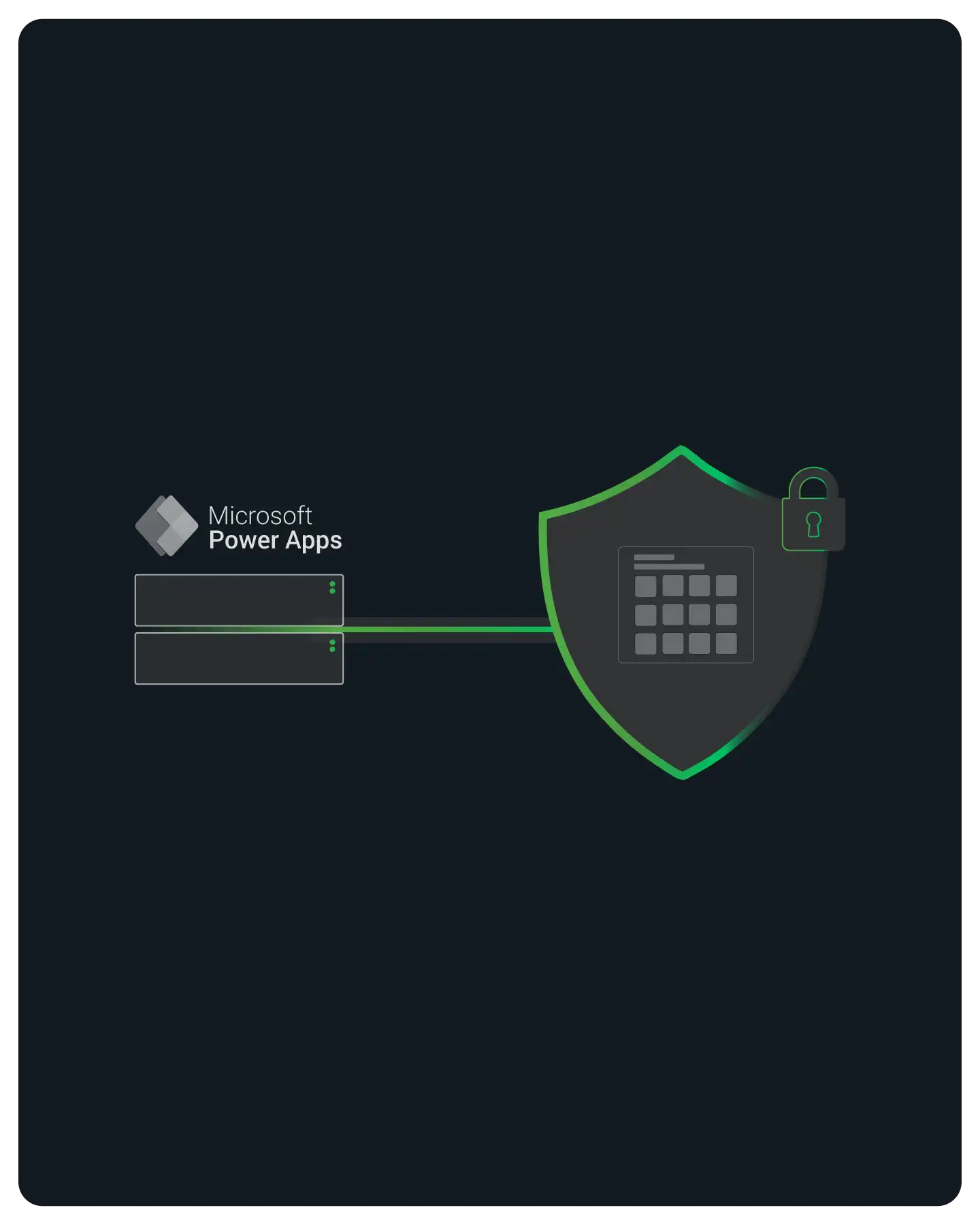
You give an allowlisted API a stable source address by pointing your custom connector at a relay you host. A custom connector is an OpenAPI wrapper with a Host and a Base URL, and it has no proxy setting to fill in. So you set that Host to the relay function URL, the relay egresses through QuotaGuard, and the API sees your two static IPs.
The relay is a small AWS Lambda or Google Cloud Function that forwards through the QUOTAGUARDSTATIC_URL connection. It is already published and documented, so you deploy it rather than build it. See the no-proxy platform pattern and the ready-to-run relay example.
The Host and Base URL fields in the connector definition decide where every operation is sent. Point them at your relay function, which forwards each request through QuotaGuard on your behalf.
Each operation sends X-Relay-Key, a shared secret the relay checks, and X-Target-URL, the real API to reach. The relay validates the key, forwards to the target through the static pair, and returns the response unchanged.
QuotaGuard Static tunnels your HTTPS request and never decrypts it at the proxy. The relay and the static exit move the bytes without opening them, so your credentials and data are readable only by the target API.

Your flows egress from the same fixed pair with no extra setup. Power Automate flows behind your app call external APIs through the same custom connectors or the HTTP action, and both leave from Microsoft's shared ranges. Routed through the relay, every one of those calls arrives from your two static IPs.
The same relay function backs canvas apps, model-driven apps, and Power Automate flows. Whatever calls the relay URL egresses through the same two addresses, so you allowlist one pair for the whole environment.
Point X-Target-URL at https://ip.quotaguard.com and the relay returns one of your two static IPs. Run it from a test flow to prove the path works before you ask the partner to allowlist anything.
A Power Automate flow can receive events on an HTTP-request trigger, but that inbound URL is Microsoft-hosted and not governed by the outbound pair. The static IPs control calls you send, not callbacks you receive.

Behind the relay, QuotaGuard gives every subscription two static IPs, not one. The pair is load balanced with automatic failover, so a health event on one address does not drop your Power Apps traffic.
Each subscription gets two load-balanced static IPs with automatic failover. Allowlist both on the partner API so traffic keeps flowing when one address is taken out of rotation.
QuotaGuard runs in eleven AWS regions. Place the static exit close to both your relay and the target API to keep the added hop short.
QuotaGuard Static from $19/month direct fits standard HTTPS API calls. QuotaGuard Shield from $29/month direct adds SSL passthrough for data under HIPAA, PCI-DSS, or SOC 2.

Common questions about Microsoft Power Apps static IPs and QuotaGuard.
Does every Power Apps integration need a static IP?
No. You need one only when the API you call enforces a customer-controlled IP allowlist. Many public APIs do not check source IP at all, and those need nothing here. The reason Power Apps forces the question is that its outbound calls leave from Microsoft's large, changing IP ranges, which you cannot hand a partner as a short allowlist. When an allowlist is enforced, the relay through QuotaGuard replaces those ranges with two fixed addresses you can register once.
How long does setup take?
Most of the work is deploying the published relay and setting a secret. Deploy the ready-to-run relay example, set its X-Relay-Key value, point your custom connector Host at the relay URL, and register the two static IPs on the partner allowlist. The full reusable pattern is written up at the no-proxy platform guide, so you are following a documented path rather than inventing one.
Should I use Static or Shield for my data?
Use QuotaGuard Static, from $19/month direct, for standard HTTPS API calls. Static tunnels the request end to end and never decrypts it at the proxy, so it is the right choice for the large majority of integrations. Use QuotaGuard Shield, from $29/month direct, only when the data is regulated under HIPAA, PCI-DSS, or SOC 2. Shield uses SSL passthrough for those compliance regimes.
Can the partner allowlist both IPs?
Yes, and you should register both. QuotaGuard gives you a load-balanced pair, so entering only one address means traffic is refused whenever the other is in use. Most allowlists accept multiple entries or a small CIDR range. The exact field format depends on the partner API, so check their allowlist documentation, but registering two individual addresses works everywhere a list is accepted.
How do I check or confirm the IPs later?
Point X-Target-URL at https://ip.quotaguard.com and the relay returns one of your two static IPs, so you can read the current pair any time from a test flow. The two addresses belong to your subscription and stay fixed as you change plans within it, so once the partner has both on file you do not need to update the allowlist again.
Does OAuth or API-key auth still work through the relay?
Yes. The relay forwards your headers unchanged, so API keys and bearer tokens the connector sends reach the target exactly as issued. If the target's own OAuth token endpoint is itself behind the same IP allowlist, route that token request through the relay too by setting its X-Target-URL to the token URL. Auth configuration otherwise stays on the connector where you defined it.
What about inbound webhooks back to my app?
The static pair governs outbound calls you send, not callbacks you receive. Power Apps and Power Automate accept inbound events on Microsoft-hosted URLs, such as a Power Automate HTTP-request trigger, and those endpoints use Microsoft's IPs, which QuotaGuard does not control. If a provider needs to allowlist your callback address, that is a separate concern from the outbound pair and is not solved by the relay.
For over a decade, QuotaGuard has provided reliable, high-performance static IP and proxy solutions for cloud environments like Heroku, Kubernetes, and AWS.
Get the fixed identity and security your application needs today.