OpenAI API Static IPs

Restrict an OpenAI API project or organization to the two stable source IPs assigned to your QuotaGuard subscription.

Keep IP allowlisting enabled from Vercel, Render, Railway, Heroku, serverless functions, and other cloud environments without operating a NAT Gateway or proxy VM.

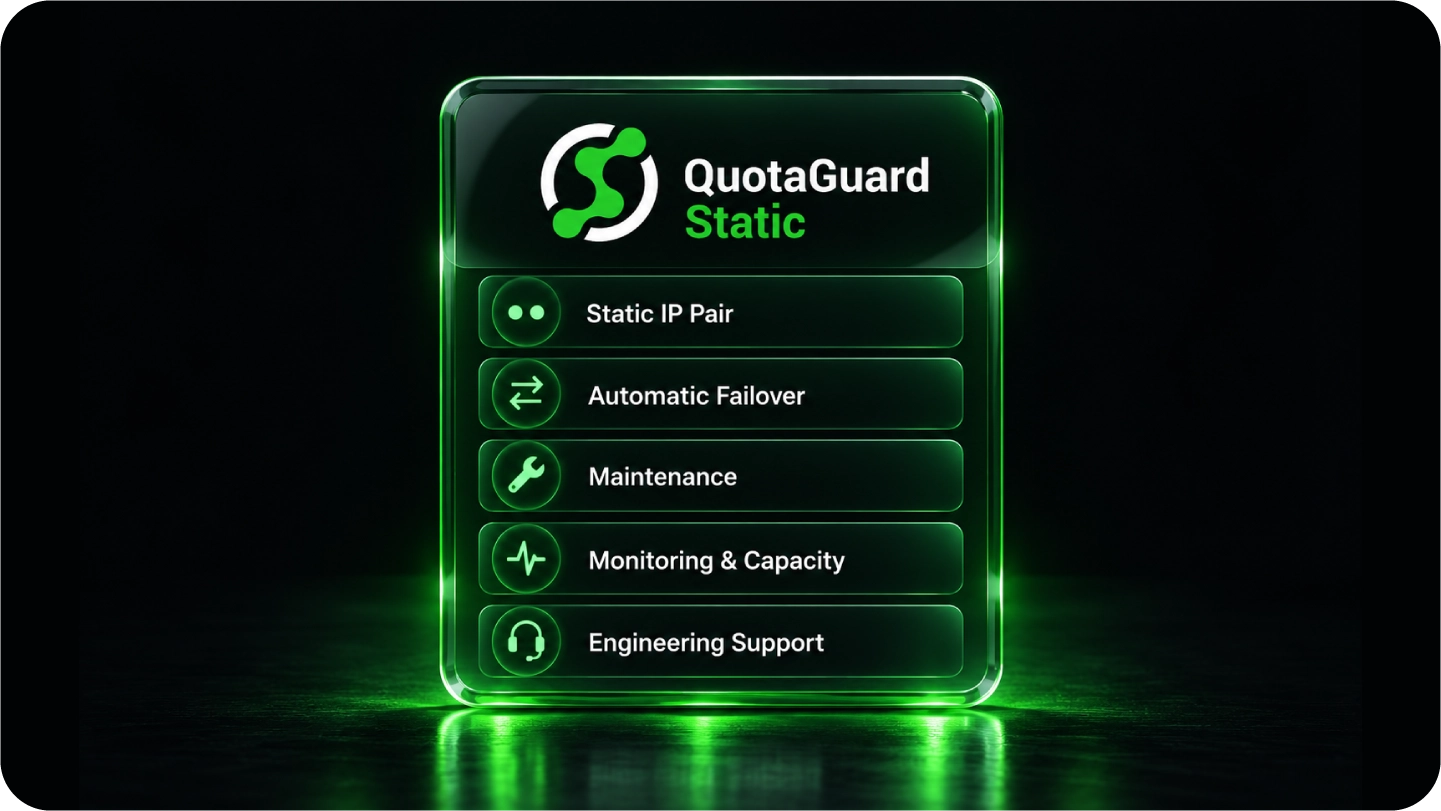
QuotaGuard manages the egress infrastructure, health checks, failover, maintenance, and support behind the addresses OpenAI approves.

Turn On OpenAI IP Allowlisting Without Rebuilding Your Network

OpenAI makes IP allowlisting available to all API customers. It can protect one project or the entire organization, and it rejects requests from every source that is not on the approved list. See OpenAI's official IP allowlisting guide for current limits and platform steps.

QuotaGuard gives dynamic cloud applications a small, stable source list that remains usable through deploys, autoscaling events, and platform migrations.

Register Both Subscription IPs

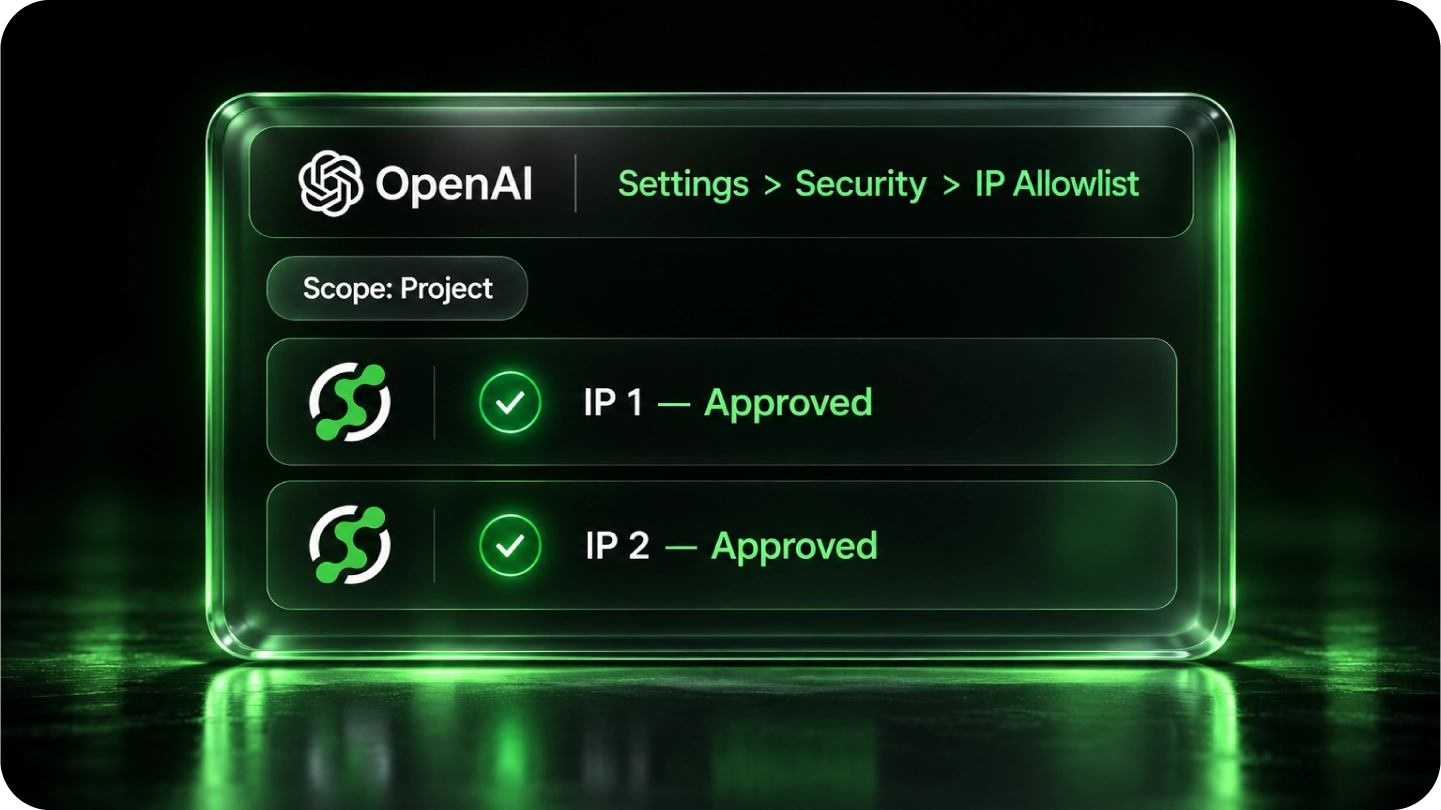
Every QuotaGuard subscription is assigned two load-balanced static IP addresses. Add both dashboard addresses to OpenAI so either healthy proxy route remains authorized during failover.

Start With One OpenAI Project

OpenAI supports project-level and organization-level allowlists and recommends testing with a single project before broader enforcement. Prove the route first, then expand the control.

Keep the Identity When Infrastructure Changes

The OpenAI allowlist follows the QuotaGuard addresses, not the current server, region, or hosting platform. Move the application without reopening the network approval process.

Keep a Leaked API Key From Working Everywhere

OpenAI describes IP allowlisting as another security layer, not a replacement for API keys, rotation, project boundaries, or account security.

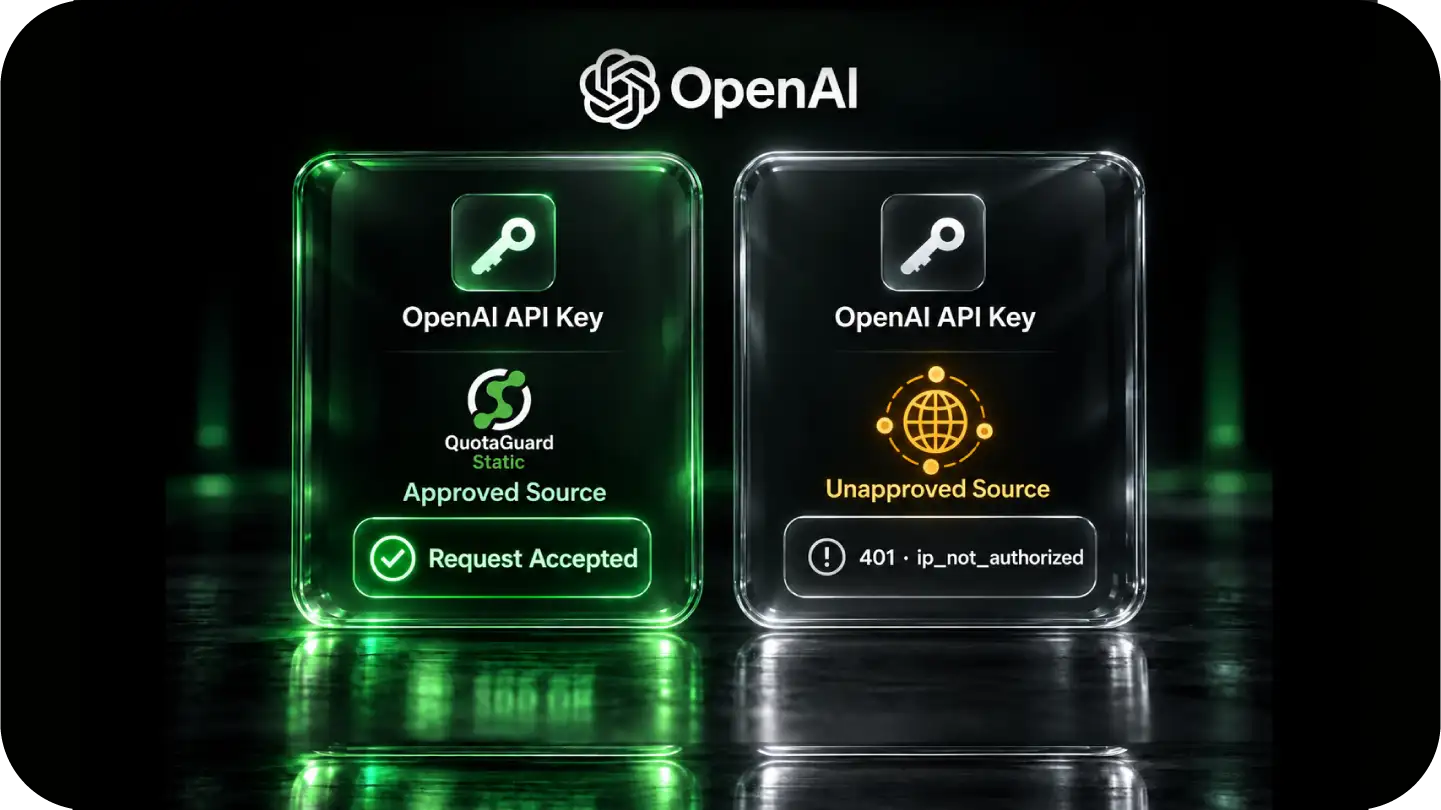
A valid key presented from an unapproved address receives a 401 Unauthorized response with the error code ip_not_authorized.

Require the Key and the Network Source

The application still authenticates with its OpenAI API key. The allowlist adds a separate source-address check before a request is accepted from the approved environment.

Route Only OpenAI Traffic

Configure the OpenAI client to use QuotaGuard while unrelated database, OAuth, webhook, and third-party traffic keeps its normal route. Selective routing avoids turning one security requirement into a global network dependency.

Use Dedicated Infrastructure When Exclusivity Matters

Starter, Production, and Business plans use shared static IP pairs. Choose Enterprise when the security policy requires customer-only source addresses and dedicated proxy resources.

Use a Managed Egress Identity Instead of Operating More Infrastructure

A fixed address can be built with a NAT Gateway, VPN, or proxy VM. That also creates another production system your team must configure, monitor, patch, scale, and recover.

QuotaGuard provides the approved identity while your application keeps the cloud architecture that made it easy to deploy in the first place.

QuotaGuard Owns the Infrastructure Pager

Health monitoring, capacity, maintenance, load balancing, and failover remain QuotaGuard's responsibility. Your team does not inherit another proxy server or NAT deployment to operate.

Use One Identity Across Cloud Platforms

The same subscription can protect OpenAI calls from supported customer-controlled applications even when workloads move between platforms. The OpenAI allowlist does not have to become a hosting-platform lock-in.

Get Engineers When the Route Is Unusual

QuotaGuard support goes directly to engineers who work on the service. If a runtime, SDK, or networking edge case appears, the customer has someone to help finish the connection.

FAQs

Common questions about OpenAI API IP allowlisting and QuotaGuard.

Does OpenAI support IP allowlisting for every API customer?

Yes. OpenAI documents IP allowlisting as available to all API customers. It can be enabled for one project or for the entire organization by an administrator with the required permissions.

Where do I configure the OpenAI API IP allowlist?

In the OpenAI platform, open Settings, select Security, and then open IP allowlist. Add both static IP addresses shown in the QuotaGuard subscription dashboard. OpenAI accepts individual addresses and CIDR ranges, with a documented maximum of 50 entries.

Why do I need to allowlist two QuotaGuard addresses?

Every QuotaGuard subscription is assigned a load-balanced pair of static IP addresses. Traffic may use either healthy address, so OpenAI must approve both. Allowlisting only one can create intermittent authorization failures during normal routing or failover.

How long do OpenAI allowlist changes take?

OpenAI says allowlist updates can take up to 15 minutes to take effect. Configure the QuotaGuard route, add both addresses, wait for propagation, and test the project before enabling the restriction organization-wide.

What error appears when OpenAI rejects the source IP?

OpenAI documents an HTTP 401 Unauthorized response with the error code ip_not_authorized. Confirm the application is using the proxy-configured OpenAI client, verify the observed source at https://ip.quotaguard.com, and compare it with both addresses in the OpenAI allowlist.

Does OpenAI IP allowlisting replace API-key security?

No. Keep the API key on a trusted server, use project boundaries and least privilege, rotate credentials when needed, and retain strong account security. IP allowlisting reduces where a key can be used; it does not make a stolen key harmless in every circumstance.

Does the allowlist affect ChatGPT or platform.openai.com sign-ins?

No. OpenAI states that this feature applies to API requests. It does not restrict access to platform.openai.com or user sign-in.

Can I route the official OpenAI SDK through QuotaGuard?

Yes. OpenAI's official Node SDK documents a custom fetch path using Undici's ProxyAgent, and its Python SDK accepts a proxy-configured HTTP client. QuotaGuard uses an authenticated proxy URL, so the exact client that opens the OpenAI connection must receive that URL. Storing the URL as a secret does not route traffic by itself.

Can browser-side JavaScript use this setup?

Do not expose an OpenAI API key or QuotaGuard proxy credentials in browser code. Route the request from customer-controlled server-side code, a backend function, an application worker, or another trusted runtime.

Should I use QuotaGuard Static or Shield for OpenAI?

Static starts at $19 per month and is the normal choice for ordinary HTTPS API allowlisting. The HTTPS payload remains encrypted to OpenAI and is not decrypted by QuotaGuard. Static uses the standard HTTP proxy protocol on the customer-to-proxy hop. Shield starts at $29 per month and adds TLS protection to that hop for security reviews or approved compliance architectures that require it.

Are the two standard QuotaGuard IPs dedicated to my company?

Starter, Production, and Business subscriptions use stable shared IP pairs. They can satisfy OpenAI's source-IP control when a small consistent allowlist is the requirement. Enterprise includes customer-only dedicated IPs and proxy resources for organizations whose security policy requires exclusive source addresses.

Is this the same as allowlisting OpenAI or ChatGPT egress ranges?

No. This page covers a customer-controlled application calling the OpenAI API through QuotaGuard. It does not change traffic originating from OpenAI-hosted products, ChatGPT, or a vendor-controlled Codex environment. The machine opening the connection must be able to use the QuotaGuard proxy.

🚀 Ready to Get Started? Choose Your QuotaGuard Path

QuotaGuard STATIC

Why: You need a rock-solid, fixed IP for general API access, AI workflows, or standard third-party integrations.
Best For: Developers, startups, and general application connectivity.
Key Feature: SOCKS5 support for secure database access.
Sign Up for QG Static

QuotaGuard SHIELD

Why: You handle PHI, payment card data, or sensitive PII and require TLS encryption on the customer-to-proxy hop while preserving your application’s HTTPS session to its destination.
Best For: Regulated industries, financial services, and healthcare.
Key Feature: TLS-encrypted proxy connection with the destination HTTPS session preserved.
Sign Up for QG Shield

Trusted by Engineering Teams Everywhere

Reliability Engineered for the Modern Cloud

For over a decade, QuotaGuard has provided reliable, high-performance static IP and proxy solutions for cloud environments like Heroku, Kubernetes, and AWS.

Get the fixed identity and security your application needs today.