
Give your customer-controlled Atlassian MCP connections two static egress IPs with QuotaGuard. Keep a small allowlist while QuotaGuard manages the proxy infrastructure, availability, failover, and operational support.
Configure the outbound client you operate, whether it connects to Atlassian’s hosted Rovo MCP service or calls Atlassian APIs from your own MCP server. Keep a portable network identity without operating your own proxy infrastructure.
The managed Rovo MCP service and a custom MCP server are different architectures. Configure the customer-controlled client that opens the protected connection.
For a client connecting to Atlassian’s hosted service, configure the client you operate, provided it supports an authenticated proxy. QuotaGuard belongs on that outbound connection, not inside Atlassian’s managed service.
For a custom MCP server you host, configure the HTTP client making protected Atlassian API requests. Check the applicable API authentication and IP policy; do not assume every Atlassian app integration is treated identically.
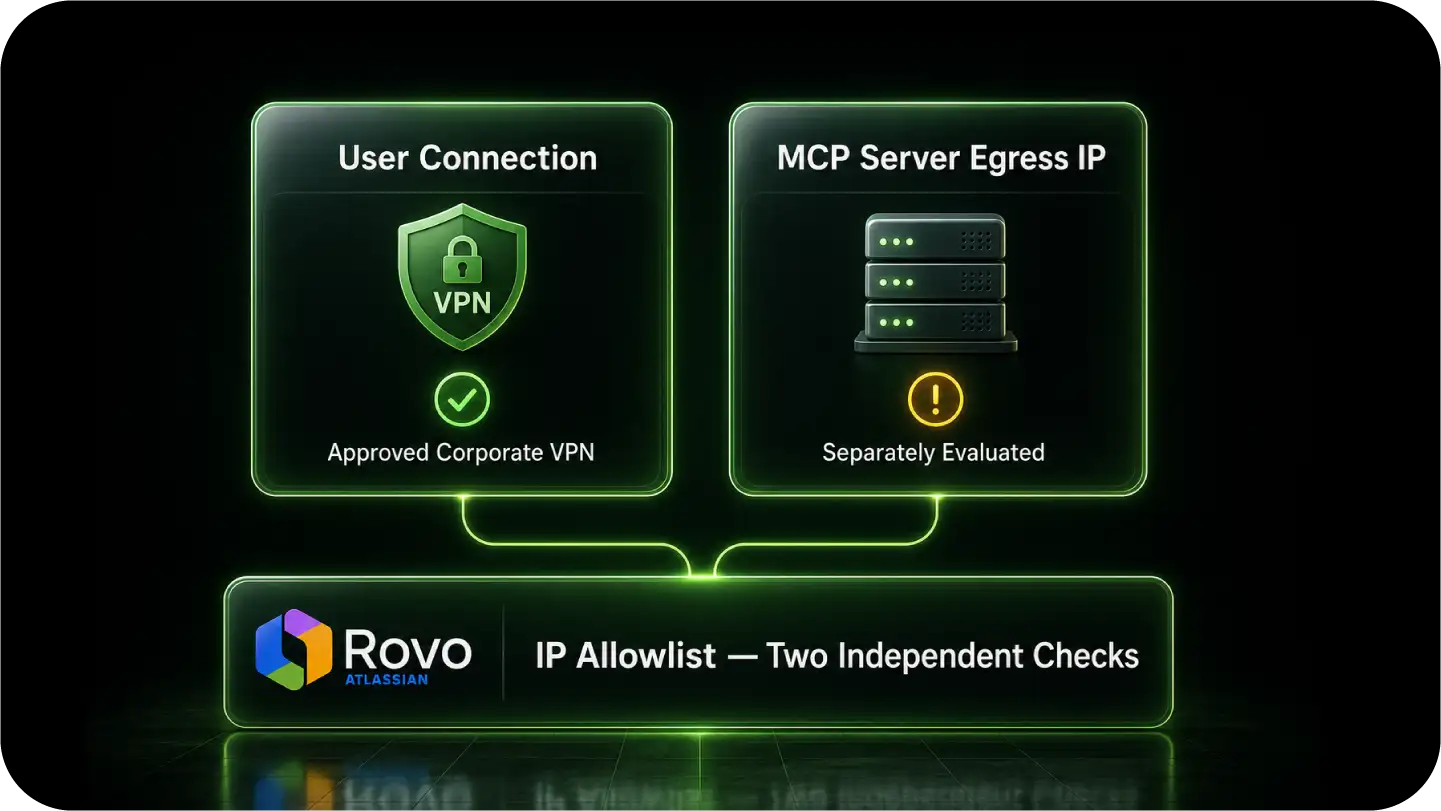
Some hosted AI tools open connections from their own infrastructure, not the user’s VPN. A local proxy setting cannot reroute that vendor-controlled connection.
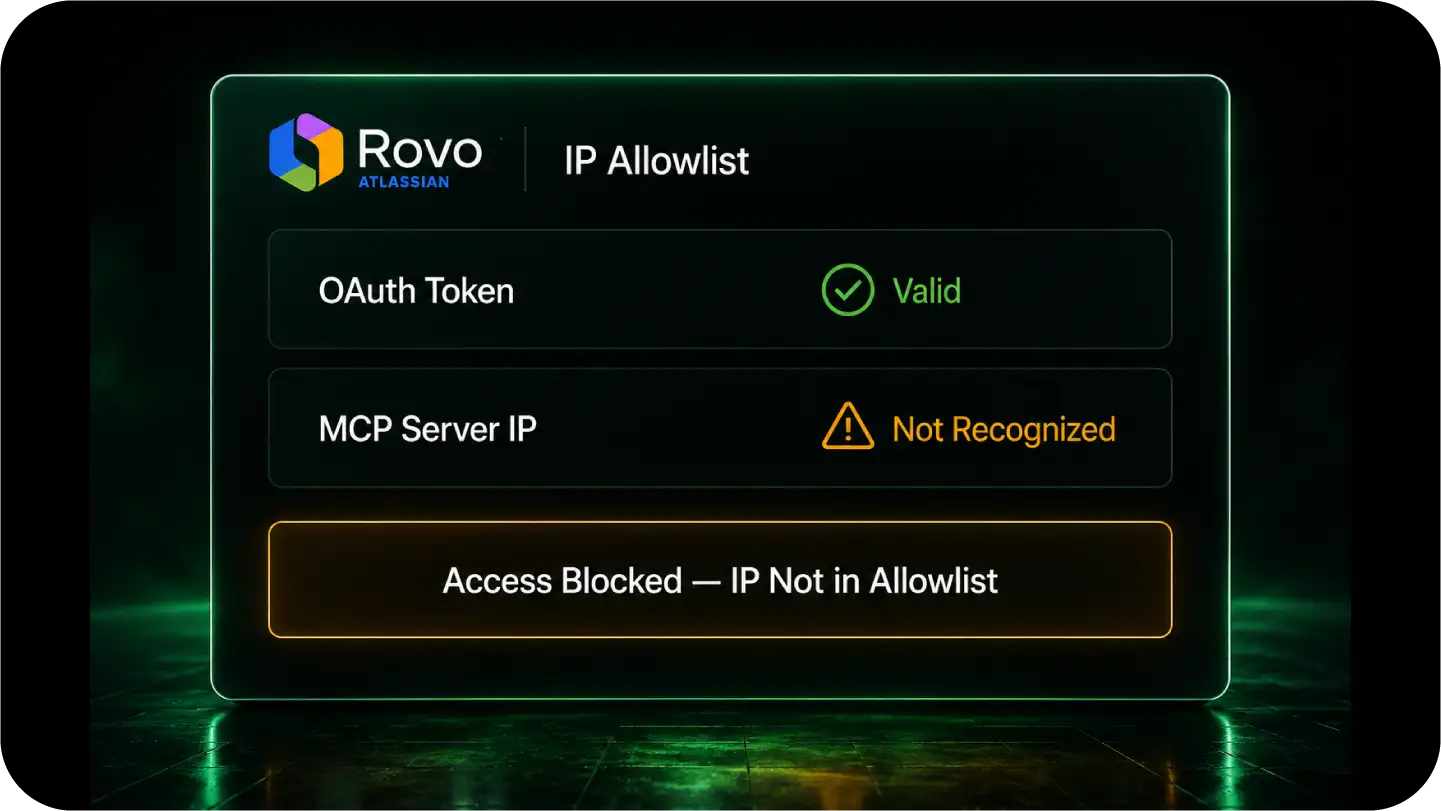
Atlassian IP allowlists are managed centrally, but their scope depends on the selected apps and applicable controls.
In Atlassian Administration, select the apps covered by each allowlist. Add both QuotaGuard addresses to the policies governing the apps your integration accesses.
Rovo MCP supports OAuth 2.1 and optional administrator-enabled API-token authentication. Successful OAuth consent alone does not establish that subsequent tool calls satisfy the IP policy.
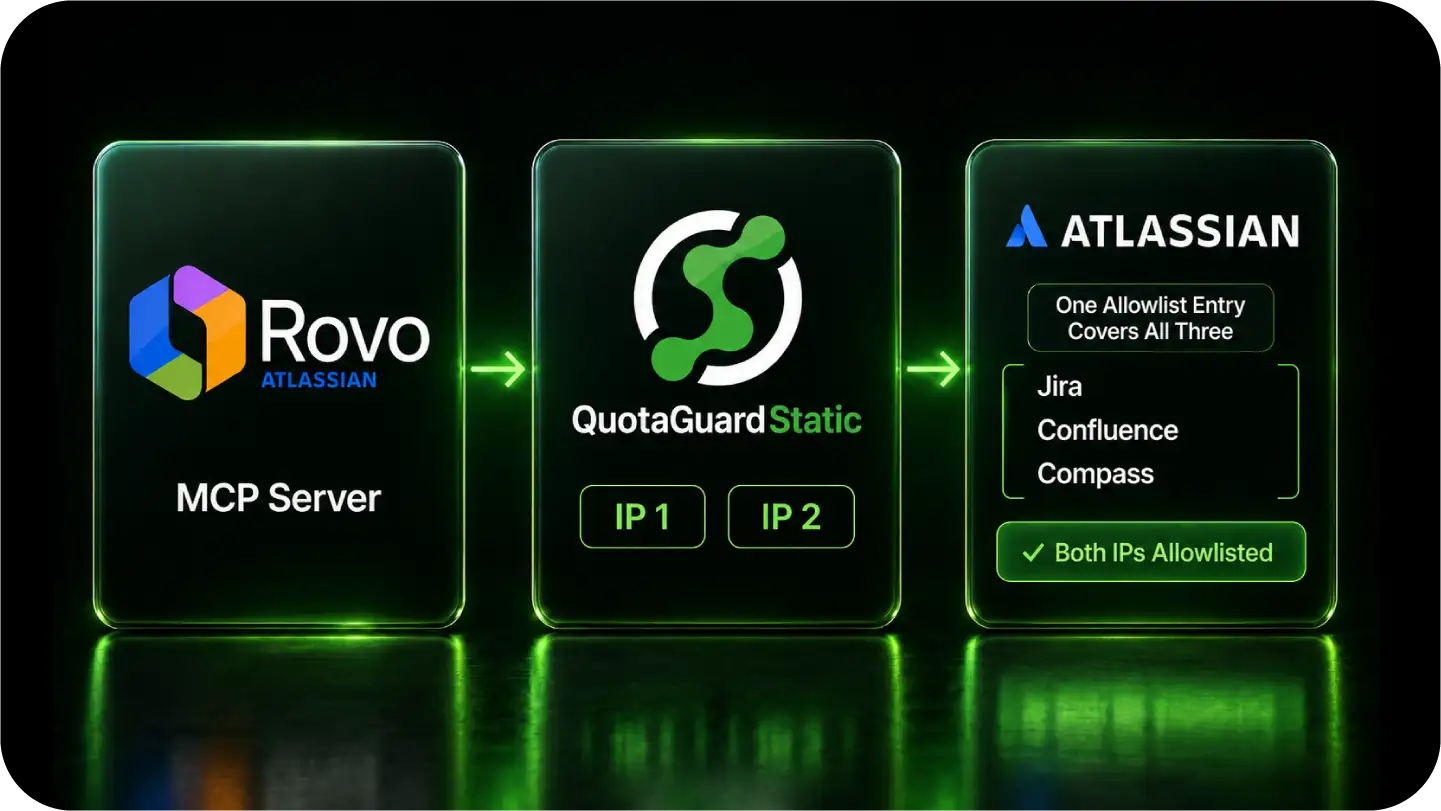
Do not assume authorizing Jira automatically authorizes Confluence, Compass, or every Rovo experience. Check the selected apps and retain the user permissions and authentication your workflow requires.
Use managed static egress for the connections that need it, with engineering support instead of a proxy fleet your team must operate.
Store your QuotaGuard connection URL securely and configure the MCP client or HTTP library that opens the connection. An environment variable does not automatically configure every MCP client.
Where supported, send only the relevant Atlassian traffic through QuotaGuard. After authorizing both addresses, verify an actual protected tool call rather than relying on OAuth consent alone.
Standard plans use shared managed infrastructure. Choose Enterprise dedicated infrastructure for customer-only source addresses, and Shield when your security review requires TLS on the customer-to-proxy hop.
Common questions about Atlassian Rovo MCP static IPs and QuotaGuard. See the MCP server static IP overview for how this gate shows up across other enterprise systems.
Does every Atlassian MCP connection need a static IP?
No. QuotaGuard is useful when the relevant Atlassian IP policy requires a stable source address and you control a client that can route through an authenticated proxy. Keep authentication and normal app permissions in place.
Where do I configure QuotaGuard for hosted Rovo MCP?
Configure the customer-controlled MCP client connecting to Atlassian’s hosted service, not Atlassian’s managed server. If a hosted AI vendor opens the connection and does not expose proxy routing, changing your local environment will not change that vendor’s egress.
Does one allowlist entry automatically cover every Atlassian app?
No. Manage allowlists in Atlassian Administration, select the apps covered by each policy, and authorize both QuotaGuard addresses wherever required. Check Jira, Confluence, Compass, and Rovo controls relevant to your workflow.
Does a proxy environment variable configure every MCP client?
No. The client or HTTP library must honor that variable or expose an explicit authenticated proxy setting. Configure the actual outbound connection and verify a protected tool call.
Static or Shield for Atlassian MCP?
For HTTPS connections, neither Static nor Shield decrypts the application payload. Static uses plaintext HTTP proxy protocol on the customer-to-proxy hop while the HTTPS payload remains encrypted to the destination. Shield adds TLS protection to that hop. Choose Shield when your security review or approved compliance architecture requires it.
Can I get customer-only source addresses?
Standard QuotaGuard plans provide stable outbound addresses on shared managed infrastructure. If your security policy requires source addresses used only by your organization, choose QuotaGuard Enterprise dedicated infrastructure. Contact support to arrange dedicated provisioning.
What other security controls should remain in place?
Keep application authentication, least-privilege permissions, server-side credential storage, rotation, and audit logging alongside the IP allowlist. A source address is an additional security layer, not proof of application identity.
Atlassian references: MCP authentication and IP controls and app-specific allowlist configuration.
For over a decade, QuotaGuard has provided reliable, high-performance static IP and proxy solutions for cloud environments like Heroku, Kubernetes, and AWS.
Get the fixed identity and security your application needs today.