
Give the GitHub API requests from an MCP server you operate a stable, managed source identity. QuotaGuard handles the proxy infrastructure, monitoring, maintenance, and failover while your team keeps control of the integration.
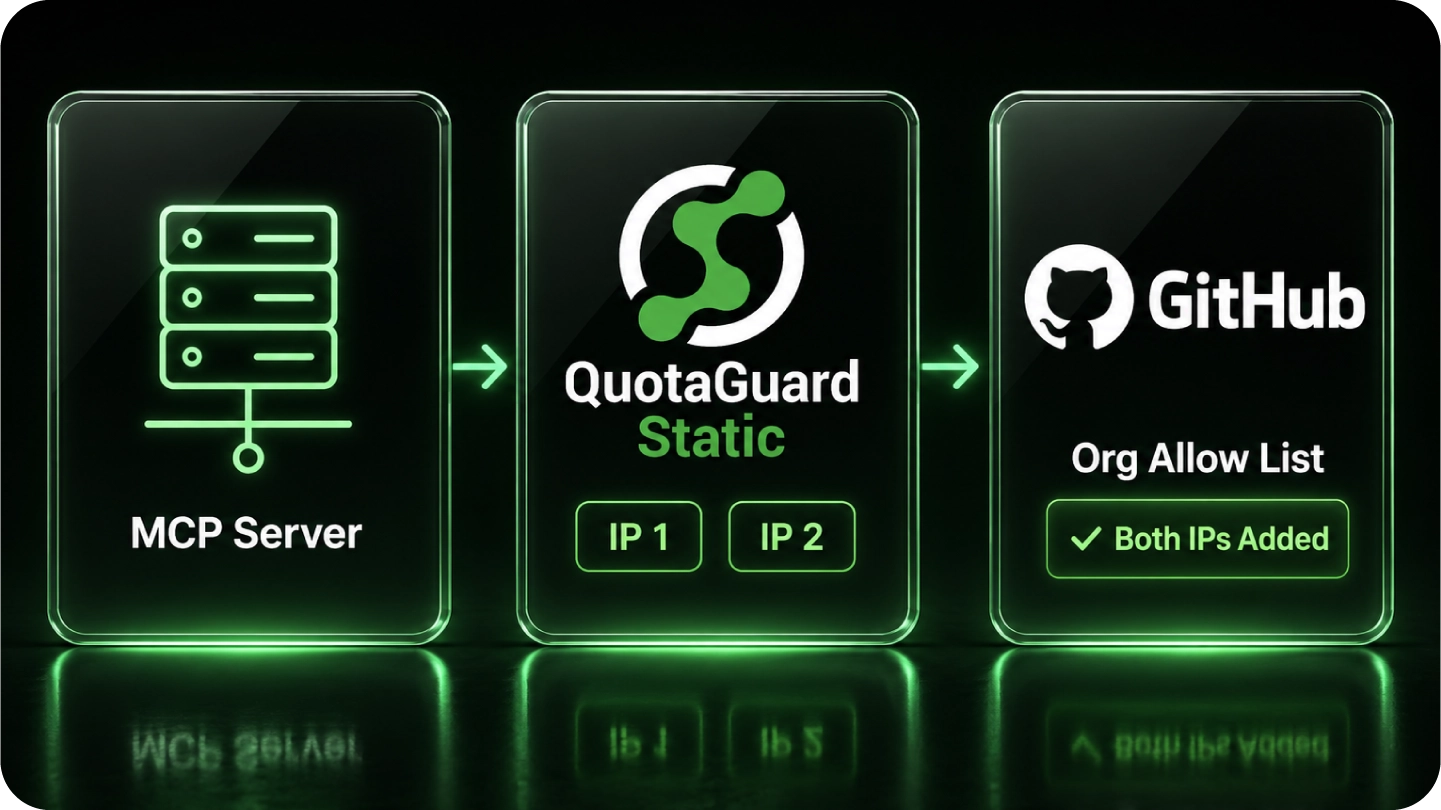
Configure the server’s outbound client and add both QuotaGuard addresses to the applicable GitHub IP allowlist.
You retain a portable identity without running a proxy VM just to satisfy an organization’s network policy.
For this setup, your MCP server’s configured HTTP client opens the GitHub API connection through QuotaGuard. A proxy configured on your laptop does not change a separate request made by a vendor-hosted MCP service.
Keep the distinction clear: QuotaGuard supplies the stable outbound route; GitHub still evaluates the token’s permissions, organization policies, and applicable IP restrictions.
Configure a client you operate and can route through the proxy. A vendor-hosted MCP service may open its own downstream connection; a local proxy setting does not change that service’s source address.
GitHub IP allowlists cover several authentication methods, but GitHub documents exceptions and separate GitHub App and identity-provider behavior. Check the policy governing your integration instead of assuming all token types are treated identically. Preserve least-privilege permissions alongside the network restriction. See GitHub’s IP-allowlist documentation.
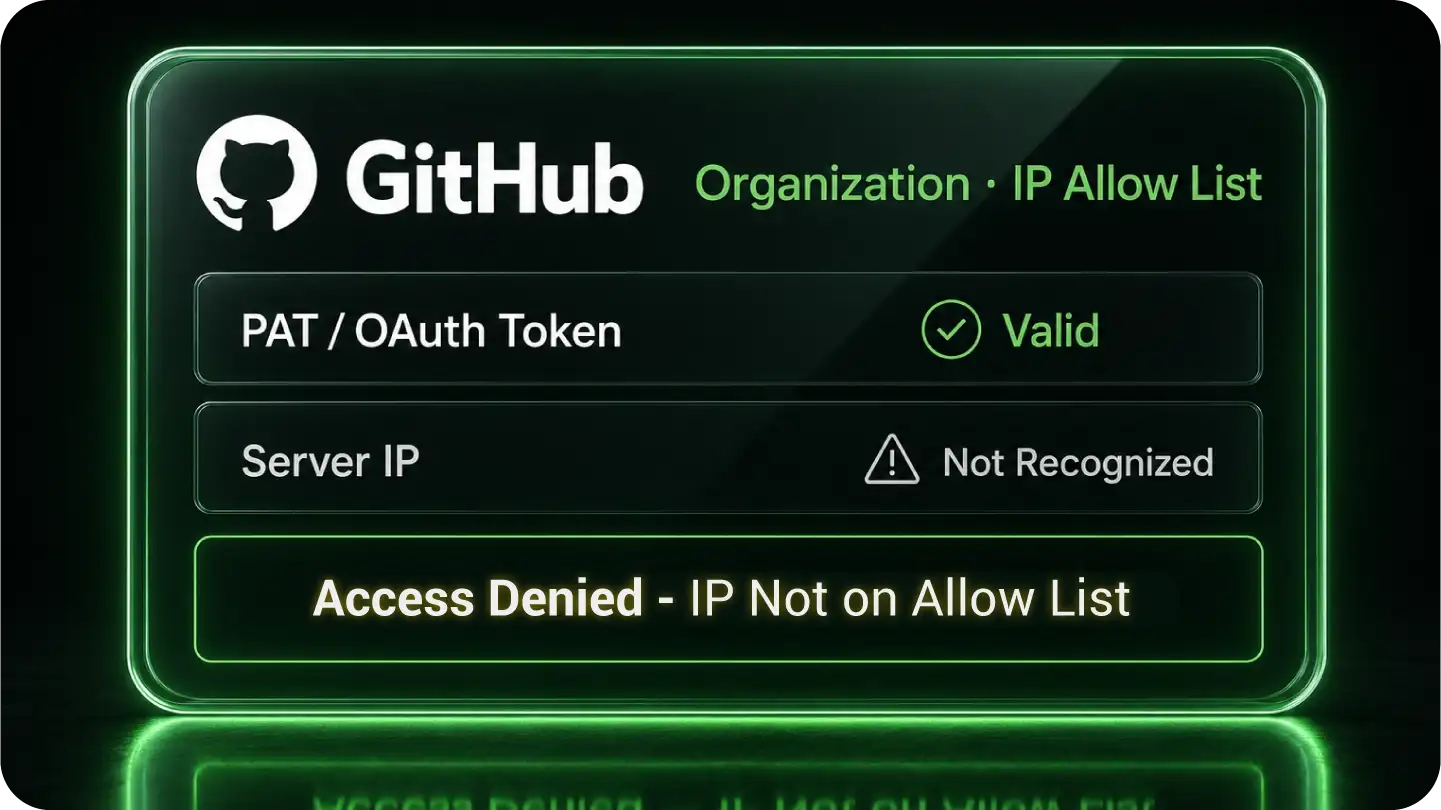
GitHub accepts individual addresses and CIDR ranges. A stable pair gives your administrator a small set to approve without continually updating rules for changing application egress.
Register both QuotaGuard addresses in the applicable allowlist and verify the actual GitHub API request. Keep the token’s scopes, installation permissions, and organization approvals appropriately restricted.
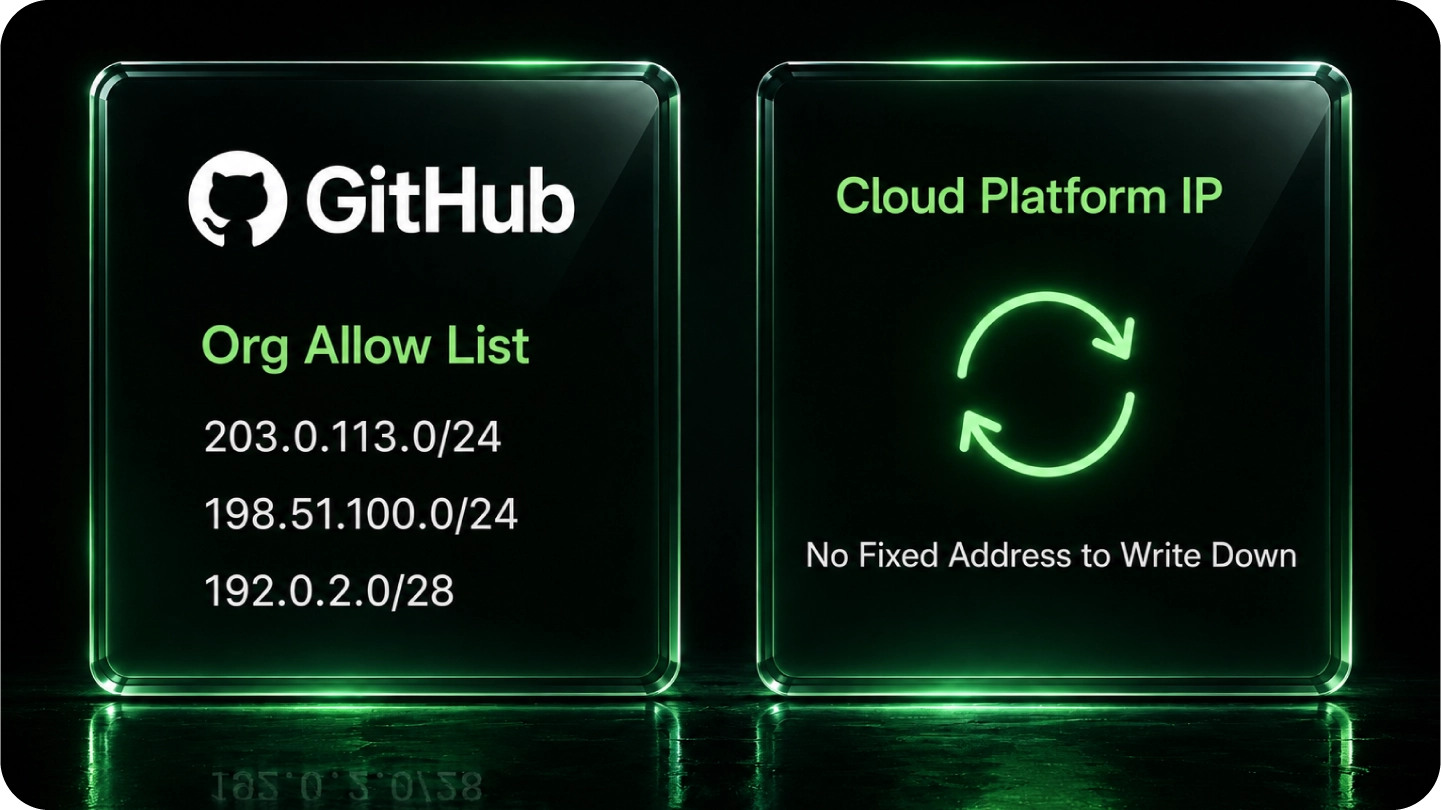
When application egress changes, an old source-address entry may no longer match. QuotaGuard lets your configured clients retain a managed identity across supported deployments. Native static-egress options have their own scope and operational requirements; you do not need to operate that infrastructure to use QuotaGuard.
Do not assume a GitHub Actions exception applies to your MCP server. GitHub’s documented runner-networking requirements are separate from configuring an external MCP server’s API client. See GitHub’s current networking requirements.
QuotaGuard Static starts at $19 per month. Standard plans provide stable addresses on shared managed infrastructure. Enterprise provides dedicated IPs and proxy resources for organizations requiring customer-only infrastructure. See current plans and Enterprise dedicated infrastructure.
Store the QuotaGuard URL in server-side runtime secrets and configure the actual client making the GitHub API call. Allowlist both assigned addresses. Verify the route with https://ip.quotaguard.com, then verify the protected request without removing its authentication.
Configure the GitHub API client to use QuotaGuard while unrelated application clients retain their normal route. Environment variables apply only to clients that honor them; some clients need an explicit proxy agent, dispatcher, or session setting.
QuotaGuard Shield starts at $29 per month. For outbound HTTPS, neither product decrypts the destination payload. Static’s CONNECT request and proxy authentication use plaintext HTTP proxy protocol on the customer-to-proxy hop; Shield adds TLS protection to that hop. Choose Shield when your security requirements call for it, using a compatible client. Keep application authentication and authorization with either product. Dedicated addresses provide infrastructure isolation, not a replacement for those controls. See the outbound data flow.
Common questions about GitHub Enterprise MCP static IPs and QuotaGuard. See the MCP server static IP overview for how this gate shows up across other enterprise systems.
Does my GitHub MCP server definitely need a static IP?
Use a stable source identity when the applicable GitHub policy requires IP allowlisting. QuotaGuard gives a customer-operated, proxy-configurable MCP server a managed route without requiring your team to operate a proxy VM.
Is there any way to whitelist my MCP server's IP with GitHub?
GitHub accepts individual IPs and CIDR ranges. Configure your outbound client to use QuotaGuard and add both assigned addresses to the applicable policy. This does not change the egress address of a vendor-hosted MCP service.
How long does setup take?
Setup is straightforward when your MCP server’s HTTP client exposes proxy configuration: store the connection URL securely, configure the client, allowlist both addresses, and verify the protected request. Some clients require a code change rather than environment variables alone.
Does the allow list apply to personal access tokens and GitHub Apps the same way?
GitHub IP allowlists cover several authentication methods, but GitHub documents exceptions and separate GitHub App and identity-provider behavior. Check the policy governing your integration instead of assuming all token types are treated identically. Preserve least-privilege permissions alongside the network restriction.
Does GitHub Actions get an exemption I can use for my MCP server?
Do not assume a GitHub Actions exception applies to your MCP server. GitHub’s documented runner-networking requirements are separate from configuring an external MCP server’s API client.
Static or Shield for a GitHub MCP server?
QuotaGuard Shield starts at $29 per month. For outbound HTTPS, neither product decrypts the destination payload. Static’s CONNECT request and proxy authentication use plaintext HTTP proxy protocol on the customer-to-proxy hop; Shield adds TLS protection to that hop. Choose Shield when your security requirements call for it, using a compatible client. Keep application authentication and authorization with either product. Dedicated addresses provide infrastructure isolation, not a replacement for those controls.
Will my static IPs change if I redeploy or upgrade my plan?
Your existing QuotaGuard pair remains stable when your application redeploys or scales and through normal plan upgrades and downgrades. Coordinate product or region changes with support before changing established allowlists.
For over a decade, QuotaGuard has provided reliable, high-performance static IP and proxy solutions for cloud environments like Heroku, Kubernetes, and AWS.
Get the fixed identity and security your application needs today.