
Give your Salesforce MCP integration two static egress IPs without operating proxy servers or NAT infrastructure. QuotaGuard manages availability, failover, and engineering support, so your team can keep Salesforce’s IP restrictions in place as your application deploys and scales.
Route selected Salesforce connections from your customer-controlled MCP server through QuotaGuard. Authorize both addresses in the applicable Salesforce policy, with a portable outbound identity that can move with your application.
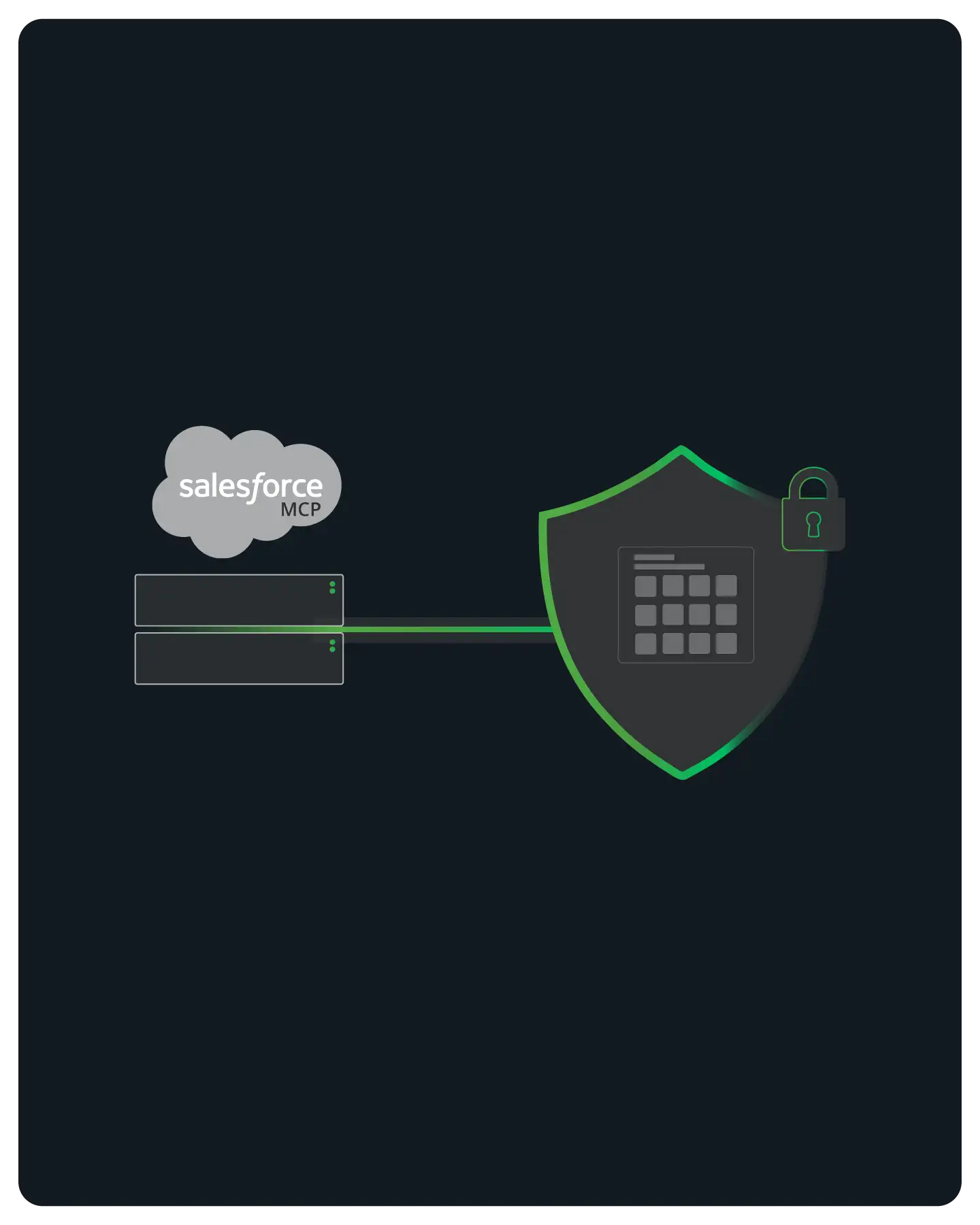
Trusted locations and enforced login restrictions are different controls. Identify the policy rejecting your integration before changing it.
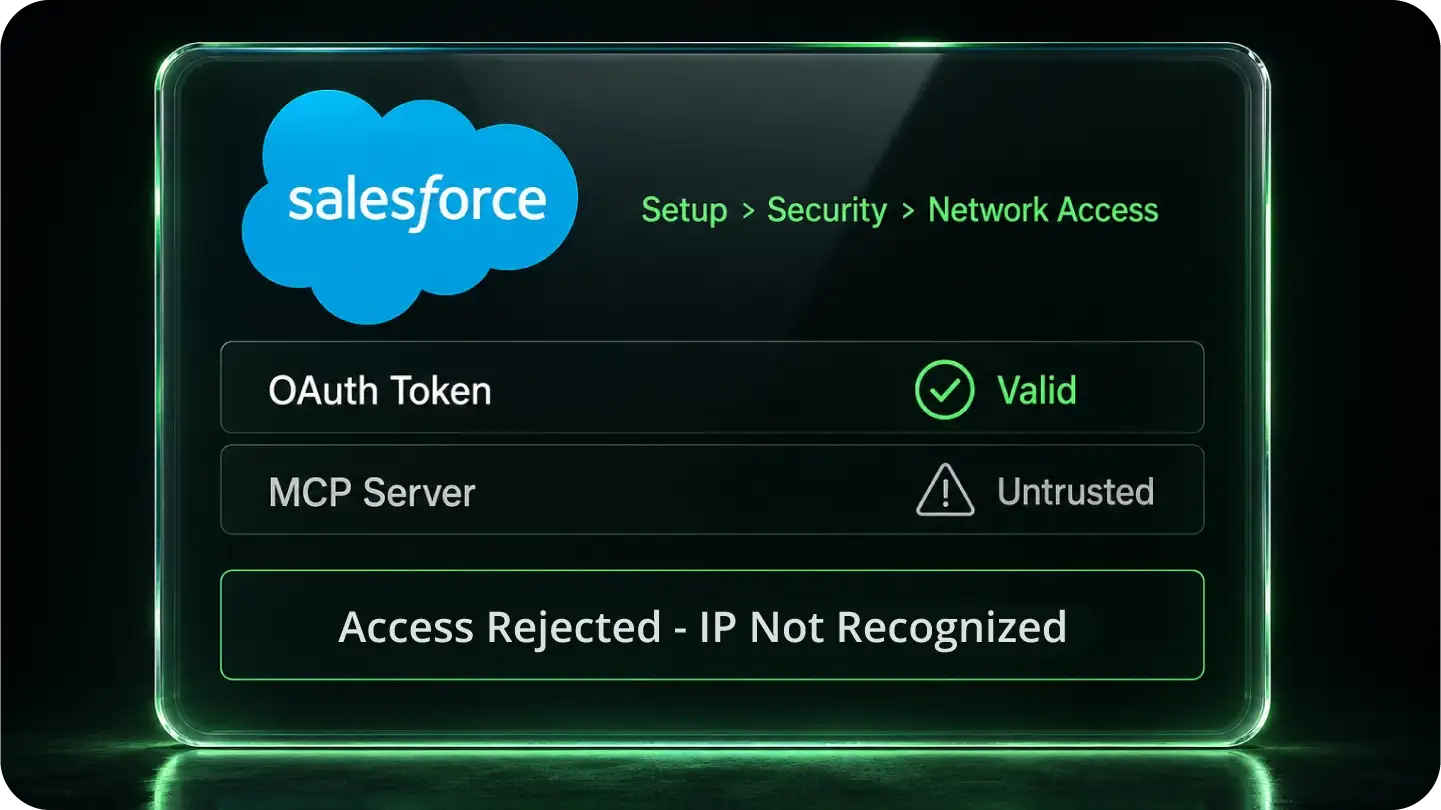
Network Access trusted ranges can reduce identity-verification or API security-token requirements. An address outside those ranges is not automatically denied access.
Profile Login IP Ranges can block logins from unapproved addresses. Authorize both QuotaGuard IPs in the applicable enforced policy; adding them under Network Access alone may not resolve the restriction.
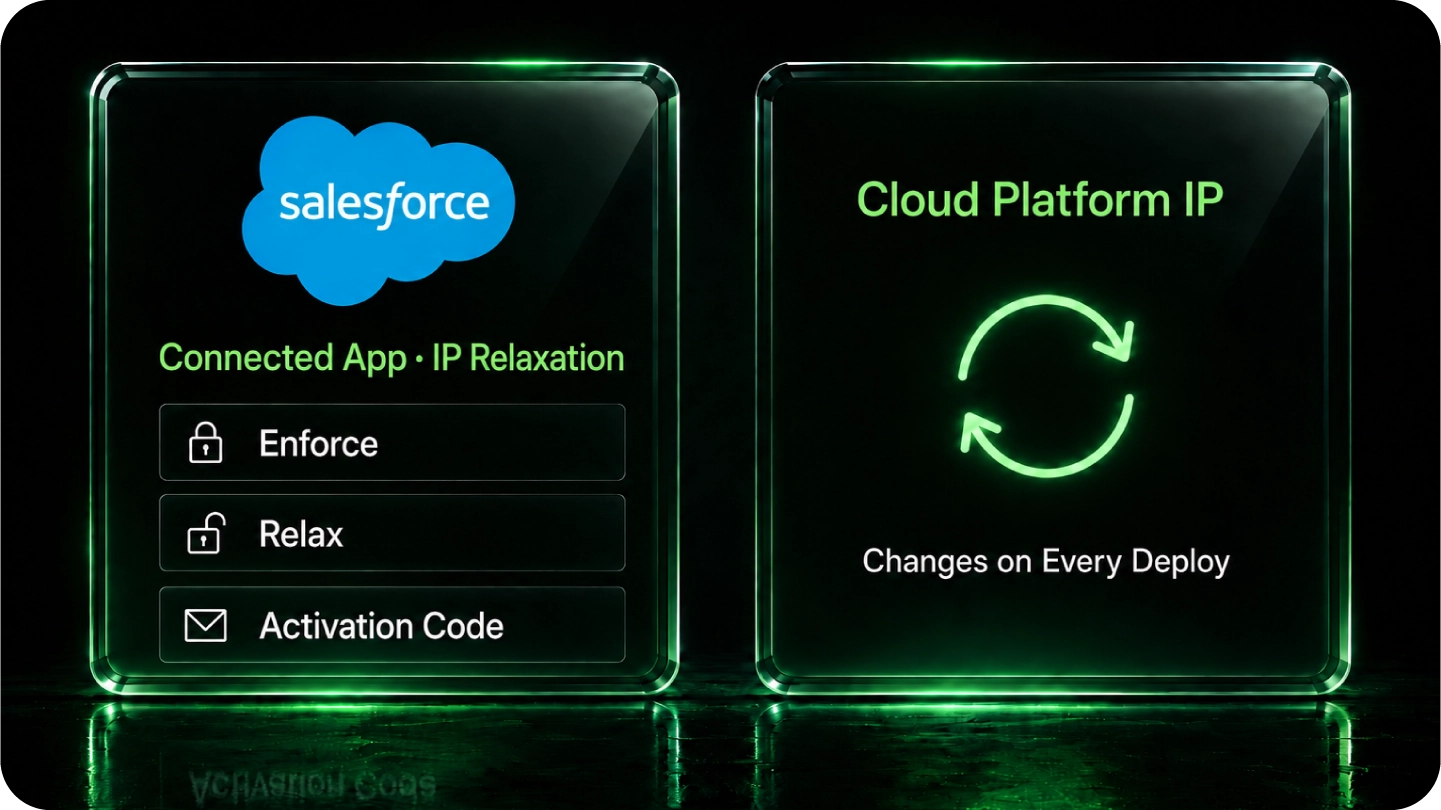
Connected App IP-relaxation policies, the OAuth flow, and continuous IP enforcement can affect your integration. Have your administrator check the actual policy rather than assuming every Salesforce connection follows the same sequence.
A stable managed route lets your team retain a small allowlist without taking ownership of proxy hosts, NAT infrastructure, or overnight incidents.
Cloud egress can change unless you configure a stable route. Continue routing Salesforce connections through QuotaGuard when you deploy, scale, or move between supported hosting environments.
If Salesforce restricts token-acquisition or token-refresh requests by IP, configure those connections to use QuotaGuard too. Routing only the API request does not configure a separate authentication client.
Keep Salesforce authentication, authorization, and least-privilege permissions in place. QuotaGuard provides stable network identity so you can preserve IP restrictions instead of relaxing them to accommodate changing egress.
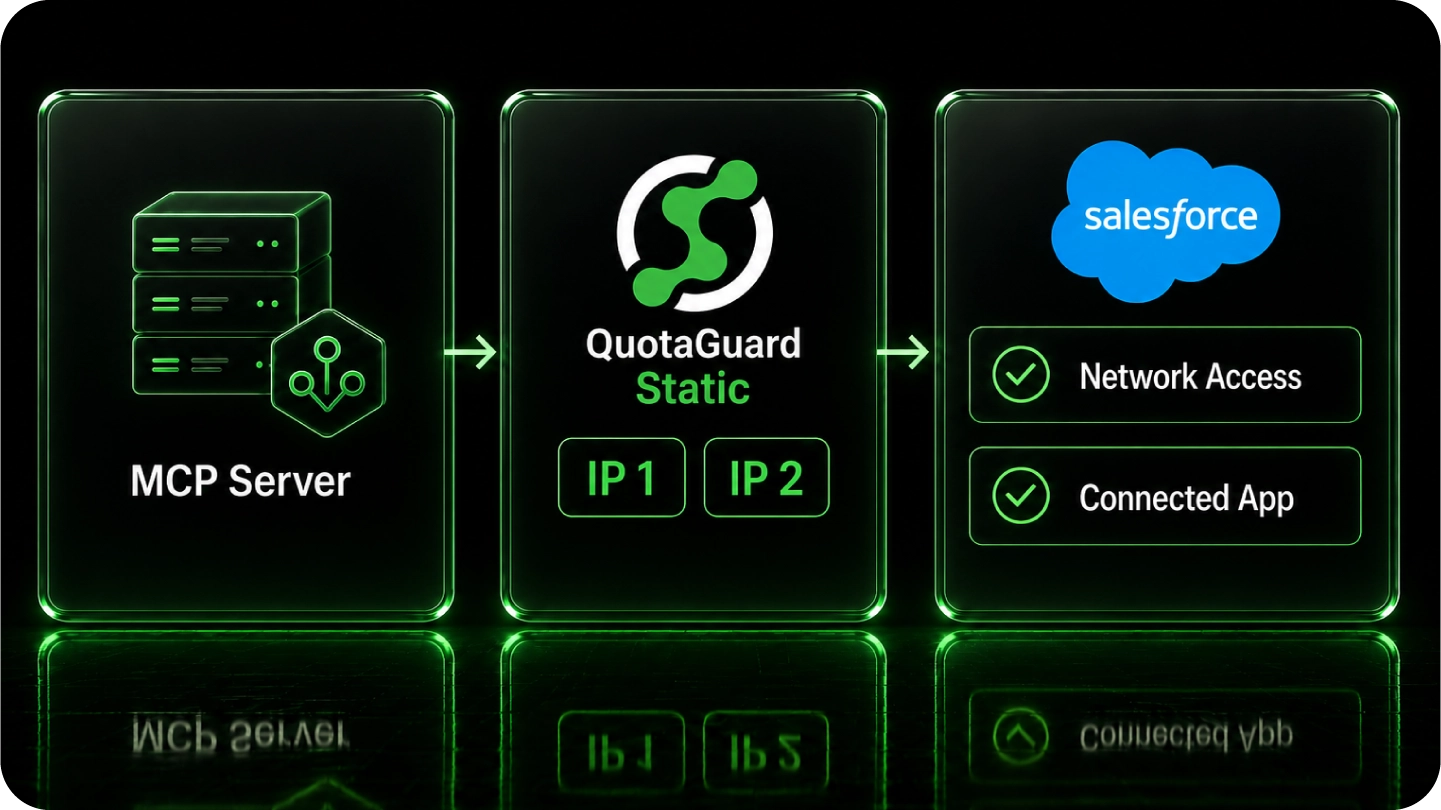
Copy your proxy URL and both static IPs from the QuotaGuard dashboard. Then configure the client, authorize the addresses, and verify the real connection.
Configure the HTTP client your MCP server uses for Salesforce. Where supported, route only the connections requiring static egress. Environment variables work only when the client honors them.
Have your administrator authorize both addresses in the applicable enforced policy. Verify a Salesforce API request and the authentication flow your integration actually uses.
Standard plans use shared managed infrastructure. For customer-only source addresses, choose Enterprise dedicated infrastructure. Use Shield when your security review requires TLS protection on the customer-to-proxy hop.
Common questions about Salesforce MCP static IPs and QuotaGuard. See the MCP server static IP overview for how this gate shows up across other enterprise systems.
Does every Salesforce MCP integration need a static IP?
No. QuotaGuard is useful when an enforced Salesforce IP policy requires a stable source address or your team wants a small, portable allowlist. Network Access trusted ranges alone do not mean every request outside those ranges is blocked.
What is the difference between Network Access and profile Login IP Ranges?
Network Access identifies trusted locations and can reduce identity-verification or API security-token requirements. Profile Login IP Ranges can restrict where a user may log in. Connected App policies and the OAuth flow also matter; ask your administrator which policy governs the rejected connection.
Does setting a proxy environment variable finish the setup?
Only if the HTTP client making the connection honors it. Configure the Salesforce API client explicitly where necessary, include restricted authentication and token-refresh connections, authorize both QuotaGuard IPs, and verify the actual Salesforce request.
Why choose managed egress instead of running a proxy VM?
QuotaGuard operates the proxy infrastructure, availability, failover, maintenance, and support. Your team retains selective routing and an outbound identity that is not tied to one hosting platform, without owning a proxy server’s operational workload.
Static or Shield for Salesforce MCP?
For HTTPS connections, neither Static nor Shield decrypts the application payload. Static uses plaintext HTTP proxy protocol on the customer-to-proxy hop while the HTTPS payload remains encrypted to the destination. Shield adds TLS protection to that hop. Choose Shield when your security review or approved compliance architecture requires it.
Can I get customer-only source addresses?
Standard QuotaGuard plans provide stable outbound addresses on shared managed infrastructure. If your security policy requires source addresses used only by your organization, choose QuotaGuard Enterprise dedicated infrastructure. Contact support to arrange dedicated provisioning.
What other security controls should remain in place?
Keep application authentication, least-privilege permissions, server-side credential storage, rotation, and audit logging alongside the IP allowlist. A source address is an additional security layer, not proof of application identity.
Salesforce references: Network Access versus profile IP restrictions and Connected App OAuth policies.
For over a decade, QuotaGuard has provided reliable, high-performance static IP and proxy solutions for cloud environments like Heroku, Kubernetes, and AWS.
Get the fixed identity and security your application needs today.