Fixed Outbound IP for Lovable Apps Calling the Binance API

June 18, 2026
5 min read
Pattern

Store your QuotaGuard Shield proxy URL as a Lovable secret, then route Supabase Edge Function calls to Binance through it for a fixed exit IP.

Looking for general Supabase Edge Functions setup, not Lovable-specific? See our Supabase Edge Functions Static Outbound IP post for the broader pattern covering both QuotaGuard Static and Shield use cases.

This is a confirmed setup. A customer came to us with exactly this problem: their Lovable app's calls to the Binance API kept failing because the outbound IP wasn't stable. Routing those calls through a proxy with a fixed IP solved it. Here's the exact setup.

Binance enforces two IP rules that break cloud-hosted bots and scripts. A key without an IP restriction loses its trading permission after 30 days, and withdrawals require a whitelisted IP. See Binance's API key permission documentation for the current rules. Lovable apps run on shared infrastructure with dynamic outbound IPs that shift without notice. The moment Lovable's underlying infrastructure changes, Binance starts rejecting your calls with an IP error. The fix is routing your Binance calls through a proxy with a static IP.

Supabase Edge Functions Give You a Proxy-Ready Outbound Path

Lovable uses Supabase as its backend. Edge Functions are the place to put server-side API calls: anything that needs credentials or a proxy. They run in a Deno environment and have full control over outbound HTTP, which means you can pass a proxy URL explicitly to your fetch calls. That's the hook QuotaGuard needs.

Making Binance API calls directly from the browser is a security problem regardless of the IP issue. Your API keys would be exposed to anyone inspecting network traffic. Edge Functions solve both problems at once: they keep your keys server-side and give you a controlled outbound path you can route through a proxy.

Use QuotaGuard Shield for Binance and Other Financial APIs

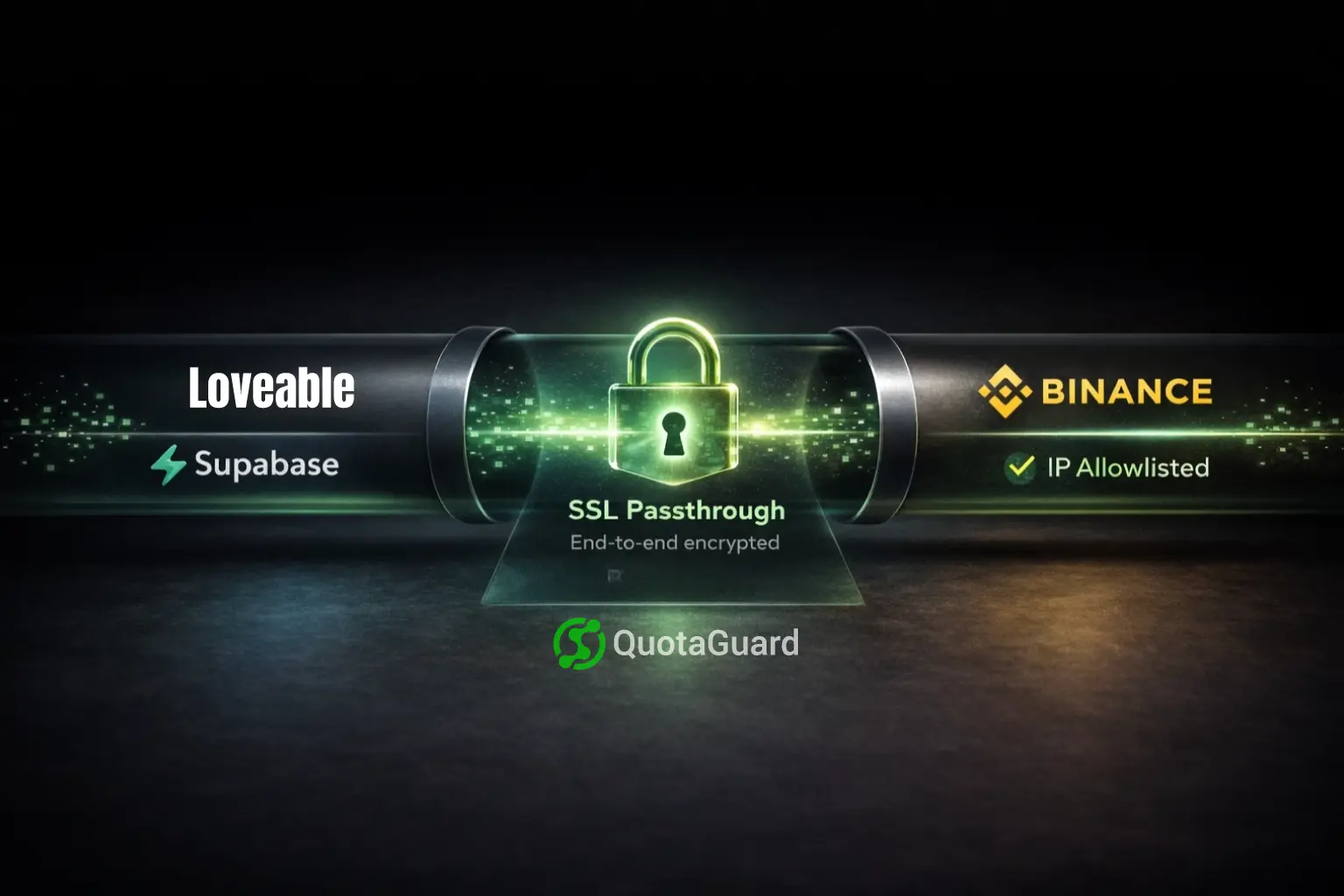
For calls to trading APIs, crypto exchanges, and payment processors, use QuotaGuard Shield rather than QuotaGuard Static. The difference matters here. Shield uses SSL passthrough. Your requests travel end-to-end encrypted between your Edge Function and the Binance API. QuotaGuard routes the packets but never decrypts the data. That's the right model when financial data is in transit.

QuotaGuard Static works for general API calls and non-financial use cases. For Binance, use Shield.

Store the Proxy URL Securely in Lovable

After signing up for QuotaGuard Shield, you'll get a proxy URL. It looks like this:

https://username:password@us-east-shield-01.quotaguard.com:9294

In Lovable, open your project settings and add this as a secret under a key like QUOTAGUARDSHIELD_URL. Lovable's built-in secret store encrypts the value at rest. It's accessible to your Supabase Edge Functions as an environment variable without ever appearing in your codebase or prompts.

Route Binance API Calls Through the Proxy in Edge Functions

In your Supabase Edge Function, use Deno.createHttpClient with the proxy URL. The proxy URL needs to be parsed to separate the host from the credentials. Deno's proxy config takes them separately. Always close the client in a finally block.

import { serve } from "https://deno.land/std@0.168.0/http/server.ts";
 
serve(async (req) => {
  const proxyUrl = Deno.env.get("QUOTAGUARDSHIELD_URL");
 
  if (!proxyUrl) {
    return new Response(JSON.stringify({ error: "Proxy URL not configured" }), {
      status: 500,
      headers: { "Content-Type": "application/json" },
    });
  }
 
  const url = new URL(proxyUrl);
 
  const client = Deno.createHttpClient({
    proxy: {
      url: `${url.protocol}//${url.host}`,
      basicAuth: {
        username: url.username,
        password: url.password,
      },
    },
  });
 
  try {
    const response = await fetch(
      "https://api.binance.com/api/v3/ticker/price?symbol=BTCUSDT",
      {
        client,
        headers: {
          "X-MBX-APIKEY": Deno.env.get("BINANCE_API_KEY") ?? "",
        },
      }
    );
 
    const data = await response.json();
    return new Response(JSON.stringify(data), {
      headers: { "Content-Type": "application/json" },
    });
  } finally {
    client.close();
  }
});

Store your Binance API key the same way as the proxy URL. Set it as a secret via the Supabase CLI and read it in the function via Deno.env.get().

Verify Your Static IP Before Allowlisting It

Before you add any IP to your Binance allowlist, confirm what IP your Edge Function is actually exiting from. Build a quick check that calls an IP echo endpoint through the proxy:

const proxyUrl = Deno.env.get("QUOTAGUARDSHIELD_URL");
const url = new URL(proxyUrl!);
 
const client = Deno.createHttpClient({
  proxy: {
    url: `${url.protocol}//${url.host}`,
    basicAuth: { username: url.username, password: url.password },
  },
});
 
try {
  const response = await fetch("https://api.ipify.org?format=json", { client });
  const { ip } = await response.json();
  console.log("Outbound IP:", ip);
} finally {
  client.close();
}

The IP returned should match a static IP shown in your QuotaGuard dashboard. That's the address to add to your Binance API allowlist. QuotaGuard tip: run this check every time you set up a new environment. It takes 30 seconds and prevents you from allowlisting the wrong IP.

You Allowlist Two Static IPs, Once

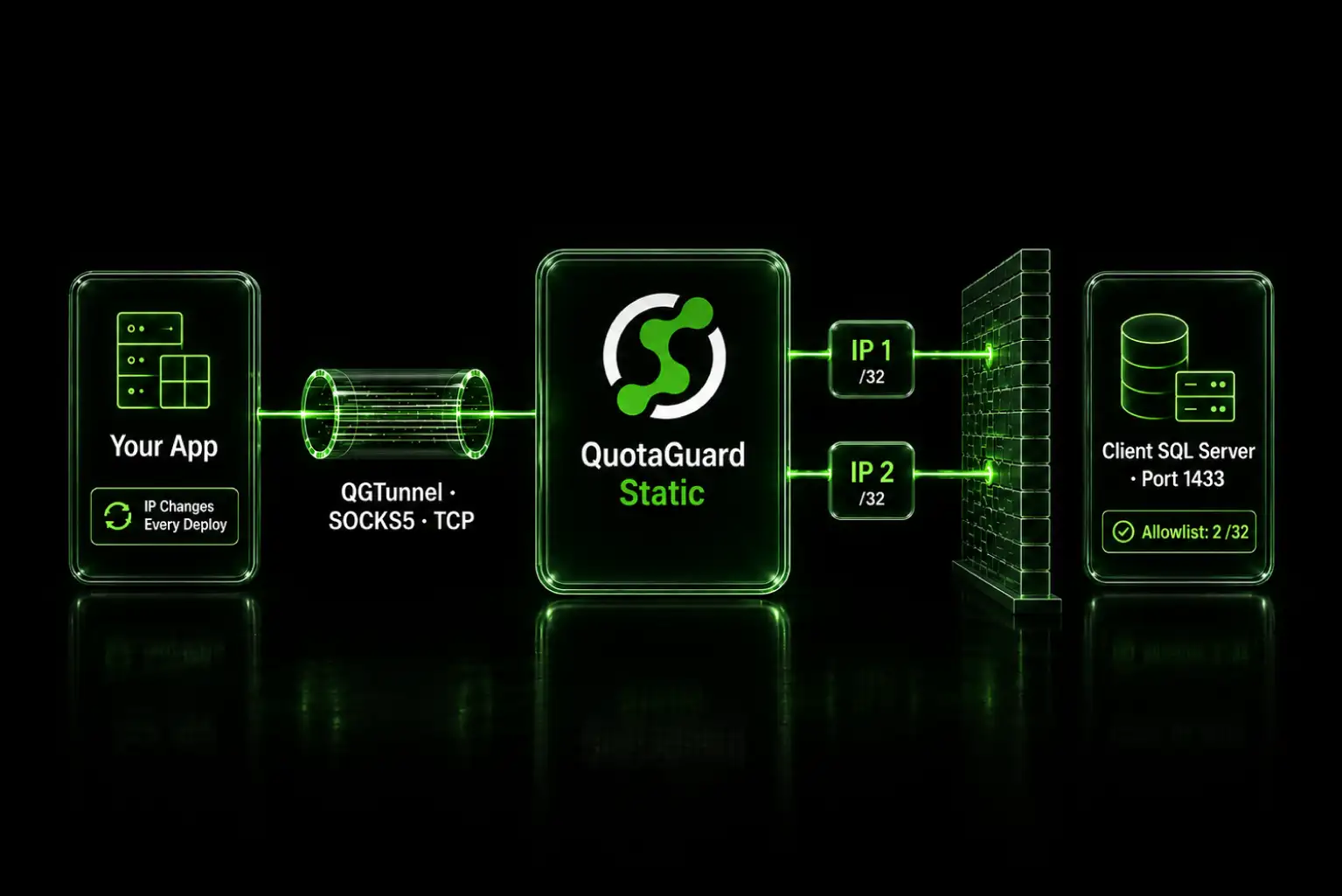
QuotaGuard gives you two static IPs per subscription in a load-balanced pair with automated failover. Add both to your Binance allowlist. They don't change. Every environment that routes through the same QuotaGuard subscription uses the same two IPs, so you allowlist once and it covers dev, staging, and production.

Plans start at $19/month on the Static Starter plan and $29/month on the Shield Starter plan. For the Binance use case, Shield is the right product. See QuotaGuard Shield for details on SSL passthrough and compliance. Pricing for all plans is here.

QuotaGuard Static IP Blog

Practical notes on routing cloud and AI traffic through Static IPs.

Reliability Engineered for the Modern Cloud

For over a decade, QuotaGuard has provided reliable, high-performance static IP and proxy solutions for cloud environments like Heroku, Kubernetes, and AWS.

Get the fixed identity and security your application needs today.