Kite Connect Static IP: Fix Your Zerodha Bot on Heroku or Railway

QuotaGuard Engineering
April 2, 2026
5 min read
Pattern

Add a dedicated static IP to your Kite Connect bot using QuotaGuard Shield. It works on Heroku, Railway, Render, or any cloud platform. Setup takes a few minutes.

On April 2, 2026 we tested QuotaGuard Shield's AWS static IP (52.33.116.20, us-west-2) against api.kite.trade through the proxy. Result: HTTP 200 on the public instruments endpoint. Connection confirmed. No network-layer block. Cloudflare is in the path and didn't stop the request.

The SEBI compliance thread on the Kite Connect forum has been active since late 2025. If you're just now hitting this wall, you're in good company. Enforcement on April 1 is what made it real for most people. Zerodha's own forum recommends AWS IPs as a compliant option. QuotaGuard Shield runs on AWS.

SEBI's static IP mandate for retail algo trading took effect April 1, 2026. Zerodha now rejects order-placement API calls from unregistered IPs. Full regulatory background and all affected brokers here.

Register a Static IP With QuotaGuard Shield

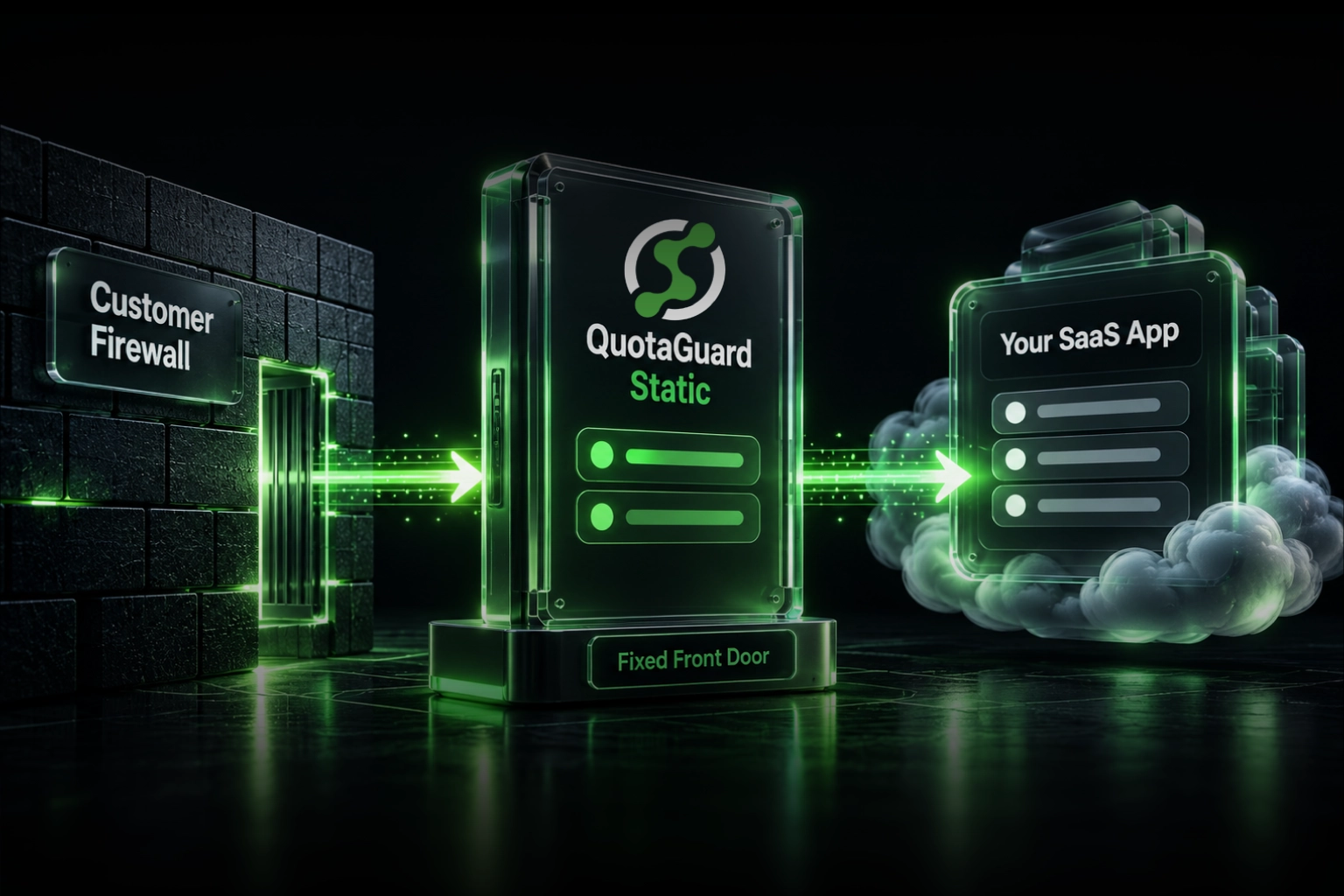
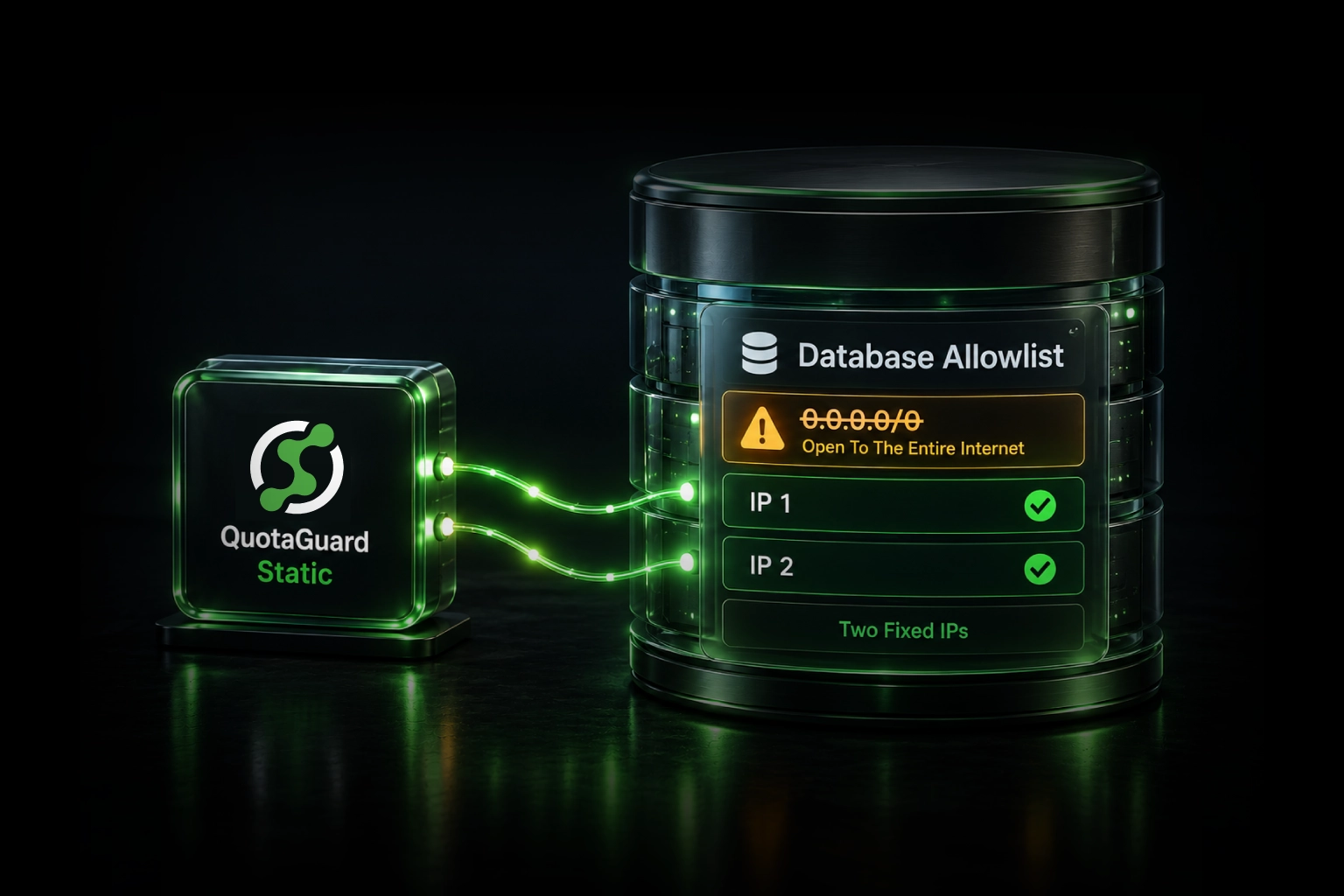
QuotaGuard Shield acts as an egress proxy. Your Kite Connect API calls leave your app, pass through Shield's AWS infrastructure, and arrive at api.kite.trade from a fixed, dedicated IP. Zerodha sees that IP. You register it once. Done.

SSL passthrough means QuotaGuard never decrypts your traffic. Your Kite Connect credentials and order data pass through as an encrypted stream. The proxy doesn't see them. Each account gets a dedicated IP. SEBI's requirement is traceability: the IP must identify you specifically. A shared proxy pool fails this test.

QuotaGuard tip: the same static IP works across all brokers. If you're running strategies through Upstox, Kotak Neo, or Dhan alongside Zerodha, one Shield subscription covers all of them.

Setup

Sign up at quotaguard.com/products/pricing. Your proxy URL and dedicated static IP are in the dashboard immediately. Set the environment variable on your platform (Railway, Render, Fly.io, EC2, or anything else):

QUOTAGUARDSHIELD_URL=http://username:password@proxy.quotaguard.com:9293

If you're on Heroku, Shield is also available as an add-on: heroku addons:create quotaguardshield:starter. It sets the environment variable automatically.

Python: kiteconnect SDK

The kiteconnect library uses requests under the hood. Set proxy environment variables before the SDK initializes:

import os
 
proxy_url = os.environ['QUOTAGUARDSHIELD_URL']
os.environ['HTTPS_PROXY'] = proxy_url
os.environ['HTTP_PROXY'] = proxy_url
 
from kiteconnect import KiteConnect
 
kite = KiteConnect(api_key="your_api_key")
print(kite.login_url())
 
data = kite.generate_session("request_token_here", api_secret="your_secret")
kite.set_access_token(data["access_token"])
 
profile = kite.profile()
print(profile)

Python: Direct requests Alongside the SDK

If you're making direct HTTP calls alongside the Kite SDK:

import os
import requests
 
proxy_url = os.environ['QUOTAGUARDSHIELD_URL']
proxies = {
    'http': proxy_url,
    'https': proxy_url,
}
 
response = requests.get(
    'https://api.kite.trade/instruments',
    headers={'X-Kite-Version': '3', 'Authorization': f'token {api_key}:{access_token}'},
    proxies=proxies,
)
print(response.status_code)  # 200

The First-Login CAPTCHA

The first time you log in from a new IP, Zerodha's spam detection may show a CAPTCHA. This is a one-time check. Complete it and it won't appear again for that IP. It's not a block. It's Zerodha confirming the new IP is a legitimate user. After the CAPTCHA, subsequent logins proceed normally.

Register the IP With Zerodha

Find your static IP in the QuotaGuard dashboard. Log into your Kite Connect developer console and add the IP to your allowed list. The Kite Connect forum thread on SEBI compliance has developer discussion about the registration process and edge cases worth reading before you go live.

Run a test against a read-only endpoint (like /instruments) before restoring your order-placement logic. Confirm 200. Then redeploy your bot.

Latency Won't Affect Your Strategy

Shield adds roughly 10-50ms per request. The SEBI mandate is an authentication and identity verification requirement, not an execution speed requirement. The IP check happens at session establishment. High-frequency traders use NSE co-location. They don't deploy on PaaS cloud platforms. If you're on Heroku or Railway, 20-50ms on authentication calls has no effect on your returns.

Get Your Zerodha Bot Back Online Today

Sign up at quotaguard.com/products/pricing. Set QUOTAGUARDSHIELD_URL, update your code, register the IP with Zerodha. Start with Starter to verify. Move to Production ($49/month) once you're running live. Also available as a Heroku add-on.

QuotaGuard Static IP Blog

Practical notes on routing cloud and AI traffic through Static IPs.

Reliability Engineered for the Modern Cloud

For over a decade, QuotaGuard has provided reliable, high-performance static IP and proxy solutions for cloud environments like Heroku, Kubernetes, and AWS.

Get the fixed identity and security your application needs today.