Pass OpenRouter's Enterprise IP Allowlist With a Static IP

QuotaGuard Engineering
August 17, 2026
5 min read
Pattern

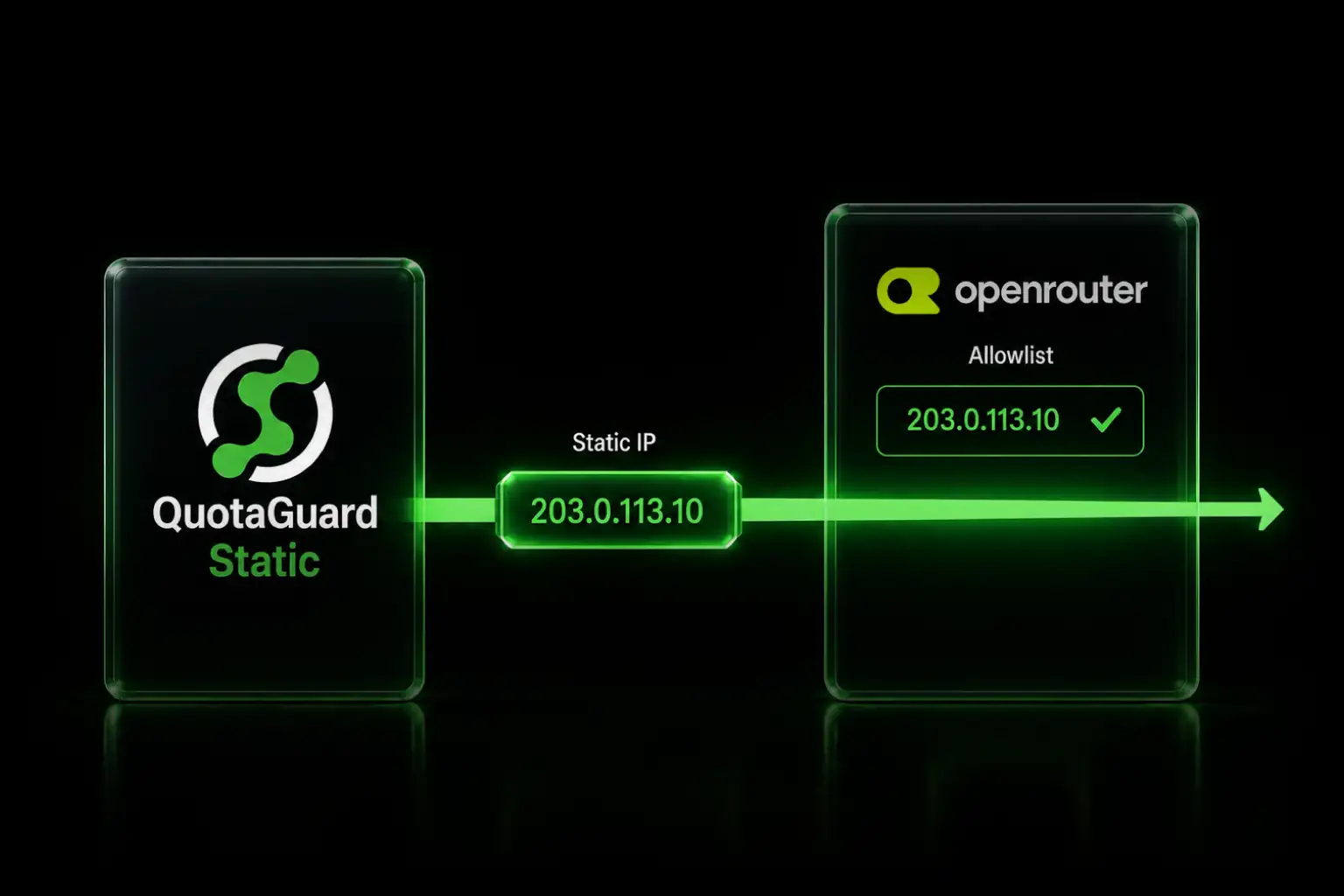
OpenRouter's Enterprise IP allowlist restricts API access by source IP for the whole org. Route your app through a QuotaGuard static IP to pass it.

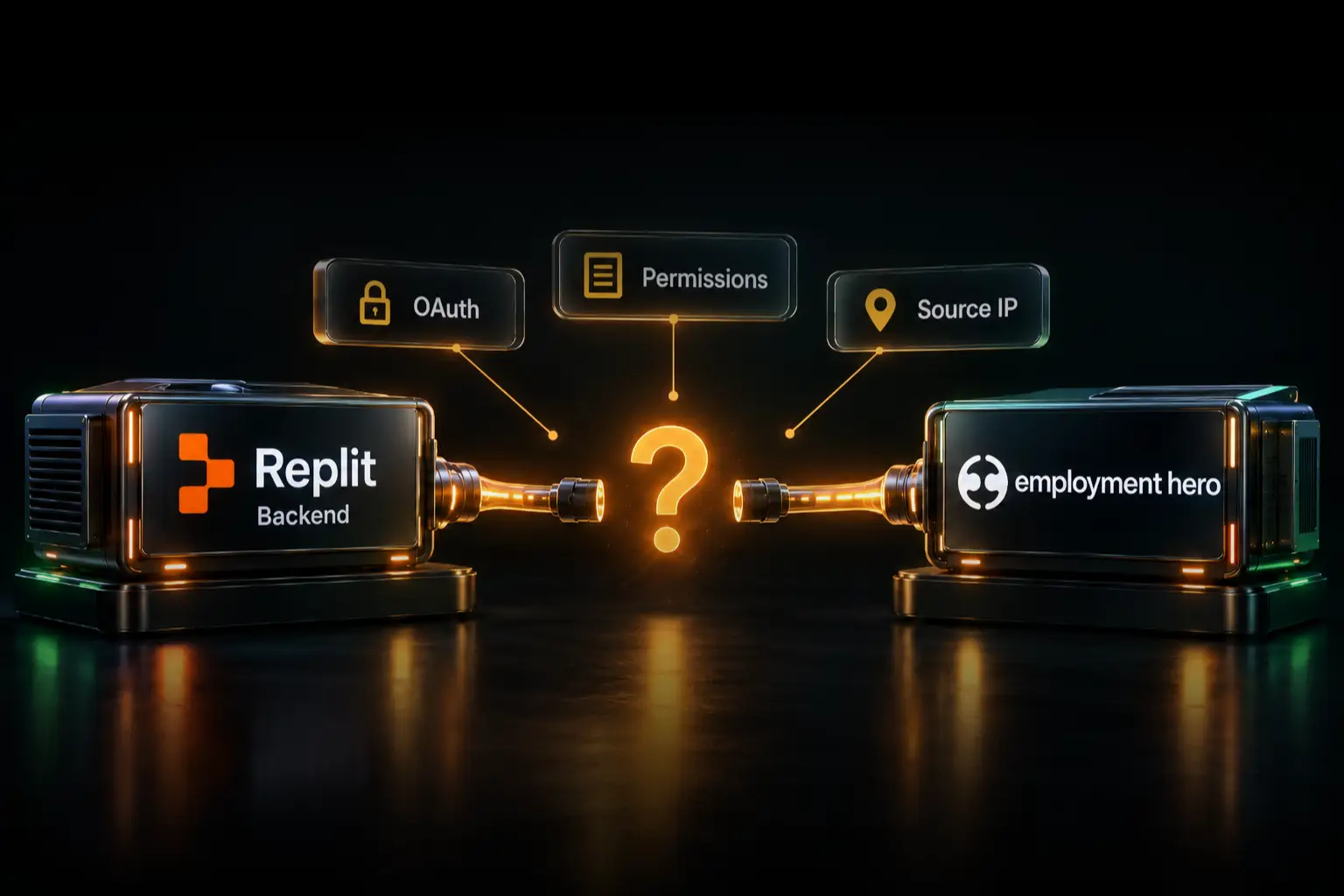
OpenRouter routes your LLM calls to dozens of model providers behind one OpenAI-compatible API. On the Enterprise plan, an org admin can lock that API down by source IP. Turn on the allowlist and every API key under the account only works from an address you registered. Your app runs on Heroku, Lambda, or a container, so its egress IP moves. It gets rejected. This is the same problem behind the static outbound IP for AI agents pattern, and the fix is a fixed egress IP.

OpenRouter's IP Allowlist Is an Enterprise, Org-Level Control

Be clear on the scope before you plan around it. The IP allowlist is an Enterprise-plan feature. The setting only appears for Enterprise org accounts, and only to members with manage permission. An org admin configures it at Settings > Privacy.

It works at the account level, not per key. The allowlist applies to every API key under the org. An empty list means access is unrestricted. Add any IP or CIDR range and OpenRouter then only accepts requests from the entries you listed. There are per-key controls in OpenRouter, but those are budget and credit limits. They don't do IP restriction. If you need to gate access by source IP, the org-level allowlist is the mechanism.

A request from an IP that isn't on the list gets rejected. OpenRouter returns an HTTP 403 with a message that the IP isn't allowed for the account. The exact wording is "your IP address is not in the allowlist for this account". See OpenRouter's docs for the current behavior on your plan.

A Static Egress IP Keeps Your Allowlist Entry Stable

An allowlist is only useful if the address in it stays put. Cloud runtimes don't cooperate. On Heroku, AWS Lambda, or a container platform, your outbound IP is drawn from a shared pool and changes on deploys and restarts. You register today's IP, the box moves tomorrow, and OpenRouter starts rejecting your calls even though the API key is correct.

OpenRouter also warns that the IP it checks is your server or gateway's public egress IP. If your traffic leaves through a proxy, a NAT, or an egress pool, you have to add every possible IP or a CIDR range that covers them all. A wide, unpredictable egress range is the opposite of what an allowlist is for.

You can't allowlist the whole platform range either. Cloud hosts don't publish narrow CIDR blocks for egress, so trusting your platform's range means trusting every other tenant on it. A static outbound IP closes both gaps. Your app leaves from the same address every time, your OpenRouter allowlist stays two entries long, and no other tenant shares those entries. This is the same static-egress-plus-allowlist pattern that clears vendor allowlists for Composio and Datadog agent traffic.

QuotaGuard Gives Your OpenRouter Calls a Static IP in 2 Minutes

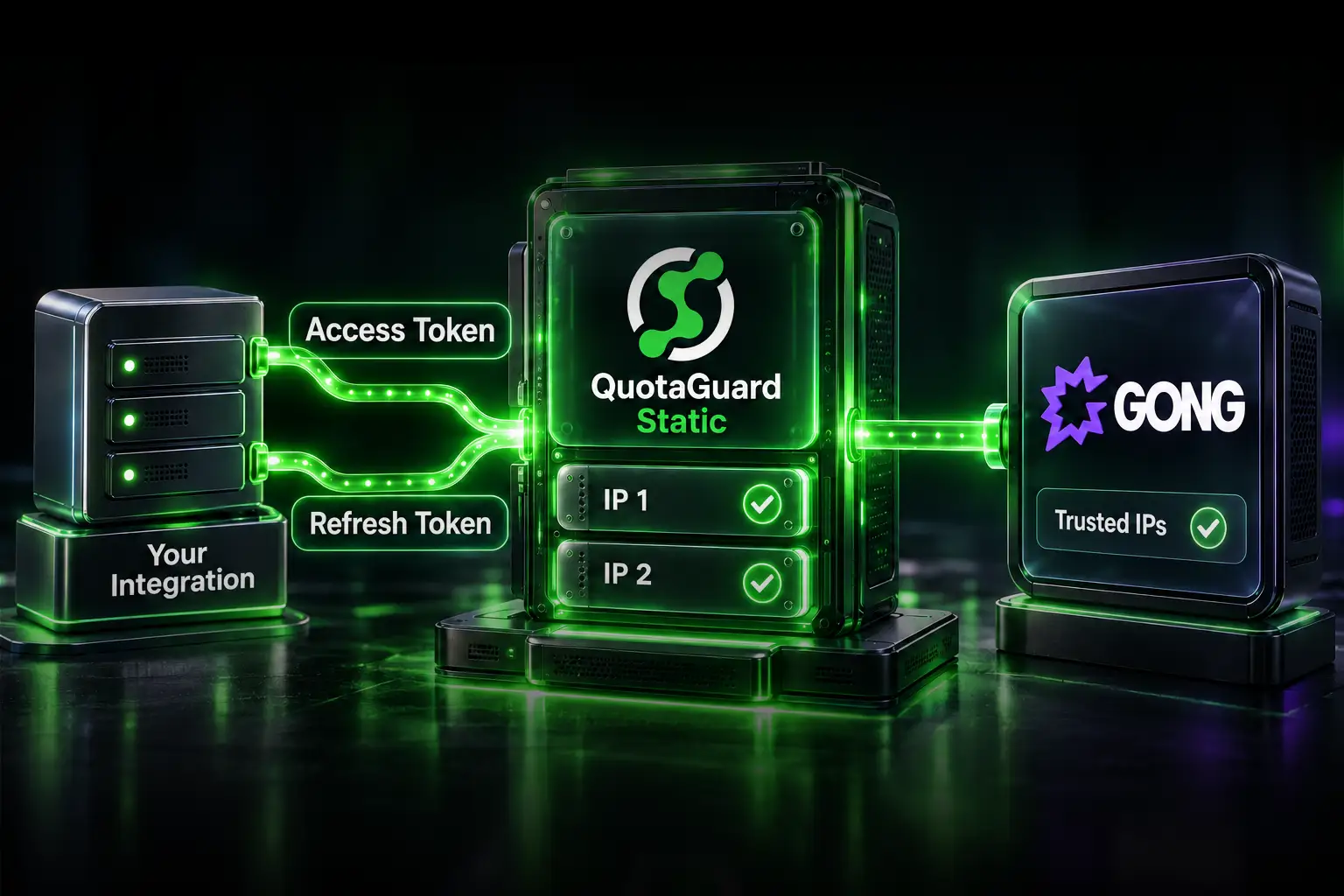
QuotaGuard is a proxy. Your app or agent sends its OpenRouter traffic through QuotaGuard, and OpenRouter sees one of your two fixed IPs on every request. Setup is one environment variable and a proxy config on your HTTP client.

Add the connection URL to your environment:

QUOTAGUARDSTATIC_URL="http://username:password@us-east-static-01.quotaguard.com:9293"

OpenRouter's API is OpenAI-compatible. The base URL is https://openrouter.ai/api/v1 and chat requests hit /chat/completions. Route those calls through the proxy. In Node.js:

const axios = require("axios");
const { HttpsProxyAgent } = require("https-proxy-agent");
const httpsAgent = new HttpsProxyAgent(process.env.QUOTAGUARDSTATIC_URL);

await axios.post(
  "https://openrouter.ai/api/v1/chat/completions",
  {
    model: "openai/gpt-4o",
    messages: [{ role: "user", content: "Hello" }],
  },
  {
    headers: { Authorization: `Bearer ${process.env.OPENROUTER_API_KEY}` },
    httpsAgent,
    proxy: false,
  }
);

In Python, most HTTP clients respect a proxy environment variable, so you set it once and requests follow:

import os, requests

proxies = {
    "http": os.environ["QUOTAGUARDSTATIC_URL"],
    "https": os.environ["QUOTAGUARDSTATIC_URL"],
}

resp = requests.post(
    "https://openrouter.ai/api/v1/chat/completions",
    headers={"Authorization": f"Bearer {os.environ['OPENROUTER_API_KEY']}"},
    json={
        "model": "openai/gpt-4o",
        "messages": [{"role": "user", "content": "Hello"}],
    },
    proxies=proxies,
)

Every subscription includes two load-balanced static IPs. The example host above is region-specific. You pick your region at sign-up, so choose the one closest to OpenRouter, and changing it later means contacting QuotaGuard support.

Add Both QuotaGuard IPs to the Org Allowlist at Settings > Privacy

Once your traffic is proxied, an org admin registers the two IPs. Because the allowlist checks your public egress IP, and QuotaGuard serves your requests from a pair of load-balanced addresses, you add both. Otherwise a request served by the second IP gets a 403.

  1. Sign in as an Enterprise org member with manage permission.
  2. Open Settings > Privacy and find the IP allowlist.
  3. Add both QuotaGuard static IPs, one per entry.
  4. Save. OpenRouter now accepts API calls from either IP and rejects the rest.

That's the whole loop. Two QuotaGuard IPs on the OpenRouter org allowlist, your app proxied through them, and the API accepts traffic from an origin you registered. QuotaGuard's architecture is why this holds: your traffic leaves the proxy from a fixed pair of addresses no matter how often your own dynos or functions recycle. If OpenRouter's allowlist screen or field labels differ from the steps above, follow OpenRouter's docs, since they own that setting.

AI Agents Route Through QuotaGuard With a Proxy Setting

An AI agent or coding assistant that calls OpenRouter is just another HTTP caller under the hood. The fix is the same. Most agent runtimes honor standard proxy environment variables, so exporting them makes the agent's outbound OpenRouter connections leave through QuotaGuard:

export HTTPS_PROXY="http://username:password@us-east-static-01.quotaguard.com:9293"
export HTTP_PROXY="http://username:password@us-east-static-01.quotaguard.com:9293"

If your agent framework configures its HTTP client in code instead of reading the environment, set the proxy on that client directly, the same way the Node and Python examples above do. Either way, the request to OpenRouter arrives from one of your two static IPs, and the Enterprise allowlist lets it through.

QuotaGuard Static Pricing Starts at $19/Month

Bandwidth is bundled. No per-GB overage fees. An app or agent routing chat completions through OpenRouter moves modest control-plane volume, so the entry tier covers most teams. Dedicated IPs are available on Enterprise and above. On lower tiers, your two assigned IPs are still static, but shared with other customers.

QuotaGuard Shield Pricing Starts at $29/Month

Shield costs slightly more than Static at each tier because SSL passthrough adds routing overhead. If your prompts or completions carry regulated data or your architecture is under SOC 2, PCI-DSS, or HIPAA review, Shield keeps the payload encrypted end to end and is worth the difference. QuotaGuard never decrypts your data in ordinary operation.

All plans include a 3-day trial. Enterprise plans include a 7-day trial. Credit card required.

See the full pricing table at quotaguard.com/products/pricing. For the wider agent-egress picture, see QuotaGuard's static outbound IP for AI agents hub.

QuotaGuard Static IP Blog

Practical notes on routing cloud and AI traffic through Static IPs.

Reliability Engineered for the Modern Cloud

For over a decade, QuotaGuard has provided reliable, high-performance static IP and proxy solutions for cloud environments like Heroku, Kubernetes, and AWS.

Get the fixed identity and security your application needs today.