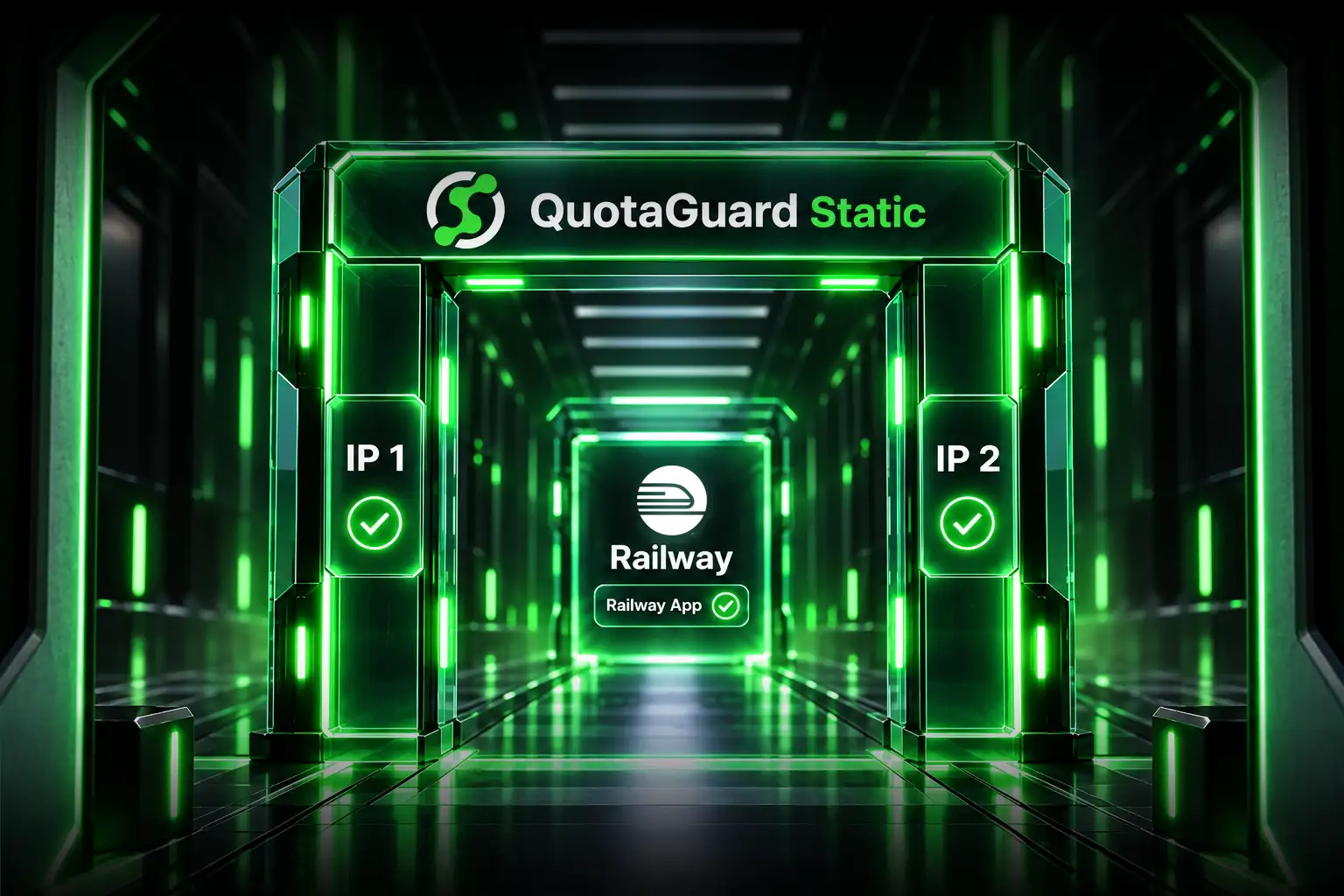
You can keep the application on Railway when a customer asks for fixed destination IPs. The customer connects through QuotaGuard. QuotaGuard forwards the request to the Railway service over HTTPS. You don't have to move the application or operate a reverse proxy fleet.
A bank, hospital, manufacturer, government agency, or software partner may block every outbound connection except approved destinations. Its network team asks for one or two public IP addresses before the system can call your API. If you can't provide them, onboarding stops. A Railway hostname alone may not satisfy that rule.
QuotaGuard Gives Your Railway App a Fixed Destination
The customer calls a QuotaGuard-facing hostname that resolves to the two static IPs assigned to your subscription. Its firewall allows those two destination addresses. QuotaGuard receives the HTTPS request and forwards it to the Railway public endpoint you configured.
Railway remains the application host. It still runs the code, handles the request, talks to the database, and produces the response. QuotaGuard supplies the stable public network identity in front of it.
The customer must call the hostname. The IPs are for the firewall allowlist. They aren't standalone URLs because the hostname identifies the correct inbound route.
QuotaGuard Supplies the Inbound Address Railway's Outbound Feature Cannot
Railway supports public HTTP and HTTPS access through a generated Railway domain or a custom domain. It also offers static outbound IPs for requests leaving a Railway service.
Those are different network directions. Railway's documentation states that its static outbound IPs can't receive inbound traffic. They help when your Railway app calls an allowlisted database or API. They don't give a customer's firewall a fixed destination for reaching your Railway app.
Your Railway app calls another system
The protected service needs stable source IPs.
This is outbound traffic. Railway's static outbound feature or a QuotaGuard outbound proxy may fit, depending on the required architecture.
A customer calls your Railway app
The customer's firewall needs stable destination IPs.
This is inbound traffic. Put a QuotaGuard inbound proxy in front of the Railway public endpoint.
Changing Railway's outbound settings won't change the address a customer uses to reach the service. The fixed destination must sit in front of the application.
A QuotaGuard Front Door Keeps Railway Behind the Route
Railway public networking exposes services over HTTP and HTTPS. You can use a generated *.up.railway.app domain or a verified custom domain as the forwarding destination behind QuotaGuard. Keep that origin hostname separate from the hostname customers use to reach QuotaGuard.
The customer doesn't need to know the Railway origin. It uses the QuotaGuard-facing hostname and sends the usual authenticated application request. QuotaGuard forwards that request to Railway.
If the Railway service is redeployed or scaled, the customer's destination rule stays pointed at the QuotaGuard pair. If you later change the Railway origin, update the forwarding destination in QuotaGuard. The customer-facing hostname and IP pair can stay the same.
This separation matters when a firewall change requires a ticket, security approval, maintenance window, or coordination with another company. Your hosting changes shouldn't become the customer's network project.
Seven Steps Put the Static Route in Production
- Confirm the customer's exact rule. Ask whether it controls destination IP, hostname, port, protocol, or all four. Confirm that it can approve two addresses for availability.
- Confirm the Railway origin. Generate a public Railway domain or use a verified custom domain. Test the HTTPS endpoint directly before adding another network layer. Keep the origin hostname separate from the QuotaGuard-facing hostname.
- Choose Static or Shield. QuotaGuard Static fits standard API traffic. Use QuotaGuard Shield when the approved design requires SSL passthrough and no proxy-level TLS termination.
- Create the inbound proxy. In the QuotaGuard dashboard, open the correct subscription, choose the inbound proxy configuration, and enter the Railway HTTPS endpoint as the forwarding URL.
- Choose the public hostname. QuotaGuard Static can provide an auto-generated hostname or support a custom domain. Follow the dashboard instructions for DNS and certificates when using your own domain.
- Send one complete firewall request. Give the customer the hostname, both static IPs, port, protocol, authentication method, expected request path, and support contact.
- Test the real route. Call the QuotaGuard-facing hostname from the restricted network. Check TLS, authentication, application logs, response behavior, and failover readiness.
The dashboard portion takes about 2 minutes. QuotaGuard notes that inbound configuration changes can take up to 10 minutes to propagate. DNS timing for a custom domain depends on the DNS provider.
The QuotaGuard Static inbound proxy guide shows the current dashboard flow, hostname choices, custom-domain steps, and certificate requirements.
QuotaGuard Removes a Reverse Proxy From Your Operations Queue
You can build a fixed front door with cloud load balancers, public addresses, proxy software, and health checks. That makes your team responsible for a production network service.
A resilient route needs more than an IP address. It needs redundant proxy capacity, failover, patching, monitoring, TLS management, logs, alerts, regional placement, and support when a customer can't connect.
QuotaGuard operates that layer. Your subscription receives two load-balanced static IPs. QuotaGuard manages the proxy infrastructure, availability, maintenance, capacity, and support. Your team keeps responsibility for the Railway application and its business logic.
The comparison isn't $19 versus a free IP address. It's a managed route versus another production service your engineers must build and carry.
Regional Placement and Traffic Size Keep Latency and Cost Predictable
An inbound proxy adds one network hop. Traffic travels from the customer to QuotaGuard and then to Railway. Choose a QuotaGuard region that fits the customer, the Railway deployment, and any residency requirement. Then test representative production requests from the customer's actual network.
QuotaGuard doesn't reduce Railway compute, memory, database load, or response time inside the application. Railway still processes every request. The proxy only provides the fixed network path.
Request volume and payload size determine the QuotaGuard plan. The QuotaGuard Static Starter plan includes 20,000 requests and 10 GB of bandwidth per month. Large API responses, file downloads, and uploads can use bandwidth quickly even when request counts are modest. QuotaGuard Static inbound routes support configurable body size limits up to 512 MB.
Measure before launch. Test normal requests, peak traffic, response sizes, retries, health checks, and failure behavior. Include both Railway usage and QuotaGuard usage in the operating estimate.
Application Authentication Still Protects Every Railway Request
A destination IP rule lets the customer's network reach the service. It doesn't prove who sent the request. It doesn't authorize an account, tenant, or action.
Keep the controls already protecting the Railway application:
- HTTPS across the complete public path.
- API keys, OAuth, mTLS, signed requests, or another suitable authentication method.
- Least-privilege authorization and tenant isolation.
- Rate limits, input validation, logs, and anomaly alerts.
- Origin controls when direct access to the Railway endpoint would bypass the intended security design.
A hard-to-guess Railway hostname isn't an access control. QuotaGuard forwards traffic to a reachable Railway origin. The application still decides who may use the service and what each caller may do.
QuotaGuard Static Pricing Starts at $19/Month
QuotaGuard Static includes inbound and outbound proxy capability. The Starter plan includes 20,000 monthly requests and 10 GB of monthly bandwidth. Bandwidth is bundled, and there aren't per-GB overage fees.
Static is the normal choice for a Railway API or web application that needs a stable HTTPS destination. On inbound HTTPS routes, Static terminates TLS at the QuotaGuard proxy and forwards the request to the configured Railway origin.
Starter, Production, and Business subscriptions use stable shared IP pairs and shared proxy resources. The two IPs stay assigned to the subscription, but they aren't customer-only.
QuotaGuard Shield Pricing Starts at $29/Month
QuotaGuard Shield provides inbound and outbound static IPs with SSL passthrough. In ordinary operation, QuotaGuard doesn't decrypt customer payload contents. Shield fits healthcare records, payment information, PII, and other approved architectures where proxy-level TLS termination isn't acceptable.
Customers remain responsible for determining whether the complete system satisfies HIPAA, PCI-DSS, SOC 2, or another compliance obligation. BAA review is available only for approved Shield configurations after intake review and signed documentation.
Standard plans include a 3-day trial. Enterprise plans include a 7-day trial. A credit card is required. See the complete QuotaGuard Static and Shield pricing table.
Enterprise Plans Add Customer-Only IPs and Proxy Resources
Some contracts require IPs and proxy resources reserved for one customer. That is a dedicated infrastructure requirement, not a requirement for every customer with a firewall.
QuotaGuard Enterprise includes dedicated IPs and dedicated proxy resources. QuotaGuard Static Enterprise starts at $219 per month. QuotaGuard Shield Enterprise starts at $269 per month.
Use Enterprise when the customer's written policy, contract, or approved architecture requires customer-only infrastructure. Use a standard plan when a stable shared pair satisfies the rule.
A Stable Inbound Pair Lets the Customer Connect Without Moving the App
Railway can keep running the application. QuotaGuard can provide the fixed destination the customer needs. The customer gets two addresses to allowlist and a hostname to call.
You avoid a hosting migration and a homegrown proxy fleet. The customer avoids a broad firewall exception. QuotaGuard operates the stable network layer between the two.
Give your Railway app a fixed destination customers can approve.
Start a QuotaGuard trial or talk to QuotaGuard engineering about the Railway origin, traffic volume, regional placement, TLS requirements, and shared or dedicated infrastructure.
Railway Static Inbound IP Questions Answered
Does Railway provide a static inbound IP?
Railway provides public domains and custom domains for inbound HTTP and HTTPS traffic. Its documentation states that Railway static outbound IPs can't be used to receive inbound traffic. QuotaGuard can provide the fixed inbound destination in front of the Railway endpoint.
Can I use Railway's static outbound IPs for customer traffic?
No. Those addresses identify requests leaving the Railway service. A customer reaching your app needs a stable destination in front of the service.
Does the customer connect directly to the two IP addresses?
No. The customer calls the QuotaGuard-facing hostname. Its firewall allowlists both IPs that hostname resolves to. The hostname tells QuotaGuard which inbound route should receive the request.
Why must the customer allowlist both QuotaGuard IPs?
The pair supports load balancing and failover. Either address may carry a request, so both must appear in the customer's destination rule.
Are the two standard QuotaGuard IPs dedicated?
No. Starter, Production, and Business subscriptions use stable shared IP pairs. Enterprise subscriptions include dedicated IPs and proxy resources.
Does QuotaGuard replace Railway authentication?
No. QuotaGuard supplies a stable network path. Keep HTTPS, credentials, authorization, request validation, rate limits, and application logging.
Should a Railway app use QuotaGuard Static or Shield for inbound traffic?
Use Static for standard inbound API and web traffic. Use Shield when the approved design requires SSL passthrough so QuotaGuard doesn't decrypt payload contents in ordinary operation.