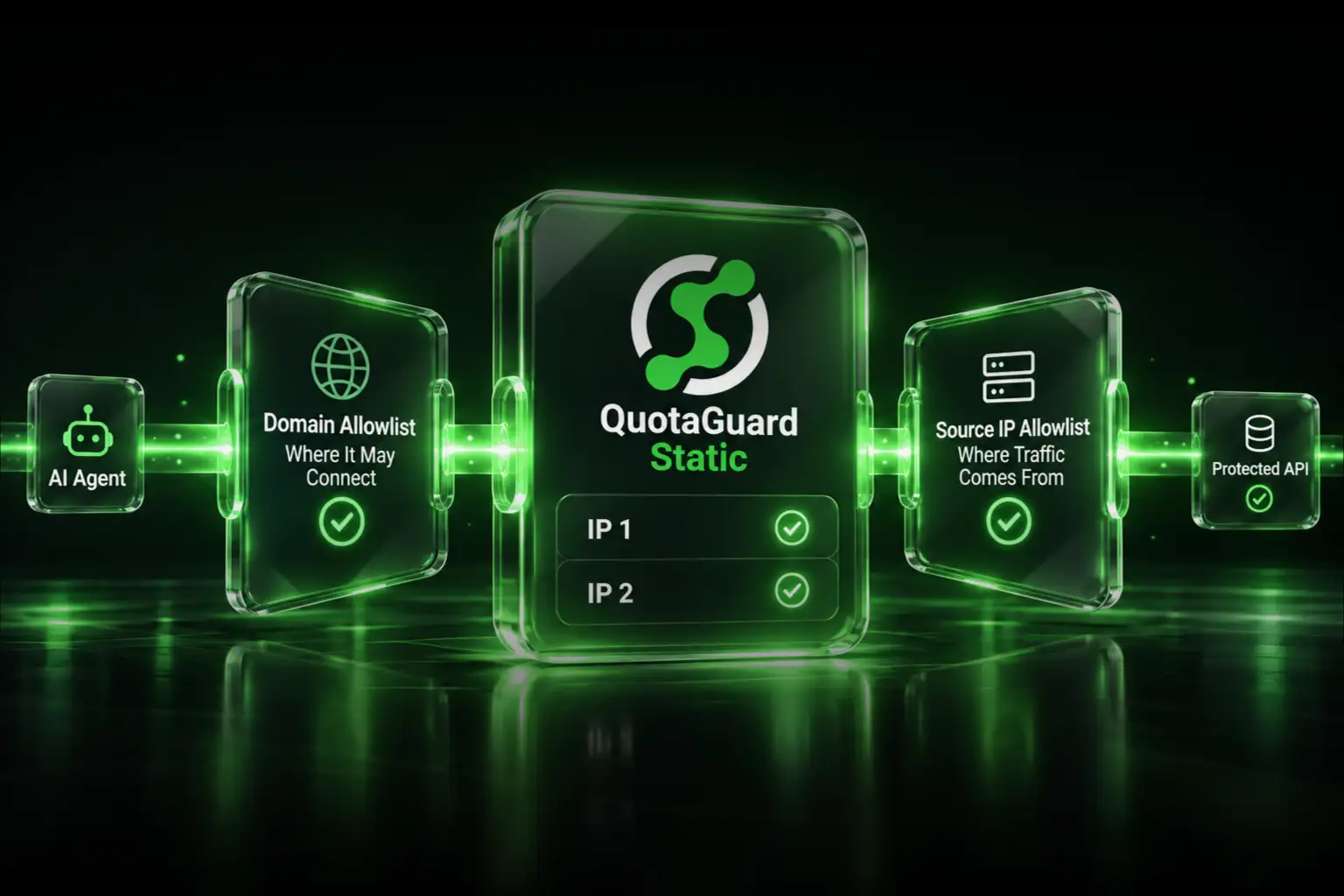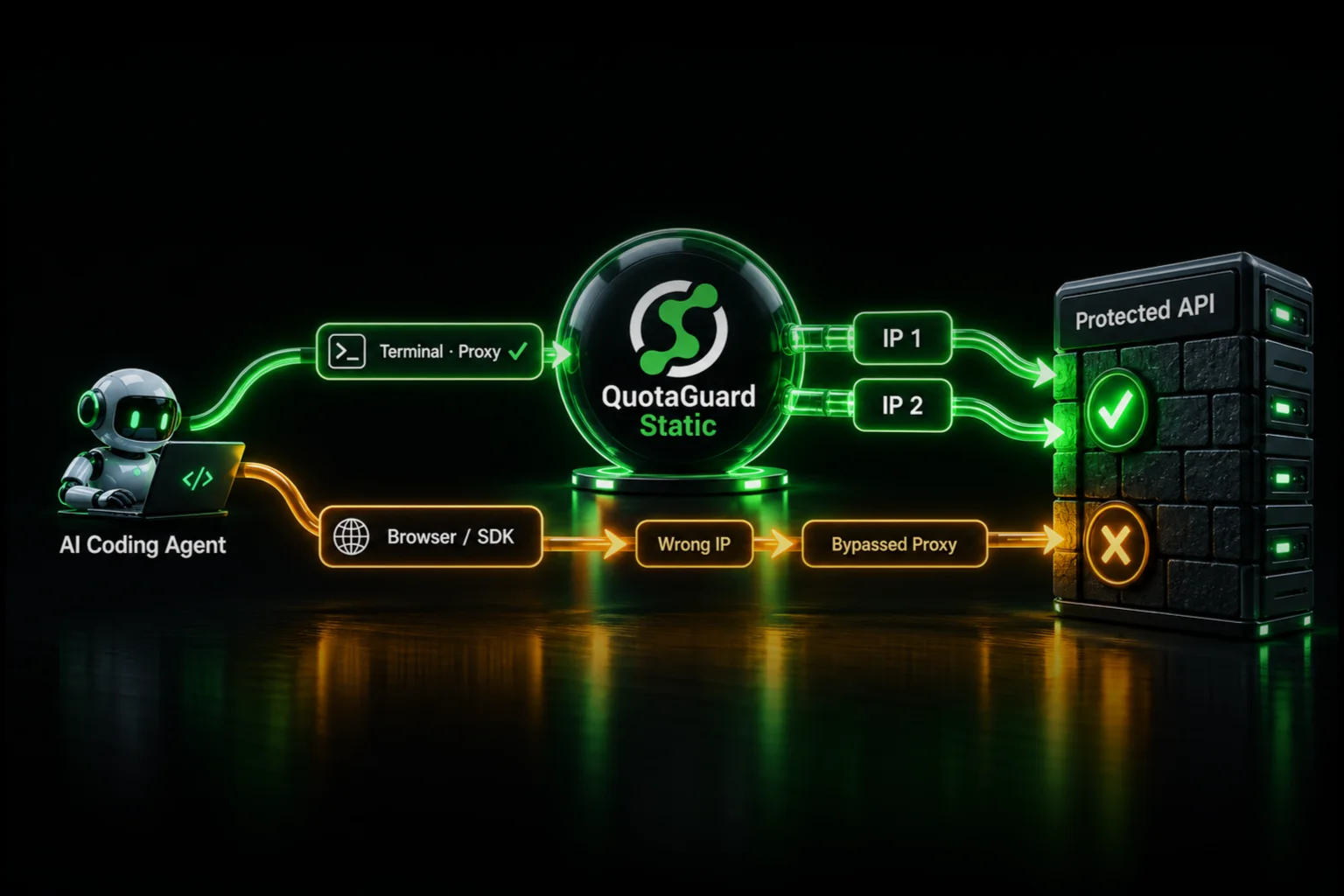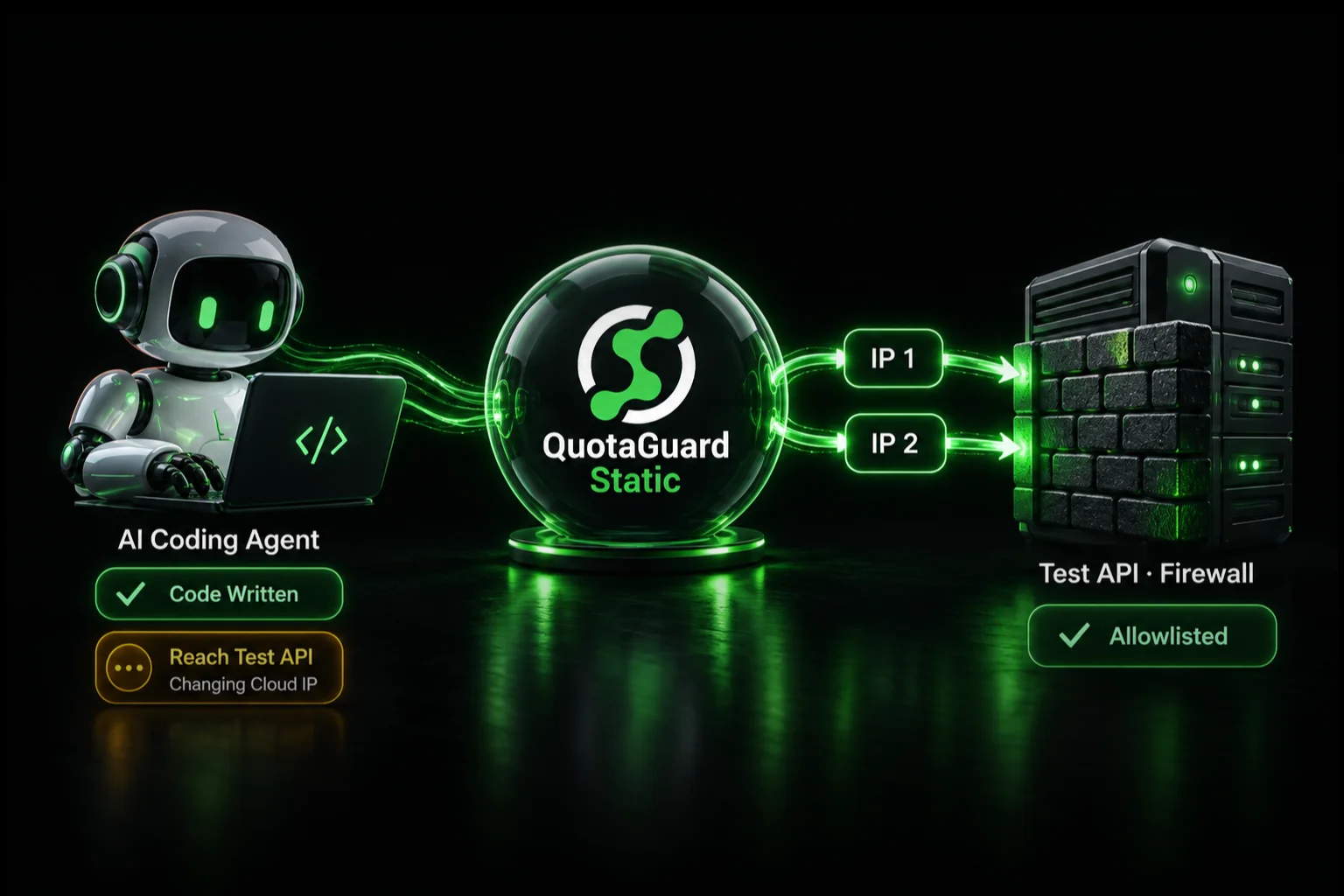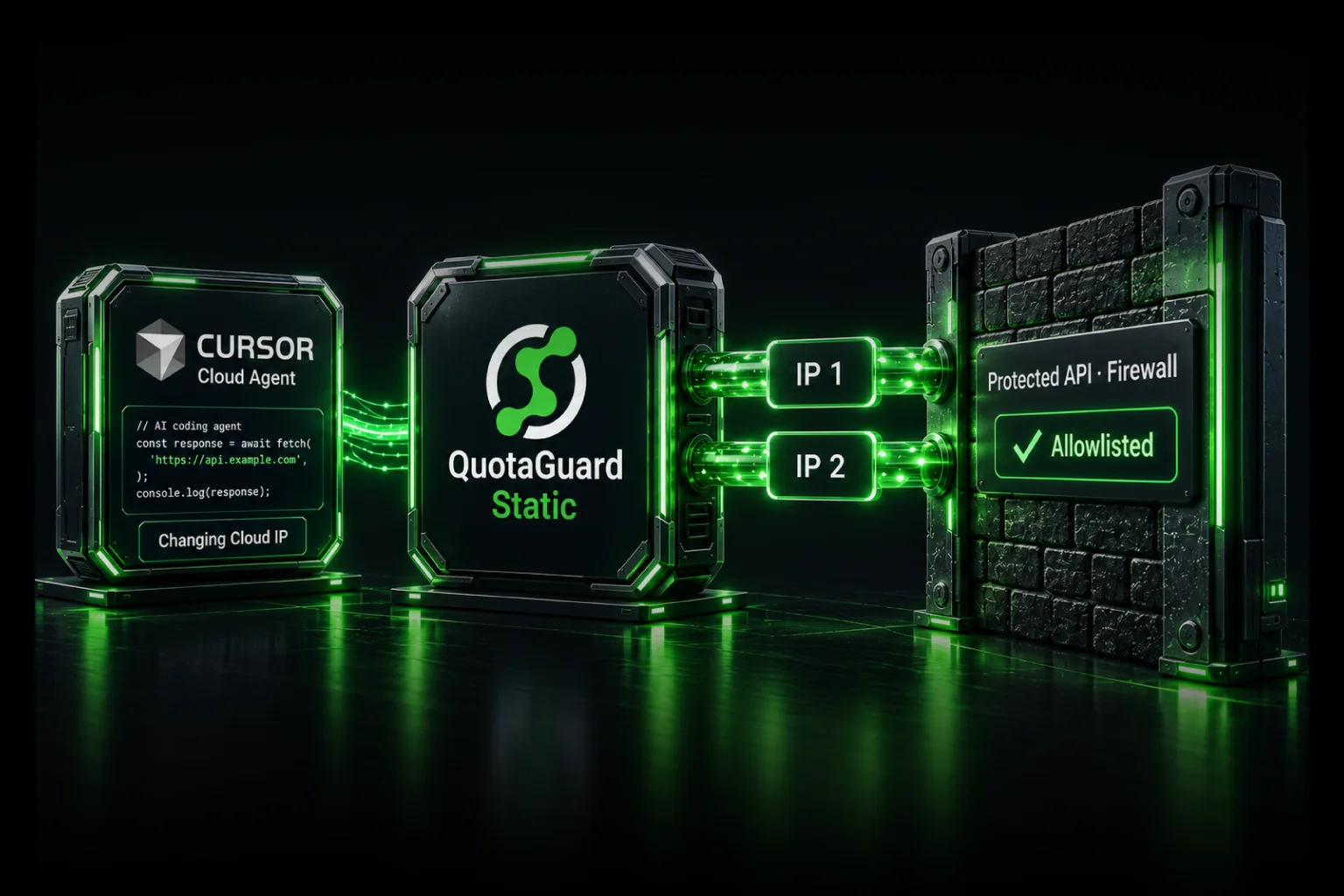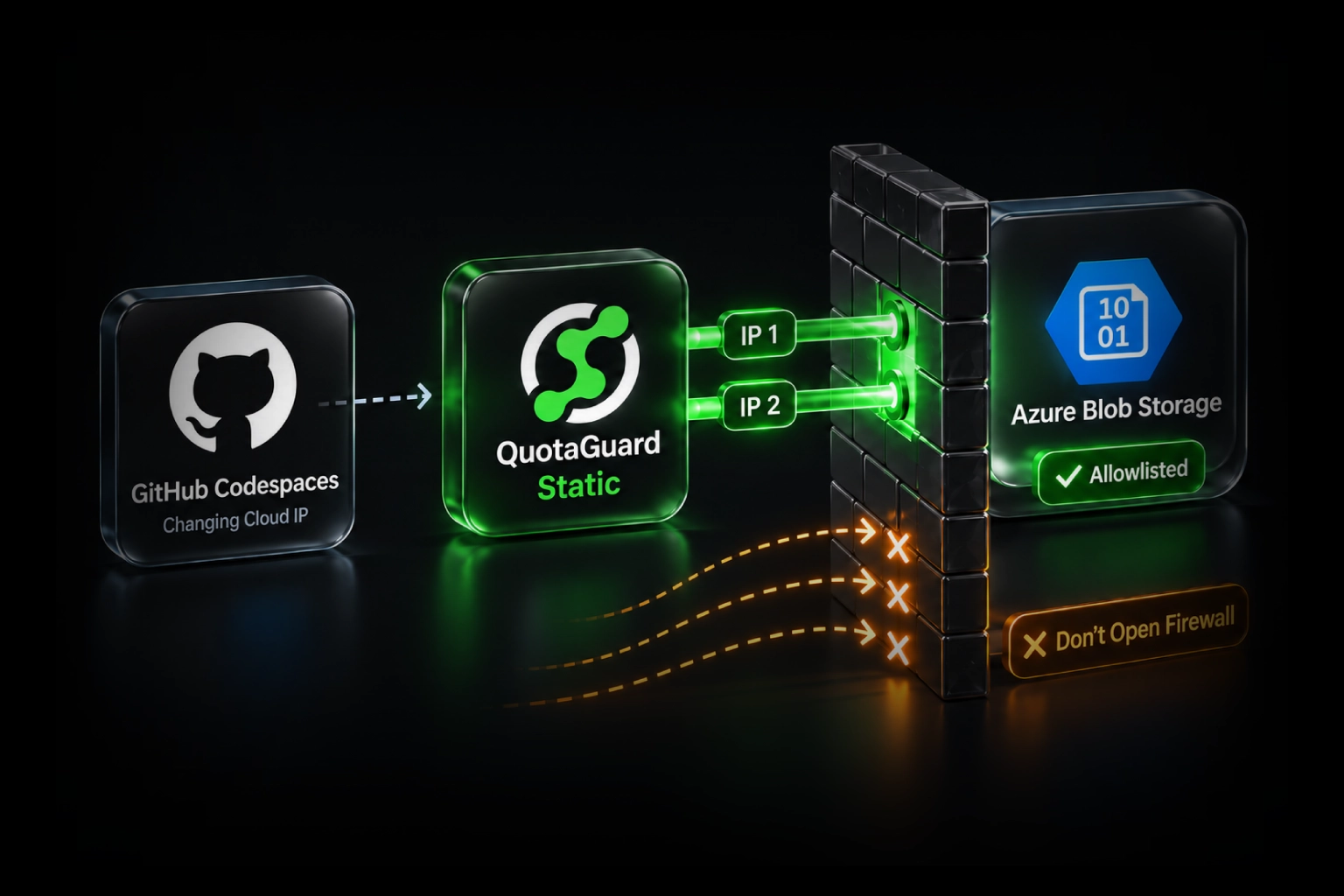
Connect your GitHub Codespaces application to a firewalled Azure Blob Storage account by routing its Blob SDK requests through QuotaGuard and allowing both assigned static IPs. Keep the Storage public endpoint restricted to approved sources, retain Azure authentication, and avoid opening access to every public network just to make development work.
QuotaGuard operates the proxy infrastructure, including availability, failover, monitoring, maintenance, and engineering support. Your team gets a small, portable allowlist without maintaining a VPN or proxy VM for this public-endpoint connection. The example below configures one Python Blob client, not every process in the codespace.
The problem: your codespace's public IP is not a reliable Storage rule
In a GitHub Community discussion, a developer reported that Azure Storage observed an internal address rather than the Codespaces public IP they had allowlisted. In a January 2026 follow-up, they explained that changing their own Azure VNet or NAT Gateway did not change traffic from GitHub's managed network. Their apparent choice was broad public access or not using Codespaces for that workload.
There are two separate issues. GitHub documents dynamically assigned Codespaces addresses, so today's public IP is not a durable identity. Separately, an IP-check service does not necessarily observe the same route that Azure Storage receives.
Microsoft documents limitations on Storage public-IP rules for same-region Azure traffic. That is relevant context, not a confirmed diagnosis for every Codespaces connection. Do not assume the discussion's exact internal path applies to your account; verify the request at Storage.
Give the Blob connection its own managed public exit
Python Blob client inside your codespace
  -> authenticated QuotaGuard proxy
  -> Azure Blob public endpoint over HTTPS
  -> Storage firewall allows both QuotaGuard source IPs
  -> Azure checks the caller's data permissions
The proxy opens the destination connection, so Storage can evaluate the assigned QuotaGuard public source address instead of the codespace's direct route. This is application-level routing; it does not require attaching GitHub's network to your VNet.
This is for a Storage account whose security policy permits a public endpoint with a narrow IP allowlist. Public network reachability, unrestricted network access, and anonymous blob access are different settings. You do not need to enable anonymous access or allow all networks. If the account requires Private Link only, retain that architecture and arrange an approved private route instead.
1. Choose the identity the Storage owner will approve
Copy the authenticated connection URL and both assigned IP addresses from your QuotaGuard dashboard. Allowlisting both supports the managed load-balanced pair; do not approve only the address that appears in one short check.
Standard plans use shared static-IP infrastructure. If a customer requires source addresses used only by your organization, choose Enterprise dedicated addresses and proxy infrastructure. Keep Azure authentication in either case: a source address is one access-control layer, not proof of an individual user's identity.
QuotaGuard manages the egress infrastructure while your team controls which client uses it. The identity can also serve other supported runtimes if your access policy permits, rather than being tied to a particular development machine. Decide deliberately whether development and production should share or separate identities.
2. Keep the Storage firewall restricted
Have the storage-account administrator follow Microsoft's IP network-rule instructions:
- Open the correct storage account's networking settings.
- Keep public network access limited to selected networks and addresses, with the default network action set to deny. Do not choose access from all networks.
- Add each assigned QuotaGuard IPv4 address as an individual IP rule and save.
- Preserve other approved application paths. If tightening an existing broad rule, coordinate and verify those dependencies before removing their access.
Enter individual addresses without /32. Microsoft says Storage IP rules accept individual IPv4 addresses but do not support /31 or /32 ranges. An IP rule also does not turn on an otherwise disabled public endpoint.
The Storage firewall documentation confirms that network permission does not replace data authorization. A valid Microsoft Entra token does not make a denied network path acceptable either.
3. Store the proxy credential in Codespaces secrets
Add a Codespaces development environment secret named QUOTAGUARDSTATIC_URL. Give it the complete connection URL from your dashboard and grant access only to the intended repository. This is a Codespaces secret, not merely a GitHub Actions secret with the same name.
Stop and restart an existing codespace after adding the secret. GitHub exposes these secrets to the running development environment; do not bake the credential into a Dockerfile, image, committed configuration, or agent prompt.
Set these non-secret example values in the terminal where you will run the script, replacing them with an approved existing test blob:
export AZURE_STORAGE_ACCOUNT="yourstorageaccount"
export AZURE_STORAGE_CONTAINER="your-test-container"
export AZURE_STORAGE_BLOB="your-existing-test-blob.txt"
Keep Python dependencies and non-secret setup steps in your project's dependency files and devcontainer configuration so a rebuild remains repeatable. Keep the proxy value in secret storage and inject it at runtime. A secret's presence supplies the credential; the client still needs the proxy configuration below.
4. Configure one Python Blob client explicitly
Use a codespace with Python and Azure CLI installed. Install the two Python packages, and sign in with an identity approved to read the test container:
python -m pip install azure-storage-blob azure-identity
az login --use-device-code
The device-code sign-in flow is useful in a remote terminal. If organizational policy does not permit it, use your administrator's approved sign-in method rather than weakening that policy. Confirm the active tenant/account is the intended one.
For this read-only example, ask the administrator for Storage Blob Data Reader at the appropriate container scope. Subscription management permissions alone are not the same as blob data permissions. Do not hand a coding agent a broad administrative identity just to check connectivity.
Save the following as check_blob_access.py. Microsoft's Python SDK proxy documentation explicitly supports a proxies argument on a Blob client:
import os
import re

from azure.core.exceptions import AzureError
from azure.identity import AzureCliCredential
from azure.storage.blob import BlobClient

account = os.environ["AZURE_STORAGE_ACCOUNT"]
if not re.fullmatch(r"[a-z0-9]{3,24}", account):
    raise SystemExit("Provide the storage account name, not a URL.")

proxy_url = os.environ["QUOTAGUARDSTATIC_URL"]
if not proxy_url:
    raise SystemExit("The QuotaGuard connection URL is missing.")

credential = AzureCliCredential()

try:
    with BlobClient(
        account_url=f"https://{account}.blob.core.windows.net",
        container_name=os.environ["AZURE_STORAGE_CONTAINER"],
        blob_name=os.environ["AZURE_STORAGE_BLOB"],
        credential=credential,
        proxies={"https": proxy_url},
        use_env_settings=False,
        connection_timeout=10,
        read_timeout=30,
    ) as blob:
        blob.get_blob_properties(logging_enable=False)
    print("Blob properties request succeeded; no blob content downloaded.")
except AzureError as exc:
    print(f"Request failed ({type(exc).__name__}).")
    print("Review sanitized diagnostics and the matching Storage log entry.")
    raise SystemExit(1) from None
Run it with python check_blob_access.py. The properties operation reads metadata, not the blob's contents. It does not upload, modify, or delete the blob.
use_env_settings=False makes this client use the explicit configuration rather than inherited proxy environment settings. Preserve any required corporate certificate configuration explicitly; do not disable TLS verification. This example uses the public Azure cloud hostname and the synchronous Python client, not sovereign-cloud endpoints or an asynchronous transport.
AzureCliCredential obtains authentication through the signed-in CLI. The Blob client's proxy setting does not route the CLI's sign-in requests, other SDK clients, editor extensions, or every process in Codespaces. This is a documented client configuration pattern, not a claim that QuotaGuard ran an end-to-end Codespaces test.
5. Confirm what Azure Storage actually received
A successful properties request establishes that this operation was permitted. To confirm its source identity, have the administrator inspect the corresponding Storage resource log. If needed, configure Blob resource logging for read operations before running the check.
For resource-specific logs in Log Analytics, replace the account placeholder and correlate the result with the request time:
StorageBlobLogs
| where TimeGenerated >= ago(30m)
| where AccountName == "yourstorageaccount"
| where OperationName == "GetBlobProperties"
| project TimeGenerated, CallerIpAddress, StatusCode,
          StatusText, ClientRequestId
| order by TimeGenerated desc
CallerIpAddress includes the source port; compare the address portion with your assigned pair. Allow for log ingestion delay and distinguish your request from another client's operation. A legacy AzureDiagnostics destination uses a different schema.
A proxied request to https://ip.quotaguard.com can be a useful preliminary check. It is not a substitute for observing the Blob request itself, and you should never send Azure authorization headers to the IP-check service.
If it still fails, fix the failing layer
- Storage sees the codespace's direct or internal address: confirm the request came from the configured Blob client. An Azure CLI storage command or editor extension is a separate client and may bypass this configuration.
- Storage sees a QuotaGuard address but the network rule rejects it: check both individual IP entries, the exact storage account, and whether public access is enabled for selected sources.
- The network rule passes but authorization fails: check the signed-in identity, data role, scope, and role-propagation delay. Do not broaden the firewall to fix missing permissions.
- The secret is missing: check repository access and restart the codespace. Do not print the full environment to diagnose it.
- The account is private-only: this public proxy route is not the approved architecture. Use private connectivity without changing the account's policy merely to follow this guide.
Keep logs sanitized. Code running inside the codespace can use its available credentials, including the CLI identity. Secret storage and dedicated addresses are not isolation from untrusted code; retain least privilege, controlled repository access, and credential rotation.
Choose Static or Shield before sending the allowlist request
QuotaGuard Static starts at $19 per month. For the HTTPS Blob connection, the application payload stays encrypted to Azure through a blind CONNECT tunnel; QuotaGuard does not decrypt it. Static uses plaintext HTTP proxy protocol on the customer-to-proxy hop.
QuotaGuard Shield starts at $29 per month. It adds TLS protection to the customer-to-proxy hop for security reviews or approved compliance architectures that require it. Use the Shield dashboard's connection details and a compatible client configuration. Choose the product before requesting firewall changes, because Static and Shield use different address pools.
Choose from 12 AWS regions at signup; contact support for a subsequent region change. The value is managed availability, engineering support, and an identity that is independent of the codespace, not just the monthly price. See current plans or ask QuotaGuard engineering to help map your Storage client to the right connection.
Related guides
- Prepare a coding environment for protected integration tests.
- Find the client that still uses the wrong IP after proxy configuration.
- Troubleshoot Azure Blob SFTP source-IP errors. That guide covers SSH-based SFTP, not this HTTPS Blob SDK route.
- Why changing egress leads developers to weaken database firewall rules.