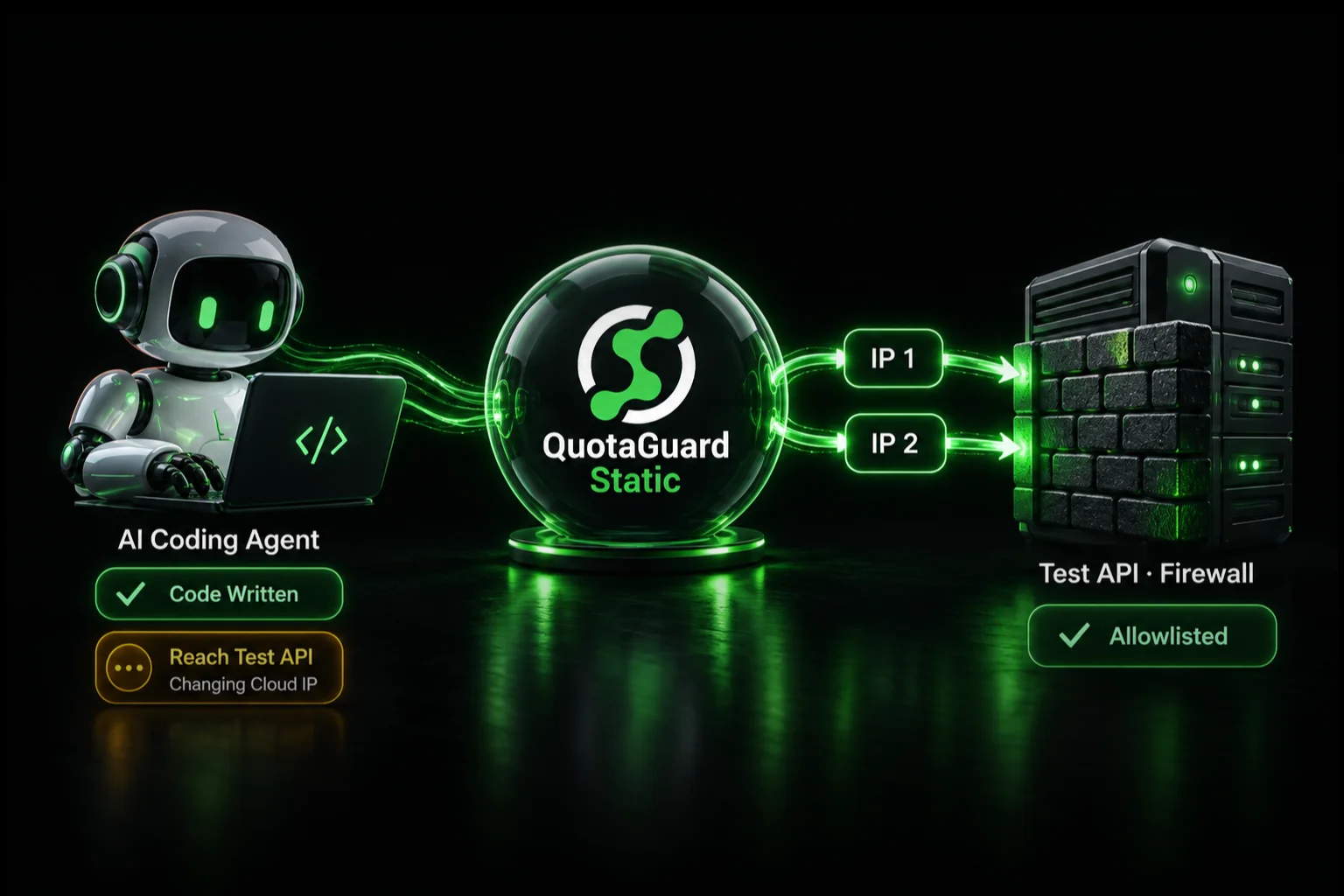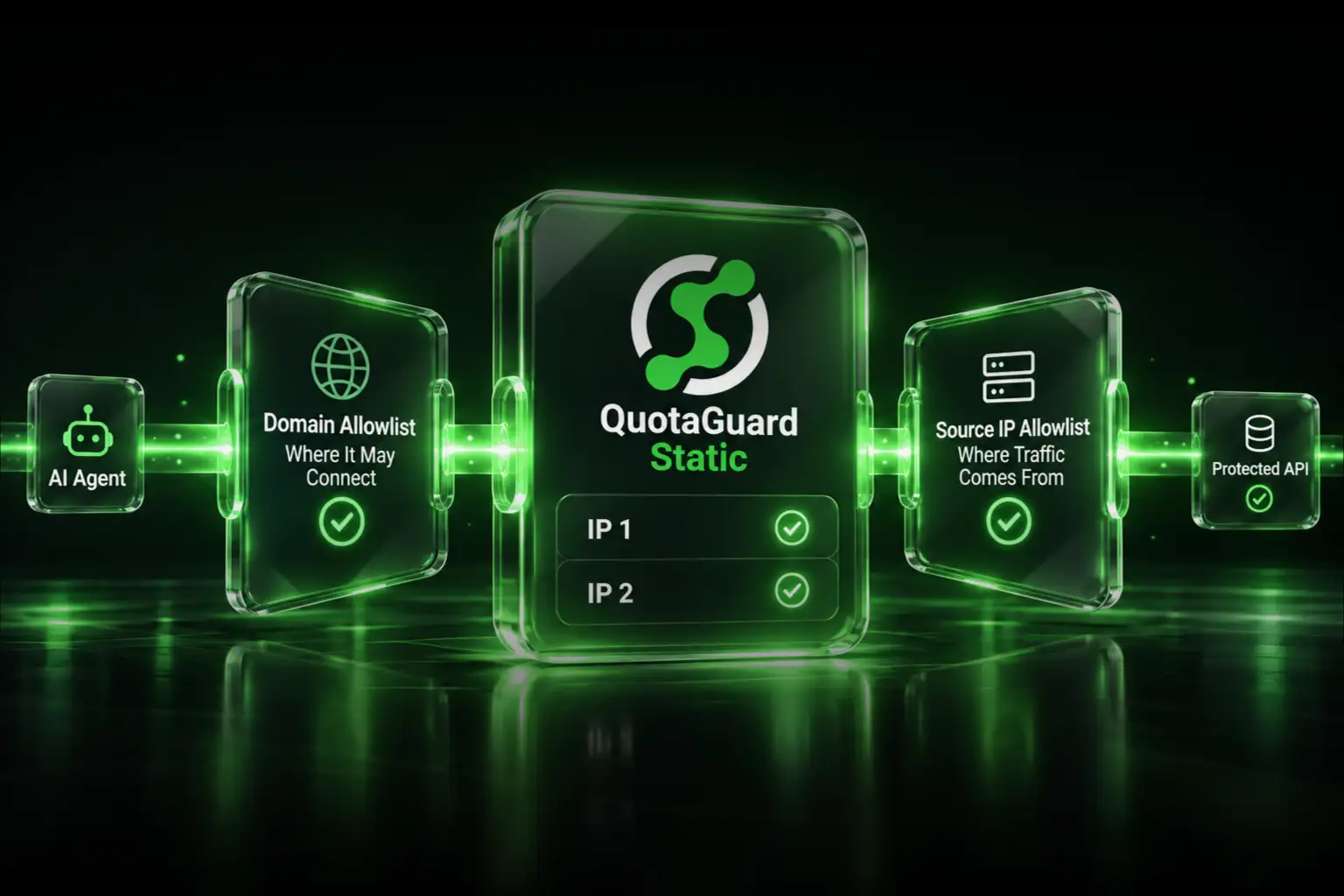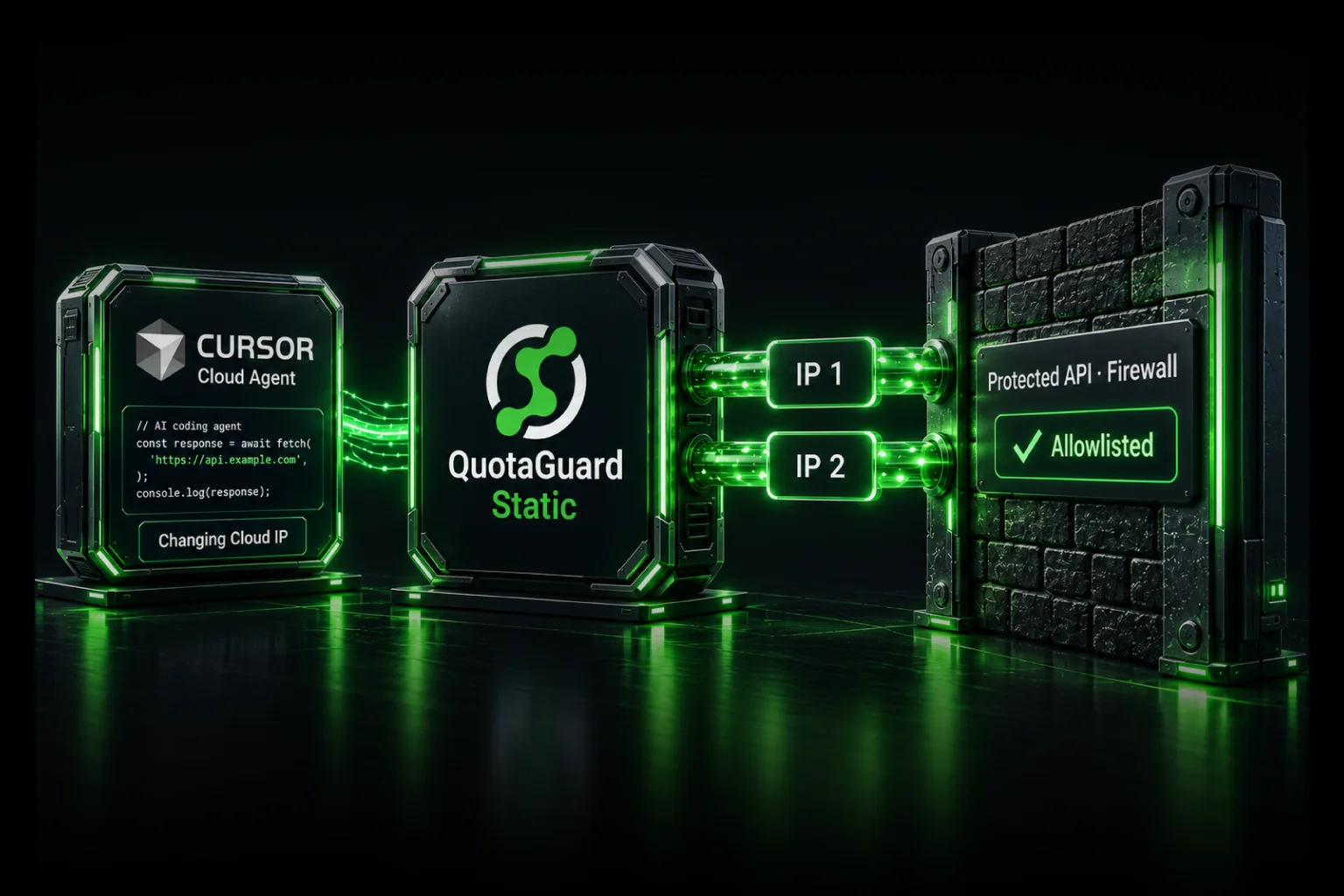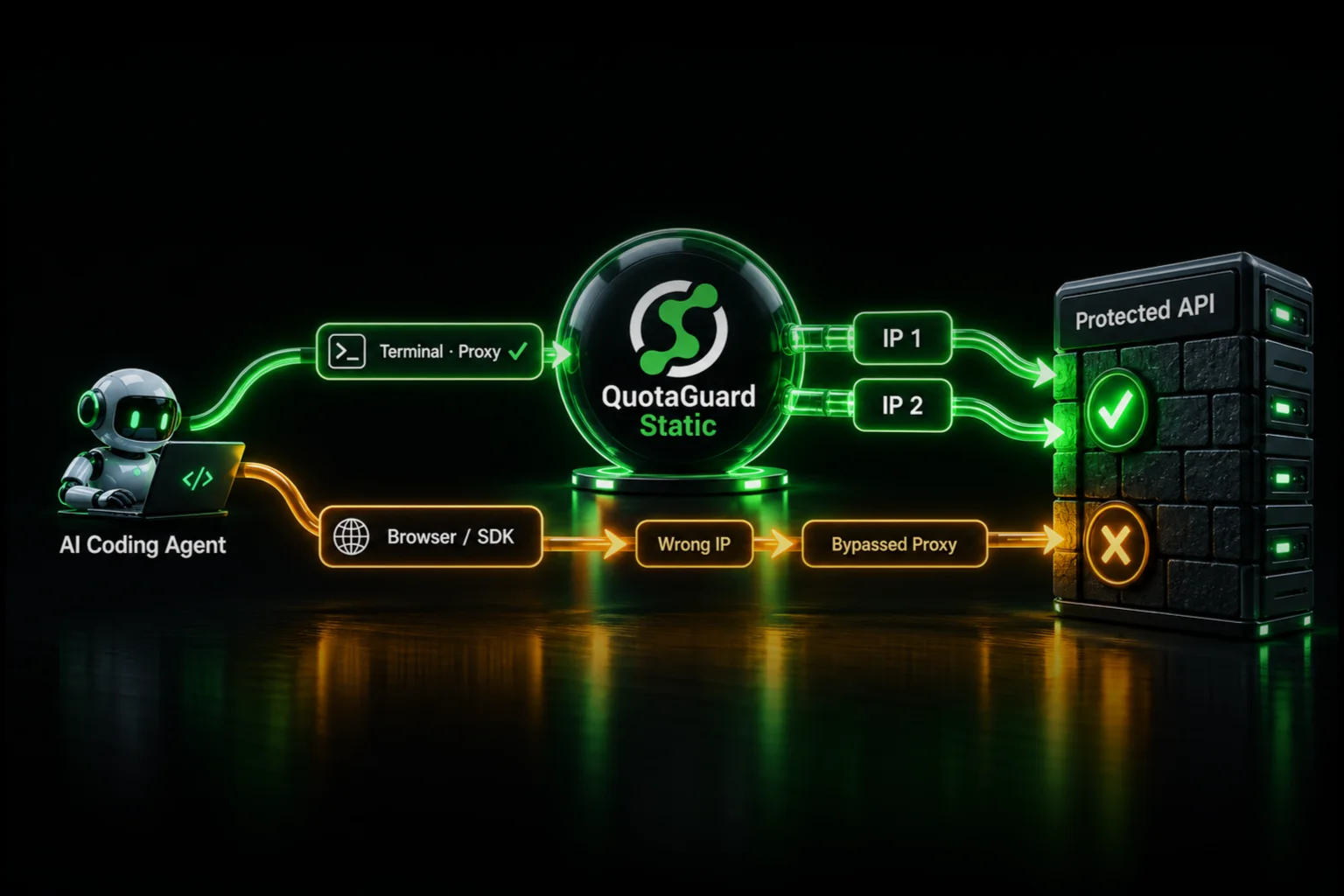
If your coding agent still reaches a protected service from the wrong IP, configure QuotaGuard on the client that actually opens that connection. A successful proxy check in a terminal proves that terminal request took the right route. It does not prove that a browser, SDK, MCP tool, or vendor-hosted backend used it.
QuotaGuard gives supported customer-controlled clients a managed static outbound identity, with availability, failover, maintenance, and engineering support handled for you. The troubleshooting task is to connect the failing client to that route, not keep adding changing cloud addresses to the destination's firewall.
First identify which connection is being rejected
Write down the service returning the error, the operation that triggered it, and the process that opened the network connection. An agent interface can coordinate several machines. Its terminal, browser, and remote tools do not necessarily share a network path.
In a May 2026 Cursor remote-SSH report, a developer observed that terminal restrictions did not govern other agent network activity. That report is a reason to trace execution, not proof that every Cursor configuration behaves identically or that QuotaGuard has reproduced the incident.
| Failing request | Configuration to inspect | What a shell proxy check does not prove |
|---|---|---|
| Test script or API SDK | The HTTP transport used by that process | That the SDK honors shell proxy variables |
| Browser-driven test | The browser or browser context's proxy settings | That the browser shares the shell's route |
| Locally executed MCP tool | The MCP server process and its outbound client | That the launched process inherited the configuration |
| Remote MCP endpoint | The machine making the HTTP call to that endpoint | That the call originates inside the agent VM |
| API called by a remote MCP server | The remote server's outbound client | That routing the first hop changes the second hop's source IP |
Check the MCP transport before editing the VM
Cursor's Cloud Agent documentation makes an important distinction: HTTP MCP tool calls go through Cursor's backend, while stdio MCP servers execute inside the Cloud Agent VM. Changing a VM's proxy environment is therefore not a way to change the source address of Cursor's backend HTTP MCP calls.
For a stdio server you control, configure the outbound client inside that server. For a remote MCP server you operate, configure its outbound client on its host. If a vendor operates the relevant client and exposes no supported upstream proxy setting, a local QuotaGuard setting cannot reach that connection.
Caller -> remote MCP server -> protected enterprise API
          First network hop     Second network hop
Either endpoint can have a source-IP restriction. An API rejecting the second hop evaluates the MCP server's outgoing connection, not the caller's earlier connection to the MCP server. Fix the hop the rejecting system actually sees.
Do not move credentials into an agent-accessible process merely to change the route without reviewing the security tradeoff. Cursor documents different credential exposure for its backend HTTP transport and its in-VM stdio transport. Transport choice affects both execution location and secret access.
Check the running process, not just the saved secret
A dashboard secret is a credential source, not a proxy policy. Confirm that the failing process receives the intended configuration at launch and that its client consumes it.
- An environment variable added in one terminal does not update already-running processes or an unrelated worker.
- A build-time setting is not proof that the runtime process receives the same setting.
- A tool launcher, container, or subprocess can have an environment different from the interactive shell.
- A proxy hostname without the required authentication is not the complete connection configuration.
Inspect whether the expected setting is present, along with the process location, client version, and proxy host and port. Never paste the complete credential-bearing proxy URL, a full environment dump, or an unredacted exception into a prompt or support ticket. Restart the relevant process through its normal workflow after changing launch configuration.
Match the proxy option to the HTTP client
Two JavaScript functions named fetch do not necessarily use the same transport configuration. Neither does a browser inherit every option supported by a server-side client.
- Node's built-in fetch: its custom transport option is an Undici-compatible
dispatcher. Anagentoption copied from a different HTTP library is not the equivalent. Check the Node fetch documentation and the Undici version your runtime uses before selecting a dispatcher implementation. - Node environment proxies: current supported versions have opt-in environment-proxy support. Check your exact version and enablement against Node's proxy documentation. Do not assume that setting
HTTPS_PROXYalone works in every Node release or every SDK, or that changinghttps.globalAgentconfigures built-infetch. - Python Requests: it supports environment settings and explicit per-request proxies. Its documentation warns that environment configuration can override
session.proxies. Inspect the effective request configuration rather than assuming the session wins. See Requests proxy configuration. - Playwright: configure the browser or browser context using its documented proxy options. That does not configure a separate Node SDK used by the test runner.
Prefer a scoped client for the protected destination when the library supports it. A global dispatcher or broad environment setting can also capture unrelated OAuth, package, or third-party traffic. Selective routing keeps that operational scope smaller; it is not a security boundary against code that can change its own configuration.
Look for bypass rules and different destination paths
Review NO_PROXY, client-specific bypass settings, and any per-host routing logic. A rule can deliberately send the protected destination directly while the IP-check host uses the proxy.
Do not simply delete the bypass list. Local services, internal endpoints, and platform identity services may depend on an approved direct route. Match only the intended destination to the intended proxy path.
Also inspect redirects and SDK-specific endpoints. A client can start at one hostname and make its actual service request to another. Keep certificate verification enabled and review any new destination before sending credentials to it. Do not add a fallback that silently retries a failed protected request without the proxy.
Verify with the same client and the destination's logs
- Check the configured transport. If it can make a generic HTTPS request, call
https://ip.quotaguard.comthrough that transport. Do not attach the destination's API token, cookies, or client-specific authentication to the IP-check request. - Compare the result with your dashboard. It should match one of the subscription's assigned addresses. Allowlist both. A short run showing only one does not establish that the other is unused.
- Make a safe request to the protected destination. Use its normal client configuration and a scoped test credential. Record the time, request identifier, and sanitized outcome.
- Ask which source address the enforcing system evaluated. Correlate firewall, gateway, or service access logs with that request. A request header claiming a source IP is not a substitute for the trusted address used by the actual policy.
If the failing SDK cannot call an arbitrary URL, do not replace it with curl and declare the SDK verified. Use the destination's logs or a suitable client-level diagnostic instead. Likewise, a successful check against one hostname does not validate a different hostname's bypass rule.
Use the result to choose the next action
- The destination sees the workspace or cloud-platform IP: the failing request is direct, bypassed, or opened by another process. Return to client and execution-location checks.
- The destination sees an assigned QuotaGuard IP, but rejects it: confirm both addresses are approved in the correct account, environment, and enforcing rule.
- The source rule passes but the operation fails: investigate authentication, authorization, resource policy, or application errors. Not every 403 is an IP failure.
- The proxy cannot be reached: inspect runtime egress policy, proxy hostname and port, authentication, and the selected connection protocol. A destination allowlist change will not repair that earlier failure.
- The destination is private-only: use an approved private connectivity architecture. A public static egress address does not create a private route.
Keep the fix managed and the security controls intact
Once the right client uses QuotaGuard, your team gets a portable, managed outbound identity without operating a replacement proxy VM. QuotaGuard handles its proxy infrastructure and incidents; your team retains control of the application's credentials, destination permissions, and routing configuration.
Standard plans use shared static addresses. Recommend Enterprise dedicated infrastructure when a client requires customer-exclusive source addresses. Dedicated IPs do not stop agent-accessible code from extracting proxy credentials. Keep secrets out of logs, use least privilege and rotation, and have the security owner approve any general-proxy path through a restricted sandbox.
QuotaGuard Static starts at $19 per month. HTTPS payloads remain encrypted to the destination through a blind CONNECT tunnel and are not decrypted by QuotaGuard. Static uses plaintext HTTP proxy protocol on the customer-to-proxy hop.
QuotaGuard Shield starts at $29 per month. Shield adds TLS protection to that hop for security requirements that call for it. Use the appropriate supported client configuration; do not assume that every client's Static proxy setting also supports a TLS-protected proxy connection.
Choose from 12 AWS regions at signup and contact support for later region changes. Review current plans. If the path is still unclear, send QuotaGuard engineering the runtime, client and version, MCP transport if relevant, rejecting service, and sanitized source-IP observations. Do not send credentials.
Building the environment rather than debugging an existing route? Start with the protected integration-test readiness checklist. For a Cursor-specific client example, see the Cursor Cloud Agent guide.