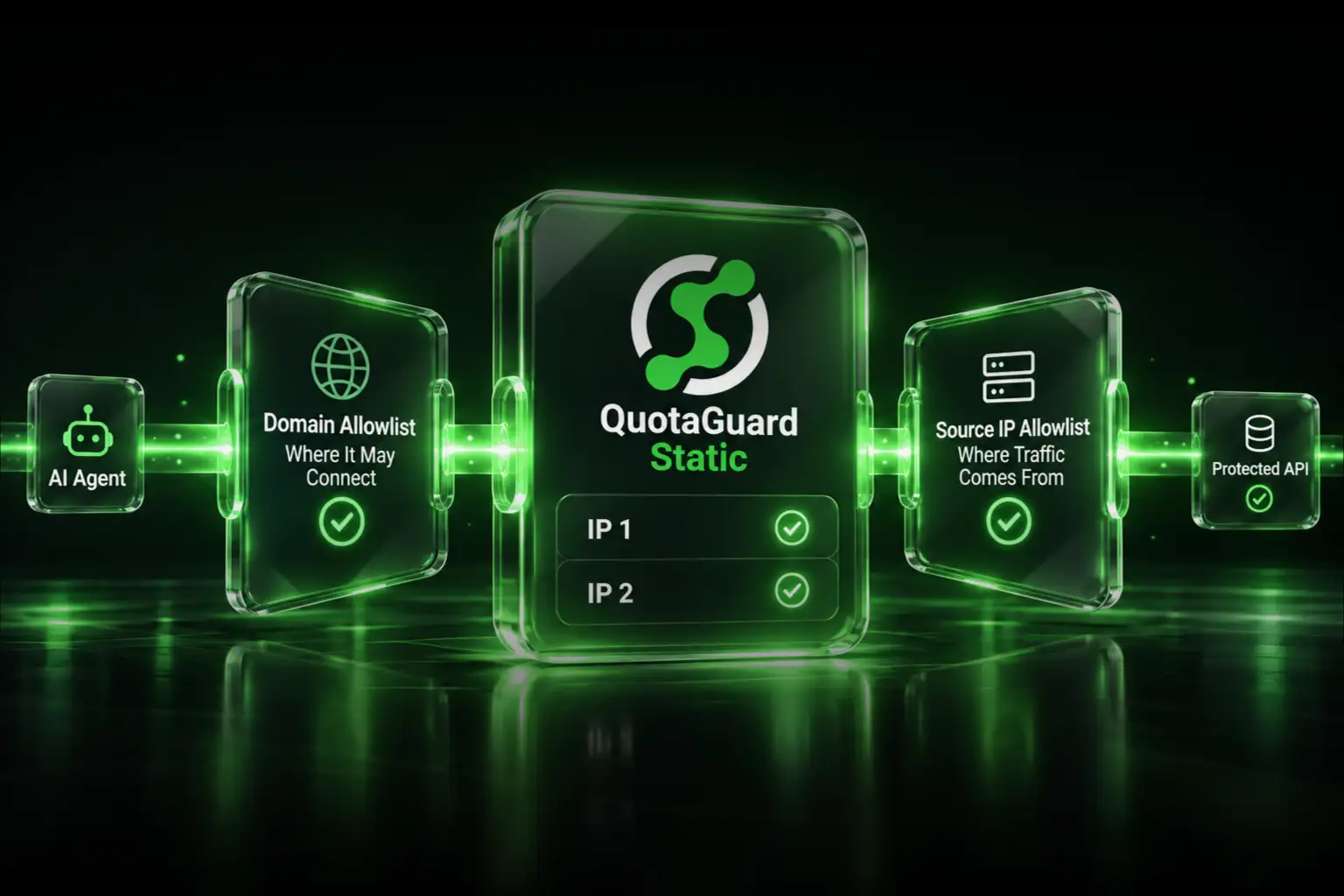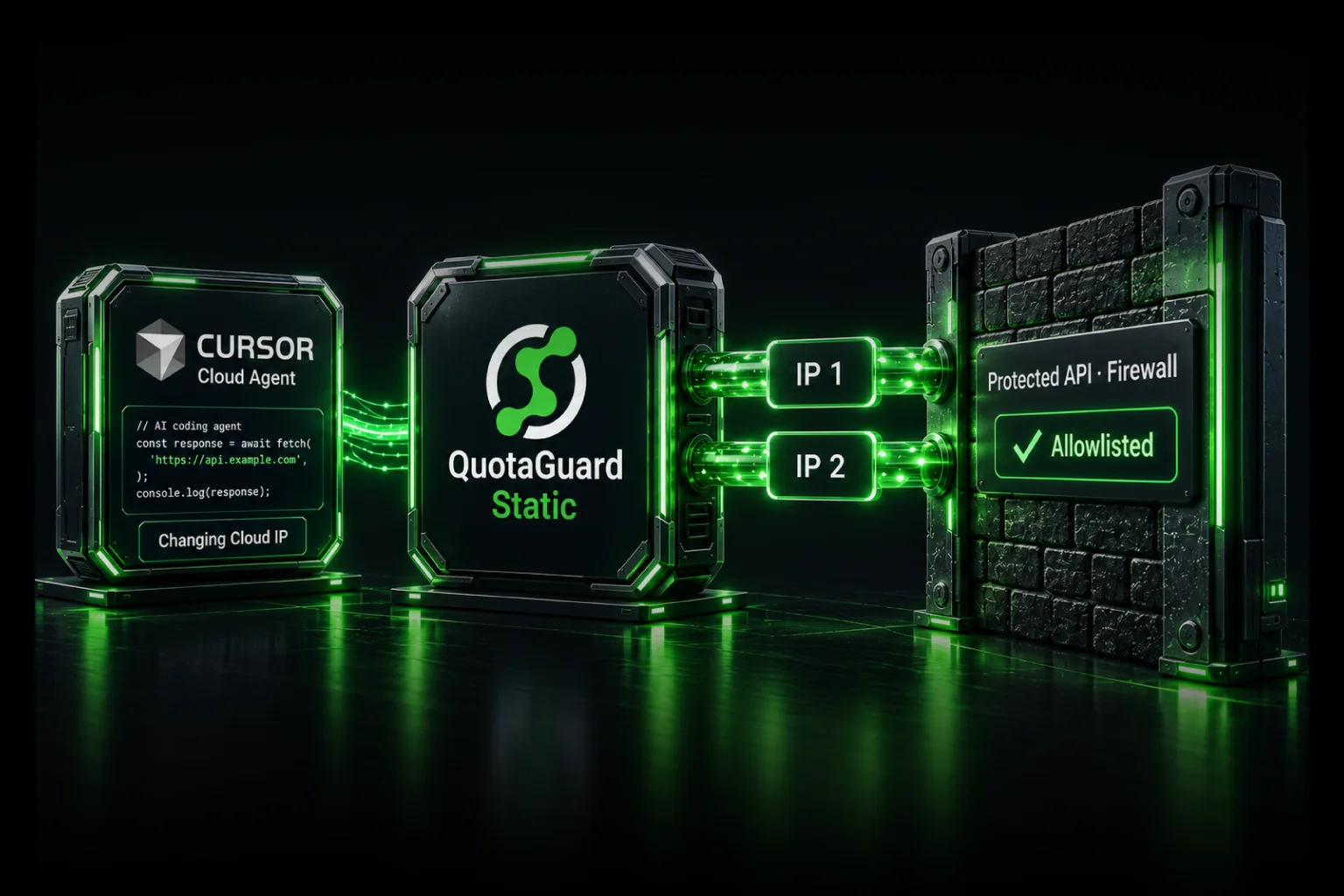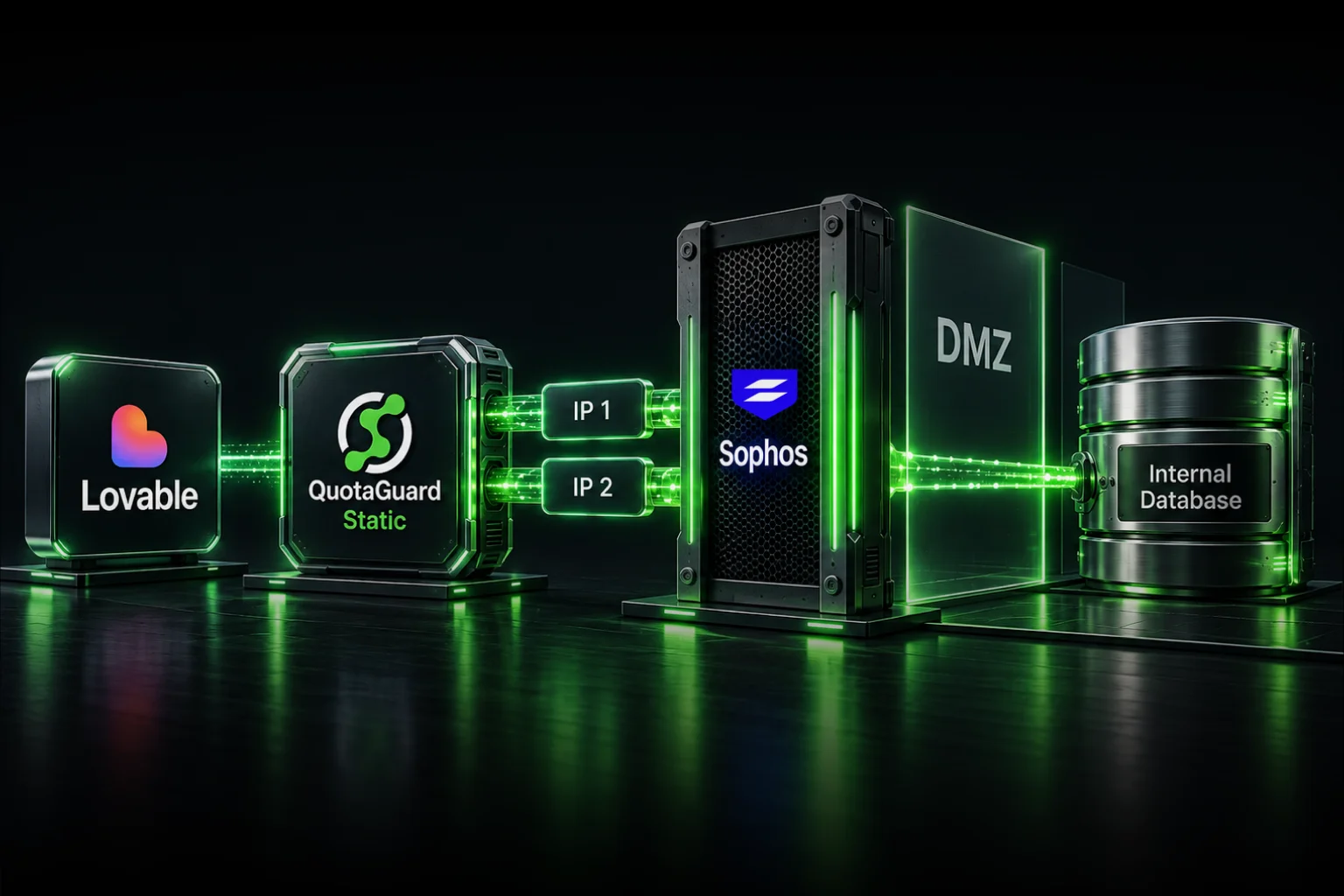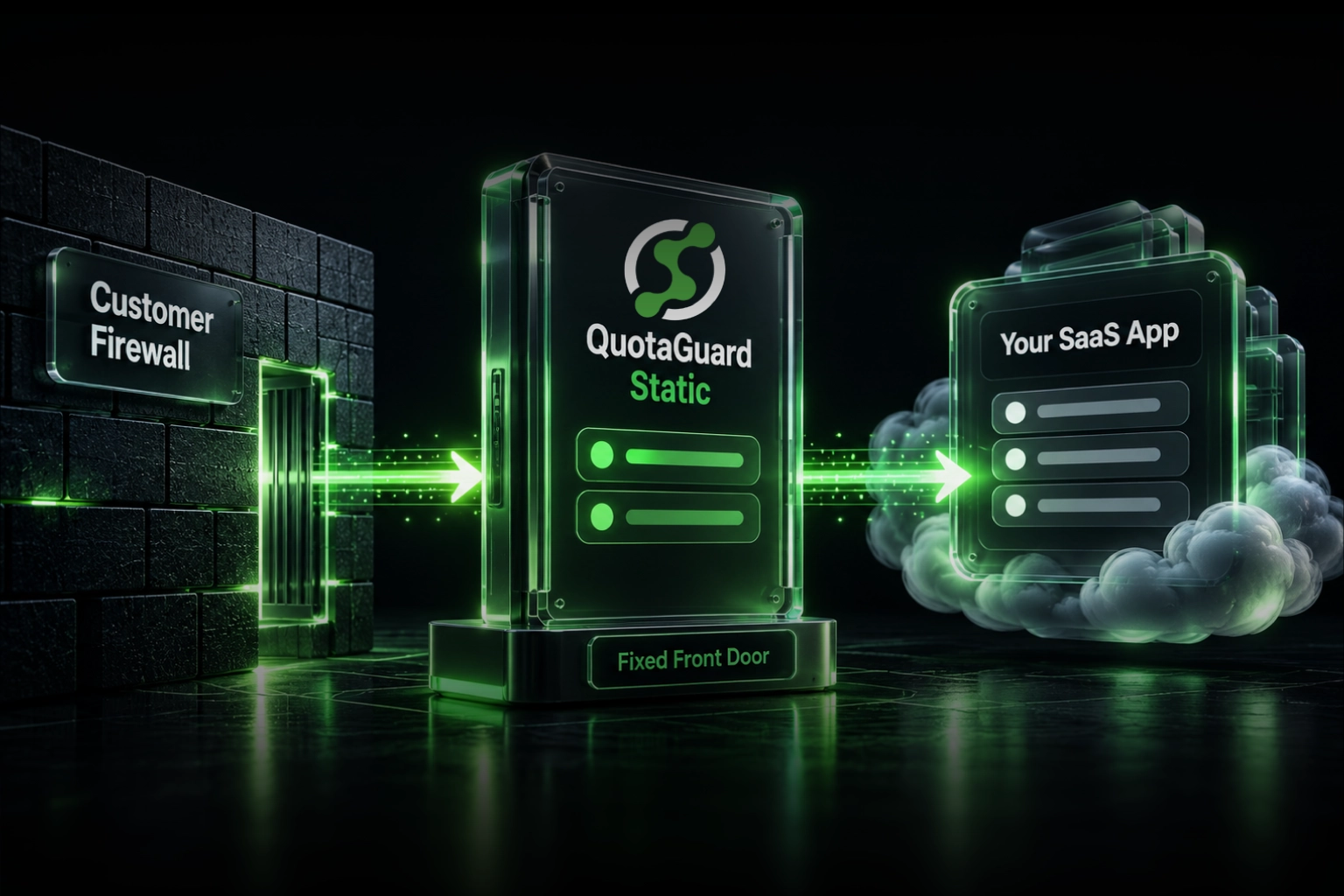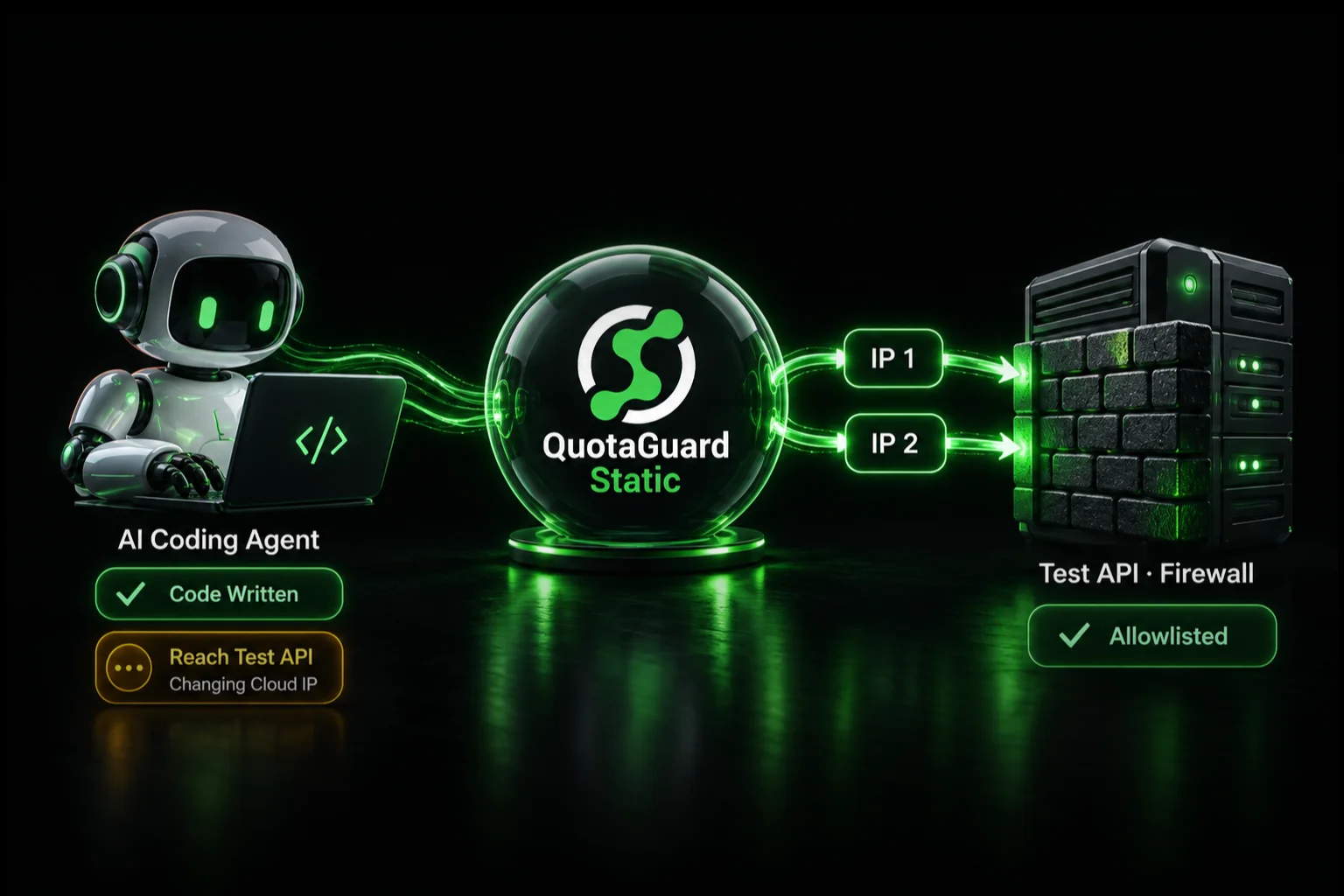
Give your coding agent's integration-test client a managed static outbound identity with QuotaGuard, so it can reach an approved test API without opening the firewall to an entire cloud platform. The agent can generate the code. Your team still needs to give the process running that code a permitted network route, appropriate credentials, and a safe test target.
QuotaGuard operates the proxy infrastructure, including availability, failover, monitoring, maintenance, and support. You keep a small stable allowlist without assigning someone another proxy server to maintain. Configure the client that calls the protected service, rather than sending every unrelated agent request through the same route.
Working code and a working integration are different milestones
A payment sandbox, staging API, or test database can reject a correctly authenticated request because it comes from an unapproved source address. Passing unit tests against mocks does not establish that the development environment can reach the real service.
This is not just a hypothetical agent workflow. In a March 2026 Cursor Community request, a developer described VPN difficulties reaching protected services and objected to maintaining a broad, changing cloud-agent IP list. In a separate GitHub Codespaces discussion, the original reporter's January 2026 follow-up described a choice between broadening Azure Storage access and abandoning Codespaces for the workload.
These are two reports, not a market-size estimate. They illustrate the same practical requirement: let customer-controlled development code reach an approved service without weakening the service's network policy.
Make test access part of environment setup
Treat network access as part of the development environment, alongside dependencies and test fixtures. Before asking an agent to implement an integration, agree on this connection path:
Your test client in a development or agent environment
  -> QuotaGuard managed proxy
  -> approved public test endpoint with a narrow source-IP rule
The destination allows both outbound addresses assigned to your QuotaGuard subscription. The client uses the subscription's authenticated proxy connection. You retain the API's own authentication, authorization, TLS, and test-account restrictions.
Publicly reachable does not mean publicly unrestricted. This route is for a public endpoint that accepts connections from approved source IPs. It does not create a route to a private-only hostname or replace a required private network. GitHub documents private-network connectivity separately; use the organization's approved private route when that is the requirement.
Send the service owner an actionable allowlist request
“Please let the AI agent in” is not a useful firewall request. Send a small, explicit connection record. This template is an example to adapt, not a set of actual addresses or credentials:
Purpose: Read-only staging integration check
Source process: Test runner in our approved development environment
Destination: Approved staging hostname, port, and API path
Protocol: HTTPS
Source addresses: Both assigned QuotaGuard IPs from our dashboard
Identity: Shared pair, or Enterprise dedicated pair if exclusivity is required
Authentication: Reference to a scoped test secret; never its value
Owner: Application team contact and destination firewall approver
Success: Safe real request accepted; destination source-IP check confirmed
Review: Access expiry or periodic review date
This lets the destination team approve a specific integration instead of researching a cloud provider's changing fleet. For development, CI, and production, decide deliberately whether to reuse an identity or separate environments. Portability is useful; silently expanding one environment's access to another is not.
Standard QuotaGuard plans use shared static-IP infrastructure. If the client's policy requires addresses used only by your organization, request Enterprise dedicated addresses and proxy infrastructure before submitting the allowlist. A fixed pair is not automatically an exclusive pair.
Configure the test client, not just the environment variable
Store the QuotaGuard connection URL as a runtime secret and explicitly connect it to the software making the protected request. A secret named QUOTAGUARDSTATIC_URL does not route anything by itself.
- API integration tests: use the HTTP client's supported proxy configuration. Python Requests, for example, documents per-request authenticated proxies.
- Azure Blob SDK tests: Microsoft documents proxy configuration for its Python SDK. Apply it to the actual storage client; an unrelated shell request does not verify that client's path.
- Browser tests: a browser has its own network configuration. Playwright supports proxy settings on the browser or browser context. A backend SDK used by the same test can still take a separate route.
- SFTP or native database tests: use a compatible SOCKS5 client or QGTunnel configuration. An HTTP proxy option does not automatically configure SSH or a database driver.
Keep dependencies and non-secret startup configuration reproducible in the environment definition. Inject credentials at runtime. Check a newly started workspace as well as an existing shell: configuration that works only in yesterday's terminal is not a repeatable test setup.
For the Cursor-specific client example and environment boundaries, see our Cursor Cloud Agent static-IP guide.
Separate the route check from the real integration check
- Check the exact client's route. Where the client supports a generic HTTPS request, use its configured transport to call
https://ip.quotaguard.com, without attaching the protected API's authorization headers. The result should match one of your assigned addresses. - Call an approved real endpoint. Use a sandbox account, read-only request, or explicitly approved test operation. Keep real charges, customer emails, and production mutations out of a connectivity check.
- Confirm the destination's decision. Correlate the request with the service's firewall or access logs where available. A route check against another host is not proof of what a host-specific rule did for this request.
- Record what passed. Distinguish mocked tests, route verification, successful authentication, and a completed integration operation. Do not call the whole integration verified when only the mock ran.
Allowlist both assigned addresses even if a short check shows only one. Load balancing and connection reuse do not guarantee that you will observe both immediately. If the destination confirms the correct source address but still rejects the operation, investigate permissions, credentials, and application policy rather than broadening the firewall.
A static identity is not permission for unrestricted agent access
Use narrowly scoped test credentials and keep them out of prompts, repositories, screenshots, and diagnostic output. Code that can use a secret may also be able to extract it. Secret storage and log redaction reduce accidental exposure; they do not make an untrusted process unable to read its own credentials.
Dedicated addresses provide a customer-exclusive source identity, not protection against stolen credentials. Keep authentication, least privilege, credential rotation, and required destination restrictions in place. Do not assume that allowing a proxy hostname in a sandbox preserves its original destination restrictions through the tunnel. Have the security owner approve that path and enforce necessary controls outside code the agent can change.
Keep the infrastructure work out of the integration project
The reason to use QuotaGuard is not just the price of an IP address. It is a managed, load-balanced egress service with engineering support, portable identity across supported runtimes, and someone responsible for proxy maintenance and incidents. Your application team remains responsible for its code and access policy, not another fleet of egress servers.
If an existing company gateway already supplies the approved route and someone owns its operation, reuse it. A private-only service still needs private connectivity. For customer-controlled calls to public, IP-restricted services, QuotaGuard is the managed route that lets you focus on the integration.
Choose the product before requesting firewall changes
QuotaGuard Static starts at $19 per month. It is the normal starting point for supported API allowlisting. HTTPS application payloads remain encrypted to the destination through a blind CONNECT tunnel; QuotaGuard does not decrypt them. Static uses plaintext HTTP proxy protocol on the customer-to-proxy hop.
QuotaGuard Shield starts at $29 per month. It adds TLS protection to the customer-to-proxy hop. Choose it when required by the security review or approved compliance architecture, and use a client that supports the selected Shield connection method. Neither product replaces destination authentication.
Choose the appropriate region from 12 AWS regions at signup; contact support for a later region change. Confirm the product and assigned pair before asking the destination owner to approve them. See current plans or talk to QuotaGuard engineering about the client, destination, and protocol you need to connect.