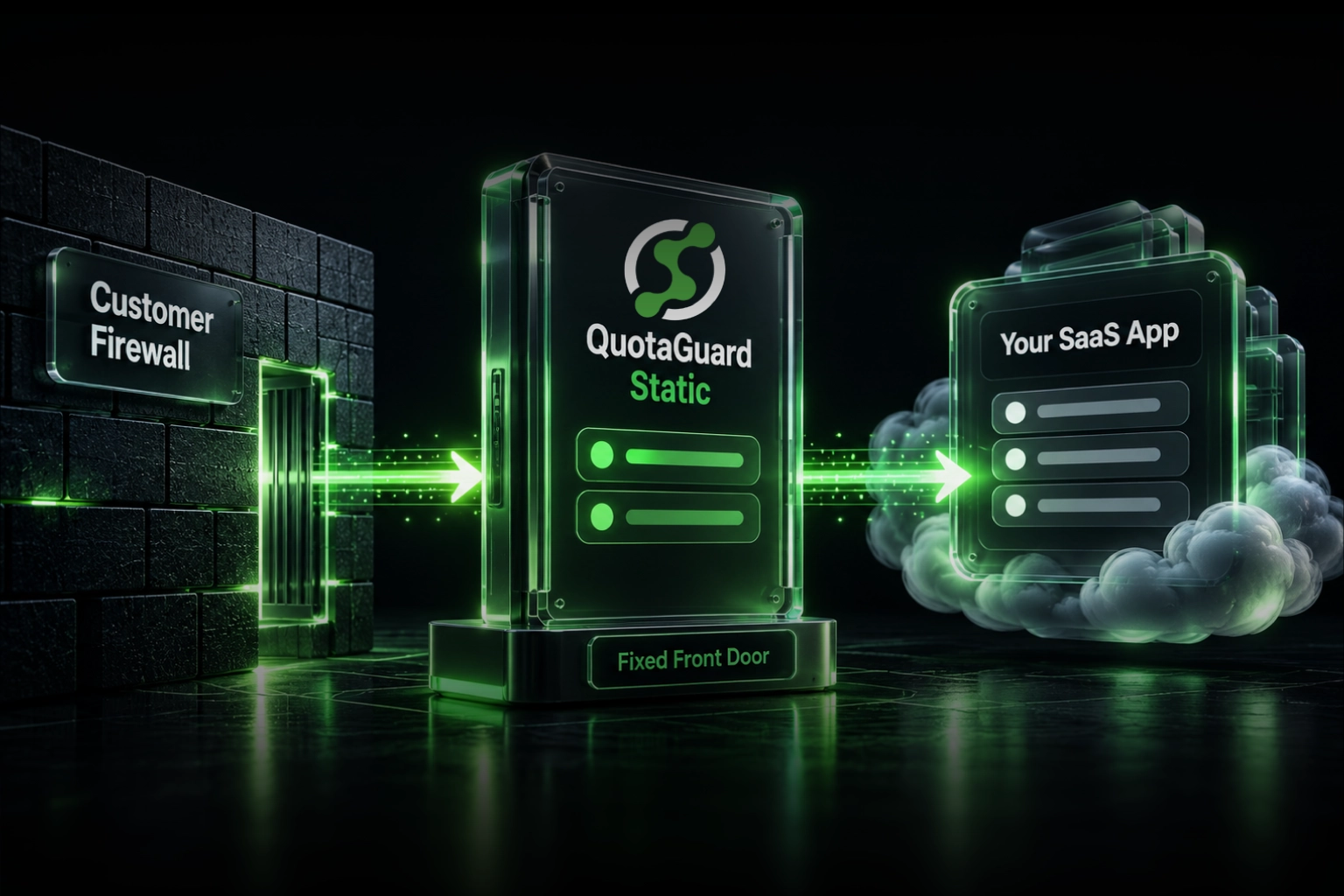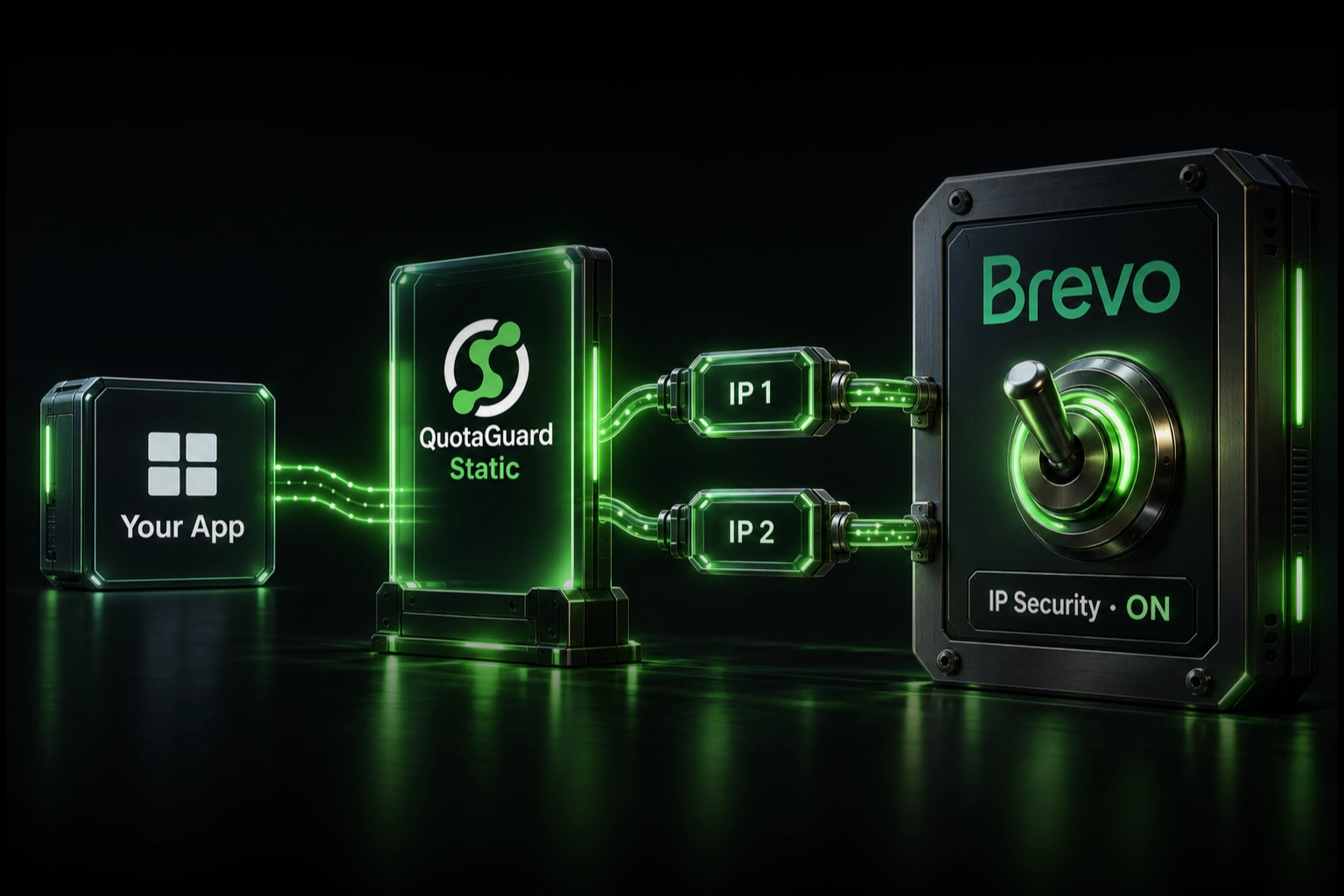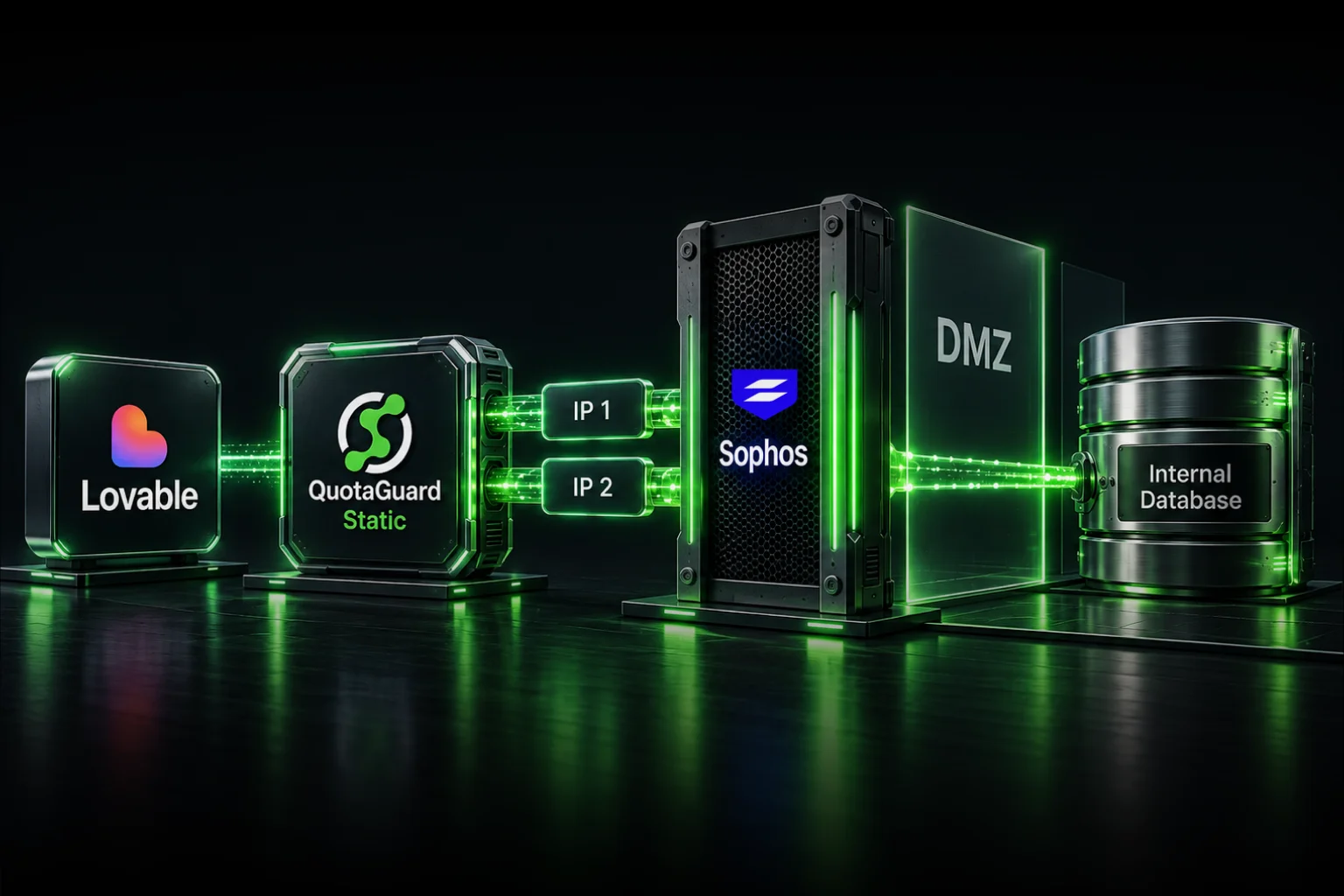
To let a Lovable application call a Node API behind Sophos without opening the DMZ to the internet, keep the database private, expose only an authenticated HTTPS API through Sophos, and allow that API to accept requests from a customer-only QuotaGuard Enterprise egress pair. Route only the selected server-side Lovable request through QuotaGuard; never put the proxy credentials or internal API credentials in browser code.
The resulting path is:
Lovable app in the user's browser
  -> authenticated Lovable server-side function
  -> QuotaGuard Enterprise dedicated egress
  -> Sophos WAF or firewall rule
  -> customer-controlled Node API
  -> internal database
This preserves two separate controls. Sophos admits only the approved source addresses, while the Node API still authenticates and authorizes every request. The source address is a defense layer, not proof of application or user identity.
Do not expose the database directly to Lovable
A Lovable frontend should not connect directly to RDS, PostgreSQL, SQL Server, or another internal database. Browser code is delivered to the user, so it cannot safely hold database credentials, QuotaGuard credentials, or a reusable service secret.
Put a narrow API boundary in front of the data instead. The Node API can enforce business rules, validate the caller, return only the fields the application needs, record each operation, and keep the database on the internal network. Sophos then protects that API's public HTTPS boundary and forwards accepted requests to the internal service.
QuotaGuard does not create private VPC reachability. The protected API must be reachable through a public HTTPS hostname controlled by the customer. If the organization requires an entirely private route with no public endpoint, use a site-to-site VPN, private link, or other customer-operated private-network architecture instead.
Why dedicated QuotaGuard infrastructure is the right default here
Standard QuotaGuard subscriptions provide a stable pair of addresses on shared managed proxy infrastructure. That is appropriate for ordinary API allowlisting. A DMZ rule protecting internal company data often has a stricter requirement: the allowed source addresses must belong only to that customer.
QuotaGuard Enterprise dedicated infrastructure provides customer-only static addresses and proxy resources. That prevents another QuotaGuard customer from sharing the network identity present in the Sophos source objects. QuotaGuard also operates the proxy infrastructure, including availability, failover, monitoring, capacity, maintenance, upgrades, support, and incident response.
The operational distinction matters. A self-hosted proxy VM, NAT gateway, or VPN appliance can also produce a stable address, but the customer owns patching, monitoring, capacity, recovery, regional placement, and after-hours failures. QuotaGuard supplies a portable egress identity without tying the firewall rule to Lovable, one cloud platform, or a proxy server the application team must operate.
Lovable has a native fixed-range option
Lovable now documents custom connectors for HTTPS REST APIs on all plans. Requests routed through its connector gateway leave from these shared ranges:
- IPv4:
185.41.150.0/25 - IPv6:
2a07:8241:fca::/48
That is a legitimate first-party option when the security team accepts Lovable's shared ranges and the custom connector can represent the API's request and authentication model. It may require no additional egress product.
It is not the same security boundary as customer-only QuotaGuard infrastructure. Allowlisting Lovable's IPv4 /25 authorizes a shared platform range rather than source addresses reserved for one organization. Choose QuotaGuard when the policy requires customer-only addresses, a smaller portable source set, selective routing outside the connector model, or engineering support around the egress path.
Step 1: Build the protected Node API boundary
Expose only the HTTPS API needed by the Lovable application. Keep the database inaccessible from the public internet and let the Node service reach it on the internal network.
The API should:
- Use a dedicated hostname such as
lovable-api.example.com. - Accept HTTPS only.
- Require application authentication on every request.
- Authorize the exact operation and data available to that caller.
- Validate request bodies, identifiers, and response fields.
- Apply request-size limits, timeouts, and rate limits.
- Record successful and rejected requests without logging secrets.
For higher-security deployments, prefer mutual TLS or short-lived, narrowly scoped service credentials where the API and Lovable-side client support them. A long-lived bearer token plus an IP rule is stronger than either control alone, but it still requires secure storage and rotation.
Step 2: Provision customer-only QuotaGuard egress
Use an Enterprise plan with dedicated IPs and proxy resources reserved for the account. QuotaGuard will provide the proxy connection details and the dedicated source addresses for the Sophos rule.
Store the connection URL as a server-side Lovable secret:
QUOTAGUARDSTATIC_URL=http://username:password@<your-quotaguard-proxy-host>:9293Store the protected API credential separately:
INTERNAL_API_TOKEN=<short-lived-or-rotatable-service-credential>A secret protects a value from appearing in browser code. It does not route traffic automatically. The server-side HTTP client that opens the connection must explicitly use QuotaGuard.
Step 3: Route only the protected API request
Lovable projects connected to Supabase run server-side operations as Supabase Edge Functions. Supabase documents that these functions do not have stable outbound addresses and recommends an outbound proxy when a destination requires IP allowlisting. QuotaGuard has verified the authenticated Deno proxy pattern on current Supabase Edge Runtime versions. Because the proxy client is attached to an individual fetch() call, the protected API can use QuotaGuard without redirecting unrelated application traffic.
The following pattern shows the intended selective route:
const proxyUrl = new URL(
  Deno.env.get("QUOTAGUARDSTATIC_URL")!,
);

const proxyClient = Deno.createHttpClient({
  proxy: {
    url: `${proxyUrl.protocol}//${proxyUrl.host}`,
    basicAuth: {
      username: decodeURIComponent(proxyUrl.username),
      password: decodeURIComponent(proxyUrl.password),
    },
  },
});

try {
  const response = await fetch(
    "https://lovable-api.example.com/v1/customer-summary",
    {
      method: "POST",
      headers: {
        "authorization": `Bearer ${Deno.env.get("INTERNAL_API_TOKEN")}`,
        "content-type": "application/json",
      },
      body: JSON.stringify({ customerId }),
      client: proxyClient,
    },
  );

  if (!response.ok) {
    throw new Error(`Protected API returned ${response.status}`);
  }

  const result = await response.json();
  return result;
} finally {
  proxyClient.close();
}
This is the supported Lovable-connected-Supabase route: Lovable deploys the server-side operation as a Supabase Edge Function, the function reads the QuotaGuard URL from server-side secrets, and its proxy-aware Deno client sends the selected HTTPS request through QuotaGuard. The complete production setup and verification procedure is in the QuotaGuard and Supabase Edge Functions integration guide.
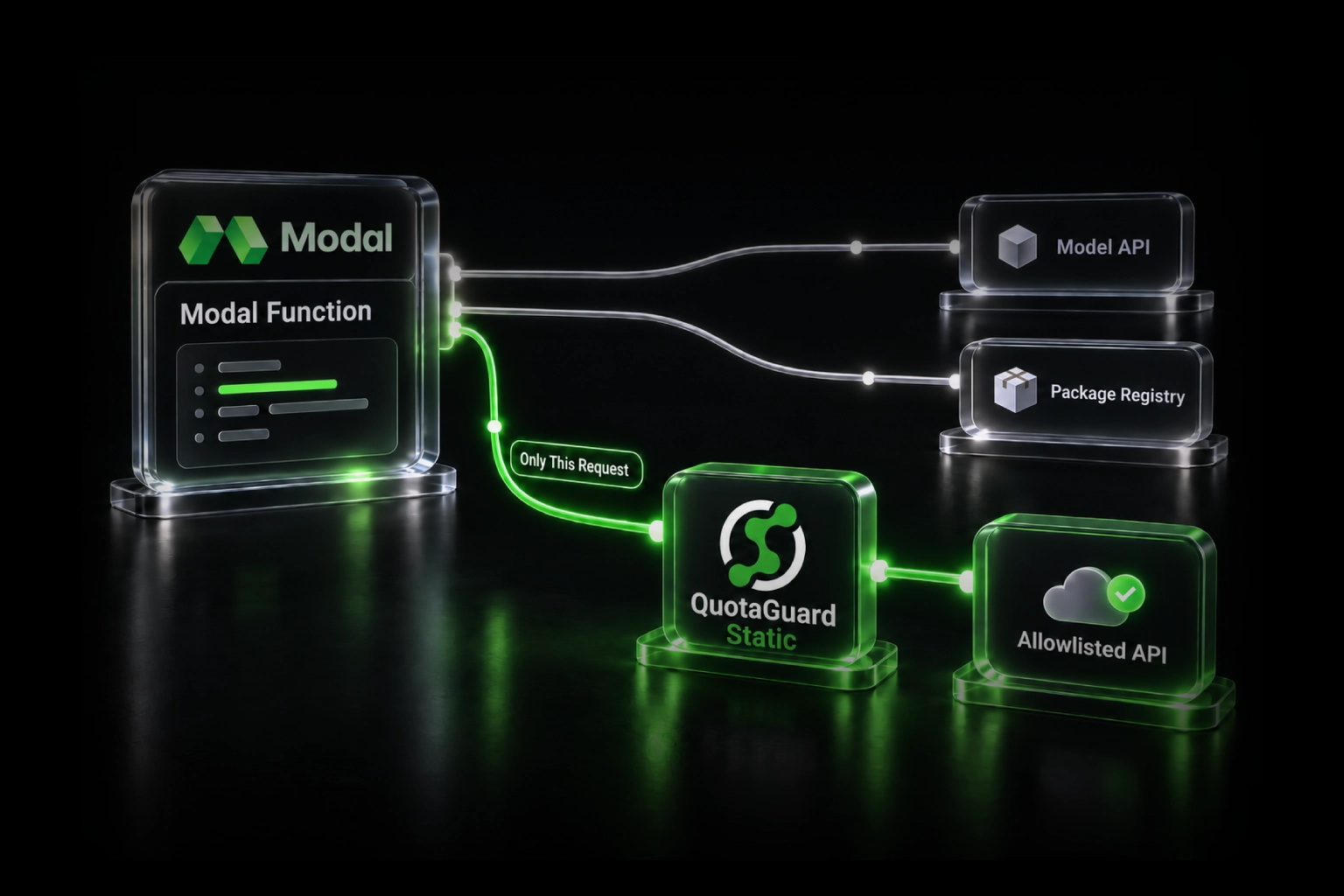
Do not configure a global proxy merely to reach one protected API. Selective routing prevents unrelated OAuth, payment, analytics, database, and third-party requests from inheriting the DMZ route.
Step 4: Restrict the Sophos rule
Sophos Firewall documents that WAF rules can protect an internal web server and restrict its allowed client networks. It also supports HTTPS hostnames and path-specific routing.
The exact interface varies by Sophos Firewall version, but the policy should express these controls:
- Create IP host objects for the dedicated QuotaGuard source addresses.
- Bind the WAF rule to the public address and HTTPS hostname used for the Node API.
- Set Allowed client networks to the QuotaGuard address objects rather than Any IPv4.
- Forward only to the protected Node server and port.
- Use path-specific routing if the Lovable application needs only a narrow prefix such as
/v1/lovable/. - Enable firewall logging and the protection controls approved by the security team.
Be careful with Sophos object types. Current Sophos documentation says path-specific allowed-client rules implement IP and Network host types, not an IP range or IP list. Create the source objects in the form supported by the deployed Sophos version and verify both assigned addresses before removing any migration rule.
Step 5: Test the real route before closing the firewall
Test in stages:
- Use the same proxy client to call
https://ip.quotaguard.com. Confirm the returned address belongs to the dedicated deployment. - Call a harmless health or identity endpoint on the protected Node API through the same client.
- Confirm the request appears in Sophos logs with the expected source address, hostname, port, and path.
- Confirm the Node API validates the service credential and records the expected application identity.
- Test the production Lovable flow, including its failure behavior and timeout.
- Remove temporary broad source rules only after every legitimate caller has been inventoried.
Do not wait for short tests to display every address deterministically. Connection reuse and load balancing may keep using one address. The firewall must allow every address assigned to the deployment.
Defense in depth for a DMZ API
A static source address materially narrows the network path, but it is not sufficient authorization. Pair the Sophos source rule with:
- Authenticated HTTPS: reject unauthenticated requests even when the source address matches.
- Strong service identity: use mTLS or short-lived scoped credentials where supported.
- Least privilege: expose only the endpoints, methods, records, and fields the Lovable application needs.
- Exact network scope: restrict source, destination hostname, port, and API path rather than authorizing general DMZ access.
- Rate and size limits: contain a compromised application credential or runaway generated workflow.
- Logging and alerts: monitor rejected sources, authentication failures, unusual paths, and abnormal request volume.
- Secret lifecycle: keep secrets server-side, prevent them from entering logs, rotate them, and revoke them when no longer needed.
- Internal database isolation: let only the Node API reach the database.
This is especially important for AI-assisted applications. Generated code can change quickly, but the egress identity, Sophos rule, API authorization, and data boundary should remain controlled outside the browser and independently reviewable.
Troubleshooting
Sophos logs an unexpected source address. The protected request bypassed QuotaGuard, the wrong HTTP client made the call, or another service owns the connection. Configure the proxy on the exact server-side client and repeat both the IP check and protected API call.
The browser exposes the QuotaGuard URL. Stop. The proxy route was placed in frontend code. Move the operation into a Lovable server-side function, a compatible custom connector, or a separate customer-controlled backend and rotate the exposed credentials.
The proxy check works but the Node API does not. Verify the hostname, TLS certificate, Sophos WAF binding, allowed-client objects, port, path route, and application credential. An IP check proves only that one test request used QuotaGuard.
The API is private-only. QuotaGuard cannot reach an RFC 1918 address across the public internet. Use a private-network design or publish a narrowly protected HTTPS boundary through Sophos.
The security team will accept Lovable's shared range. Evaluate Lovable's native custom connector first. QuotaGuard remains useful when the organization requires customer-only addresses, a smaller portable rule, a route outside the connector model, or QuotaGuard's operational ownership and support.
QuotaGuard Static, Shield, and Enterprise
QuotaGuard Static starts at $19 per month. Standard Starter, Production, and Business plans use a stable pair on shared proxy infrastructure. HTTPS payloads remain encrypted to the destination through a blind CONNECT tunnel; QuotaGuard does not decrypt the application payload. The customer-to-proxy hop uses the standard HTTP proxy protocol.
QuotaGuard Shield starts at $29 per month and adds TLS protection to supported customer-to-proxy connections. Choose Shield when the approved security architecture requires protection for that first hop.
For the DMZ architecture in this article, the primary recommendation is Enterprise dedicated infrastructure: Static Enterprise currently starts at $219 per month and Shield Enterprise at $269 per month. Both reserve the IP pair and proxy resources for the account. Choose between Static and Shield based on the required customer-to-proxy transport and the organization's approved security design, not merely because Sophos or a database is involved.
QuotaGuard supports 12 AWS regions. Select the region nearest the Lovable runtime and protected API while respecting the organization's residency and architecture requirements.
Use a narrow, managed path instead of opening the DMZ
The safe goal is not to make the internal database reachable from Lovable. It is to give one authenticated server-side application path a stable, reviewable identity:
Lovable server-side code → customer-only QuotaGuard egress → narrow Sophos rule → authenticated Node API → internal data
That architecture preserves the firewall rule, keeps secrets out of the browser, avoids a broadly exposed database, and gives the application team a managed egress layer rather than another proxy VM to operate.
Review the Lovable static-IP integration, compare QuotaGuard plans, or talk to a QuotaGuard engineer about the dedicated DMZ route.
References and demand evidence
Lovable: Create a Custom Connector
Lovable: Integration Security and Fixed Gateway Ranges
Lovable: Connect a Project to Supabase
Supabase: Static Egress and IP Allowlisting for Edge Functions
Deno: Fetch, createHttpClient, and Proxy Options
Deno: Route One Fetch Through an HTTP Proxy
Sophos Firewall: Add a Web Application Firewall Rule
Lovable community: Integrating Lovable with a Company-Controlled Private Database