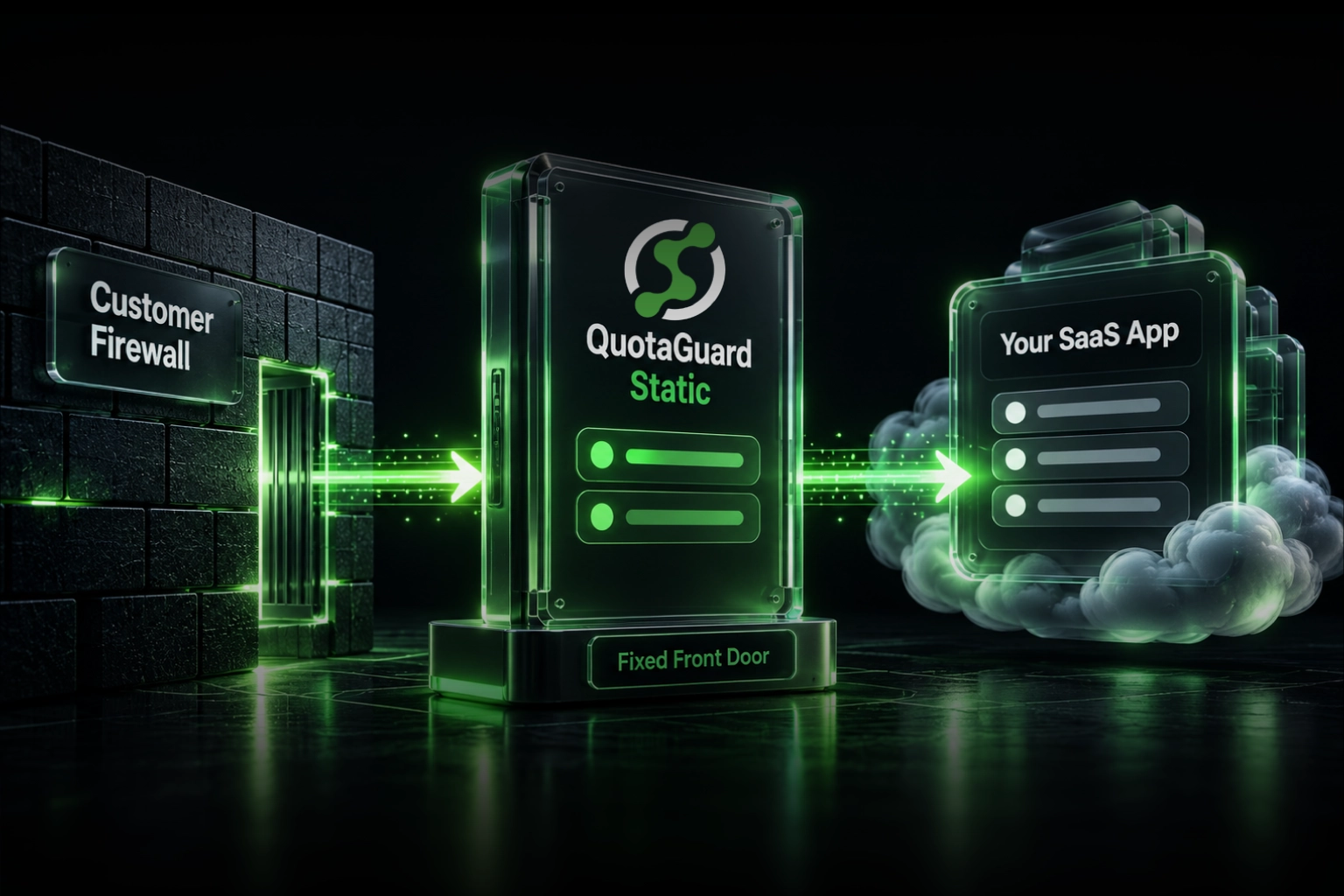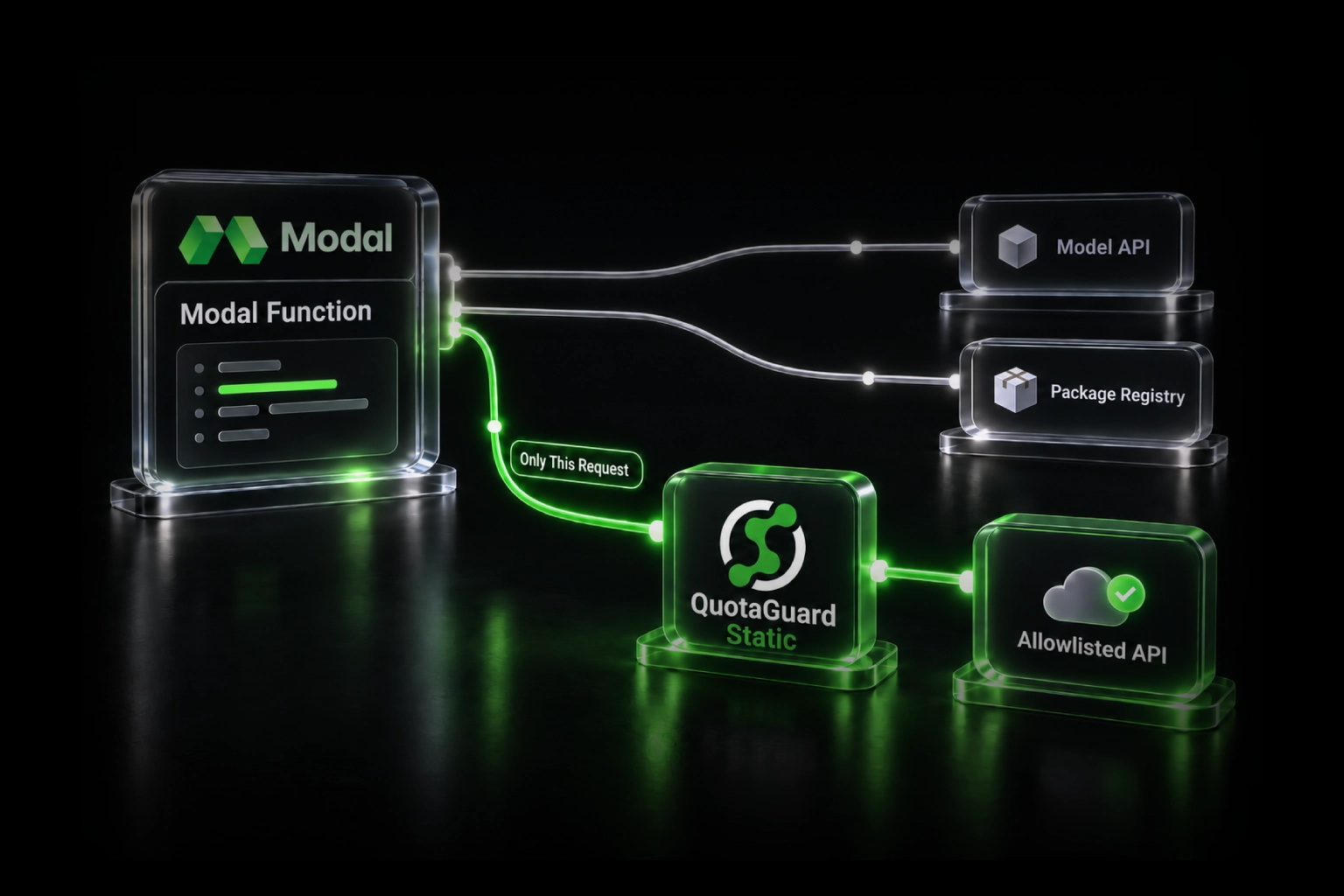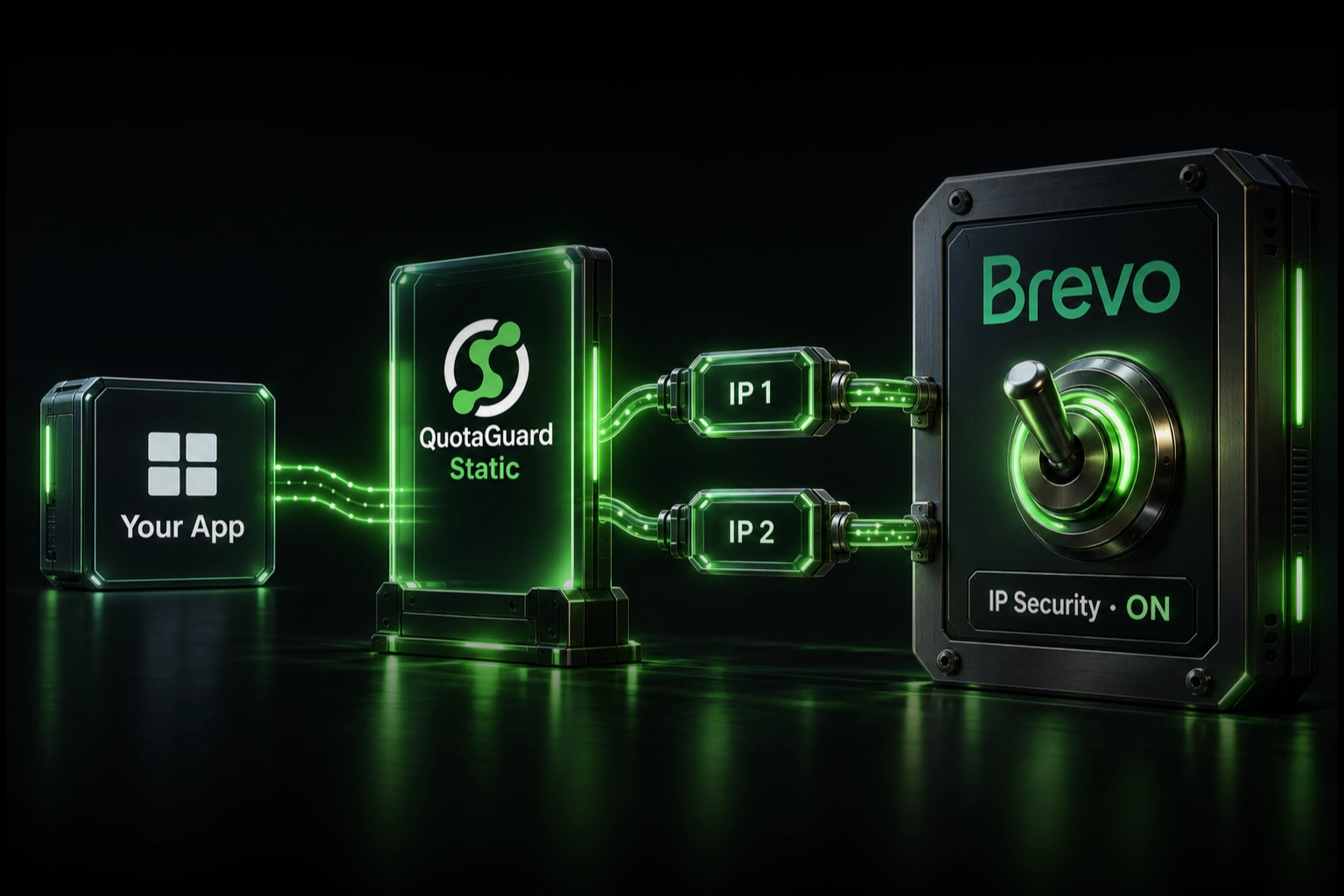
If Brevo rejects API calls with unauthorized: not verified or IP not authorized, route only the Brevo HTTPS requests through QuotaGuard and authorize both QuotaGuard addresses in Brevo. Your application keeps a stable outbound identity, Brevo's IP-security control stays enabled, and unrelated application traffic keeps its normal route.
This matters on Heroku, Railway, n8n Cloud, and other managed platforms where a deployment, restart, or new worker can make an API request from an address Brevo has not seen before. Manually approving the current address may restore service today, but it does not make that address permanent.
The managed path is:
Heroku, Railway, or n8n application → QuotaGuard → Brevo API
Brevo sees one of the two stable addresses assigned to the QuotaGuard subscription. Add both addresses to Brevo's Authorized IPs list because normal load balancing and failover can use either one.
Why Brevo can start rejecting an integration that used to work
Brevo uses source-IP authorization as an additional control around API and SMTP keys. Its current documentation describes a two-phase process for API keys:
- During the learning phase, Brevo observes and automatically authorizes the addresses making API calls.
- If Brevo detects no new addresses for 30 days, it can activate blocking of unknown addresses. A later request from a different address is then rejected, even when the API key is valid.
That design works naturally when the application has a fixed egress identity. It is fragile when the hosting platform can change the source address after a deploy or when separate staging, production, and worker processes use different egress.
This is not theoretical. A Railway developer reported that the first production signup triggered a Brevo unauthorized-IP notice after the same integration had worked during development. The application depended on Brevo for signup verification and password resets, so another address change could prevent users from registering until someone noticed and approved it. An n8n Cloud user separately reported being blocked because there was no static address to authorize with Brevo.
A QuotaGuard customer described the same general problem from a Heroku application and adopted QuotaGuard to give Brevo stable authorized addresses. The customer's report did not include Brevo's exact error response, so it is evidence that the managed route was useful, not proof of that incident's root cause.
Do not solve this by disabling a security layer
Brevo lets an account deactivate unknown-IP blocking, and that can make a dynamic cloud integration start working again. Brevo also warns that deactivation reduces the security of the API or SMTP key.
An API key answers, "Does this caller possess the secret?" The Authorized IPs control answers a different question: "Is the request also arriving through an approved network path?" If a key is exposed in a log, repository, dependency, backup, or compromised runtime, the source-IP rule can prevent it from being used elsewhere.
The stronger answer is to give the application a stable identity that Brevo can authorize. QuotaGuard operates that egress path, including proxy availability, failover, monitoring, capacity, maintenance, upgrades, support, and after-hours incident ownership. Your team keeps the Brevo control without operating its own NAT gateway, proxy VM, VPN, or regional failover pair.
First identify which Brevo connection you are fixing
This guide covers an application calling Brevo's REST API over HTTPS, including https://api.brevo.com/v3/smtp/email. Similar email terminology can describe several different network paths:
- Brevo HTTPS API: the customer application opens an HTTPS request to Brevo. This is the direct QuotaGuard use case covered below.
- Brevo SMTP relay: the application opens a raw TCP connection to Brevo's SMTP service. An HTTP client proxy setting does not route this traffic. Use an approved SOCKS5 or QGTunnel design and confirm the runtime and port with QuotaGuard support.
- Brevo sending IP and deliverability: Brevo opens the connection to the recipient's mail server. QuotaGuard does not change Brevo's sending IP, warm a dedicated sending address, or repair sender reputation.
- Brevo webhooks: Brevo opens an inbound connection to your application. An outbound QuotaGuard route does not change the source of that webhook.
- A blocked recipient or account suspension: Brevo may accept the API request but decline or defer the message for a different reason. A static caller address does not resolve recipient, content, credit, account-status, or provider-outage problems.
Confirm the failing request in the application and Brevo logs before changing network configuration. Look for an unauthorized-IP notification or an API error that identifies IP authorization, rather than assuming every blocked email is an egress problem.
Step 1: Create the QuotaGuard route
Create a QuotaGuard Static subscription in the region nearest the application. The dashboard provides:
- A proxy connection URL containing the hostname, port, username, and password.
- Two stable outbound IP addresses to authorize in Brevo.
Standard plans use a stable pair on shared managed proxy infrastructure. If an internal policy requires exclusive customer-only addresses or isolated proxy resources, use a QuotaGuard Enterprise dedicated deployment.
Store the complete connection URL as a secret environment variable:
QUOTAGUARDSTATIC_URL=http://username:password@<your-quotaguard-proxy-host>:9293Do not commit that value to source control, place it in client-side JavaScript, or print it in logs.
Heroku
Add the connection URL to the Heroku app's config vars, or use the value created by the QuotaGuard add-on:
heroku config:set QUOTAGUARDSTATIC_URL='http://username:password@<your-quotaguard-proxy-host>:9293' -a your-appHeroku documents Common Runtime outbound addresses as highly dynamic and recommends a static-IP add-on when a destination needs an allowlist. The application still must configure its Brevo HTTP client to use the proxy. Adding a config var by itself does not redirect every library automatically.
Railway
Add QUOTAGUARDSTATIC_URL to the service's Variables and redeploy. Keep it scoped to the service that calls Brevo. Railway recommends HTTPS transactional-email APIs on Hobby and lower plans because outbound SMTP is restricted there, which also makes the Brevo REST API the cleaner route for this setup.
n8n Cloud
Use an HTTP Request node for the Brevo API operation. Under Add Option, choose Proxy and enter the QuotaGuard connection URL. n8n documents that this field applies to the request and takes precedence over global proxy environment variables.
The Proxy option is node-specific. It does not change the egress of every n8n integration node. Store the Brevo API key in an n8n credential, not directly in a visible workflow field, and verify the route with a harmless Brevo account request before moving the production email operation.
Step 2: Route the Brevo HTTPS client through QuotaGuard
Selective routing is preferable here. Send calls to api.brevo.com through QuotaGuard while OAuth callbacks, databases, internal services, and unrelated APIs keep their existing paths.
Node.js with Undici
Install Undici explicitly so the code uses the package version you tested rather than relying on assumptions about the version bundled with a particular Node release:
npm install undiciimport { ProxyAgent, fetch } from "undici";
const dispatcher = new ProxyAgent(process.env.QUOTAGUARDSTATIC_URL);
const response = await fetch("https://api.brevo.com/v3/account", {
method: "GET",
headers: {
accept: "application/json",
"api-key": process.env.BREVO_API_KEY,
},
dispatcher,
});
if (!response.ok) {
throw new Error(`Brevo returned ${response.status}: ${await response.text()}`);
}
console.log("Brevo API route succeeded");Reuse the same dispatcher only for Brevo requests. Do not call setGlobalDispatcher unless the application intentionally wants every compatible outbound request to use QuotaGuard.
Python with Requests
import os
import requests

proxy_url = os.environ["QUOTAGUARDSTATIC_URL"]

response = requests.get(
    "https://api.brevo.com/v3/account",
    headers={
        "accept": "application/json",
        "api-key": os.environ["BREVO_API_KEY"],
    },
    proxies={
        "http": proxy_url,
        "https": proxy_url,
    },
    timeout=30,
)

response.raise_for_status()
print("Brevo API route succeeded")
The URL describes an HTTP proxy, while the Brevo request remains HTTPS. The client creates a CONNECT tunnel through QuotaGuard and negotiates TLS with Brevo. QuotaGuard does not terminate or decrypt the Brevo HTTPS payload.
Step 3: Authorize the complete caller inventory in Brevo
Before changing the list, identify every legitimate system using API or SMTP keys for the Brevo account. Brevo shares the Authorized IPs list across those key types, and its documentation warns that manually authorizing addresses can activate blocking of unauthorized callers. Adding only the new QuotaGuard pair while forgetting another production system can create an outage elsewhere.
- Sign in to Brevo as the account owner or a user allowed to manage Authorized IPs.
- Open Settings, then Security, then Authorized IPs.
- Record the current authorized and recently unauthorized callers.
- Add the first QuotaGuard address as an individual IPv4 address.
- Add the second QuotaGuard address as another individual IPv4 address.
- Keep any legitimate migration addresses until every application path has been tested through QuotaGuard.
Authorize both QuotaGuard addresses. Seeing only one during a short test is normal and is not a reason to omit the other.
Step 4: Verify Brevo, not only an IP-check service
A request to https://ip.quotaguard.com is useful for confirming that the HTTP client exits through an address assigned to the subscription. It does not prove that the actual Brevo client uses the same route.
Perform both checks:
- Send a temporary proxied request to
https://ip.quotaguard.comand confirm the returned address belongs to the subscription. - Call Brevo's
/v3/accountendpoint through the same client and proxy configuration, then send a controlled transactional test through the real application flow.
Confirm that Brevo accepts the request, the application receives a successful API response, the message appears in Brevo's transactional logs, and no unknown-IP notification is generated. Test production workers, scheduled jobs, and each service that sends mail, not only the web process.
After every legitimate caller uses an authorized path, remove obsolete dynamic addresses from Brevo. Exporting the list before and after the migration creates an auditable record of the change.
Troubleshooting Brevo IP authorization
Brevo still reports an unauthorized IP. The Brevo client is probably bypassing the proxy, another process is making the request, or only one environment was updated. Compare the rejected address in Brevo with the two addresses in the QuotaGuard dashboard.
The IP-check request works but transactional email still fails. The test and the Brevo SDK may be using different HTTP clients. Configure the proxy on the exact client that calls api.brevo.com, or replace that call with a direct REST request through the tested client.
The API returns 401 after the source address is authorized. Check the API key, account, permissions, key expiration, and header name. A stable source address does not replace Brevo authentication.
Brevo accepts the request but the email is blocked or deferred. Inspect the transactional log. Sender verification, a blocked contact, insufficient credits, account validation, recipient filtering, and sender reputation are separate problems.
Another Brevo integration stopped after the allowlist change. Add that system's legitimate egress address or move it through an approved stable route. Do not deactivate the entire control before identifying which caller was omitted.
Only one QuotaGuard address appears in tests. That is normal. Connections do not alternate deterministically, and connection reuse may keep using the same node. Leave both addresses authorized for load balancing and failover.
Why use QuotaGuard for this route
The advantage is not merely a small difference in monthly price. QuotaGuard gives the Brevo client a portable, selectively routed identity while QuotaGuard operates the infrastructure behind it:
- Selective routing: only the Brevo API client needs the proxy. Unrelated application traffic can stay on its normal path.
- Portability: the same two-address Brevo rule can survive a move between Heroku, Railway, another cloud, or a different region.
- Managed availability and failover: the subscription includes two stable addresses rather than a single proxy VM that your team must recover.
- Operational ownership: QuotaGuard handles monitoring, capacity, maintenance, upgrades, and proxy incidents.
- Engineer support: when a runtime or HTTP library behaves differently, QuotaGuard can help map the actual client path instead of leaving the application team alone with a homegrown gateway.
Railway Pro offers native static outbound addresses, and Heroku Private Spaces provide stable space-level egress. Those can be appropriate when the team specifically wants platform-wide networking and accepts an identity tied to that platform and scope. QuotaGuard is the normal managed choice when the team wants a small portable allowlist, selective application routing, and one egress design it can keep across platforms.
QuotaGuard Static or Shield?
QuotaGuard Static starts at $19 per month and is the normal starting point for Brevo API allowlisting. The HTTPS session remains encrypted from the application to Brevo through a blind CONNECT tunnel; QuotaGuard does not decrypt the Brevo payload. The customer-to-proxy hop uses the standard HTTP proxy protocol rather than a separately TLS-wrapped proxy connection.
QuotaGuard Shield starts at $29 per month and adds TLS protection to supported customer-to-proxy connections. Choose Shield when the approved security architecture or compliance review requires that protected first hop. Confirm that the application's client library supports the intended Shield connection method.
Choose the nearest of QuotaGuard's 12 AWS regions when subscribing to reduce latency. Region changes for an existing subscription go through QuotaGuard support so the hostname and assigned addresses remain an intentional infrastructure change.
Official references and direct evidence
Brevo API: IP Security and Authorization
Brevo: Authorize and Block IP Addresses for API and SMTP Security
WP Mail SMTP: Brevo Unauthorized, Not Verified, or IP Not Authorized
Brevo API: Get Account Information
Heroku: Common Runtime Outbound Addresses
n8n: HTTP Request Node and Proxy Option
Railway Developer: Brevo IP Authorization Breaking Between Environments
n8n Cloud Developer: No Static IP to Authorize With Brevo
Related QuotaGuard guides
Give a Heroku Application a Static Outbound IP
QuotaGuard and Railway Static IP Integration
n8n Cloud Static IP Whitelist and Firewall Guide
When a Static IP Proxy Is the Wrong Tool for Email Validation
Keep Brevo IP security enabled
A changing cloud address should not force a choice between broken signup emails and weaker API-key security. Route the Brevo HTTPS client through QuotaGuard, authorize both stable addresses, verify the real transactional flow, and remove obsolete dynamic callers after the migration succeeds.
Start a QuotaGuard Static trial, or contact QuotaGuard support with the hosting platform, language, HTTP client, and redacted Brevo error. We will help identify the selective route that fits the application.