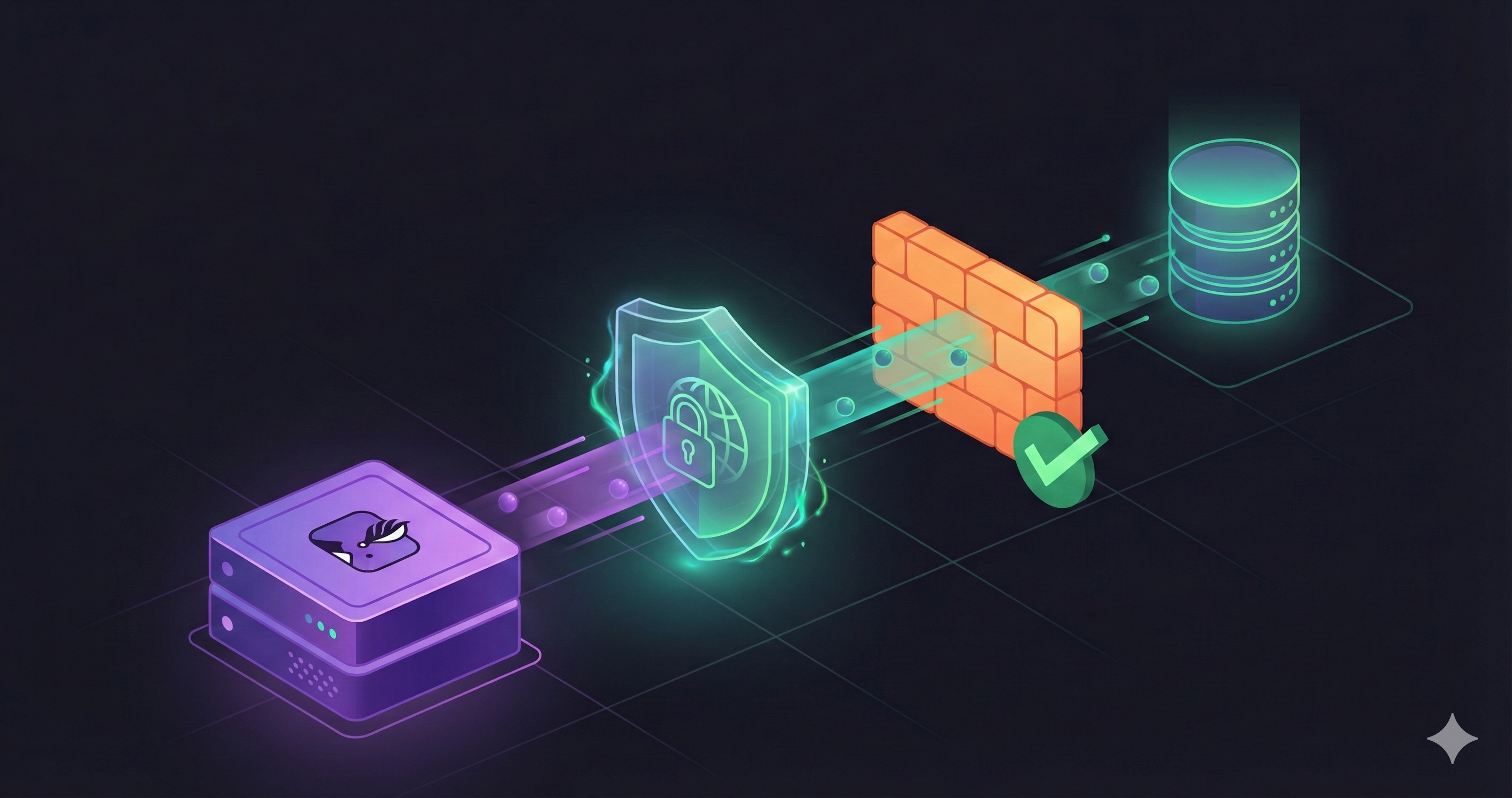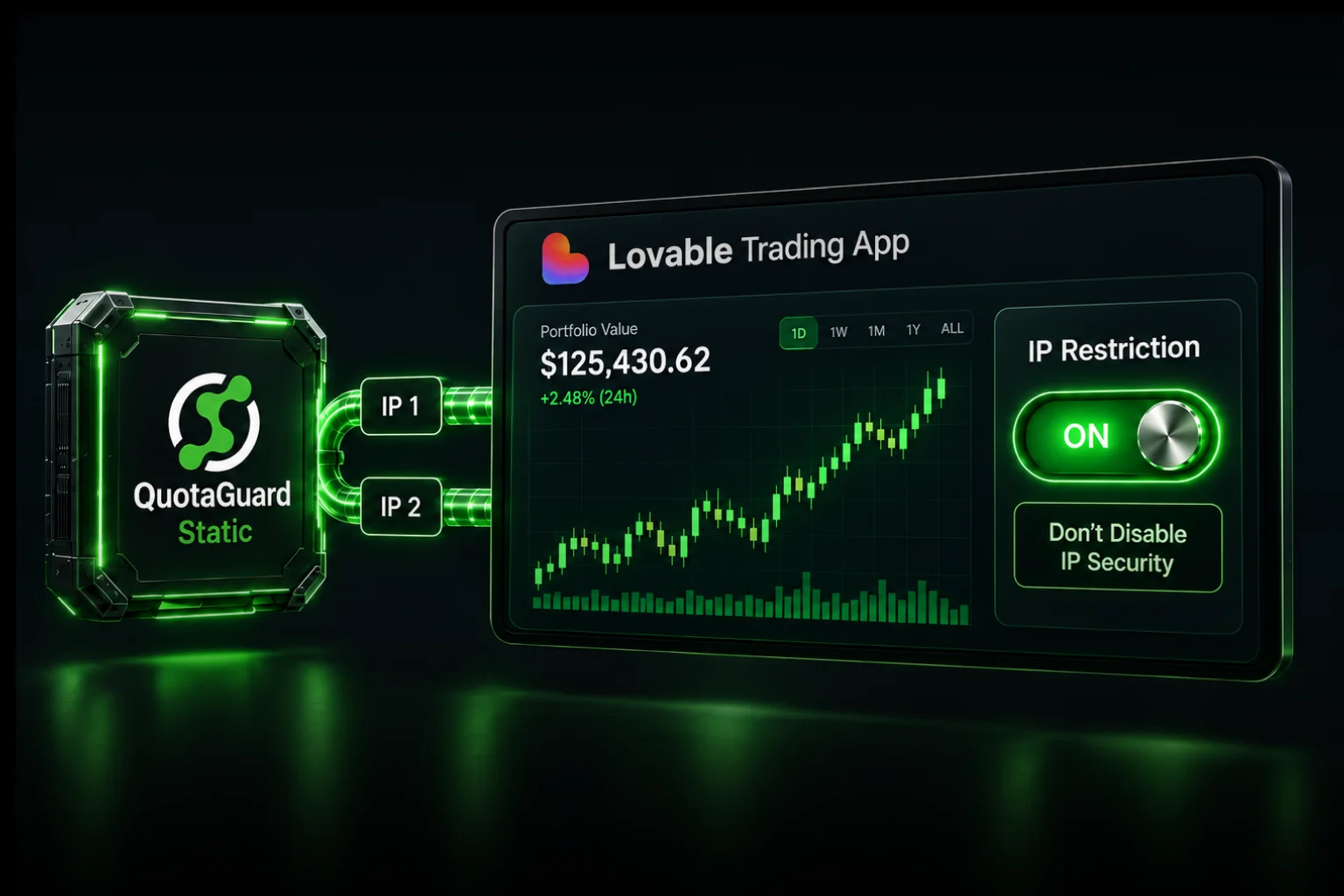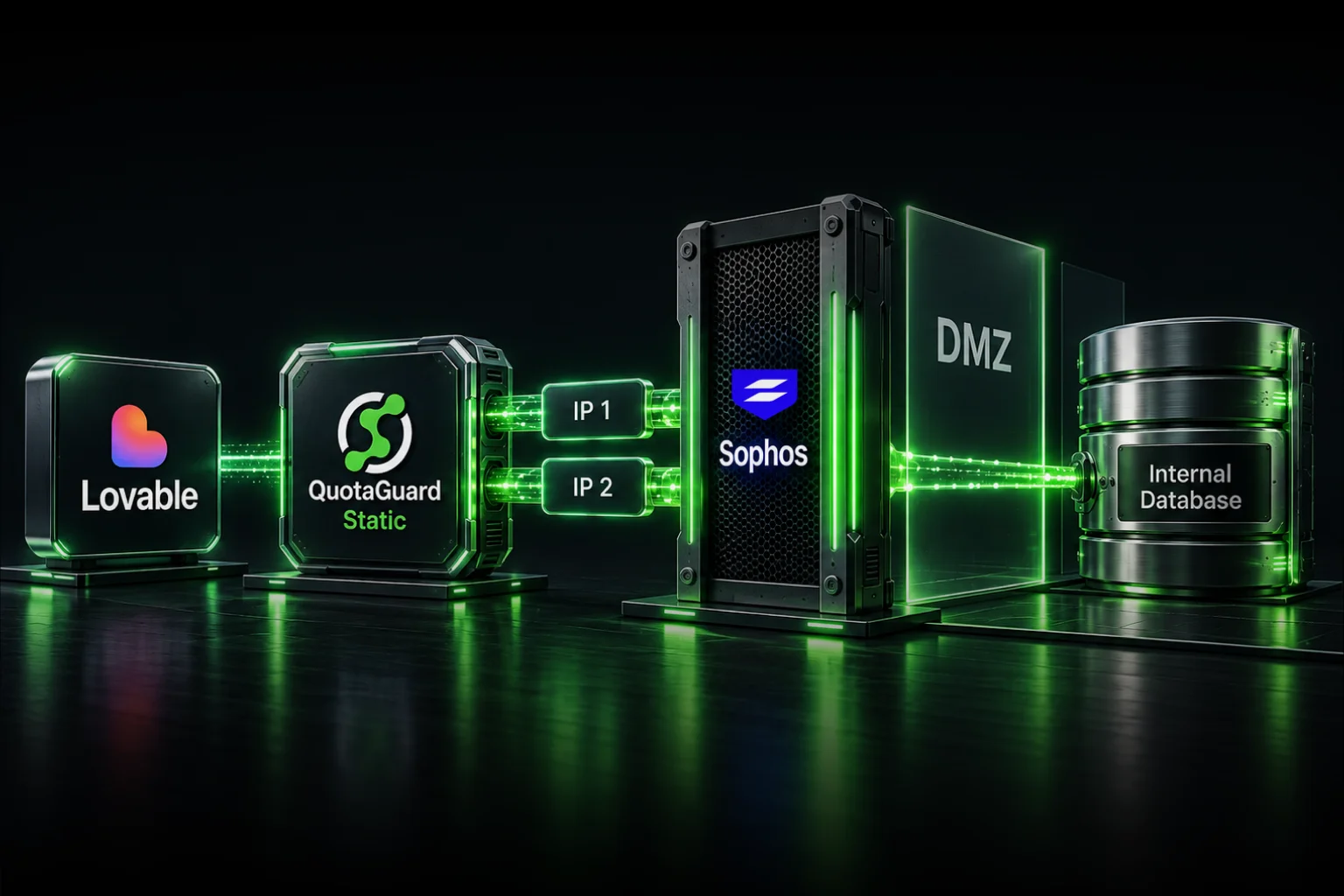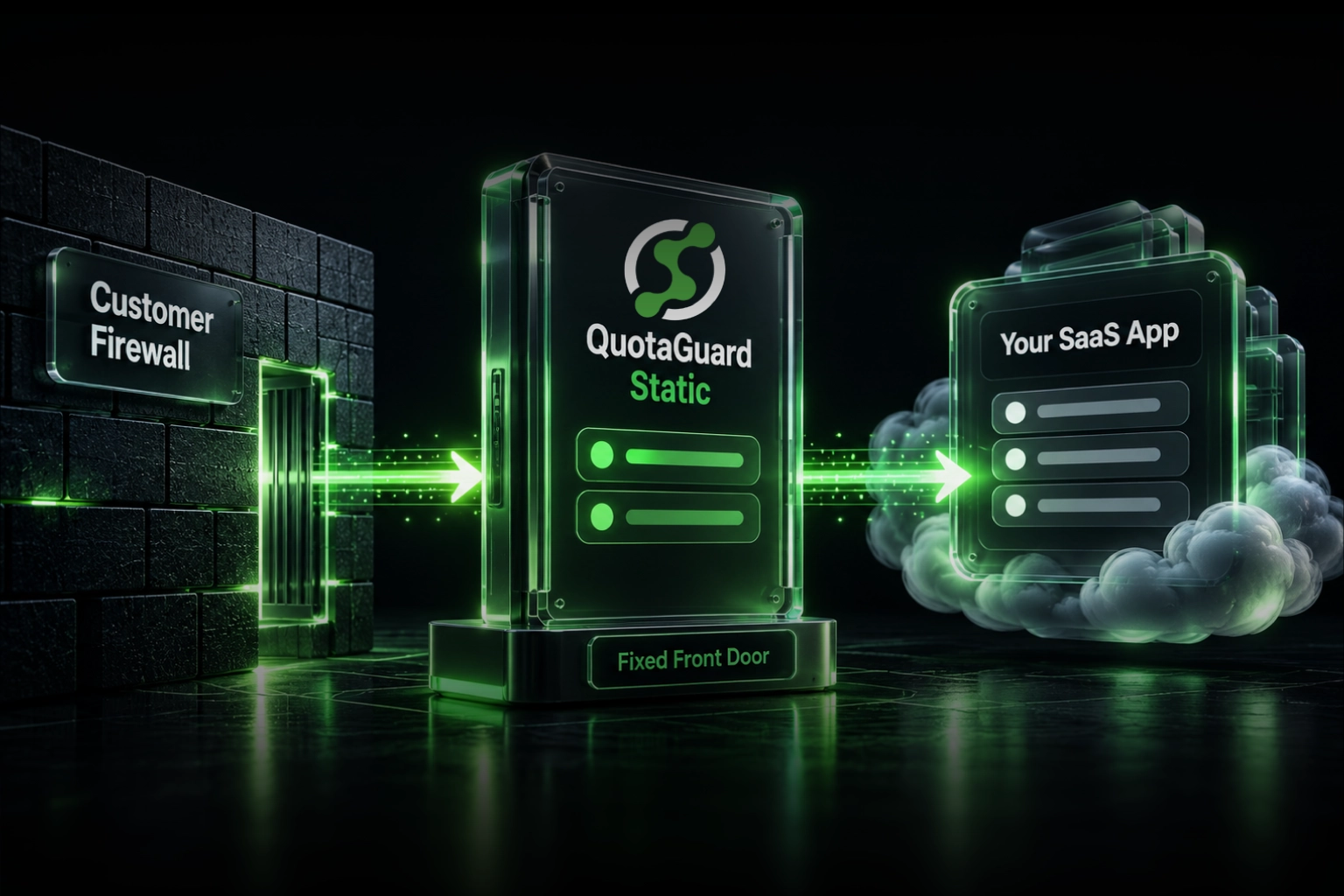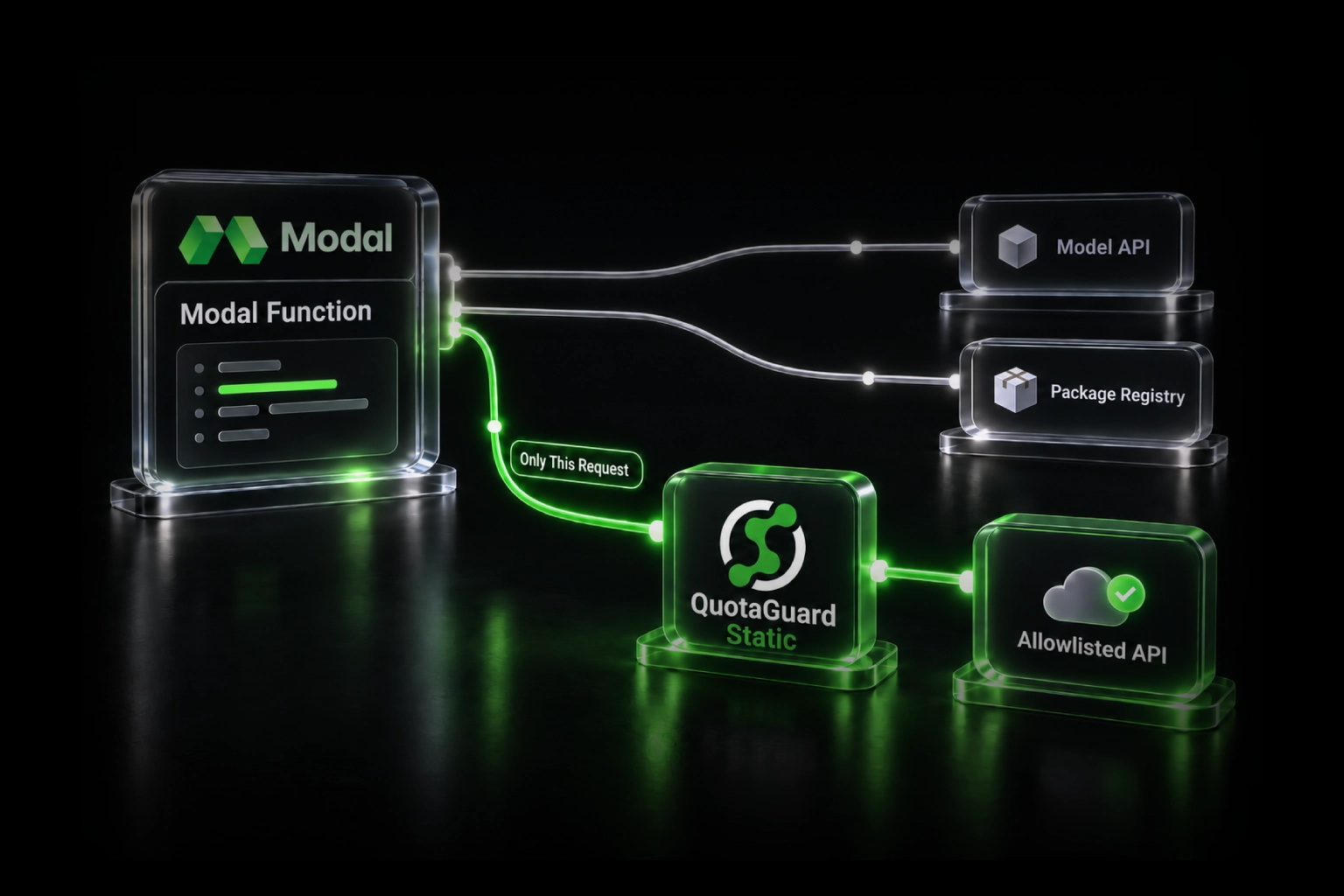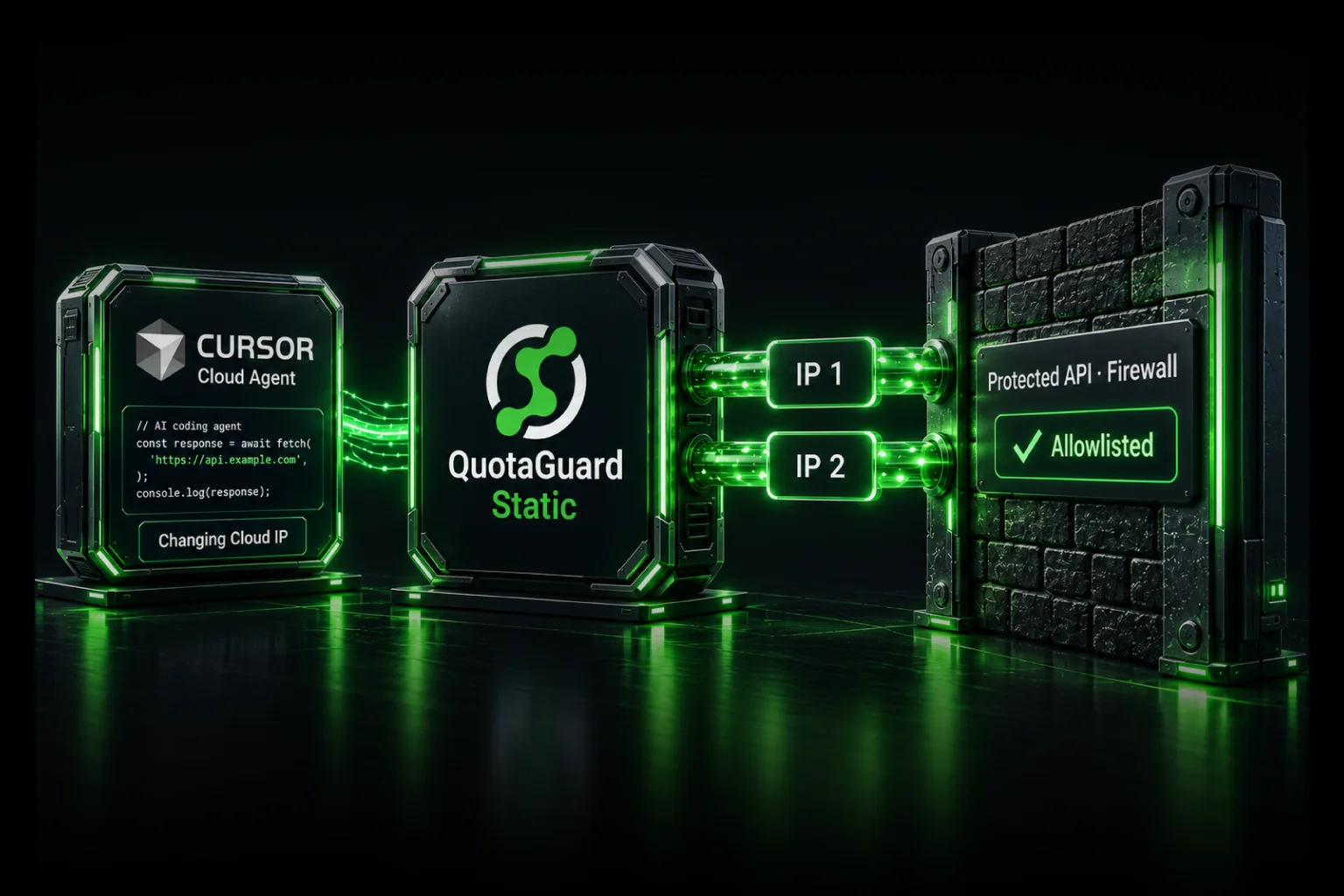
Give selected Cursor Cloud Agent API calls a small, stable allowlist by routing them through QuotaGuard. Your application uses the managed proxy, and the destination allows the two outbound addresses assigned to your subscription instead of maintaining a large cloud-platform address list.
QuotaGuard operates the proxy infrastructure, including availability, failover, monitoring, maintenance, and support. Your team keeps the firewall narrow without taking ownership of a proxy VM or NAT infrastructure just to let an agent run integration tests.
Your application or test client inside a Cursor Cloud Agent
  -> QuotaGuard managed proxy
  -> public HTTPS API protected by a source-IP rule
This article covers code running in the Cloud Agent environment. It does not change the source address of Cursor-hosted model requests or make a private-only service publicly reachable.
The agent can write the code but cannot reach the test API
A working development environment needs more than the repository. Tests may call a client's staging API, payment sandbox, or other protected service. The API credential can be correct while the firewall still rejects the connection because it originates from an unapproved address.
In a March 2026 Cursor Community request, a developer described unsuccessful VPN setup attempts and objected to maintaining Cursor's broad, changing egress list. The issue was access to protected services during development, not a lack of code-generation capability.
That is where managed static egress helps: retain the destination's source restriction while giving the application a stable route. It complements API authentication and TLS rather than replacing either.
A small allowlist without another server to operate
- Operational ownership: QuotaGuard runs the egress infrastructure and handles proxy maintenance, monitoring, and incident response.
- Availability: allowlist both assigned addresses so the application can use the managed load-balanced pair.
- Selective routing: configure the protected API client without rerouting unrelated application requests.
- Portability: use the same subscription from supported development, CI, and deployment runtimes without tying the destination's rule to Cursor's fleet.
- Engineering support: get help with the actual client and protocol rather than maintaining your own networking workaround.
Standard plans use shared static-IP infrastructure. A small stable allowlist is not automatically a customer-exclusive identity. If the destination requires addresses used only by your organization, request Enterprise dedicated IPs and proxy infrastructure. Keep destination authentication and authorization in either case.
Configure one HTTPS client explicitly
Use the complete connection URL from the QuotaGuard dashboard. Store it in Cursor as a Runtime Secret named QUOTAGUARDSTATIC_URL, not in a committed file or an agent prompt. Adding the secret supplies the credential; your HTTP client must still use it.
Install Python Requests in your saved environment's dependencies. Requests documents authenticated proxies configured per request. The following pattern applies that client configuration to an HTTPS call from customer-controlled code:
import os
from urllib.parse import urlsplit

import requests

proxy_url = os.environ["QUOTAGUARDSTATIC_URL"]
endpoint = "https://api.your-company.example/health"
# Replace the example endpoint with an approved HTTPS endpoint.
if urlsplit(endpoint).scheme != "https":
    raise ValueError("Use an HTTPS destination")

response = requests.get(
    endpoint,
    proxies={"https": proxy_url},
    timeout=(10, 30),
    allow_redirects=False,
)
if 300 <= response.status_code < 400:
    raise RuntimeError("Review the redirect destination before following it")
response.raise_for_status()
print("Request completed successfully")
Add the destination's own authentication separately, using a narrowly scoped test credential. Do not print the proxy URL, API credentials, response payload, or unsanitized diagnostic logs. Keep certificate verification enabled. This example does not silently retry without the proxy if the proxied request fails.
Configuration scope: this is a documented Requests pattern, not a claim that QuotaGuard has completed an end-to-end test in your Cursor environment. It routes this call, not every Cursor tool, browser action, database driver, or process. Other clients need their own supported proxy configuration.
Approve the route at both ends
Ask the destination administrator to allowlist both QuotaGuard addresses from your dashboard. If your Cloud Agent has restricted outbound access, have your network administrator approve access to the assigned proxy endpoint and required port under that policy.
A general proxy can carry connections to destinations other than the one in this example. Do not assume allowing its hostname preserves a domain-by-domain sandbox restriction through the tunnel. Selective client configuration is routing convenience, not a security boundary against code that can change that configuration. Keep required destination restrictions enforced outside untrusted agent code and review the proxy path before granting it.
To check the client's route, make the same proxied HTTPS request to https://ip.quotaguard.com. The returned address should match one of the assigned pair. Then inspect the protected API's response and, where available, its access logs. Seeing one address during a short check is normal; it is not necessary to observe both before allowlisting both.
Make the setup survive a new agent session
Keep the dependency and client configuration in the saved development environment or repository, without credentials. Supply the proxy credential at runtime. Cursor's environment documentation explains that Builds preserve disk state, not running processes or exported shell variables. An export made during installation is not a durable runtime-secret setup.
If an API request happens during the build rather than during tests, configure that phase's approved secret mechanism separately. Do not bake proxy passwords into Docker images or environment snapshots.
Keep agent credentials scoped
Cursor's Runtime Secrets redact values from supported output surfaces, but they still exist as environment variables inside the runtime. Code with access to them can use them. Redaction does not make a reusable proxy credential inaccessible to agent-generated code.
Use test accounts, least-privilege API permissions, credential rotation, restricted destinations, and logging appropriate to your environment. Prefer short-lived destination credentials where supported. For customer-exclusive allowlisting or isolation from other tenants' source-address reputation, discuss dedicated infrastructure with QuotaGuard. Dedicated addresses do not stop misuse of a stolen credential or prevent malicious code from making requests.
Where Cursor's native networking still applies
Cursor publishes Cloud Agent egress ranges and advises monitoring them for changes. It also offers a narrower git egress proxy. That git-specific route does not give arbitrary API calls the same identity.
For services with no public endpoint, use an approved private-network path such as Cursor's documented Tailscale userspace setup, Cloudflare Tunnel, supported Enterprise private connectivity, or customer-hosted execution. QuotaGuard is the managed source-identity route for a publicly reachable destination with a source-IP restriction, not a replacement for private routing.
Native database protocols and SFTP also need a different client route: a supported SOCKS5 client or QGTunnel configuration, not the Requests example above. See the AI-agent static-IP integration guide for the broader protocol distinction.
Static, Shield, and dedicated addresses
QuotaGuard Static starts at $19 per month. Shield starts at $29 per month. Each Starter plan includes 20,000 requests and 10 GB per month on shared infrastructure. Enterprise provides dedicated-address options. See current plans and usage allowances.
For HTTPS, Static carries the encrypted application connection through a blind CONNECT tunnel without decrypting the payload. Its customer-to-proxy hop uses plaintext HTTP proxy protocol. Shield adds TLS protection to that hop; choose it when your security review or approved architecture requires it, using a client configuration that supports the Shield endpoint.
Select from 12 AWS regions at signup and contact support for a region change. The goal is not another networking project: it is a stable, managed identity that lets your application reach the services it needs.
Start with the API your tests actually need
Pick one protected HTTPS endpoint, configure its client, and allowlist both assigned addresses. Keep the destination's authentication and narrow firewall rules in place. Choose a QuotaGuard plan or contact engineering to discuss the client, security requirements, and dedicated-address option.