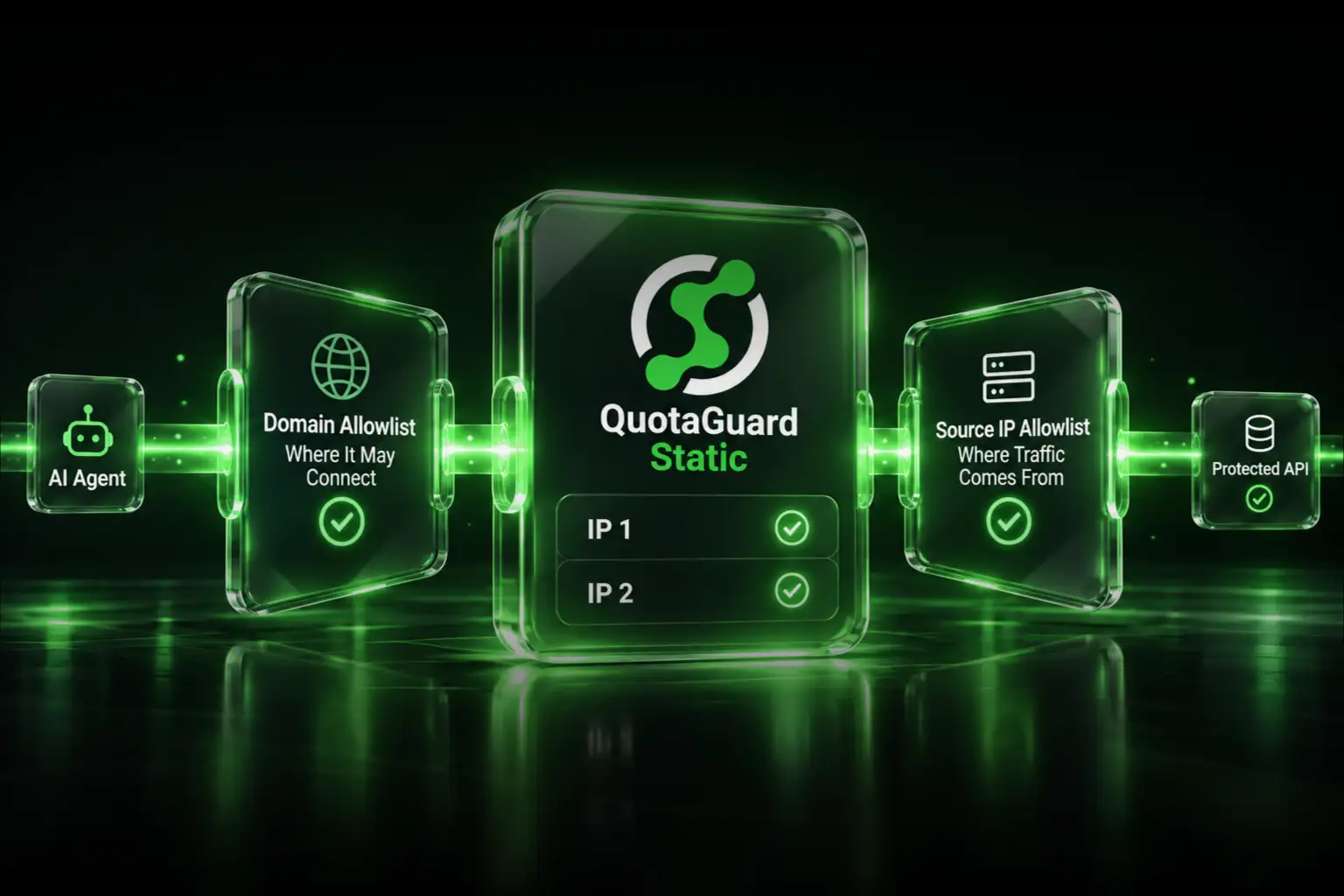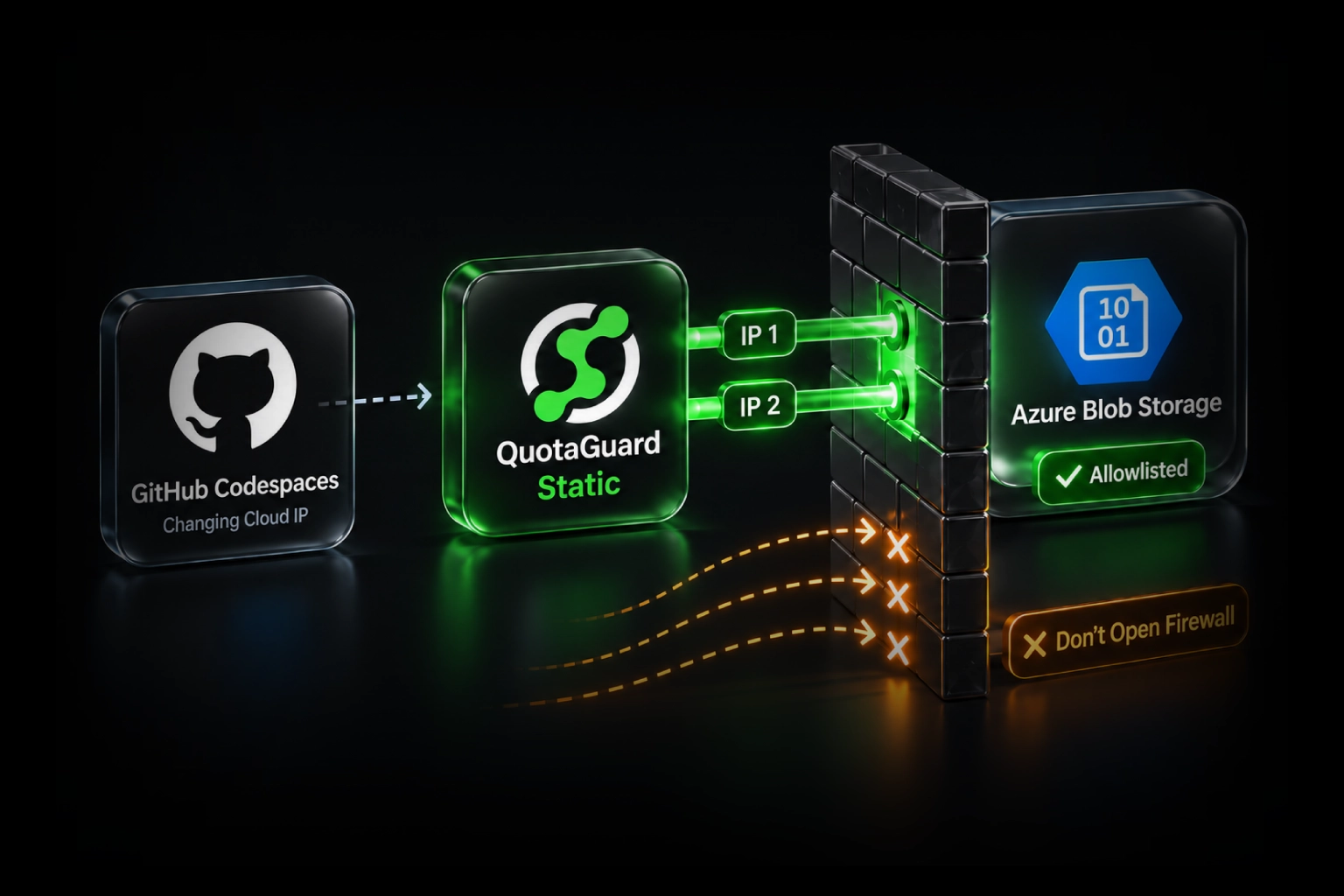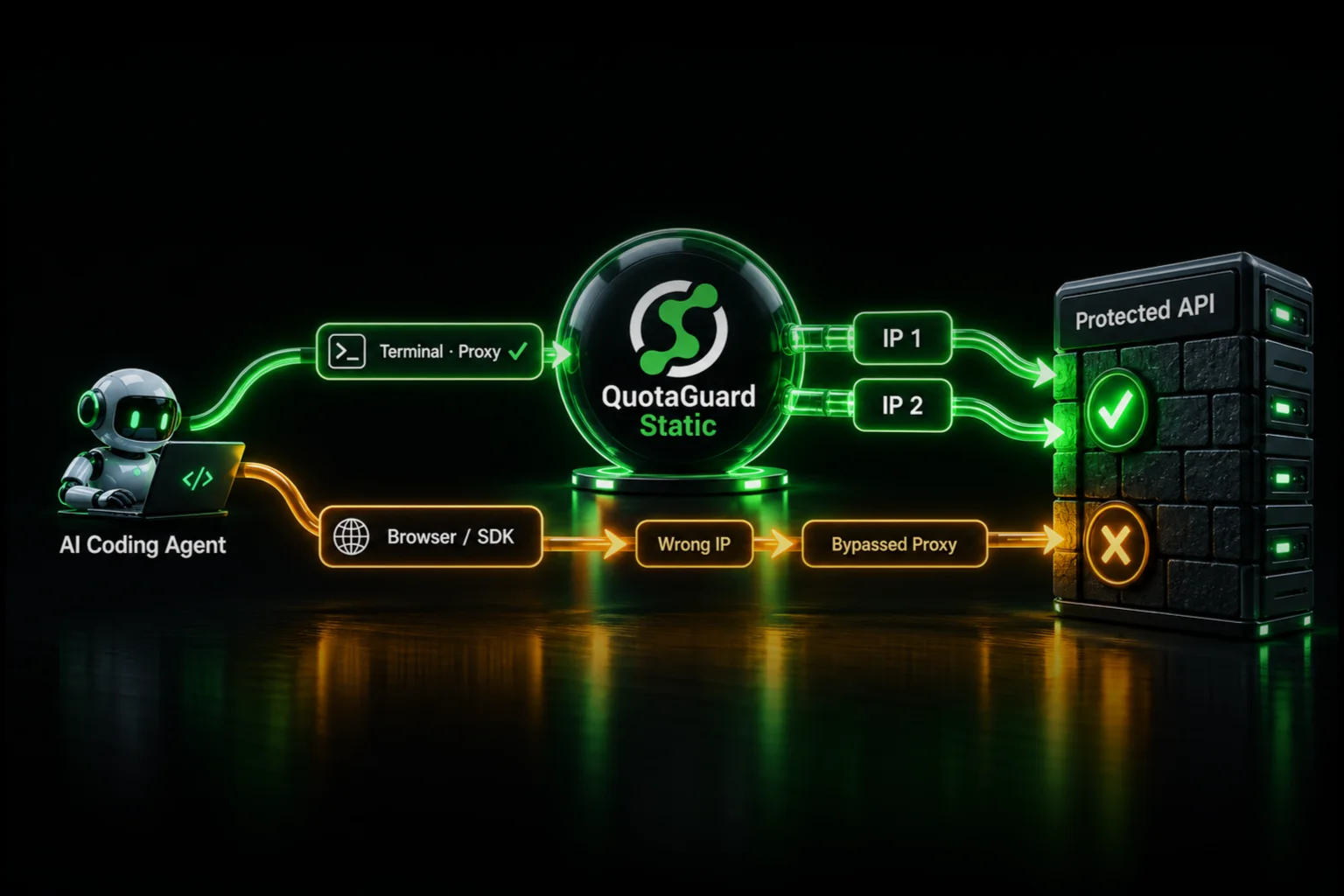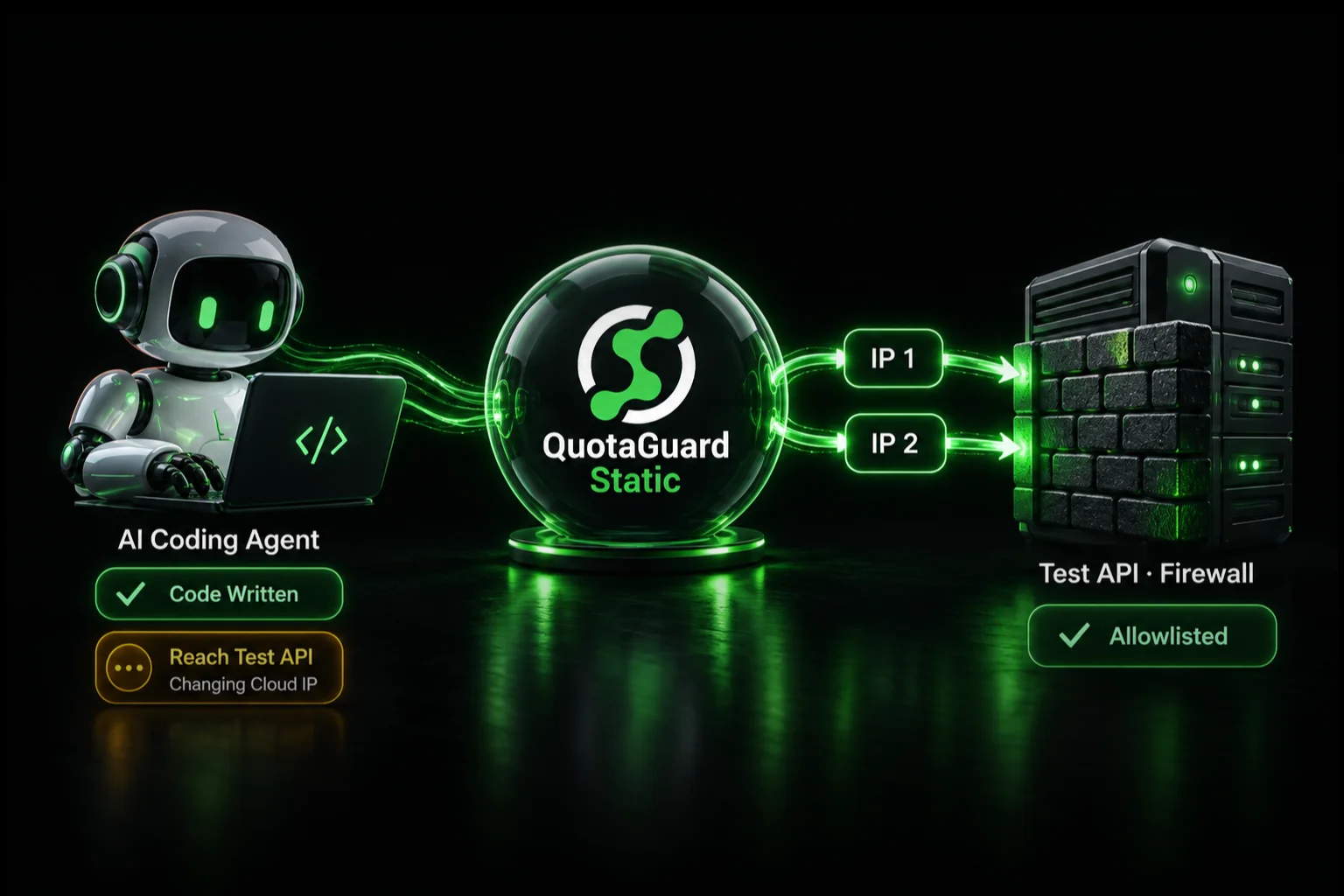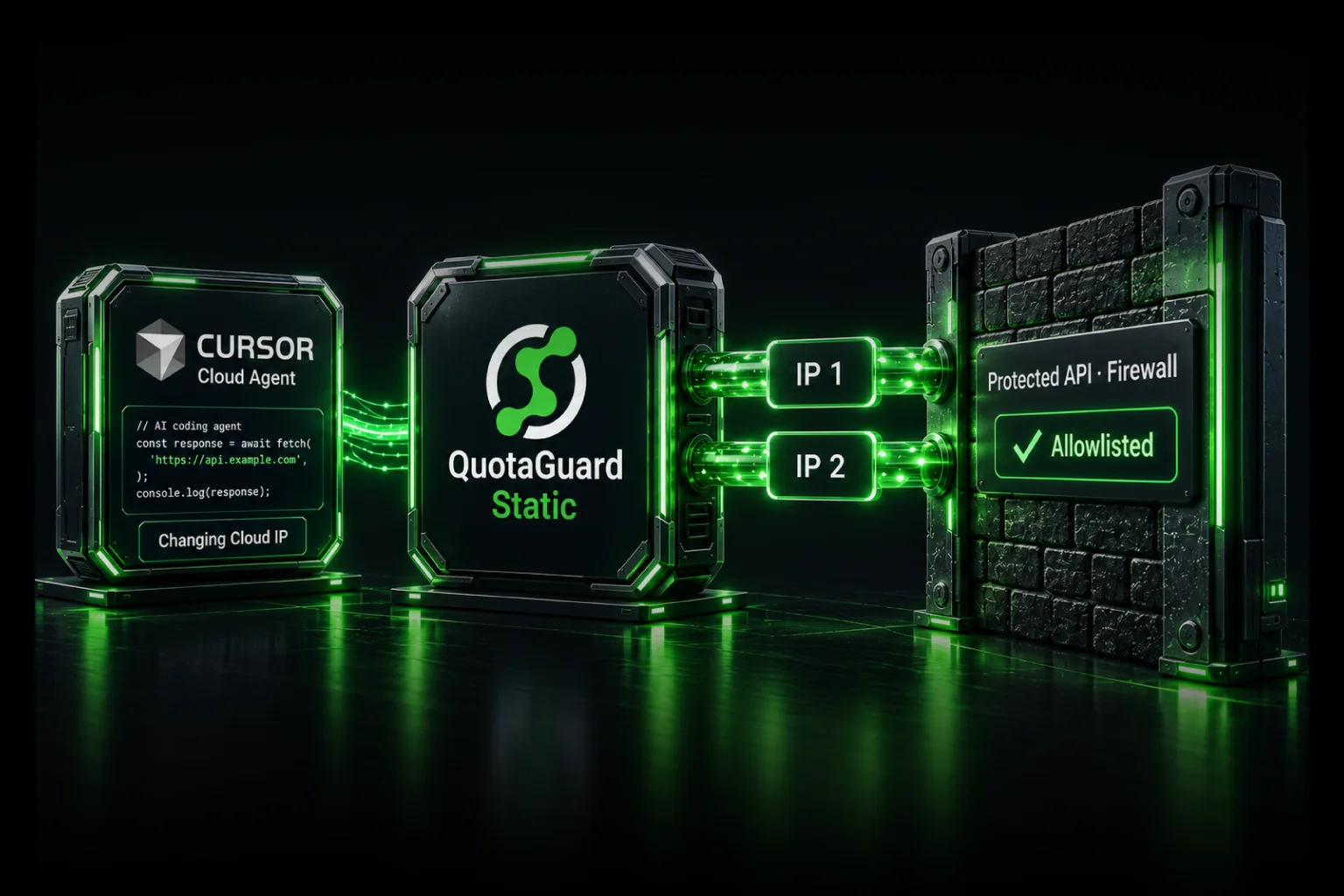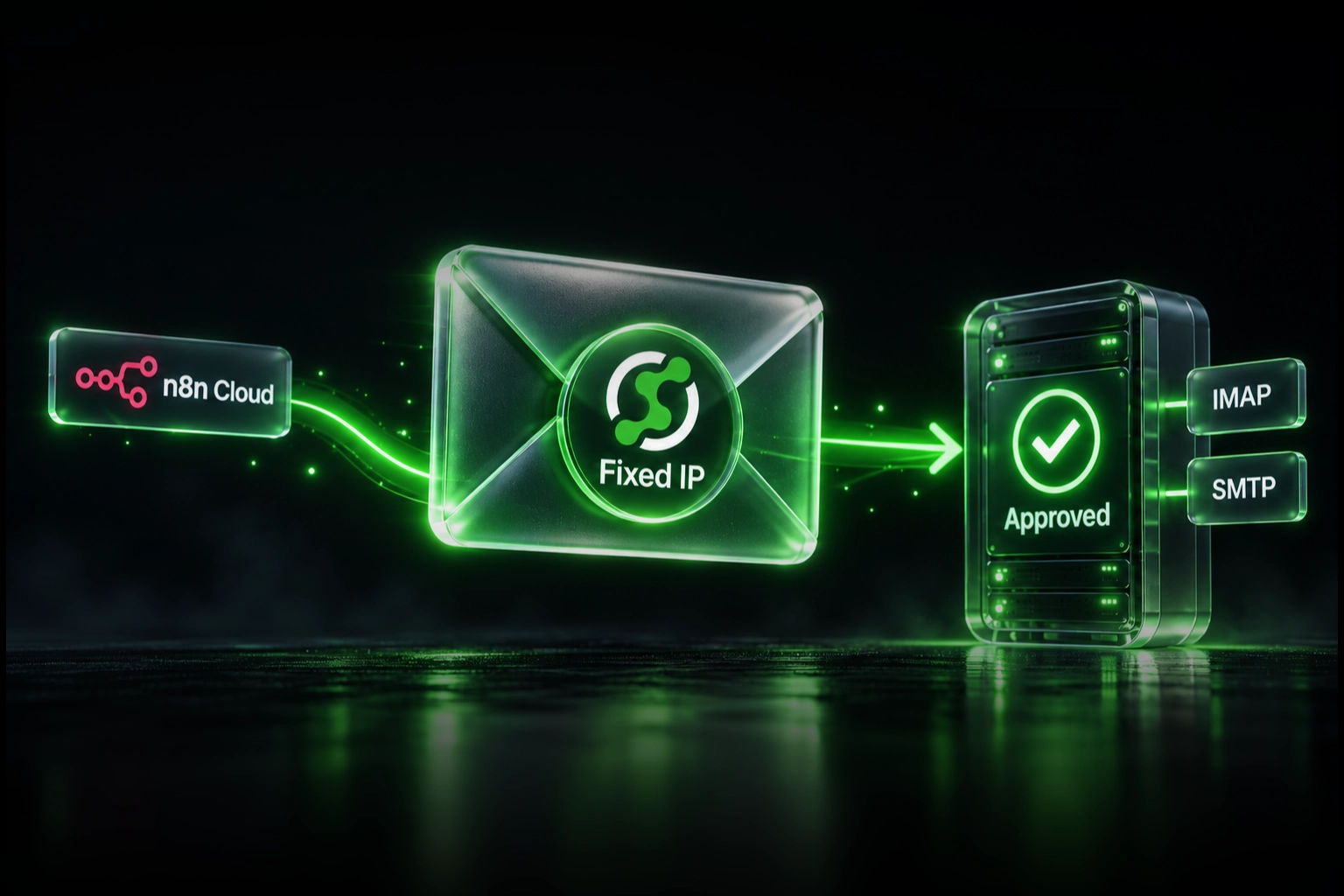
Keep n8n Cloud and give your customer's Exchange firewall a small, stable allowlist by routing a customer-controlled mail relay through QuotaGuard. Your workflow calls the relay over authenticated HTTPS; the relay opens the IMAP or SMTP connection through QuotaGuard's managed static-IP infrastructure. If you already self-host n8n, configure the mail process through a supported SOCKS5 client or QGTunnel instead.
QuotaGuard operates the egress infrastructure, including availability, failover, monitoring, maintenance, and engineering support. Your team keeps building the automation instead of maintaining proxy VMs or NAT infrastructure just to hold an address steady. The important distinction: n8n's HTTP Request proxy setting does not configure its IMAP or SMTP nodes.
The real requirement: a client's mail server accepts only approved IPs
In a February 2026 n8n Community discussion, a developer building an automation for a customer described exactly this problem. The customer's IT team would enable Exchange IMAP and SMTP access only for approved source addresses. The developer was using n8n Cloud and needed to know whether its addresses would stay fixed.
The replies suggested self-hosting on a fixed-IP server. That can work, but moving the entire automation platform is not the only architecture to consider. You can keep orchestration in n8n Cloud and give the protected mail connection its own managed exit.
n8n's official Cloud documentation says source addresses are not guaranteed to remain static and can change without warning. Its published list is platform infrastructure, not a customer-exclusive identity. If the client's policy requires a small stable set, hand IT the QuotaGuard pair rather than asking them to keep expanding the rule.
Receiving email still starts with an outbound connection
With IMAP, your mail client opens a connection to the mailbox server to retrieve messages. Although email is being received by the workflow, the network connection starts at the client. SMTP submission also starts at the client. In both cases, the customer's firewall evaluates the source of that connection.
This is different from accepting an inbound webhook or running a public mail server. You do not need a QuotaGuard inbound endpoint just because your workflow reads incoming email.
| Workflow action | Connection to protect | Where to configure the route |
|---|---|---|
| Read messages | IMAP client to mail server | Relay's mail client, or the self-hosted process |
| Send a message | SMTP client to submission server | Relay's mail client, or the self-hosted process |
| Call a mail API | HTTP client to an HTTPS endpoint | That HTTP client, such as an n8n HTTP Request node |
n8n documents the Email Trigger's IMAP connection and the Send Email node's SMTP connection separately from the HTTP Request node's Proxy option. The documented mail-node settings do not provide that same arbitrary proxy field. Do not paste a proxy URL into the mail-server Host field.
Keep n8n Cloud: move only the mail connection into a controlled relay
n8n Cloud workflow
  -> your authenticated HTTPS mail relay
  -> QuotaGuard SOCKS5 or QGTunnel
  -> customer's approved IMAP or SMTP endpoint
  -> firewall checks the QuotaGuard source IP
  -> mail server checks authentication and permissions
The relay is a small application you deploy, not a QuotaGuard-hosted mail service. It translates a limited HTTPS operation into an authorized mail operation. QuotaGuard supplies the managed network exit; it does not run the relay, store a mailbox, or deliver messages as an email provider.
For sending: call one authenticated submission operation
- Deploy a relay with a fixed, administrator-approved SMTP destination, sender identity, and authentication method.
- Configure its SMTP connection through QuotaGuard SOCKS5 or QGTunnel. Keep SMTP TLS enabled and require a successful TLS handshake before authentication or message submission.
- In n8n Cloud, use an HTTP Request node to call the relay's HTTPS endpoint. Store the relay's API credential in n8n credentials, not in a publicly shared workflow example.
- Send the permitted recipient and message fields. The relay validates them, authenticates to the customer's mail server, and returns a result or job identifier.
The static-IP configuration belongs on the relay-to-mail-server connection. Adding a proxy only to n8n's HTTPS call to the relay does not change the source address of the relay's later SMTP connection. Route that second connection explicitly.
For receiving: poll through the relay or use a mail worker
Replace the direct Cloud IMAP trigger with a Schedule Trigger followed by an HTTP Request to your relay's bounded mailbox-read operation. The relay reads the approved mailbox over the QuotaGuard route and returns the permitted message fields. Alternatively, a persistent mail worker can watch the mailbox and notify an authenticated n8n webhook.
Keep a durable processing checkpoint and deduplicate messages. For IMAP-based checkpoints, account for mailbox identity, UIDVALIDITY, and message UID; an unread flag alone is not a reliable processing ledger. A long-lived IMAP worker needs a runtime that supports persistent connections and reconnects. Do not assume a short-lived serverless request can host an indefinite mailbox watcher.
Why use QuotaGuard if you already run the relay?
A relay deployed on dynamically addressed infrastructure still needs a stable exit. QuotaGuard provides the managed pair and keeps that identity portable if you move the relay between supported hosts. Your team owns the mail application; QuotaGuard owns the proxy infrastructure and its operation.
If the relay already runs on a fixed VM with an acceptable static address and your team is happy to own its availability, you may not need QuotaGuard for that route. The managed-service value is avoiding another infrastructure responsibility, not merely shaving a few dollars off a server bill.
Already self-hosting? Route the process that opens the mail connection
On infrastructure you control, run the mail client through QGTunnel or configure a client with authenticated SOCKS5 support. QuotaGuard documents SMTP tunneling. For n8n, the tunnel must be reachable by the process that actually executes the mail node, including the relevant worker in a distributed deployment.
- Collect the approved IMAP and SMTP hostnames, remote ports, TLS modes, and authentication requirements from the mail administrator.
- Create separate tunnel mappings for the required host/port combinations, and securely supply the QuotaGuard connection credential to that runtime.
- Configure the mail client to reach the tunnel while retaining the real mail-server hostname for TLS certificate verification. Transparent DNS mode is runtime-dependent; a localhost connection needs a client that can preserve the intended TLS server identity.
- Keep listeners on loopback or a tightly restricted private interface. In separate containers, localhost refers to the current container, not automatically to the tunnel container.
- Persist the tunnel configuration and supervise the processes so restarts restore the route. Verify the actual IMAP and SMTP operations against the server logs.
A local tunnel port can differ from the destination port. For example, a local listener on 1993 can forward to an approved IMAPS endpoint on 993; that does not change the TLS mode. Do not turn certificate verification off to make a localhost mapping work. QuotaGuard engineering can help choose the configuration for your runtime.
Setting HTTP_PROXY or HTTPS_PROXY is not proof that either mail node uses the tunnel. Self-hosting also leaves n8n upgrades, backups, execution storage, and recovery with your team; QuotaGuard manages egress, not the n8n installation.
Give the client's IT team a precise access request
Ask for a narrow rule rather than access to every mail protocol. Include:
- Both assigned QuotaGuard source IPs.
- The exact destination hostnames and remote TCP ports.
- The mailbox, permitted sender, and intended read/send operations.
- The required TLS and authentication configuration.
- A test window and the person who can inspect firewall and mail-server logs.
Microsoft documents Exchange Server client ports, including secure IMAP on TCP 993 and authenticated SMTP submission on TCP 587. Confirm the actual endpoint with IT. STARTTLS upgrades an SMTP connection after it begins; implicit TLS starts encryption immediately. Configure the client for the server's mode, not just a familiar port number.
If the client requires addresses used only by your organization, choose Enterprise dedicated addresses and proxy infrastructure. Standard plans use shared static-IP pairs. A stable address is one security layer, not a replacement for mailbox authentication or a guarantee that proxy credentials cannot be stolen.
Keep Exchange Server and Exchange Online distinct. The community report does not identify the customer's edition or authentication setup. For Microsoft 365, use a client supporting the tenant's approved authentication; Microsoft documents OAuth for IMAP and SMTP. A static IP does not restore a disabled protocol or make unsupported authentication work. Private-only endpoints still need an approved private network path.
Keep the relay narrow, authenticated, and safe to retry
A custom relay handles mail content, so it belongs in the customer's security review. Store the mail and QuotaGuard credentials server-side. Bind each relay credential to its authorized client and mailbox; never accept arbitrary mail hosts, proxy URLs, or sender identities from incoming requests. Restrict recipients and message sizes, rate-limit operations, and reject unauthenticated requests.
For SMTP, use an idempotency key and a durable delivery record. A timeout after the server accepts a message can leave the sender unsure whether it was submitted; blindly retrying can send duplicates. For IMAP, preserve checkpoints across restarts and failover. Log operation IDs, timing, and outcomes without dumping message bodies, attachments, tokens, or credential-bearing URLs.
Managed proxy failover does not preserve a dropped TCP session or make mail processing exactly-once. Reconnect and retry deliberately. Dedicated proxy infrastructure improves isolation, but these application controls remain necessary.
Verify the mail route, not an unrelated IP-check request
Have IT confirm the source address of a controlled IMAP read or SMTP submission in the firewall or mail-server logs. Match its timestamp to the relay operation. A successful HTTP request to an IP-check endpoint proves only that HTTP request's route, not the mail client's route.
- Timeout or connection refused: check the listener, DNS, remote port, firewall rule, and actual tunnel use. This is not automatically an allowlist failure.
- Certificate error: correct hostname verification, TLS mode, or the trusted certificate chain. Do not ignore the error.
- Authentication or send-permission failure: check the mail identity and server policy separately from network access.
- Intermittent success: confirm both assigned source IPs are allowed and that every execution worker uses the intended route.
This guide describes the connection architecture and documented configuration boundaries, not a completed n8n-to-Exchange deployment test. Validate your chosen client, runtime, and mail-server policy together during setup.
Choose Static or Shield for the mail connection
QuotaGuard Static: from $19 per month
Use Static's SOCKS5 or supported QGTunnel route for ordinary source-IP allowlisting. Require application TLS between your mail client and the mail server. Static's standard proxy transport does not add TLS protection to the proxy negotiation and credentials; the mail TLS session protects the mail payload and is not decrypted by QuotaGuard.
QuotaGuard Shield: from $29 per month
Choose Shield when your security review requires TLS protection on the client-to-proxy hop as well. Use a compatible Secure SOCKS or Shield tunnel configuration, not an ordinary SOCKS5 client pointed at a TLS-wrapped endpoint. Keep mail-server TLS enabled: proxy-hop encryption does not replace it.
Current plans include shared-infrastructure options and Enterprise dedicated infrastructure starting at $219 per month for Static and $269 for Shield. Select among 12 AWS regions at signup; contact support for an existing subscription's region change. Review QuotaGuard's data flow with the client when choosing the security configuration.
Keep the workflow. Give IT an address it can approve.
You do not have to weaken a customer's mail firewall or move every workflow just because n8n Cloud's direct egress is unsuitable. Isolate the mail connection, give it QuotaGuard's managed static identity, and keep TLS and authentication intact.
For other node types, use our n8n HTTP, SFTP, and database routing guide. For this mail workflow, talk to QuotaGuard engineering with your hosting choice, mail protocol, and destination requirements, or choose a plan to get the managed egress layer in place.