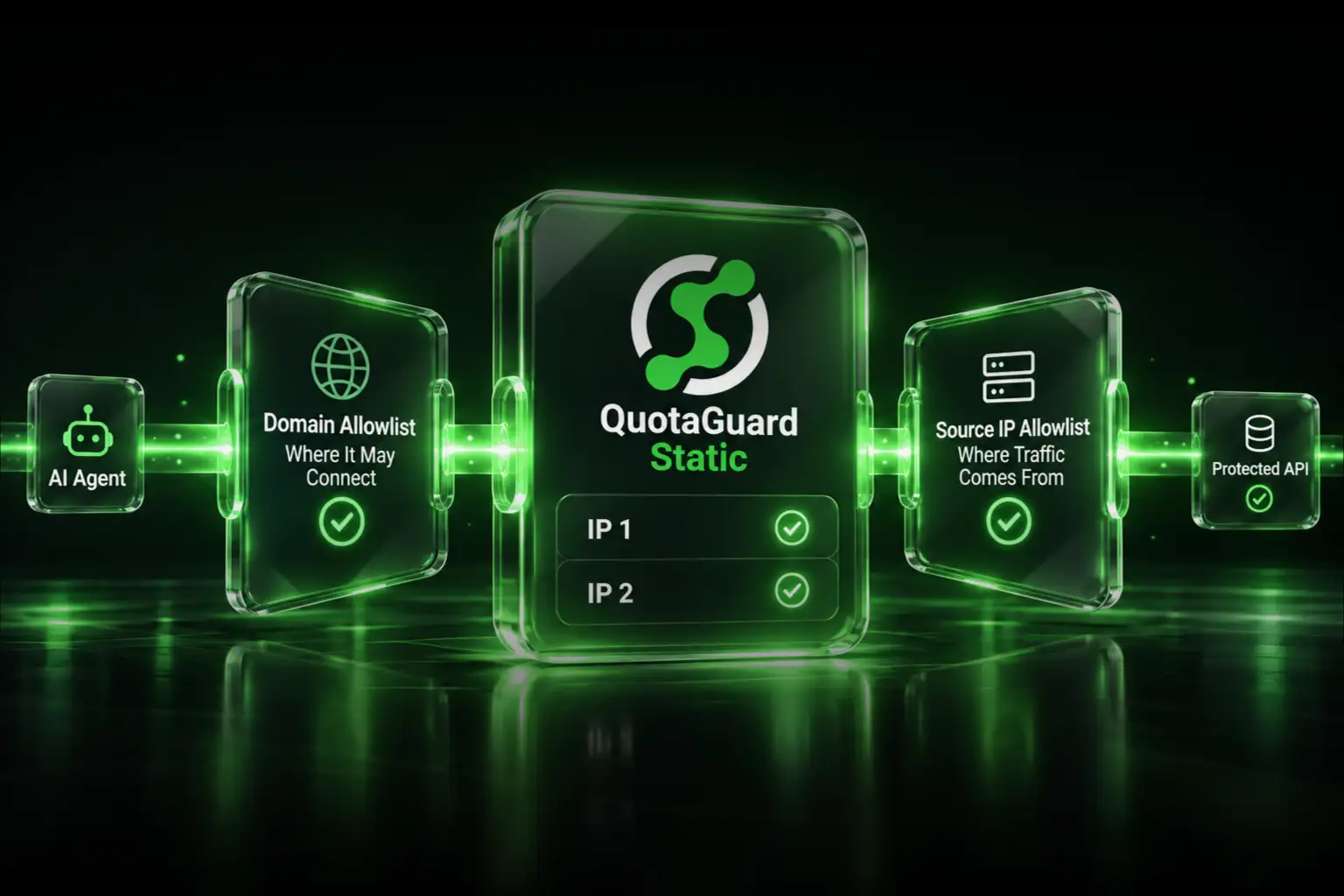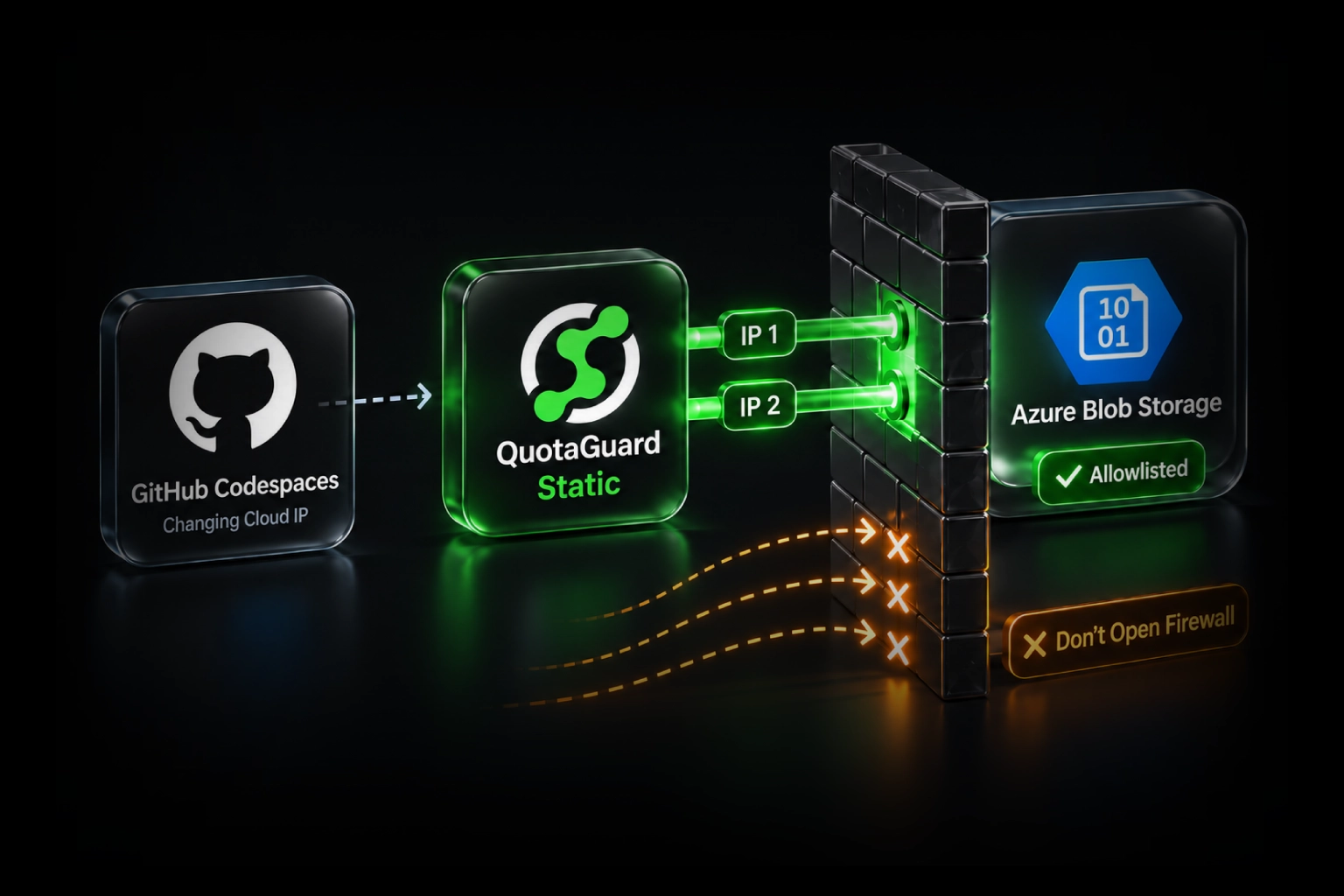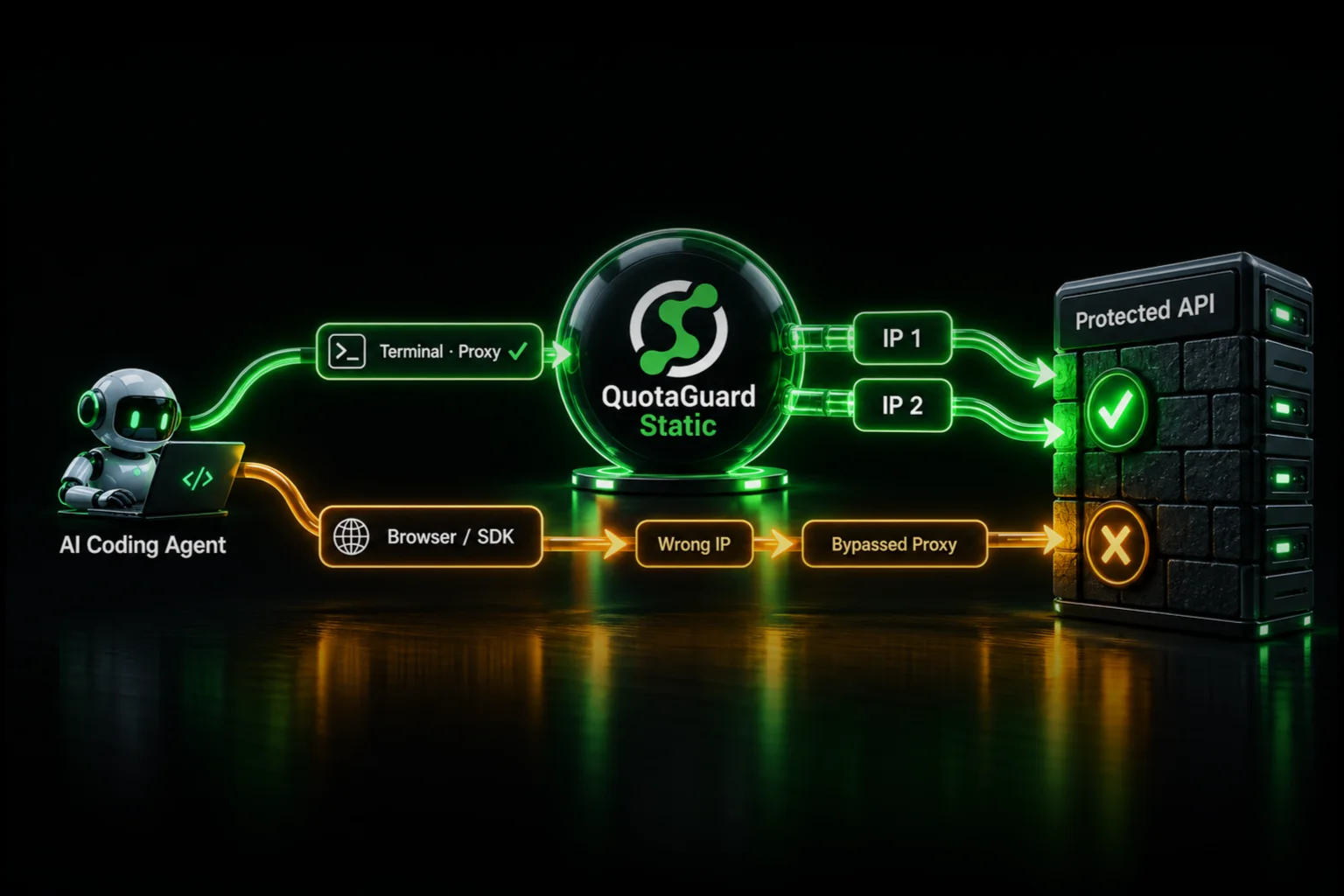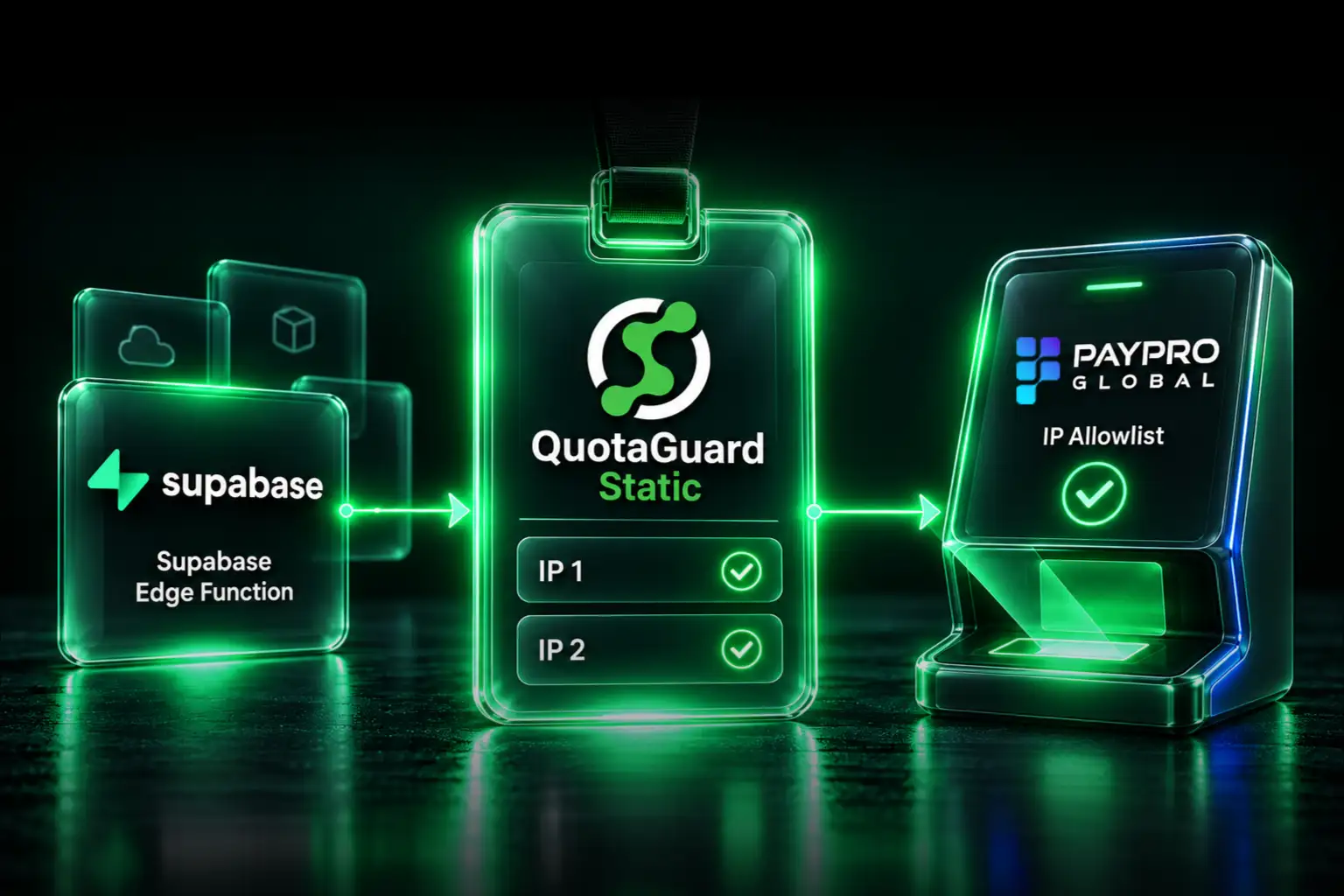
Keep your application on Supabase and give PayPro Global a stable outbound identity by routing its API requests through QuotaGuard. Submit the two static IP addresses from your QuotaGuard dashboard to PayPro, then configure the HTTP client in your Edge Function to use your proxy connection URL. Your frontend, database, and unrelated API calls can stay where they are.
You do not need to move your application to a VPS or become responsible for a proxy server just to answer “Which IP addresses should we allowlist?” QuotaGuard operates the proxy infrastructure, including availability, failover, maintenance, and engineering support. You keep building the payment integration.
Choose a QuotaGuard plan, or follow the account setup and server-side example below.
PayPro needs an IP allowlist. Supabase does not give your function a fixed exit IP.
PayPro Global documents IP verification for API calls alongside its vendor account ID and API secret. Its onboarding instructions ask you to send the calling IP addresses to its team for allowlisting.
Meanwhile, Supabase says hosted Edge Functions cannot provide a stable egress IP or small fixed range. It recommends an outbound proxy when a third-party service requires source-IP allowlisting.
Those requirements fit together. QuotaGuard provides the managed proxy route, so you can satisfy the payment provider without changing hosting platforms:
Supabase Edge Function → QuotaGuard → PayPro Global APIThe destination sees a QuotaGuard outbound address, not the function's changing public source address. Configure this route only for the calls that need it.
Which IP address should you send PayPro?
Send both outbound IP addresses displayed in your QuotaGuard dashboard. Do not send your laptop's IP, your frontend's hosting address, or an address observed from an unproxied function invocation.
Supabase's IPv4 add-on concerns database connectivity; it does not give hosted Edge Functions a fixed outbound identity for payment API calls.
Your QuotaGuard subscription supplies a stable pair. Standard plans use shared proxy infrastructure; they are not customer-exclusive addresses. If your payment provider or security policy requires addresses used only by your organization, choose Enterprise dedicated infrastructure and confirm that requirement before onboarding.
1. Give PayPro the pair you will actually use
Create your QuotaGuard subscription, copy the connection URL and both assigned outbound addresses, and ask PayPro's team to allowlist that pair for your vendor account. Both addresses matter for the managed route; seeing one during a test does not mean you should omit the other.
Here is an allowlisting request you can adapt:
Subject: API source-IP allowlisting for vendor account [account ID]

Our server-side application uses a managed outbound proxy.
Please allowlist both of these source IPv4 addresses for our API calls:

[First IP from the QuotaGuard dashboard]
[Second IP from the QuotaGuard dashboard]

Requests may arrive from either address.
Please confirm when both are enabled for our vendor account.
Use your account reference, not your API secret, in the request. Confirm any account-specific restrictions with PayPro rather than assuming approval is immediate.
2. Store the credentials on the server
In Supabase's Edge Function Secrets, add these values:
QUOTAGUARDSTATIC_URL: the complete proxy connection URL from your dashboard.PAYPRO_VENDOR_ACCOUNT_ID: your PayPro vendor account ID.PAYPRO_API_SECRET_KEY: your PayPro API secret.
Keep them out of browser code, public environment variables, source control, and logs. A secret stores a credential; it does not automatically route requests. The HTTP client must explicitly use the proxy.
3. Route the PayPro request through the proxy
Deno's HTTP client supports authenticated proxy configuration. Create that client and pass it to the specific fetch request that calls PayPro. Unrelated requests do not need to use it.
This server-side helper uses PayPro's documented Get Subscription List endpoint with a one-record limit. It reads subscription information rather than creating a charge or issuing a refund. Call it from your existing authenticated, authorized backend flow; it is not a public function endpoint on its own.
function requiredSecret(name: string): string {
  const value = Deno.env.get(name);
  if (!value) throw new Error(`Missing server-side secret: ${name}`);
  return value;
}

export async function getOnePayProSubscription() {
  const vendorAccountId = Number(
    requiredSecret("PAYPRO_VENDOR_ACCOUNT_ID"),
  );
  if (!Number.isSafeInteger(vendorAccountId) || vendorAccountId <= 0) {
    throw new Error("Invalid PayPro vendor account ID");
  }

  const proxy = new URL(requiredSecret("QUOTAGUARDSTATIC_URL"));
  if (!["http:", "https:"].includes(proxy.protocol)) {
    throw new Error("Use the HTTP or HTTPS proxy URL from your dashboard");
  }

  const client = Deno.createHttpClient({
    proxy: {
      url: proxy.origin,
      basicAuth: {
        username: decodeURIComponent(proxy.username),
        password: decodeURIComponent(proxy.password),
      },
    },
  });

  try {
    const response = await fetch(
      "https://store.payproglobal.com/api/Subscriptions/GetList",
      {
        client,
        method: "POST",
        headers: { "Content-Type": "application/json" },
        body: JSON.stringify({
          skip: 0,
          take: 1,
          vendorAccountId,
          apiSecretKey: requiredSecret("PAYPRO_API_SECRET_KEY"),
        }),
        redirect: "error",
        signal: AbortSignal.timeout(15000),
      },
    );

    if (!response.ok) {
      throw new Error(`PayPro HTTP request failed: ${response.status}`);
    }

    const result = await response.json();
    if (result.isSuccess !== true) {
      throw new Error("PayPro rejected the API request");
    }

    // Do not log or return the full response: it can echo API credentials.
    return result.response;
  } finally {
    client.close();
  }
}
Do not return the complete upstream payload to a browser. PayPro's documented response includes a request object that can echo the API secret. The helper returns only the subscription result to its server-side caller. That caller must still authorize access to subscription data and expose only the fields the application needs.
For more runtime setup detail, see our Supabase Edge Functions integration documentation.
4. Verify the route before testing payment operations
First, inside the helper's try block, temporarily check the public source address using the same configured client:
const ipCheck = await fetch("https://ip.quotaguard.com", {
  client,
  redirect: "error",
  signal: AbortSignal.timeout(15000),
});
if (!ipCheck.ok) throw new Error("Outbound IP check failed");
console.log("Proxy egress check:", await ipCheck.text());
The reported address should match one of the two addresses in your dashboard. This verifies that request's route, not PayPro's account configuration. Connection reuse and load balancing do not guarantee that a short series of checks will display both IPs.
After PayPro confirms allowlisting, run the read-only subscription request. A successful HTTP response alone is not enough: check PayPro's isSuccess result too. Once validation is complete, remove the temporary IP check from the production payment path.
For later operations that change orders, subscriptions, or money movement, follow PayPro's operation-specific guidance. Do not add automatic retries to a payment-changing request without establishing how duplicate operations are prevented.
If the request still fails
- The IP check shows an unexpected address: confirm that the exact
fetchcall includes the configuredclient. Saving an environment variable alone does not configure Deno's fetch. - Access is intermittent: confirm both dashboard addresses were approved for the correct vendor account, then investigate the actual error. Do not assume every failure is an IP rejection.
- Proxy authentication fails: check the complete connection URL, username, and password against your dashboard. Keep credentials out of error messages and screenshots.
- The egress IP is correct but PayPro rejects the call: check allowlist activation, vendor account ID, API secret, and request parameters with PayPro. A working proxy does not replace API authentication.
Contact QuotaGuard engineering support with the runtime, destination, and redacted error if you need help with the proxy route. You do not have to debug and operate your own egress server.
Keep the payment integration. Hand off the proxy infrastructure.
A self-managed server can also provide a fixed IP. The difference is what your team then owns: patching, capacity, monitoring, availability, and recovery when that server fails. QuotaGuard manages that layer and its failover, while you remain responsible for your application and PayPro integration.
The identity is also portable. If you later move the payment worker to another supported runtime, it can continue using the same QuotaGuard subscription rather than making a hosting change automatically become a payment-provider allowlist change.
QuotaGuard Static starts at $19 per month; QuotaGuard Shield starts at $29 per month. Choose your region at signup from 12 AWS regions, and contact support for an existing subscription's region change. See current plans and included usage.
For HTTPS requests, Static carries the encrypted application payload through a blind CONNECT tunnel without decrypting it. Static uses plaintext HTTP proxy protocol on the customer-to-proxy hop. Shield adds TLS protection to that hop. Choose Shield when your security review or approved architecture requires that additional protection; payment-related traffic does not by itself mean Static decrypts or exposes the HTTPS payload.
For Shield, store its dashboard connection URL in QUOTAGUARDSHIELD_URL and update the helper's secret lookup accordingly. Use the URL's supplied scheme, host, and port rather than modifying a Static URL. Dedicated, customer-only addresses are a separate Enterprise choice, not an automatic property of Shield.
This is outbound API access, not checkout or webhooks
The proxy belongs on your server-side requests to PayPro Global. It does not make a visitor's browser use your static addresses, and it is not a way to change the source IP of PayPro's incoming webhook or IPN requests. Keep callback authentication and verification in place separately.
The next step is concrete: get your QuotaGuard pair, submit both addresses to PayPro, and route one read-only API request through the configured client. Keep your application on Supabase and let QuotaGuard own the static-egress infrastructure.
Get managed static IPs for your Supabase payment integration.