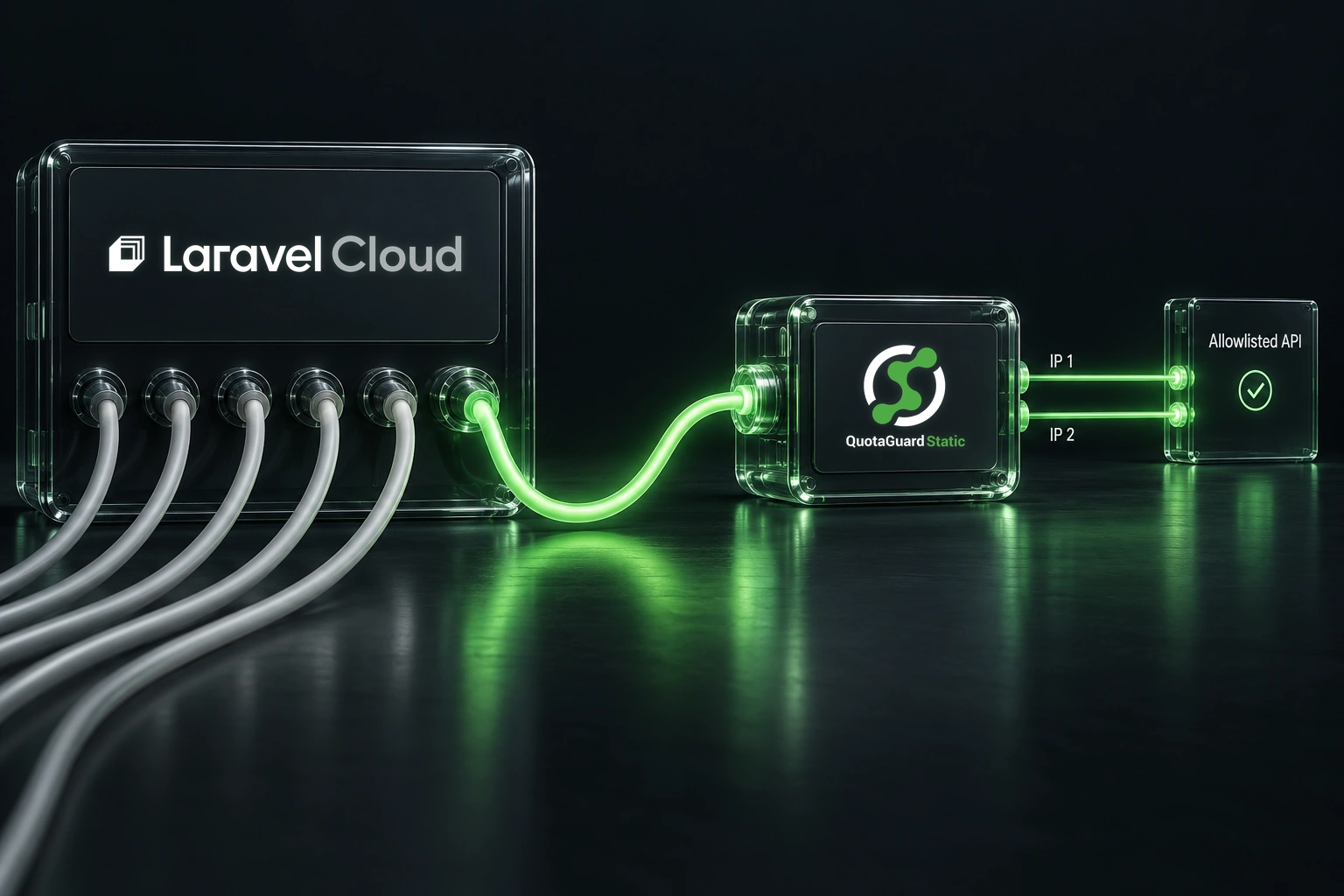
If an API requires source-IP allowlisting, you can route the requests that need it from Laravel Cloud through QuotaGuard. The destination then sees one of your subscription’s two assigned IPv4 addresses. Configure the HTTP client making those calls, allowlist both addresses, and verify the route after deployment.

This guide covers selected outbound HTTPS requests from a Laravel application. It does not change your website’s inbound address or automatically route every connection from your environment.

Check Laravel Cloud’s native options first

Laravel Cloud publishes regional outbound address lists through its IP address API. Its network documentation warns that those addresses can change. If your API provider accepts the relevant regional addresses and you can maintain that allowlist, you may not need a proxy. Organizations using dedicated Private Cloud compute should use the dedicated addresses supplied during onboarding.

QuotaGuard is an alternative when you want selected API calls to use a small, stable IPv4 allowlist without routing unrelated application traffic through it. Confirm that the API provider accepts both assigned addresses and your chosen shared or dedicated arrangement. Shared and dedicated QuotaGuard proxies are different arrangements; a shared address is not exclusive to your account.

1. Collect the connection URL and both IPv4 addresses

In your QuotaGuard subscription, open Setup, then Outbound Proxy, then Connection Information. Copy the full HTTP proxy connection URL and note both static IPs. The connection-details guide shows where each value lives.

Add both IPv4 addresses to the destination API’s allowlist. Either can be used for a connection, so accepting only the address seen in one test can leave requests failing later. See why QuotaGuard provides two addresses. The destination must be reachable over IPv4.

The example below uses QuotaGuard Static’s HTTP proxy. For an HTTPS destination, the API payload travels through a CONNECT tunnel, but Static’s proxy connection and initial proxy authentication are not TLS-encrypted. If you require TLS on that additional hop, review QuotaGuard Shield’s different proxy configuration instead.

2. Store the URL in the correct Cloud environment

Set QUOTAGUARDSTATIC_URL to the complete connection URL. Keep it out of source control, frontend code, screenshots, and logs.

Laravel Cloud’s Secrets Manager lets you create an organization secret and link it to the environments that need it. Creating the secret alone is not enough: link it to the intended environment and redeploy. If a custom environment variable has the same name, that variable overrides the linked secret, so check for an old value before troubleshooting a rotation.

You can also configure the value through that environment’s environment variables. Changes take effect after redeployment.

Create config/quotaguard.php:

<?php

return [
    'proxy_url' => env('QUOTAGUARDSTATIC_URL'),
];

Read this value with config() in application code. Laravel’s configuration-caching documentation explains why env() belongs in configuration files rather than controllers or jobs. On Laravel Cloud, run configuration caching or php artisan optimize during the build step, not the deploy-command step.

3. Configure a client for the selected requests

Laravel’s HTTP client accepts Guzzle options through withOptions(). Guzzle supports an authenticated URL in its proxy option.

Create app/Support/QuotaGuardHttp.php:

<?php

namespace App\Support;

use Illuminate\Http\Client\PendingRequest;
use Illuminate\Support\Facades\Http;
use RuntimeException;

final class QuotaGuardHttp
{
    public static function client(): PendingRequest
    {
        $proxy = config('quotaguard.proxy_url');

        if (! is_string($proxy) || trim($proxy) === '') {
            throw new RuntimeException('QuotaGuard proxy is not configured.');
        }

        if (! extension_loaded('curl')) {
            throw new RuntimeException('This client requires the PHP cURL extension.');
        }

        return Http::withOptions([
            'proxy' => trim($proxy),
            'curl' => [CURLOPT_NOPROXY => ''],
            'allow_redirects' => false,
        ])->connectTimeout(10)->timeout(30);
    }
}

This example assumes Laravel’s standard Guzzle cURL transport. Laravel Cloud lists cURL among its available PHP extensions. The empty CURLOPT_NOPROXY setting prevents a libcurl bypass list from skipping the proxy for this client. It does not change unrelated clients.

The factory refuses to send a request when the proxy URL is missing. It leaves TLS certificate verification enabled, sets timeouts, and disables automatic redirects. Review a redirect before changing the request to its final endpoint.

Use QuotaGuardHttp::client() instead of a fresh Http client for the integration that needs the allowlist. Keep that API’s existing authentication, destination URL, headers, and request body. Other Http calls and third-party SDKs do not acquire this configuration automatically. Do not retry a failed protected call through a direct connection.

4. Verify egress from the deployed environment

A successful local request does not verify the deployed application. Add this Artisan command to routes/console.php, merging the imports with any already present:

<?php

// Merge these imports and this command into routes/console.php.
// Do not replace existing commands or duplicate existing imports.
use App\Support\QuotaGuardHttp;
use Illuminate\Support\Facades\Artisan;

Artisan::command('quotaguard:check', function () {
    try {
        $response = QuotaGuardHttp::client()
            ->get('https://ip.quotaguard.com');

        if (! $response->successful()) {
            $this->error('IP check returned HTTP '.$response->status().'.');
            return 1;
        }

        $ip = $response->json('ip');

        if (! is_string($ip) || filter_var($ip, FILTER_VALIDATE_IP, FILTER_FLAG_IPV4) === false) {
            $this->error('IP check did not return a valid IPv4 address in the JSON ip field.');
            return 1;
        }

        $this->line($ip);
        return 0;
    } catch (\Throwable $exception) {
        // Do not print a credential-bearing URL or raw transport diagnostics.
        $this->error('IP check failed. Review configuration and proxy connectivity privately.');
        return 1;
    }
})->purpose('Show outbound IP through the selected QuotaGuard client');

Deploy, then run php artisan quotaguard:check from the environment’s Commands tab. The command reads the JSON ip field and prints only a valid IPv4 address; an unexpected response fails without dumping its body. Compare the returned address with the two IPv4 addresses shown in QuotaGuard. A successful response alone is not enough: the address must match. Do not attach the partner API’s credentials to this IP-check request.

Cloud can run a one-time command on any available environment instance. This proves only that command’s observed route. Next, test a harmless provider-approved request through the application’s actual integration code. Where possible, confirm the source address in the destination’s request logs. Repeating the IP check does not guarantee you will observe both addresses; both still belong on the allowlist.

5. Include queue workers and scheduled jobs

Laravel Cloud worker clusters share the environment’s code, runtime, and variables. They can still make direct requests if a job constructs a different client. Reuse the same factory inside jobs that call the protected API, then verify a harmless request through the real queue or scheduled-job path.

Cloud restarts queue workers after deployments, so you do not need to add php artisan queue:restart to deploy commands. Changes to secrets still require a deployment. If the HTTP check passes but a queued integration fails, compare the two code paths before changing the allowlist.

If requests still fail

  • Unexpected source address: check the exact client or SDK issuing the call, the deployed configuration, and any custom transport or proxy bypass settings.
  • Only some requests succeed: confirm that both assigned IPv4 addresses are accepted and that every relevant web or worker path uses the intended client.
  • Proxy authentication failure: verify the complete current connection URL and look for an environment-variable override of the linked secret. Keep raw credential-bearing diagnostics private.
  • The route matches but the API rejects the request: review the provider’s authentication, account permissions, endpoint, and response. A matching source IP does not prove that the API request is otherwise valid.

This setup applies to the HTTP requests you explicitly configure. Browser requests, native database connections, and other processes need their own supported approach. Start with your QuotaGuard connection details, configure one protected API path, and verify its deployed egress before extending the change.

QuotaGuard Static IP Blog

Practical notes on routing cloud and AI traffic through Static IPs.

Reliability Engineered for the Modern Cloud

For over a decade, QuotaGuard has provided reliable, high-performance static IP and proxy solutions for cloud environments like Heroku, Kubernetes, and AWS.

Get the fixed identity and security your application needs today.