PayPay API Works in Sandbox but Returns UNAUTHORIZED in Production?

QuotaGuard Engineering
October 23, 2026
•
5 min read
Pattern

PayPay production rejects unregistered source IPs. Use stable egress, register every source address, then verify production credentials, HMAC signing, and server time.

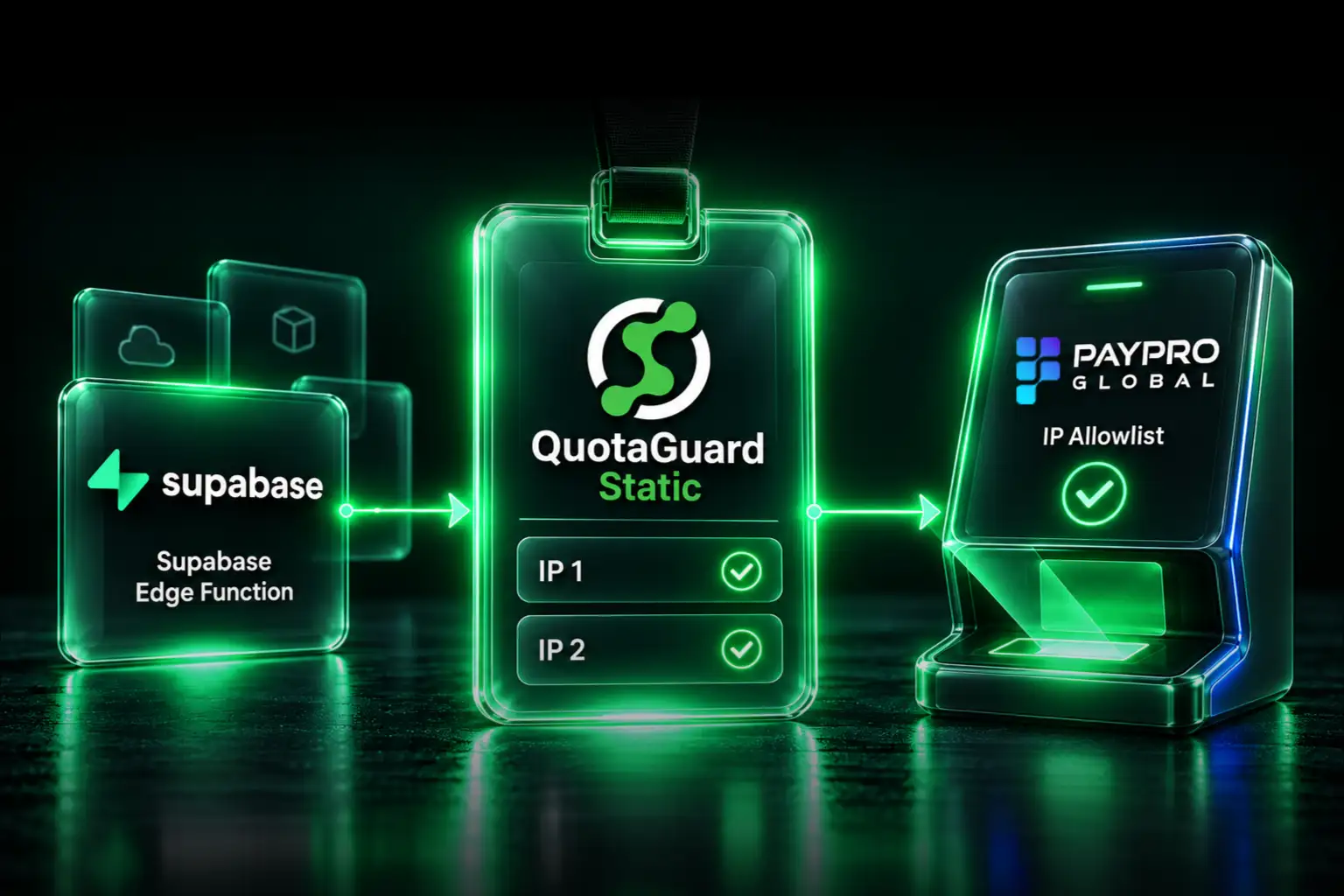
If the same PayPay integration works in sandbox and returns UNAUTHORIZED after a production cutover, inspect the outbound network path before rewriting working payment logic. PayPay's current IP restriction policy says its test environment has no IP-address control. Production uses an IP whitelist and supports only static source addresses.

That difference catches applications running on platforms where outbound addresses can change. It can also hide other production mistakes. A proxy can solve the source-address requirement, but it can't repair mixed credentials, the wrong host, a mismatched HMAC signature, or a drifting server clock.

PayPay Production Requires a Registered Static Source IP

PayPay asks for the source IP that will connect to its API during the production application. That address is the public egress IP PayPay sees. It isn't the application's private container address, an inbound domain, or the hostname of a proxy.

This is PayPay's production integration policy. It isn't a Japanese national requirement. PayPay's public documentation doesn't say that your application must run in Japan. It says the production API request must come from a registered static address.

The sandbox-to-production difference is the first clue. A valid sandbox request can prove that the basic API flow works while revealing nothing about production IP registration.

Five Checks Separate Source-IP Failures From Other UNAUTHORIZED Causes

Use this order to keep the investigation narrow. PayPay's production troubleshooting guidance covers the same groups of causes.

  1. Check the source IP used by the production client. Confirm that the deployed process making the PayPay call exits through an address registered for the production environment. A browser request from a laptop and a request from another process don't establish the source of the live PayPay client.
  2. Check the production credential set. Confirm that the merchant ID, API key, and API secret belong to production. Also confirm that the SDK, if used, is configured for production rather than sandbox.
  3. Check the current production host. PayPay's current Open Payment API documentation uses https://apigw.paypay.ne.jp for production, https://apigw.stg.paypay.ne.jp for staging, and https://apigw.sandbox.paypay.ne.jp for sandbox. Older api.paypay.ne.jp hosts are labeled deprecated. PayPay doesn't publish a shutdown date on that page.
  4. Check the exact request used for HMAC signing. The signed URI path, HTTP method, request body, content type, nonce, and epoch must match the request that is actually sent. PayPay rebuilds the authentication value from the received request and returns an unauthorized response when the values don't match.
  5. Check the server clock. PayPay's HMAC authentication documentation says the epoch is validated to be less than two minutes old. Synchronize the runtime clock and generate the signature immediately before the request.

PayPay's English 401 UNAUTHORIZED guide also lists missing headers, missing required values, an incorrect callback domain, and environment mixing. Stable egress removes one failure class. It doesn't bypass request authentication.

Your Production PayPay Client Must Use the Registered Egress Path

Heroku states that apps in the Common Runtime can't control the originating IP address for outbound requests. Google says a Cloud Run service uses a dynamic outbound IP pool by default. For a Firebase workload, check the deployed service's actual outbound networking rather than assuming it's stable.

The important unit is the real PayPay client. If a diagnostic request uses a proxy but the PayPay SDK creates a different HTTP client, PayPay still sees the platform's ordinary egress address. The same problem occurs when only one worker type, service, or code path receives the proxy configuration.

Trace the production call from the application process to the HTTP client that opens the connection. Confirm that redirects, background workers, retries, and SDK-created clients use the intended path. Keep API secrets and full authorization headers out of logs while doing this.

QuotaGuard Gives the PayPay Client Two Stable Source Addresses

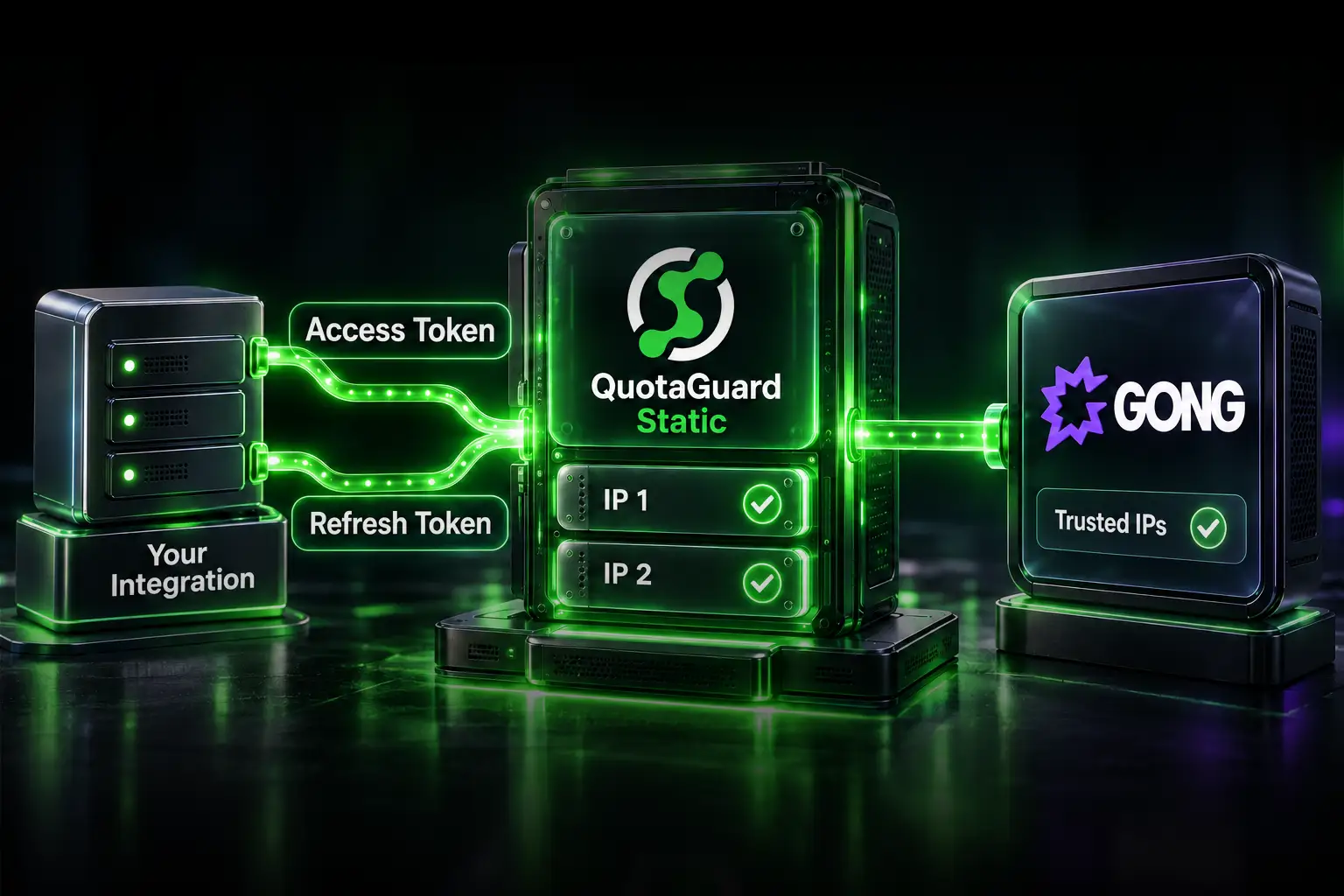
QuotaGuard provides two load-balanced static IPv4 addresses per subscription. Register both dashboard addresses with PayPay. Don't register the QuotaGuard proxy hostname because PayPay evaluates the source address of the API request.

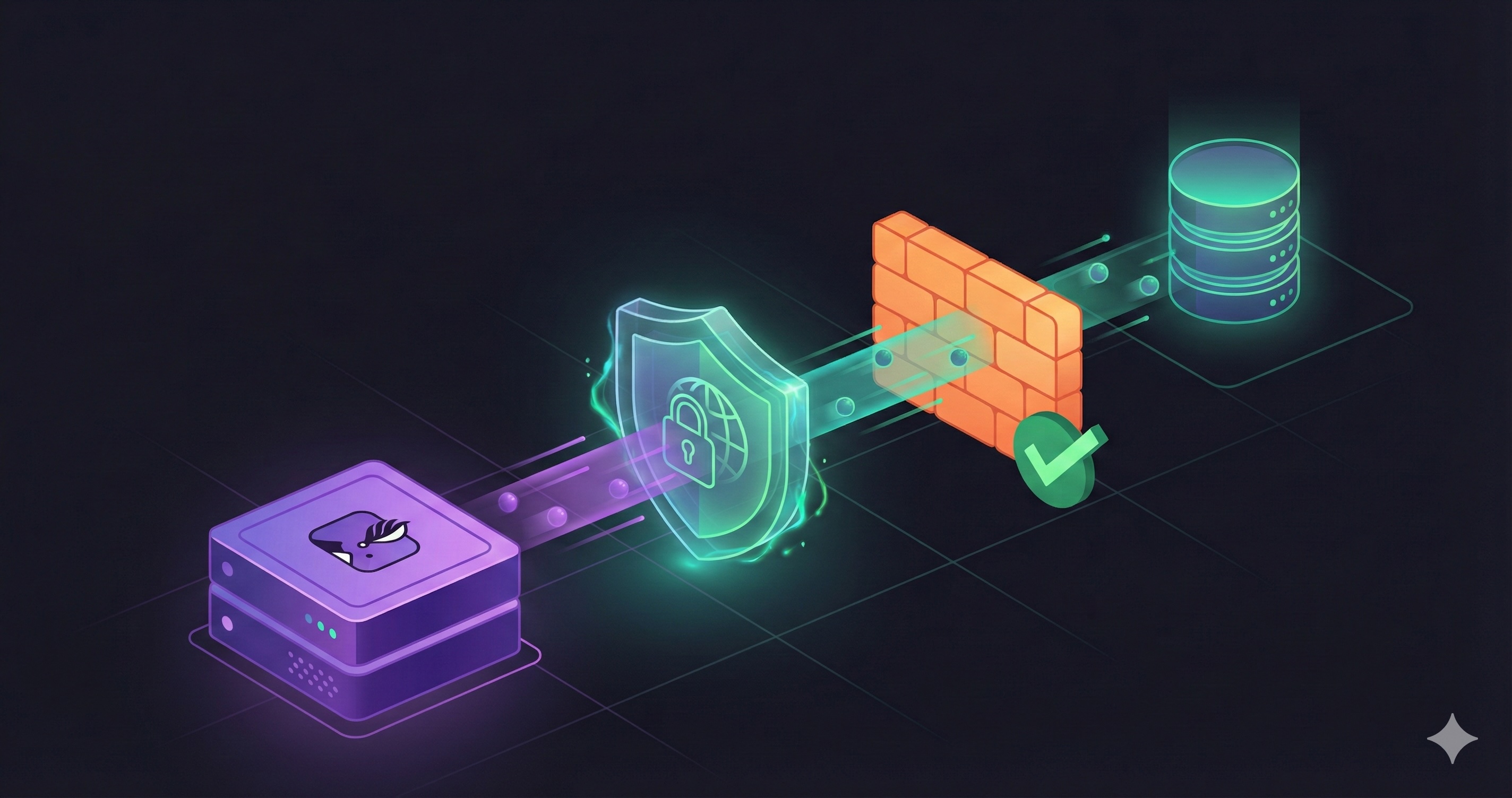
Then configure the HTTP client used by the PayPay integration to send its PayPay HTTPS requests through the proxy. Use the QuotaGuard proxy connection details with the proxy mechanism supported by that exact client and version. The Heroku setup guide and Cloud Run and Cloud Functions guide cover the platform side.

Don't assume that a PayPay Node SDK's configuration function accepts a proxy agent. SDK APIs change, and some SDKs create their own transport internally. Check the PayPay SDK version and its underlying HTTP client's supported proxy configuration before changing production.

A December 2025 implementation note from Nerima Base reports using the QuotaGuard Static IPs Heroku add-on because its PayPay payment API integration needed a fixed source IP. That's a historical third-party account. It isn't certification, an endorsement from PayPay, or proof that the same configuration fits another SDK version.

Both QuotaGuard Products Preserve PayPay HTTPS

QuotaGuard Static carries outbound HTTPS through a CONNECT tunnel without decrypting the PayPay payload. QuotaGuard Shield also preserves destination HTTPS and additionally encrypts the application-to-proxy hop. PayPay's public documentation requires an approved static source address. Those pages don't state a requirement for Shield, Enterprise, exclusive IPs, or Japanese egress. Choose the product that fits your HTTP client, data classification, and internal controls.

PayPay IP Changes Need a Planned Cutover

Initial source-IP registration is part of PayPay's production onboarding. For a later addition or change, PayPay directs merchants to its support form and asks for the new IP address plus the relevant production identifiers. Its English IP restriction page says configuration may take up to four days after the request.

Submit both QuotaGuard addresses before routing production traffic through them. Keep the existing approved path available until PayPay confirms the change and your normal release checks pass. Don't switch egress first and assume the whitelist update is immediate.

Existing Fixed Egress and Cloud NAT Are Valid Alternatives

QuotaGuard is useful when you want stable egress without building and operating network infrastructure. It isn't the only legitimate architecture.

  • Use existing fixed egress. If your environment already routes the PayPay client through a stable NAT or gateway, register those addresses. Heroku Private Spaces, for example, document stable outbound addresses through a NAT gateway.
  • Use Google Cloud NAT. Google's Cloud Run static outbound IP guide routes all outbound traffic through VPC egress and a Cloud NAT gateway with reserved addresses. This can fit teams already operating that network layer.
  • Use a supported payment intermediary. If a provider owns the PayPay connection and explicitly supports your merchant flow, its documented network path may remove the need for your application to connect to PayPay directly.

Whichever option you choose, register every address the live client can use. Avoid a design that silently falls back to dynamic platform egress.

A Final Checklist Confirms the Complete Production Path

  • The PayPay production application contains every static source address used by the live client.
  • The real OPA client, including background workers, uses that egress path.
  • The request targets the current production apigw host.
  • The merchant ID, API key, API secret, and SDK environment are all production values.
  • The signed method, URI path, body, content type, nonce, and epoch match the transmitted request.
  • The server clock is synchronized within PayPay's HMAC validation window.
  • Both QuotaGuard IPv4 addresses are registered when QuotaGuard is the chosen path.
  • No direct fallback can bypass the registered egress route.

If the source IP is wrong, fix the routing and registration first. If it already matches, continue through the authentication checks instead of treating the proxy as a universal 401 fix. Compare QuotaGuard Static, QuotaGuard Shield, and current pricing only after confirming that your PayPay client supports the required proxy path.

QuotaGuard Static IP Blog

Practical notes on routing cloud and AI traffic through Static IPs.

Reliability Engineered for the Modern Cloud

For over a decade, QuotaGuard has provided reliable, high-performance static IP and proxy solutions for cloud environments like Heroku, Kubernetes, and AWS.

Get the fixed identity and security your application needs today.