Taqnyat SMS API IP Not Authorized: Check Your Backend’s Outbound Address


If Taqnyat rejects an SMS API request because the IP is not authorized, check the public outbound address of the component making the request. Your website’s address, your laptop’s address, and the address of an SMS delivery-report webhook are different things.
Taqnyat’s API activation guide says sending requests from unregistered IP addresses will be rejected. But registering a fixed address is only part of the decision: Taqnyat also documents a separate proxy-related error. Confirm the permitted connection method before choosing a proxy service.
Check the error before changing the network
The Taqnyat SMS API reference distinguishes an unauthorized source IP from invalid credentials, inactive sender names, insufficient balance, and disabled API sending. A static IP will not fix those other conditions.
For the IP error, check the account’s Security Settings against the source address actually used by your deployed backend. The activation guide describes adding a server address, marking it Authorized, and completing phone verification. It also says an attempted send from an unfamiliar address can create an Unauthorized entry and an email alert. Do not authorize an unfamiliar address merely because it appears in the list.
The requirement concerns calls to Taqnyat’s SMS API. Delivery reports travel in the opposite direction, from Taqnyat to your webhook. Changing that callback URL does not change the source of your sending requests.
For Lovable, identify the path that sends the request
Lovable offers several server-side integration paths. Its current API integration documentation distinguishes connector-gateway requests from direct application integrations, including newer server functions and older Edge Functions. Do not assume every Lovable-built app uses the same runtime or outbound network.
Gateway-based custom connectors have fixed shared outbound ranges. That is a first-party option to investigate if Taqnyat accepts the address arrangement and connection method. Lovable’s custom connector supports Bearer-token authentication, but matching an authentication format does not establish a working Taqnyat integration.
If your sending code instead runs in hosted Supabase Edge Functions, Supabase says those functions lack stable egress IPs. Its general recommendation is an outbound proxy. That recommendation does not override an SMS provider’s own access policy.
Resolve Taqnyat’s proxy restriction first
Taqnyat’s error list includes “you can't use proxy to send” and directs the account to support. The public reference does not explain which proxy types or account conditions trigger it. This guide therefore does not claim that QuotaGuard, Lovable’s gateway, or another intermediary is approved for your account.
Ask Taqnyat to confirm the permitted route for your exact SMS account and endpoint. Include these questions:
- Is an authenticated managed outbound proxy permitted?
- Are shared addresses acceptable, or must the addresses be customer-exclusive?
- Can you register both failover addresses, and are there geographic or routing requirements?
- Which non-sending request can safely verify the approved connection?
Choose and verify the approved route
Use an existing approved fixed-egress route when one already meets the requirement. If Taqnyat approves managed proxy egress, QuotaGuard is an option for a proxy-capable backend. Follow the runtime-specific QuotaGuard guide only when that runtime matches your application.
Configure QuotaGuard Static in a Supabase Edge Function
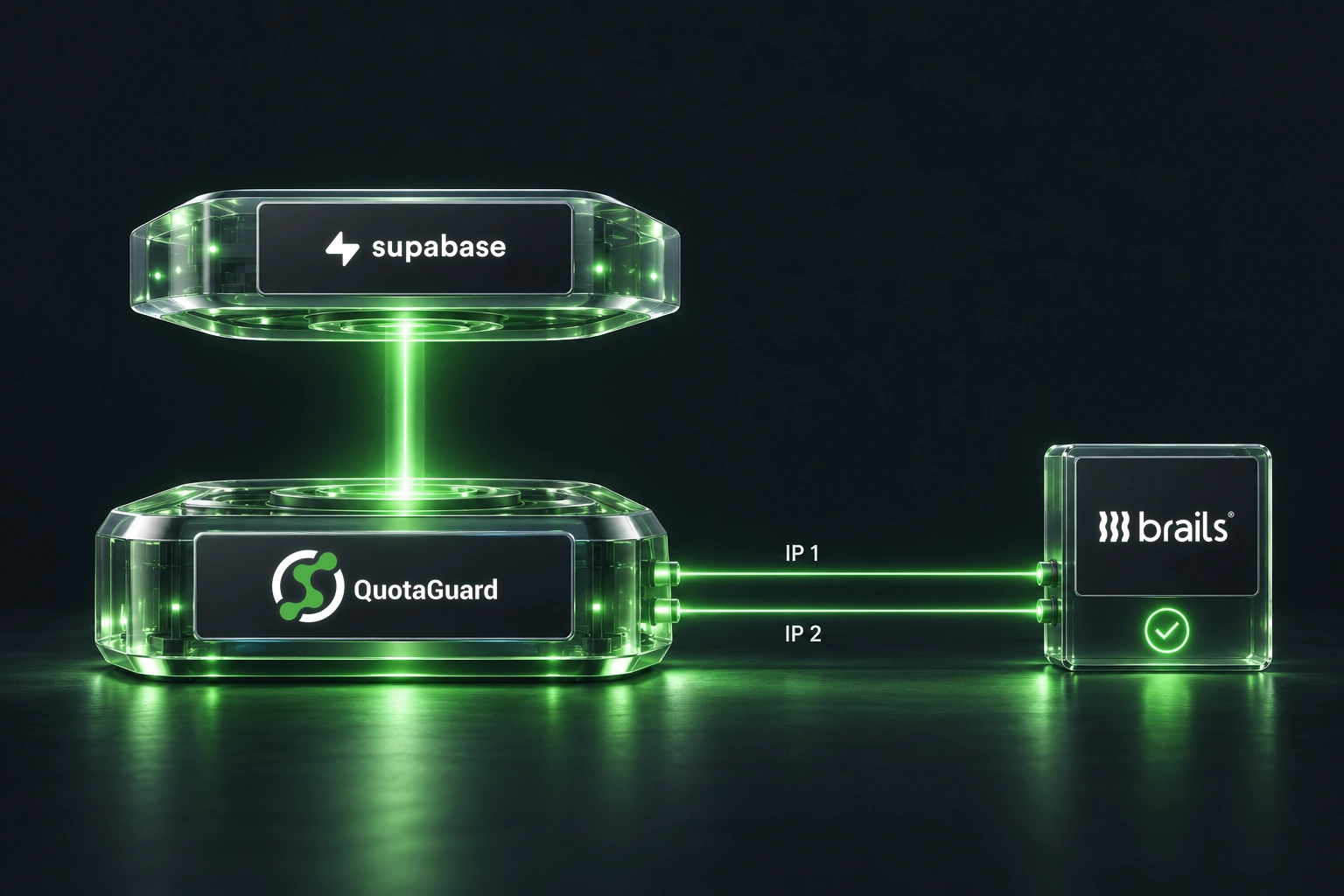
If the sending request comes from a hosted Supabase Edge Function, you can route that specific HTTPS request through QuotaGuard Static without moving the rest of the application. Supabase Edge Functions use a Deno-compatible runtime, and Deno supports attaching an authenticated HTTP proxy to an individual fetch call through Deno.createHttpClient.
Documentation status: The Deno-to-QuotaGuard Static client pattern has been verified separately, but this exact Supabase-to-QuotaGuard-to-Taqnyat flow has not been tested with Taqnyat credentials or a live SMS. The configuration below documents the supported client and network mechanics without claiming provider approval, message acceptance, or delivery.
Understand the request path and two authentication layers
Supabase Edge Function
  -> QuotaGuard Static HTTP proxy on port 9293
  -> HTTPS connection to api.taqnyat.sa
  -> POST /v1/messages
The request uses two separate credentials:
- QuotaGuard proxy authentication: the subscription username and password authenticate the Edge Function to QuotaGuard.
- Taqnyat destination authentication: the Bearer token is sent in the
Authorizationheader toapi.taqnyat.sa.
QuotaGuard Static uses a plaintext customer-to-proxy connection. The HTTPS session to Taqnyat runs inside the proxy tunnel and remains encrypted between the Edge Function and Taqnyat. QuotaGuard does not decrypt the Taqnyat Bearer token, message body, recipient list, or response carried inside that HTTPS session.
Store the connection details as Supabase secrets
Copy the complete QUOTAGUARDSTATIC_URL value from the QuotaGuard dashboard. Do not assemble the proxy hostname manually or commit either credential to source control.
supabase secrets set \
  QUOTAGUARDSTATIC_URL='http://username:password@<your-quotaguard-proxy-host>:9293'

supabase secrets set \
  TAQNYAT_BEARER_TOKEN='<your-taqnyat-bearer-token>'
The QuotaGuard URL must use the http:// scheme and Static port 9293. The Taqnyat token remains a separate secret and is never placed in the proxy URL.
Add a reusable Static client and Taqnyat request
The following helper keeps the proxy configuration limited to requests that explicitly receive the custom client. Call sendTaqnyatMessage only from an authenticated function after validating the recipient, sender, message content, and caller authorization.
// supabase/functions/_shared/taqnyat.ts

export type TaqnyatMessage = {
  recipients: Array<number>;
  body: string;
  sender: string;
};

function requireSecret(name: string): string {
  const value = Deno.env.get(name);

  if (!value) {
    throw new Error(`${name} is not configured`);
  }

  return value;
}

function createQuotaGuardStaticClient(): Deno.HttpClient {
  const connectionUrl = new URL(requireSecret("QUOTAGUARDSTATIC_URL"));

  if (connectionUrl.protocol !== "http:" || connectionUrl.port !== "9293") {
    throw new Error(
      "QUOTAGUARDSTATIC_URL must use QuotaGuard Static over http:// on port 9293",
    );
  }

  if (!connectionUrl.username || !connectionUrl.password) {
    throw new Error("QuotaGuard proxy credentials are missing");
  }

  return Deno.createHttpClient({
    proxy: {
      url: `${connectionUrl.protocol}//${connectionUrl.host}`,
      basicAuth: {
        username: decodeURIComponent(connectionUrl.username),
        password: decodeURIComponent(connectionUrl.password),
      },
    },
  });
}

function getProviderMessage(value: unknown): string | undefined {
  if (
    value &&
    typeof value === "object" &&
    "message" in value &&
    typeof value.message === "string"
  ) {
    return value.message;
  }

  return undefined;
}

export async function checkQuotaGuardEgress(): Promise<string> {
  const client = createQuotaGuardStaticClient();

  try {
    const response = await fetch("https://ip.quotaguard.com", {
      client,
      redirect: "error",
    });

    if (!response.ok) {
      throw new Error(
        `QuotaGuard IP check returned HTTP ${response.status}`,
      );
    }

    const result: unknown = await response.json();

    if (
      !result ||
      typeof result !== "object" ||
      !("ip" in result) ||
      typeof result.ip !== "string"
    ) {
      throw new Error("QuotaGuard IP check returned an unexpected response");
    }

    return result.ip;
  } finally {
    client.close();
  }
}

export async function sendTaqnyatMessage(
  message: TaqnyatMessage,
): Promise<unknown> {
  const client = createQuotaGuardStaticClient();

  try {
    const response = await fetch(
      "https://api.taqnyat.sa/v1/messages",
      {
        client,
        method: "POST",
        redirect: "error",
        headers: {
          "Authorization":
            `Bearer ${requireSecret("TAQNYAT_BEARER_TOKEN")}`,
          "Content-Type": "application/json",
        },
        body: JSON.stringify(message),
      },
    );

    const result: unknown = await response.json();

    if (!response.ok) {
      const detail = getProviderMessage(result);

      throw new Error(
        detail
          ? `Taqnyat returned HTTP ${response.status}: ${detail}`
          : `Taqnyat returned HTTP ${response.status}`,
      );
    }

    return result;
  } finally {
    client.close();
  }
}
A call from an already authenticated and validated Edge Function can use the helper like this:
import {
  sendTaqnyatMessage,
} from "../_shared/taqnyat.ts";

const result = await sendTaqnyatMessage({
  recipients: [966500000000],
  body: "Message Content",
  sender: "Approved Sender Name",
});
This last call submits a real SMS request when valid credentials and account settings are present. Do not use it as a harmless connectivity check.
Register both QuotaGuard IP addresses with Taqnyat
Every QuotaGuard subscription receives two load-balanced static IP addresses. In Taqnyat Security Settings, add each address shown in the QuotaGuard dashboard as a separate server address, set each entry to Authorized, and complete Taqnyat’s phone-verification step.
Use only the two addresses displayed in the QuotaGuard dashboard. Do not resolve the proxy hostname and register the resulting address. The proxy hostname is the connection endpoint, while the dashboard pair is the source-address pair Taqnyat should evaluate.
If Taqnyat automatically creates an Unauthorized entry after an attempted request, compare that address with the QuotaGuard dashboard before changing its status. Do not authorize an unfamiliar address merely because it appeared automatically.
Verify the route without claiming an SMS result
Run checkQuotaGuardEgress() from the deployed Edge Function using the same release and secret configuration as the Taqnyat client. The diagnostic endpoint returns JSON containing one observed source address; this helper extracts and returns its IP-address string:
{"ip":"<one of your two QuotaGuard static IPs>"}The address must match either IP shown for the subscription in the QuotaGuard dashboard. One matching result proves only that specific request used QuotaGuard. It does not enumerate both load-balanced addresses, prove that Taqnyat has authorized them, validate the Bearer token, submit an SMS, or confirm delivery. Register both dashboard addresses even if the diagnostic observes only one.
Read failures at the correct layer
- Proxy authentication failure or HTTP 407: check the QuotaGuard subscription username, password, hostname, scheme, and port.
- Taqnyat HTTP 401: check the Taqnyat Bearer token. Changing the proxy credentials will not repair destination authentication.
- Taqnyat reports that the IP is not authorized: compare the observed egress address with the two Authorized entries in Taqnyat Security Settings.
- Taqnyat reports “you can't use proxy to send”: preserve that exact result as an account-and-route-specific failure. Taqnyat’s public documentation does not define which proxy categories, account conditions, or exceptions the message covers, so the result should not be generalized into either blanket proxy approval or a blanket prohibition.
A successful IP check establishes the outbound route only. Describe the complete integration as tested only after an authorized request is accepted by Taqnyat and the resulting message or delivery record is confirmed.
Keep credentials server-side. Verify the egress address from the deployed sending component, using the same HTTP client and routing configuration that will call Taqnyat. Register the complete approved address set rather than a single address seen in one check. Do not use a real SMS send as a harmless connectivity test or repeatedly replay a send after an uncertain timeout.
The useful outcome is an authorized backend connection with a known source address. A successful IP check alone does not establish SMS delivery, account eligibility, or provider approval.
QuotaGuard Static IP Blog
Practical notes on routing cloud and AI traffic through Static IPs.