Give Your Cloud App a Static IP for Treasure Data's API Allowlist

QuotaGuard Engineering
July 1, 2026
5 min read
Pattern

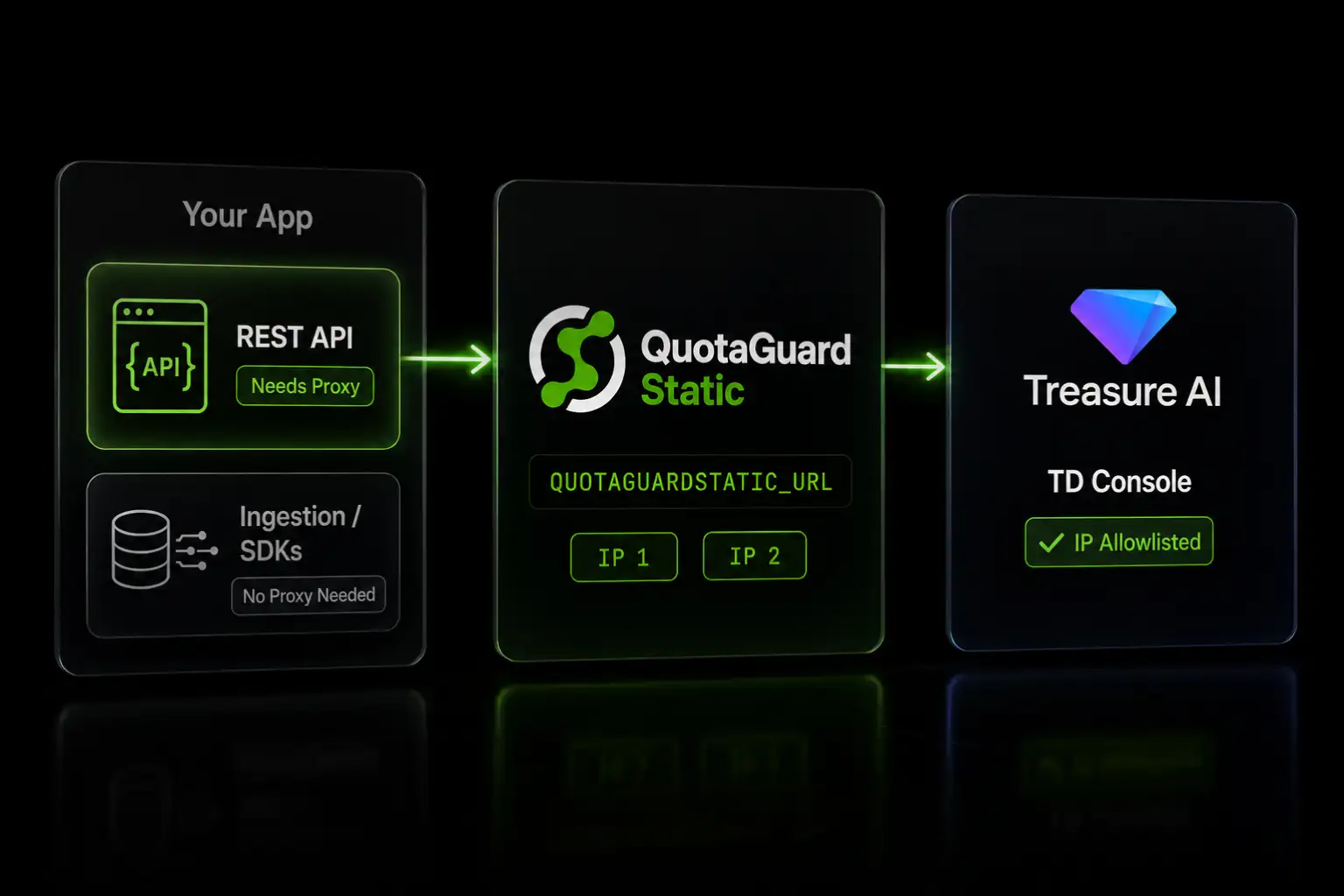
Route your app's Treasure Data REST API calls through QuotaGuard Static, set QUOTAGUARDSTATIC_URL, and add your two fixed IPs to your Treasure Data account's IP allowlist.

Treasure Data lets you lock down account access with an IP allowlist you manage in TD Console. Once it's on, requests from any IP not on the list are rejected at the network layer, before authentication. If your app calls the Treasure Data REST API from a cloud platform that rotates its outbound IP, like Heroku or AWS Lambda, those calls start failing the moment the allowlist is enforced. The fix is two static IPs you add to the allowlist once.

One scope note up front, because it changes whether you need this at all: Treasure Data's allowlist governs REST API and Console access, but it does not apply to import requests sent through the Ingestion API, the Postback API, or the mobile and JavaScript SDKs. Those paths are exempt. This guide is for the REST API, where you issue queries, manage jobs, pull results, and manage data programmatically.

How Treasure Data's IP Allowlist Works

Treasure Data supports an account-level allowlist that applies to all users, and per-user allowlists that override it for specific users. You manage both in TD Console under Control Panel, Security, IP Allowlist, adding entries as individual IPs or CIDR ranges. When an allowlist is set, access to Treasure Data services is restricted to those addresses.

The control is enforced on REST API and Console traffic. Treasure Data's own IP Allowlist Exceptions documentation lists what is not covered: import requests from the Ingestion API, Postback API, and the Android, iOS, Unity, and JavaScript SDKs. So a streaming ingestion pipeline keeps working without a static IP. A backend service that calls the REST API to run a query or manage data is exactly the traffic the allowlist blocks when its source IP isn't listed.

Dynamic Cloud IPs Get Blocked by the Allowlist

On Heroku, dynos egress from a large shared pool of addresses. When a dyno restarts or your app scales, the outbound IP can change, and a changed IP is a rejected REST API call.

On AWS Lambda, a function that isn't attached to a VPC egresses from AWS's shared public IP pool, which is not fixed. The AWS-native way to get a stable egress IP is to put the function in a VPC and route through a NAT gateway with an Elastic IP, but that adds base cost, per-GB data processing charges, and VPC plumbing to maintain. Either way, the moment Treasure Data's allowlist is enforced, an unlisted egress IP fails.

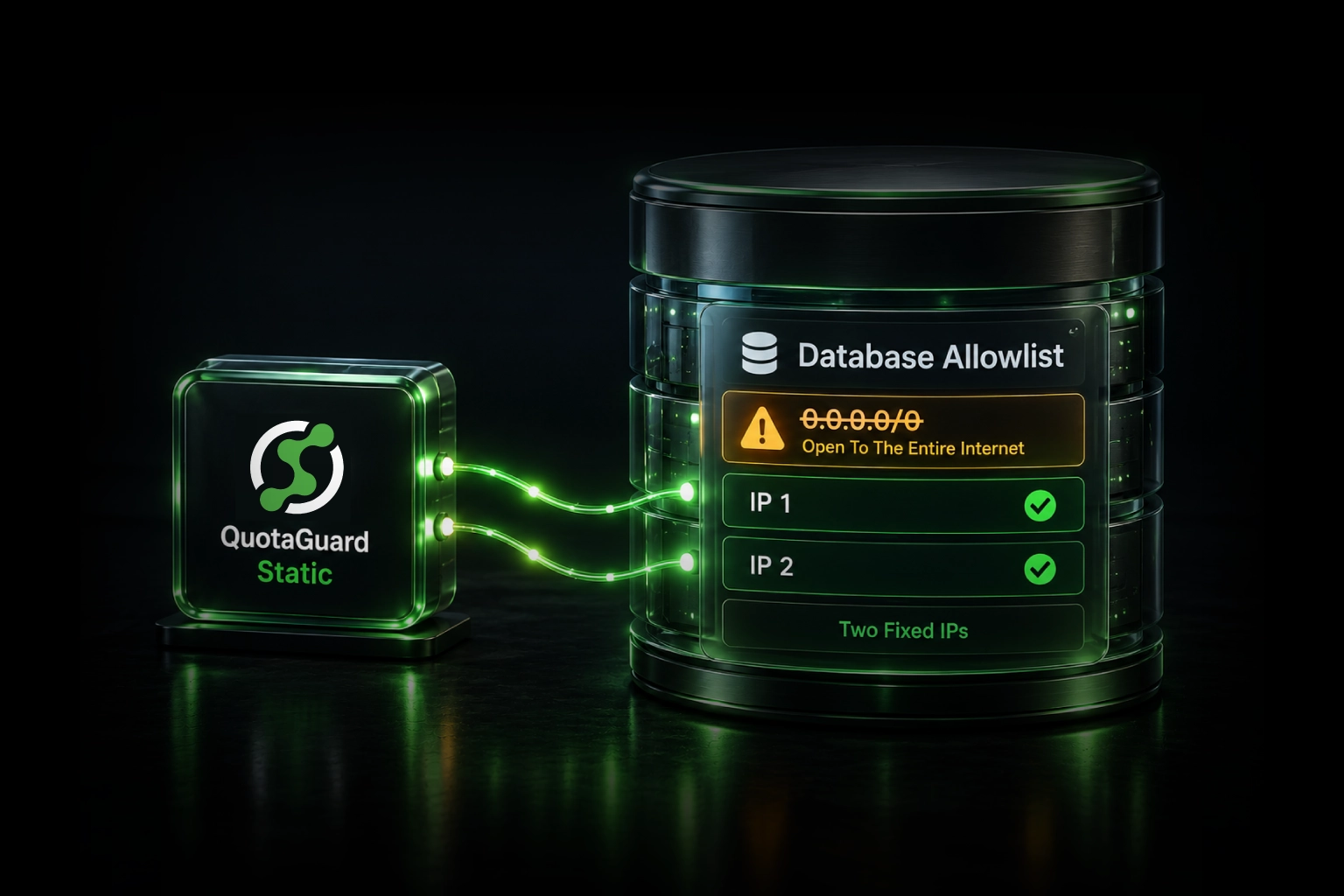
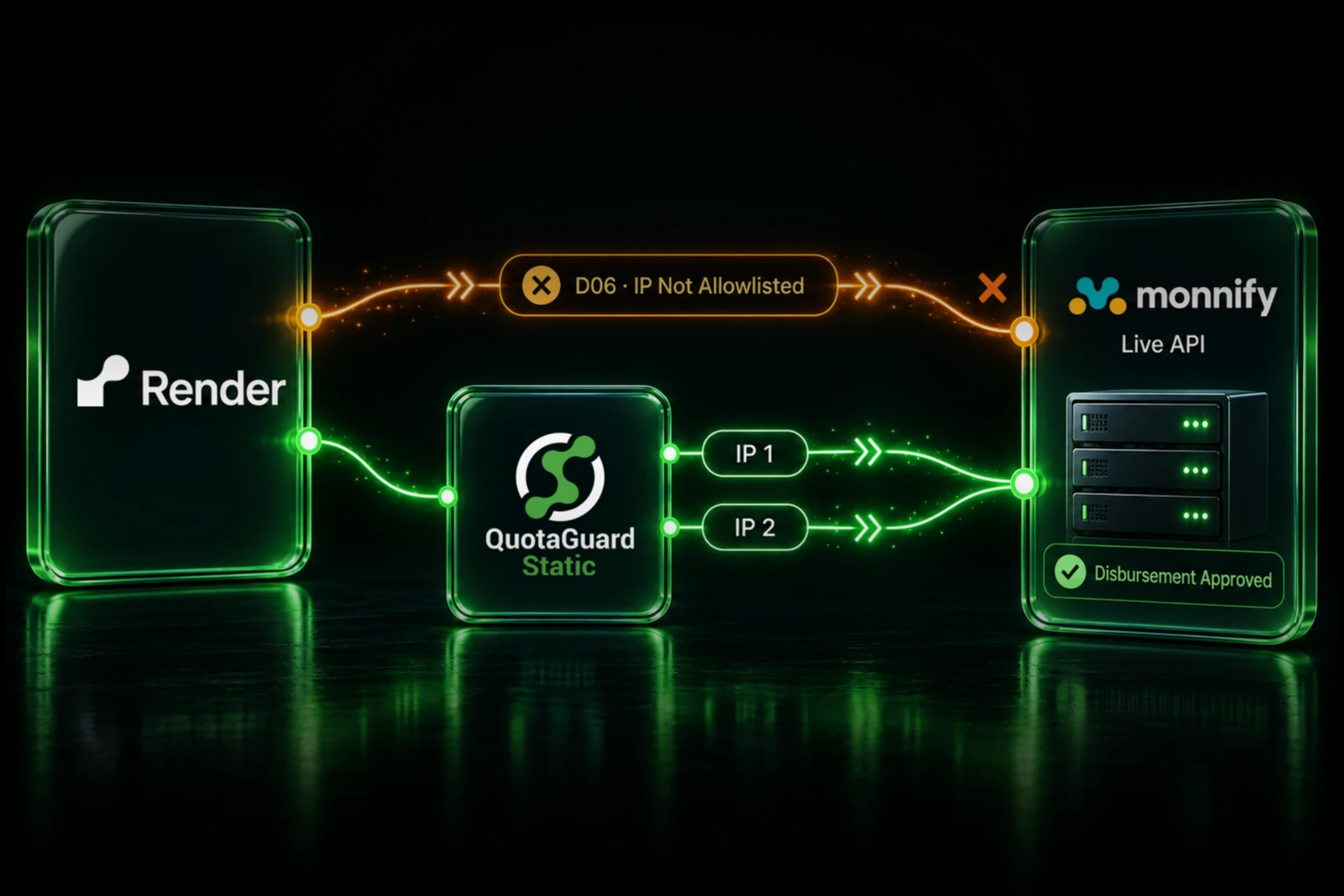
QuotaGuard Static sits between your app and Treasure Data. Your app sends REST API requests through QuotaGuard, and QuotaGuard forwards them from two static IPs that don't change. You add those two IPs to your Treasure Data allowlist once, and every request clears it.

Set Up QuotaGuard and Add Your IPs to Treasure Data

Sign up at quotaguard.com/products/quotaguard-static. Your dashboard shows your two static IPs and your QUOTAGUARDSTATIC_URL connection string.

In TD Console, go to Control Panel, Security, IP Allowlist, and add both QuotaGuard IPs to your account allowlist, or to the user allowlist for the user whose API key your app uses. Add both addresses. Then point your app's Treasure Data calls at the proxy.

Route Treasure Data Calls Through the Proxy on Heroku

Set the connection string as a Heroku config var:

heroku config:set QUOTAGUARDSTATIC_URL="http://username:password@proxy.quotaguard.com:9293" --app your-app-name

Then send your REST API calls through the proxy. The Treasure Data REST endpoint is api.treasuredata.com for US accounts. Use your region's host if different, such as api.eu01.treasuredata.com for the EU or api.ap02.treasuredata.com for Tokyo. Authenticate with your API key using the TD1 scheme.

Python, using requests:

import os
import requests
 
proxies = {
    "http":  os.environ["QUOTAGUARDSTATIC_URL"],
    "https": os.environ["QUOTAGUARDSTATIC_URL"],
}
 
resp = requests.get(
    "https://api.treasuredata.com/v3/database/list",
    headers={"Authorization": f"TD1 {os.environ['TD_API_KEY']}"},
    proxies=proxies,
)
print(resp.json())

Node.js, using https-proxy-agent with the built-in https module, which honors the agent option:

const https = require('https');
const { HttpsProxyAgent } = require('https-proxy-agent');
 
const agent = new HttpsProxyAgent(process.env.QUOTAGUARDSTATIC_URL);
 
const options = {
  hostname: 'api.treasuredata.com',
  path: '/v3/database/list',
  method: 'GET',
  agent,
  headers: { Authorization: `TD1 ${process.env.TD_API_KEY}` },
};
 
https.request(options, (res) => {
  let body = '';
  res.on('data', (chunk) => { body += chunk; });
  res.on('end', () => console.log(body));
}).end();

Ruby, using Net::HTTP with proxy parameters:

require 'uri'
require 'net/http'
 
proxy = URI.parse(ENV['QUOTAGUARDSTATIC_URL'])
 
http = Net::HTTP.new('api.treasuredata.com', 443,
                     proxy.host, proxy.port, proxy.user, proxy.password)
http.use_ssl = true
 
request = Net::HTTP::Get.new('/v3/database/list')
request['Authorization'] = "TD1 #{ENV['TD_API_KEY']}"
 
response = http.request(request)
puts response.body

Each request now exits from one of your two QuotaGuard IPs, which Treasure Data recognizes on the allowlist.

Route Treasure Data Calls Through the Proxy on AWS Lambda

Set the connection string in your function configuration:

aws lambda update-function-configuration \
  --function-name your-function-name \
  --environment "Variables={QUOTAGUARDSTATIC_URL=http://username:password@proxy.quotaguard.com:9293}"

Or in your serverless framework config:

provider:
  name: aws
  environment:
    QUOTAGUARDSTATIC_URL: "http://username:password@proxy.quotaguard.com:9293"

The proxy call pattern in your handler is identical to the Heroku examples above. The fixed IP that reaches Treasure Data is the same whether the code runs on a dyno or a Lambda function, and you skip building and maintaining a NAT gateway to get it.

Verify the Static IP

Confirm your traffic exits from a QuotaGuard IP before you rely on it:

curl -x "$QUOTAGUARDSTATIC_URL" https://ip.quotaguard.com

The response is the IP your request came from. It should match one of the two IPs in your dashboard. Run it a few times to see both in rotation. Once both are on your Treasure Data allowlist, a REST API call that previously returned an access error will succeed.

Regulated Pipelines Belong on QuotaGuard Shield

If your Treasure Data work moves regulated data, such as health records, payment information, or sensitive PII, use QuotaGuard Shield instead of Static.

QuotaGuard Static tunnels your outbound HTTPS through a CONNECT tunnel without decrypting the payload, and terminates TLS only on inbound connections. That is suitable for standard API allowlisting. Shield goes further: it uses SSL passthrough and never decrypts your traffic at the proxy in either direction, and your TLS keys never leave your servers. That zero-knowledge model is what HIPAA, PCI-DSS, and SOC 2 reviews expect. A Business Associate Agreement is available for approved Shield configurations after intake review and signed documentation.

The setup mirrors Static. Use the QUOTAGUARDSHIELD_URL connection string from your dashboard, which uses an https:// scheme on port 9294:

QUOTAGUARDSHIELD_URL="https://username:password@your-shield-host.quotaguard.com:9294"

The exact host is shown in your dashboard and reflects the region you selected at signup. To change regions, contact QuotaGuard support.

Two Static IPs Cover Load Balancing and Failover

Every QuotaGuard account, Static or Shield, comes with two static IPs behind a load balancer. Your app always connects to the same proxy endpoint, and QuotaGuard distributes connections across both IPs with automatic failover. Add both to your Treasure Data allowlist. If you add only one, requests that egress from the other are rejected. On Starter, Production, and Business plans the pair is static but shared with other customers. Enterprise gives you dedicated IPs reserved for your account.

QuotaGuard Static Pricing Starts at $19/Month

Bandwidth is bundled, with no per-GB overage fees. REST API management traffic, scheduled queries, and result pulls are low-volume for most teams, so the Starter plan at 20,000 requests and 10 GB per month covers a typical integration. Production is $49 per month, Business is $89, and Enterprise is $219 with dedicated IPs and 1 TB of bandwidth. On the lower tiers your two IPs are static but shared.

QuotaGuard Shield Pricing Starts at $29/Month

For standard REST API allowlisting, Static is the right product. Use Shield when your pipeline carries regulated data or your environment requires that no proxy ever decrypts traffic in transit. Shield costs slightly more than Static at each tier.

All plans include a 3-day trial. Enterprise plans include a 7-day trial. Credit card required.

See the full pricing table at quotaguard.com/products/pricing.

QuotaGuard Static IP Blog

Practical notes on routing cloud and AI traffic through Static IPs.

Reliability Engineered for the Modern Cloud

For over a decade, QuotaGuard has provided reliable, high-performance static IP and proxy solutions for cloud environments like Heroku, Kubernetes, and AWS.

Get the fixed identity and security your application needs today.