Finally, at long last, we’ve added the ability for non-marketplace customers to add users to their accounts.
(For customers using platforms like Heroku, users are added via those platforms, not directly through QuotaGuard. If you have questions, go ahead and drop us a line on Support.)
This has been an oft-requested update that we’ve finally rolled out to the community.
To add a new user, go ahead and:
- Login and navigate to Account Management.
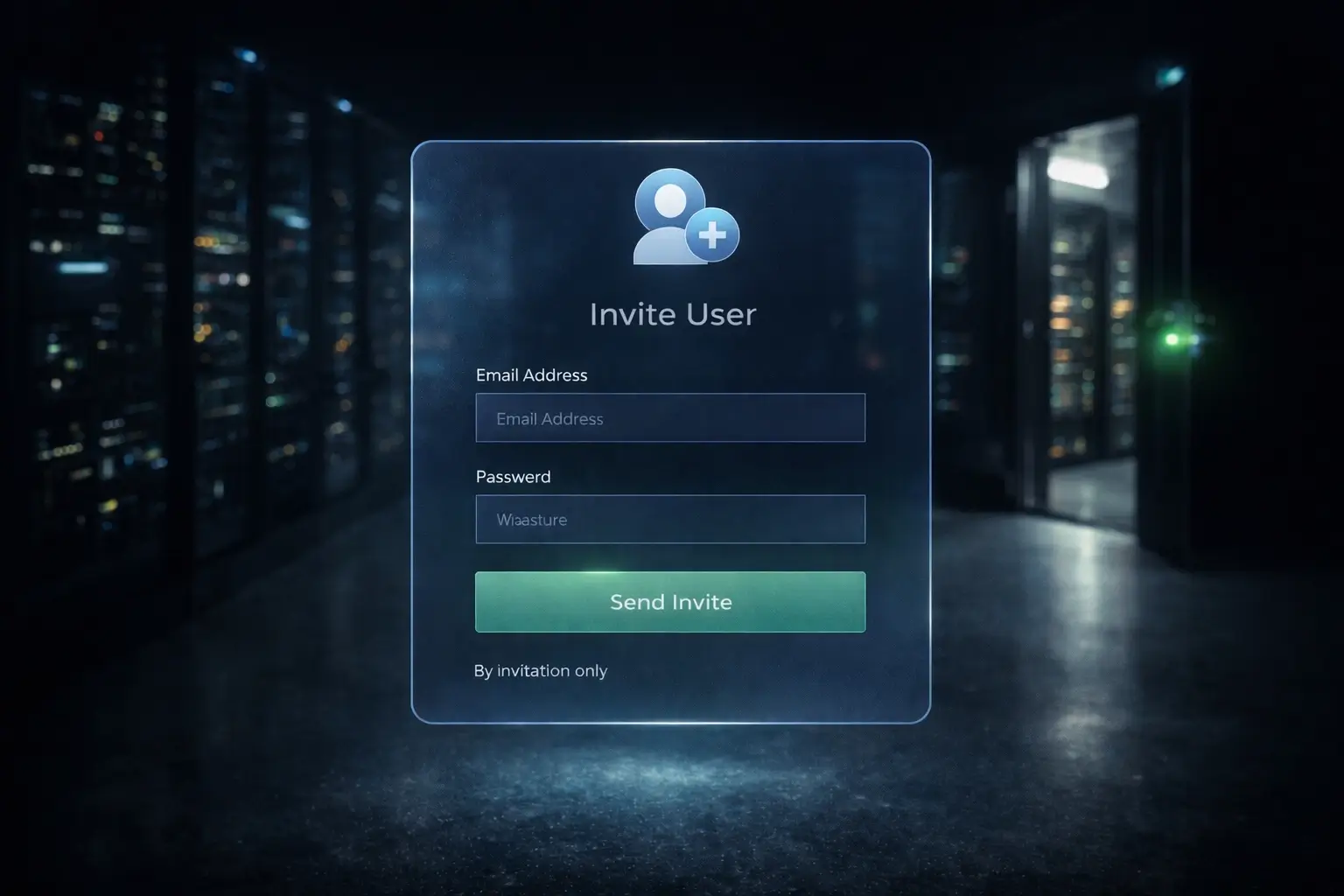
- Click on Invite User.
- Add the email address for the user you want to invite.
- The invited user will get an email with a link to accept the invitation and agree to the usual Terms and Conditions. The link has an expiration date of 7 days after sending.
- * Make sure they check Spam
- Verify in your account that you see the new user in your subscription. If successful, it’ll show in the Users list.
As always, if you have issues, we’re just a quick email away at Support.
Happy tunneling,
Michael
QuotaGuard Static IP Blog
Practical notes on routing cloud and AI traffic through Static IPs.