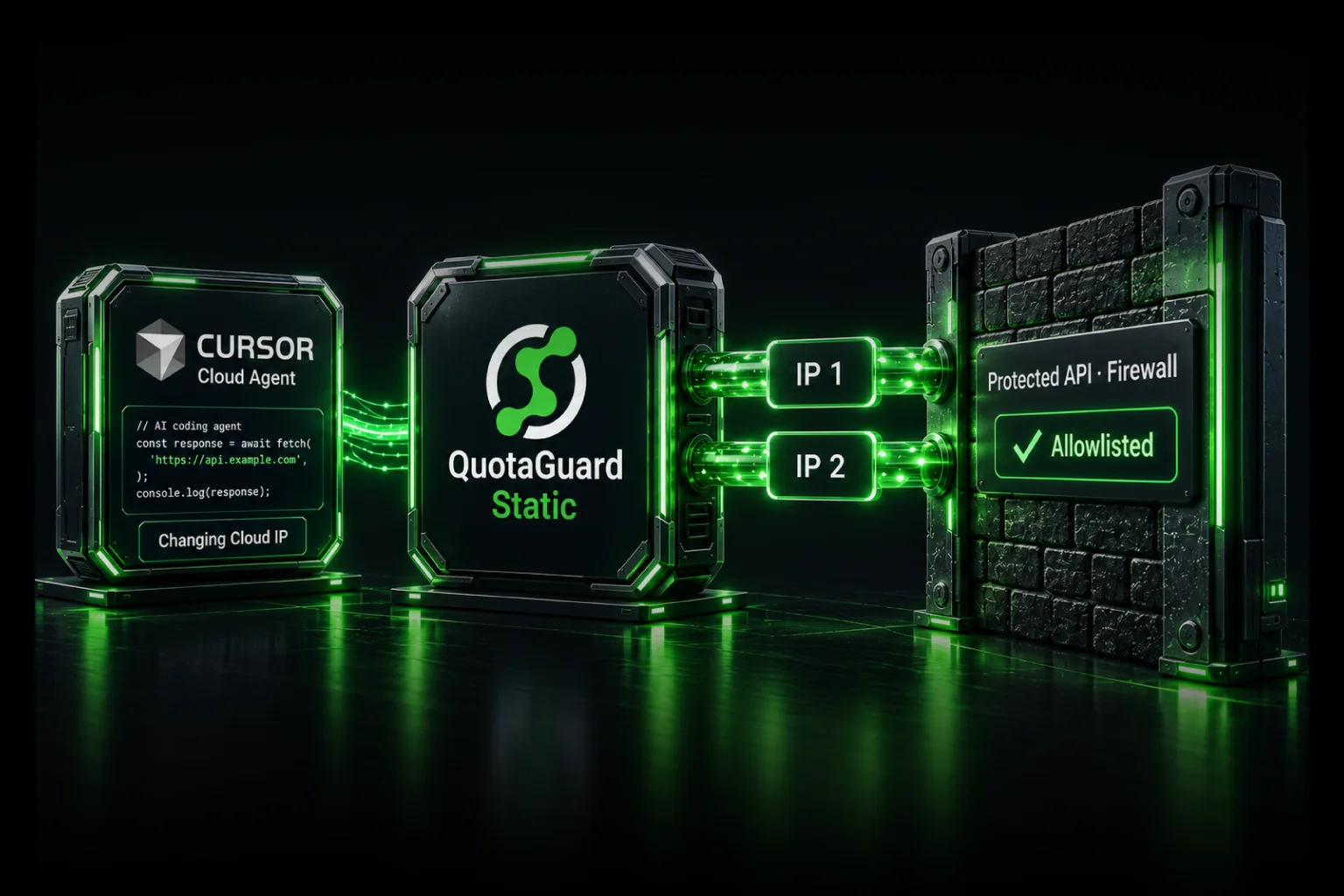
AWS Lambda Static IP Without NAT Gateway: Save $70+/Month

February 26, 2026
5 min read
Pattern

A NAT Gateway costs $70–150/month just to give your Lambda functions a static outbound IP. QuotaGuard does the same job for $19/month, sets up in two minutes, and bills directly to your existing AWS invoice.

A single NAT Gateway runs about $33/month in hourly charges alone, before data processing fees. Most production setups use two availability zones for redundancy. That's $66/month minimum, plus $0.045 per GB of data processed, plus $3.60/month per Elastic IP (a fee AWS added in February 2024). Real-world bills land between $70 and $150/month for a straightforward static IP requirement.

There's a simpler path.

What You Actually Need

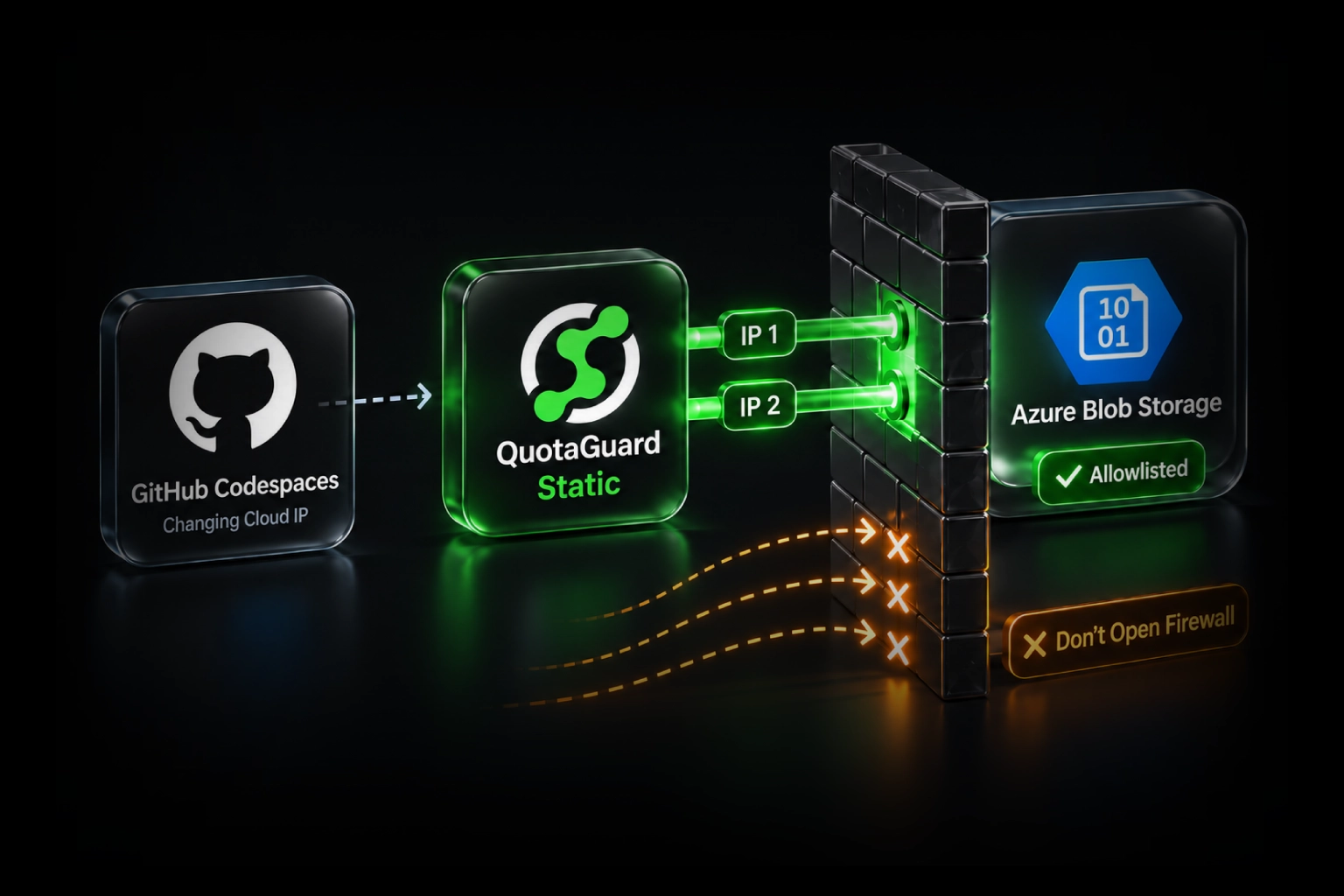
If your Lambda function needs a static IP to connect to an allowlisted API, a payment processor, a corporate database, or a third-party service that blocks dynamic cloud IPs, the requirement is simple: outbound requests must come from a known, fixed IP address.

You don't need a NAT Gateway to solve that problem. You need a proxy.

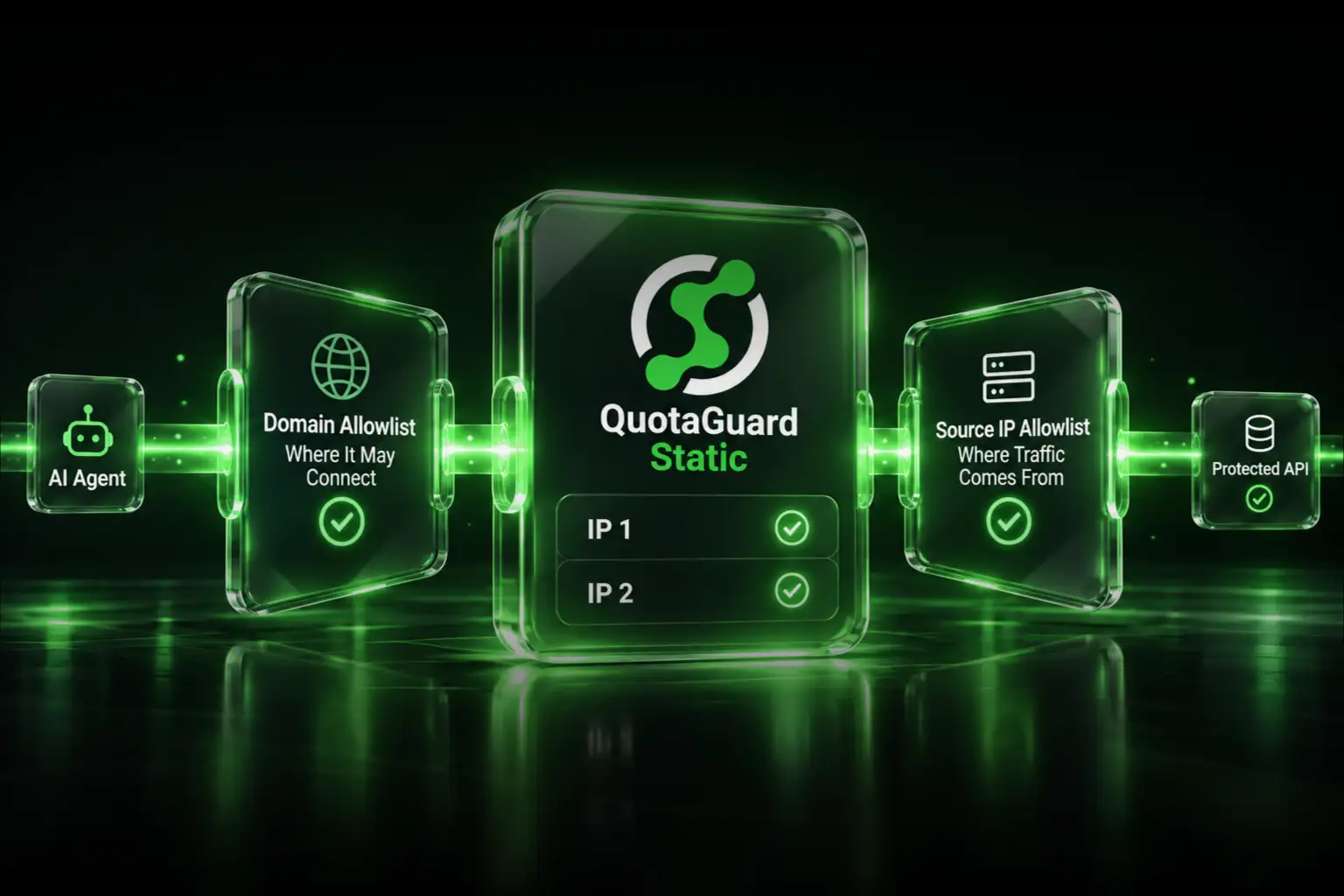
QuotaGuard runs a load-balanced proxy cluster across 10 AWS regions. Set two environment variables on your Lambda function, and every outbound HTTP request goes through a fixed static IP. The setup takes about two minutes. There's no VPC reconfiguration, no subnet changes, no NAT Gateway, and no per-GB data fees.

It's available on the AWS Marketplace, so it bills directly to your existing AWS invoice.

The Cost Comparison

Approach Monthly Cost Setup Time VPC Changes Required
NAT Gateway (single AZ) $33–50+/month 1–3 hours Yes
NAT Gateway (two AZs, recommended) $70–150+/month 2–4 hours Yes
QuotaGuard (Micro plan) $19/month ~2 minutes No

Setting Up Static IPs on AWS Lambda

Once you have a QuotaGuard account, you'll find your proxy URL and credentials in the dashboard. It looks like this:

http://username:password@proxy.quotaguard.com:9293

Set that as an environment variable on your Lambda function, then route outbound requests through it in your code.

Python (using requests)

import requests
import os

# Set QUOTAGUARDSTATIC_URL as a Lambda environment variable
proxy_url = os.getenv("QUOTAGUARDSTATIC_URL")

proxies = {
    "http": proxy_url,
    "https": proxy_url
}

def lambda_handler(event, context):
    response = requests.get(
        "https://api.your-allowlisted-service.com/data",
        proxies=proxies
    )
    return {
        "statusCode": 200,
        "body": response.json()
    }

Node.js (using node-fetch or axios)

const axios = require("axios");
const { HttpsProxyAgent } = require("https-proxy-agent");

// Set QUOTAGUARDSTATIC_URL as a Lambda environment variable
const proxyUrl = process.env.QUOTAGUARDSTATIC_URL;
const agent = new HttpsProxyAgent(proxyUrl);

exports.handler = async (event) => {
    const response = await axios.get(
        "https://api.your-allowlisted-service.com/data",
        { httpsAgent: agent }
    );
    return {
        statusCode: 200,
        body: JSON.stringify(response.data)
    };
};

Setting the Environment Variable in AWS Console

In the Lambda console, go to Configuration → Environment variables → Edit, and add:

Key:   QUOTAGUARDSTATIC_URL
Value: http://username:password@proxy.quotaguard.com:9293

Or if you use the AWS CLI or Terraform to manage your Lambda configuration:

aws lambda update-function-configuration \
  --function-name your-function-name \
  --environment "Variables={QUOTAGUARDSTATIC_URL=http://username:password@proxy.quotaguard.com:9293}"

Connecting to Databases (MongoDB Atlas, RDS, Aurora)

The proxy environment variable approach works for HTTP and HTTPS traffic. For TCP database connections — MongoDB Atlas, PostgreSQL, MySQL — you need SOCKS5 or QGTunnel.

QGTunnel is a small sidecar binary that creates a local tunnel so your database client connects to localhost while traffic routes through your static IP. No code changes required in your database connection logic.

Python with MongoDB Atlas via SOCKS5

from pymongo import MongoClient
import os

# Requires: pip install pymongo[srv] pysocks
# QUOTAGUARDSTATIC_URL format for SOCKS5:
# socks5://username:password@proxy.quotaguard.com:1080

proxy_url = os.getenv("QUOTAGUARDSTATIC_URL")
mongo_uri = os.getenv("MONGODB_URI")

client = MongoClient(
    mongo_uri,
    proxyHost="proxy.quotaguard.com",
    proxyPort=1080,
    proxyUsername="your-username",
    proxyPassword="your-password"
)

def lambda_handler(event, context):
    db = client["your-database"]
    doc = db.collection.find_one({})
    return {"statusCode": 200, "body": str(doc)}

For PostgreSQL and MySQL connections, see the QuotaGuard documentation for the QGTunnel setup guide, which handles TCP tunneling without requiring code changes to your database client.

Why the AWS Marketplace Matters Here

Most developers solving this problem find a solution, sign up for a new vendor, add another credit card, and end up managing a separate billing relationship. That's fine, but it's friction — especially at larger companies where procurement has already approved AWS and adding a new vendor requires paperwork.

QuotaGuard is available directly on the AWS Marketplace. That means:

  • It bills to your existing AWS invoice — no new vendor, no new credit card
  • Procurement and security have already approved AWS as a vendor
  • If your company has AWS committed spend (Enterprise Discount Program or a Private Pricing Agreement), Marketplace purchases count toward that commitment
  • One place to manage billing across all your AWS services

For individual developers, it's a convenience. For teams at larger companies, it can make the difference between getting this approved quickly and waiting on a vendor review cycle.

Find QuotaGuard on the AWS Marketplace →

What About Elastic IPs on EC2?

If you're running EC2 instances rather than Lambda, AWS Elastic IPs give you a static IP for a specific instance. That works, but it ties the static IP to one instance. If you're running multiple instances, Auto Scaling groups, or a mix of Lambda and EC2, each needs its own Elastic IP and management overhead grows quickly.

QuotaGuard gives you the same two static IPs regardless of how many Lambda functions, EC2 instances, or other AWS services use them. The IP stays consistent whether you're running one Lambda or fifty. When you scale, nothing changes on the allowlist side.

When the NAT Gateway Is the Right Answer

To be direct: if you need all outbound traffic from your VPC to go through a static IP — not just specific API calls — a NAT Gateway is the correct architecture. It handles all protocols, all destinations, and it's fully native to AWS networking.

QuotaGuard is the better fit when you have specific outbound connections that need a static identity: a third-party API, a partner's allowlisted endpoint, a MongoDB Atlas cluster, a payment processor. You route those specific calls through the proxy and everything else continues as normal. That's the common Lambda use case, and it's much cheaper to solve with a proxy than with NAT Gateway infrastructure.

Getting Started

QuotaGuard plans start at $19/month on the AWS Marketplace. Setup takes about two minutes once your account is active. Your static IPs don't change when you upgrade, downgrade, or switch plans — so any allowlists you've configured stay valid.

If you run into connection issues during setup, the support team (real engineers, not a chatbot) typically responds in under two hours.

Sign up for QuotaGuard Static on the AWS Marketplace →

Or if you're handling HIPAA, PCI, or regulated data:

Sign up for QuotaGuard Shield on the AWS Marketplace →

For more on the AWS integration, including Fargate and EC2 configuration details, see the AWS Static IP page.

QuotaGuard Static IP Blog

Practical notes on routing cloud and AI traffic through Static IPs.

Reliability Engineered for the Modern Cloud

For over a decade, QuotaGuard has provided reliable, high-performance static IP and proxy solutions for cloud environments like Heroku, Kubernetes, and AWS.

Get the fixed identity and security your application needs today.