OKX API Key Keeps Getting Deleted? Fix the 14-Day Auto-Deletion Problem

QuotaGuard Engineering
April 6, 2026
5 min read
Pattern

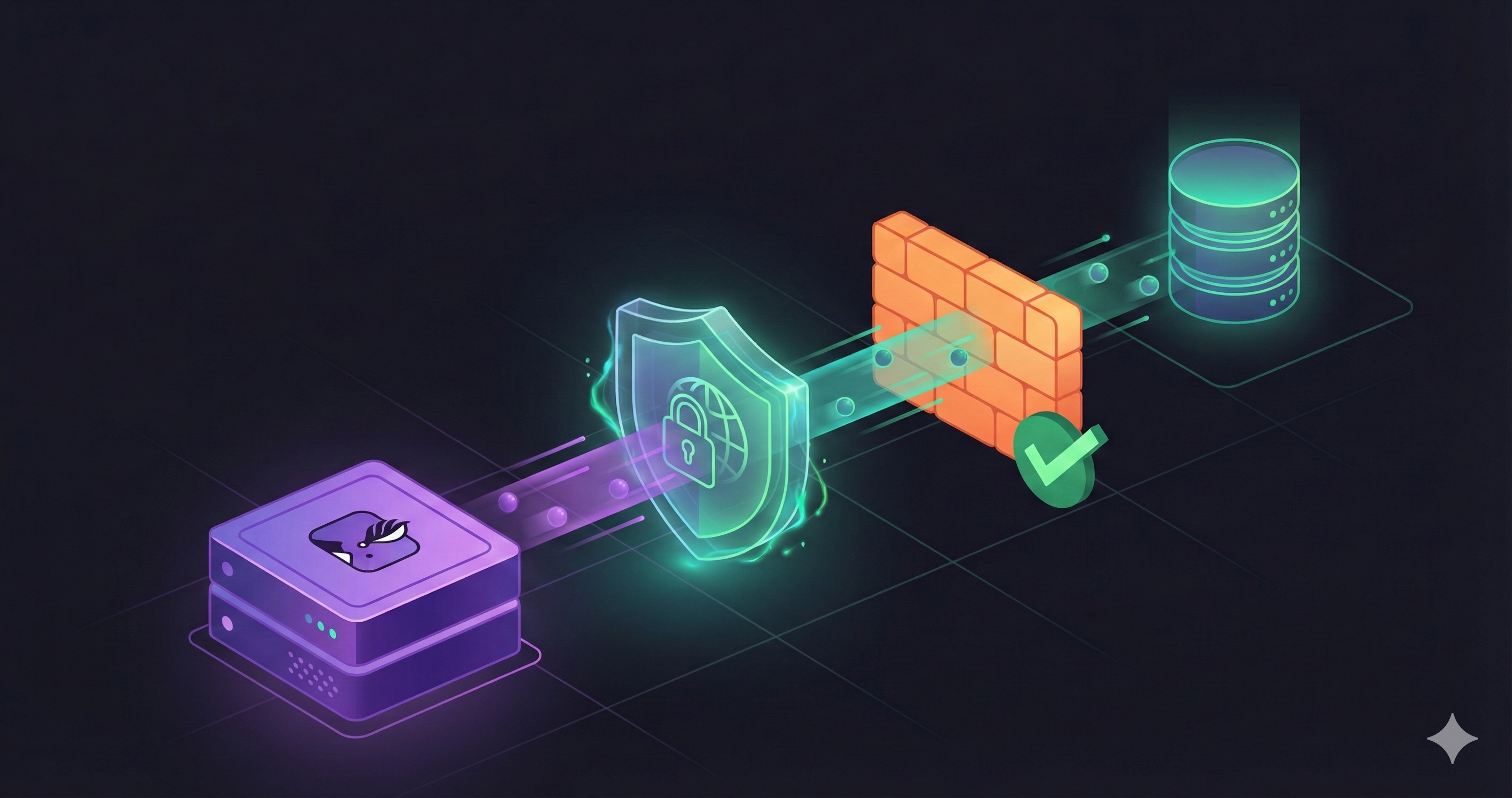
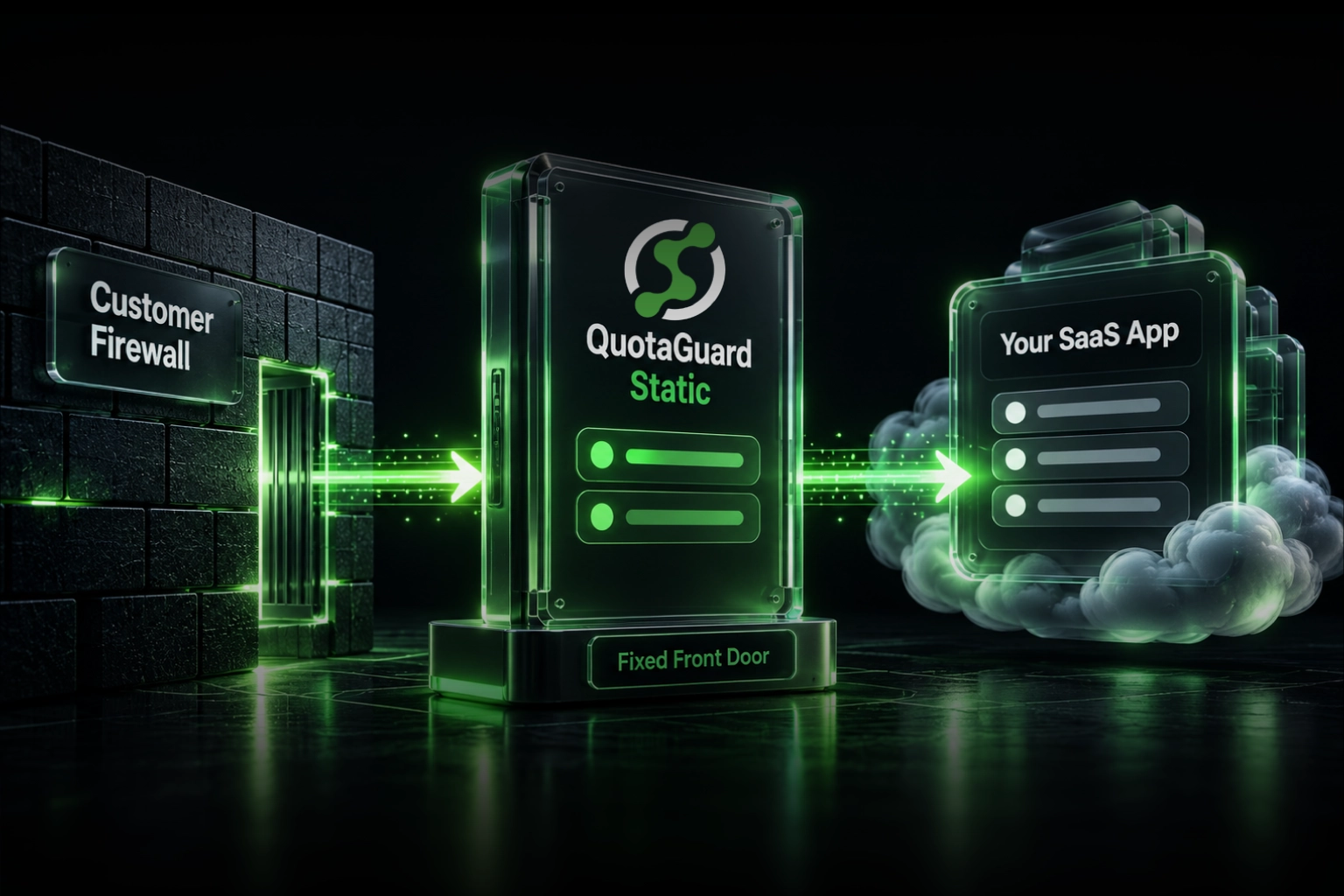
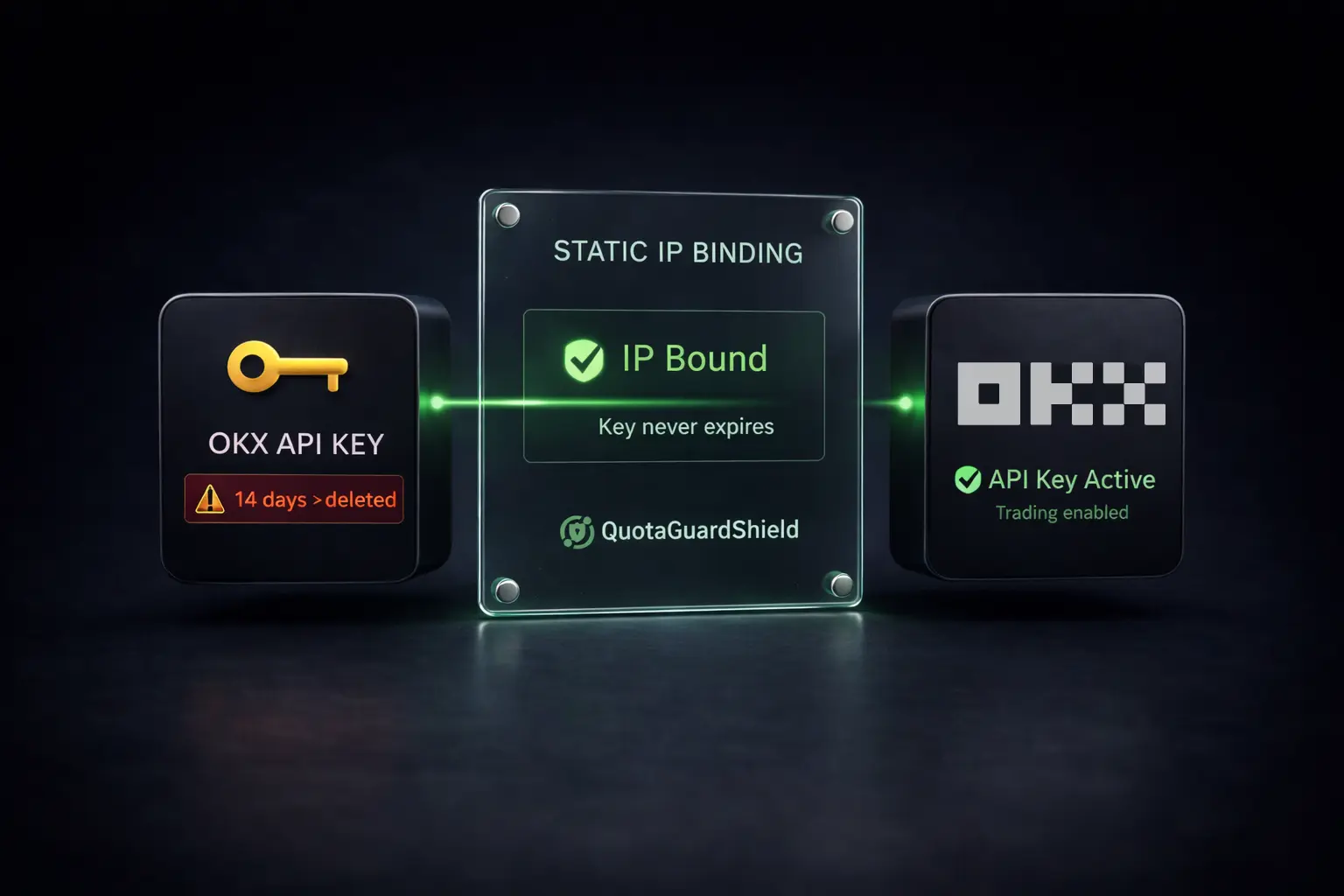
QuotaGuard Shield gives your OKX integration a fixed IP address. You bind that IP once, and OKX stops deleting your keys. Here's exactly why this happens and how to fix it in under 2 minutes.

What OKX Is Actually Doing

OKX enforces a strict policy on API keys that carry trade or withdrawal permissions. If you create one of those keys without binding an IP address to it, OKX will automatically delete the key after 14 days. No warning email. No grace period. The key is just gone.

The policy is documented in OKX's official help article on third-party app IP allowlisting. The intent is security: a key with no IP restriction is a key that can be used from anywhere on the internet. OKX considers that too dangerous for keys with real financial permissions.

The fix they suggest is simple: bind a fixed IP address to the key. The problem is that most cloud platforms don't give you one.

Why Cloud Platforms Make This Impossible Without Help

If you're running a trading bot or integration on Heroku, Render, Railway, Fly.io, AWS Lambda, Google Cloud Run, or similar platforms, your outbound IP changes. Platforms rotate IPs across shared infrastructure. Serverless functions come up on different hosts for each invocation. Even long-running dynos get new addresses after restarts.

The workflow becomes a loop:

  1. Create a new OKX API key with trade permissions
  2. Attempt to bind an IP — but you don't have a stable one
  3. Skip IP binding and go live
  4. 14 days later, the key is silently deleted
  5. Your bot throws Invalid API key errors in production at 3am
  6. Repeat

Some developers discover this by checking their OKX API management panel and noticing the key is simply gone. Others find out when their integration stops working mid-trade. Neither is a good experience.

Why Shield Is the Right Architecture for Financial Credentials

There are two QuotaGuard products. Static proxy routes your traffic through a fixed egress IP, but it terminates and re-originates the connection. Shield is different. Shield uses an SSL passthrough tunnel, which means your HTTPS connection to OKX is never decrypted or re-encrypted by the proxy infrastructure. The TLS session is established directly between your application and OKX's servers.

For financial API credentials, that distinction matters. You don't want a proxy layer reading your API keys, secret, or passphrase in plaintext. Shield prevents that by design. The proxy sees an encrypted stream. It routes the packets. It never touches the payload.

This is the correct architecture for any integration involving trading credentials, private keys, or withdrawal permissions.

How to Set It Up

The setup has two steps. First, get your Shield URL from your QuotaGuard dashboard and note the static IP. Second, bind that IP to your OKX API key. After that, your key stays active indefinitely.

Step 1: Get Your Static IP from QuotaGuard

Log into your QuotaGuard dashboard. Your Shield URL will look like this:

socks5h://username:password@shield.quotaguard.com:9293

The IP address shown in your dashboard is the fixed egress IP for your account. Copy it. You'll bind this to your OKX API key.

Step 2: Bind the IP to Your OKX API Key

In OKX, go to Account > API > Edit API Key. In the IP address field, enter the static IP from your QuotaGuard dashboard. Save the key. From this point forward, OKX will only accept requests from that IP and will not auto-delete the key.

Step 3: Route Your Application Through Shield

Now configure your application to use the Shield proxy for all OKX requests. Here are working examples for the two most common setups.

Using ccxt

ccxt supports SOCKS5 proxies natively via the aiohttp_proxy library when using the async client, or via requests proxy configuration in sync mode.

import ccxt
import os

shield_url = os.environ.get("QUOTAGUARDSHIELD_URL")
# shield_url format: socks5h://username:password@shield.quotaguard.com:9293

exchange = ccxt.okx({
    "apiKey": os.environ.get("OKX_API_KEY"),
    "secret": os.environ.get("OKX_SECRET"),
    "password": os.environ.get("OKX_PASSPHRASE"),
    "proxies": {
        "http": shield_url,
        "https": shield_url,
    },
})

# Fetch your account balance — all traffic routes through your fixed Shield IP
balance = exchange.fetch_balance()
print(balance["total"])

The proxies dict is passed directly to the underlying requests session. ccxt handles the rest. Every call to OKX — market data, order placement, balance checks — routes through your Shield IP.

Using the Official OKX Python SDK

If you're using OKX's own SDK directly, you can configure proxy support by patching the session before making requests:

import okx.Trade as Trade
import okx.Account as Account
import requests
import os

shield_url = os.environ.get("QUOTAGUARDSHIELD_URL")

proxies = {
    "http": shield_url,
    "https": shield_url,
}

# Monkey-patch the requests session used by the OKX SDK
original_request = requests.Session.request

def proxied_request(self, *args, **kwargs):
    kwargs.setdefault("proxies", proxies)
    return original_request(self, *args, **kwargs)

requests.Session.request = proxied_request

# Now initialize the SDK clients normally
trade_api = Trade.TradeAPI(
    api_key=os.environ.get("OKX_API_KEY"),
    api_secret_key=os.environ.get("OKX_SECRET"),
    passphrase=os.environ.get("OKX_PASSPHRASE"),
    use_server_time=False,
    flag="0",  # 0 = live trading, 1 = paper trading
)

# Place a limit order — routed through your fixed Shield IP
result = trade_api.place_order(
    instId="BTC-USDT",
    tdMode="cash",
    side="buy",
    ordType="limit",
    px="30000",
    sz="0.001",
)
print(result)

Set QUOTAGUARDSHIELD_URL as an environment variable in your cloud platform's config. Never hardcode credentials in source code.

Confirm It's Working Before You Bind

Before you bind the IP in OKX, verify that your outbound IP is actually the Shield IP. Run this from your application environment:

import requests
import os

shield_url = os.environ.get("QUOTAGUARDSHIELD_URL")

response = requests.get(
    "https://api.ipify.org?format=json",
    proxies={"http": shield_url, "https": shield_url},
)
print(response.json())
# Should print the IP shown in your QuotaGuard dashboard

If the IP matches your QuotaGuard dashboard, you're good to bind it in OKX. If it doesn't match, check that your environment variable is set correctly and that your SOCKS5 credentials are valid.

What You End Up With

After this setup: your OKX API key has a bound IP, OKX's 14-day deletion policy no longer applies, and your trading credentials are never exposed to a proxy in plaintext. Your bot runs in production without surprise authentication failures. You stop regenerating keys.

The Shield proxy runs on a single environment variable. You don't change your application logic. You don't manage additional infrastructure. The IP is yours for as long as your QuotaGuard account is active.

Get Started

QuotaGuard Shield is available on the Micro plan at $19/month. That's one static IP, SSL passthrough, and no more 14-day key deletions. If you're running multiple bots or need dedicated IPs, higher plans are available. Check the QuotaGuard pricing page and have your Shield URL in under 2 minutes.

QuotaGuard Static IP Blog

Practical notes on routing cloud and AI traffic through Static IPs.

Reliability Engineered for the Modern Cloud

For over a decade, QuotaGuard has provided reliable, high-performance static IP and proxy solutions for cloud environments like Heroku, Kubernetes, and AWS.

Get the fixed identity and security your application needs today.