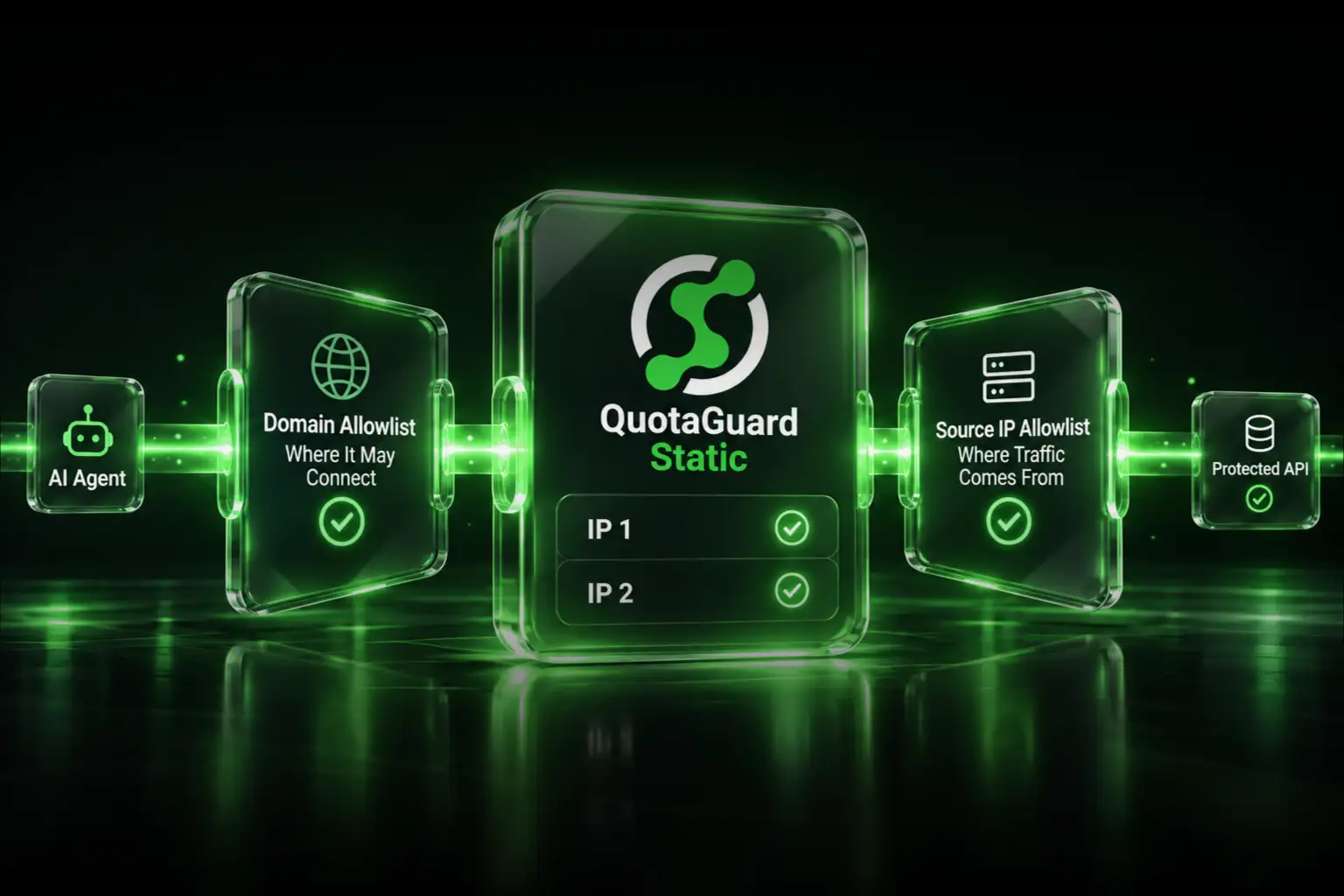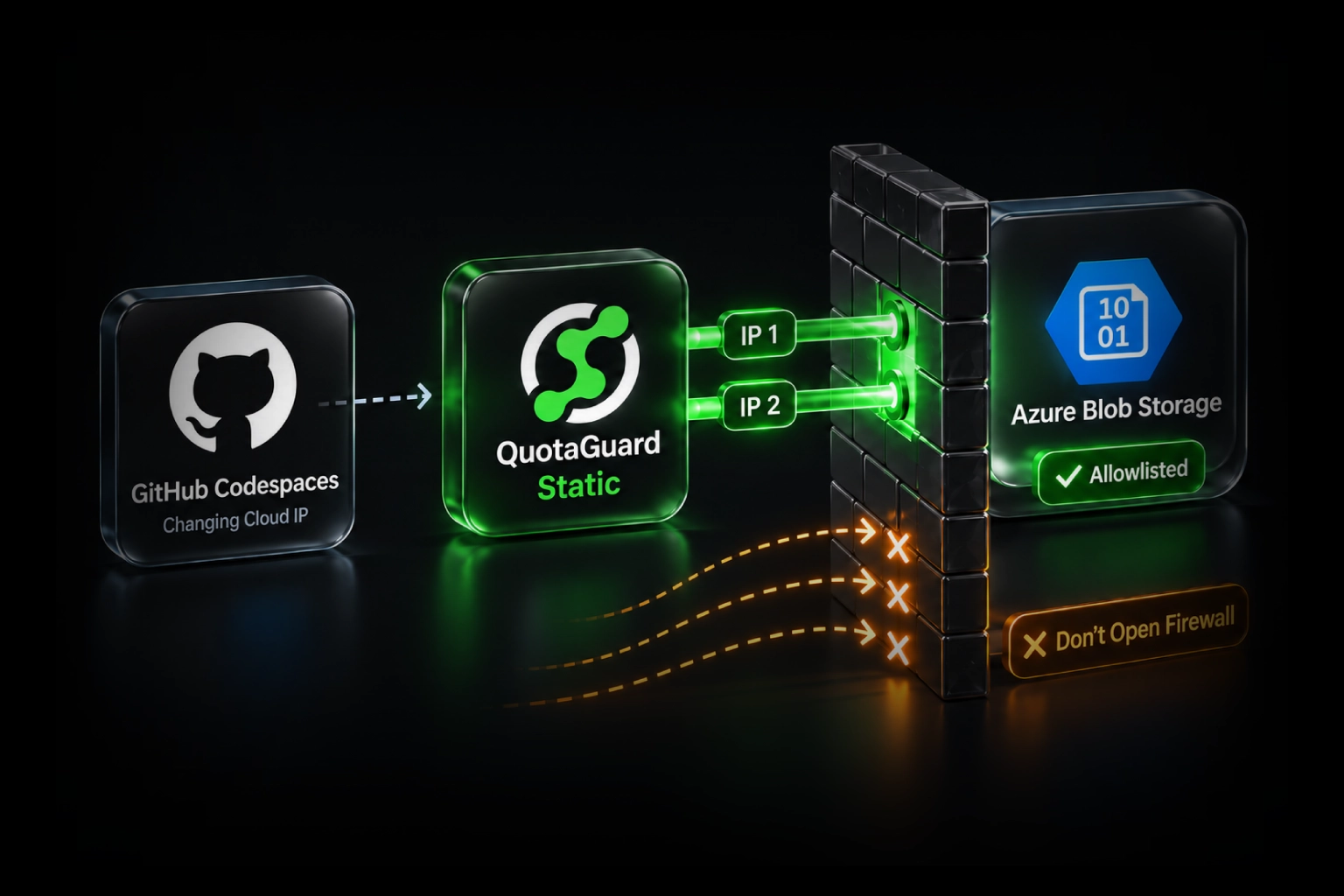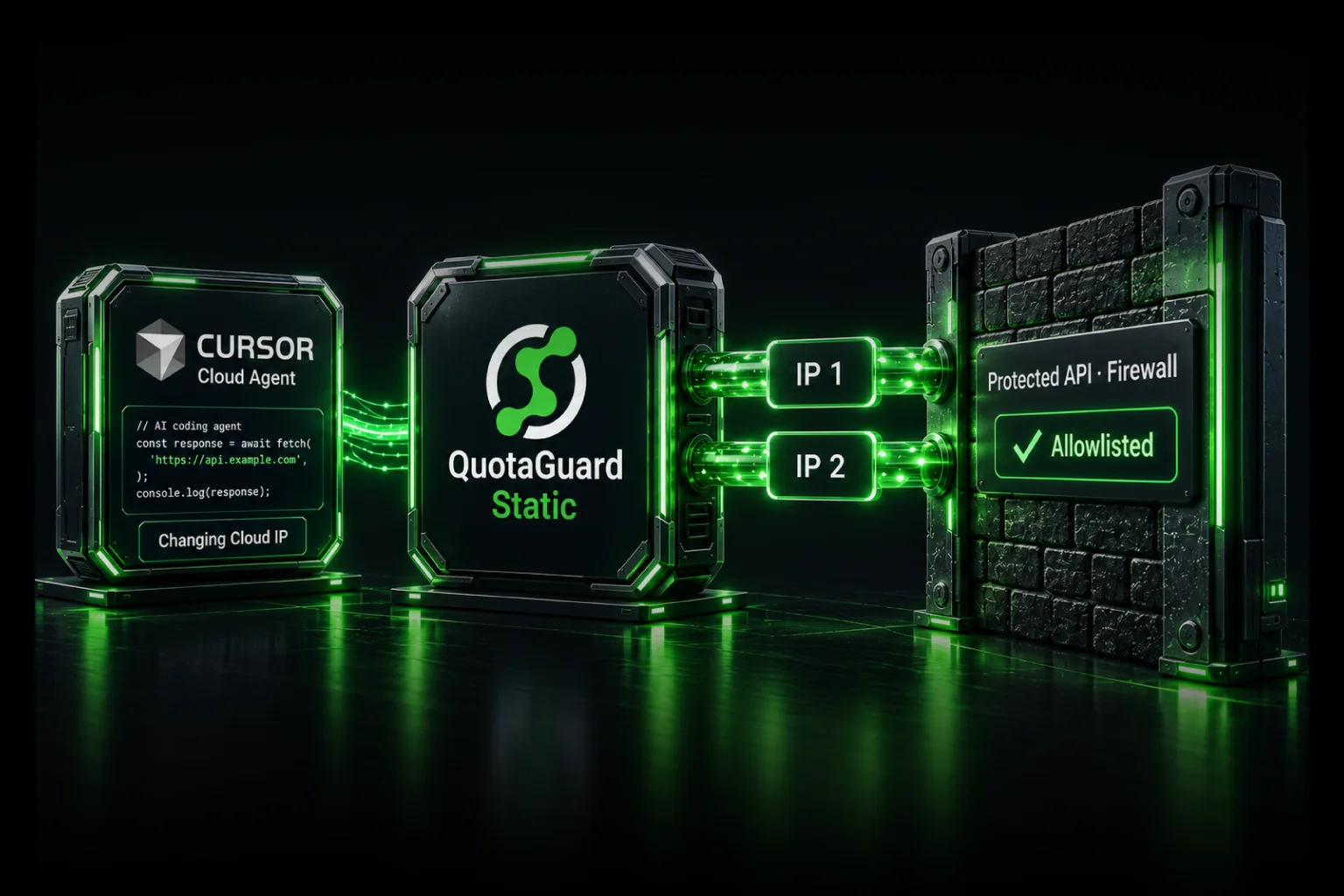
Heroku dynos run on AWS EC2 instances. When your dyno restarts, deploys, or scales, it gets assigned a different instance with a different outbound IP address. This happens automatically and constantly. Every deployment. Every restart. Sometimes for no visible reason.
If your banking API, SFTP vendor, or corporate database requires a whitelisted IP, this is a problem. Heroku publishes AWS IP ranges publicly, but those ranges cover millions of addresses shared with every other AWS customer. Your partner's firewall can't whitelist an entire AWS region.
The Private Spaces Option
Heroku's official answer is Private Spaces. You get a private network with static outbound IPs. It costs $1,000+ per month minimum. That makes sense for Fortune 500 infrastructure budgets. For most teams, it doesn't.
Static IP as a Service
QuotaGuard has been a Heroku add-on since 2013, serving thousands of Heroku customers. The setup is straightforward.
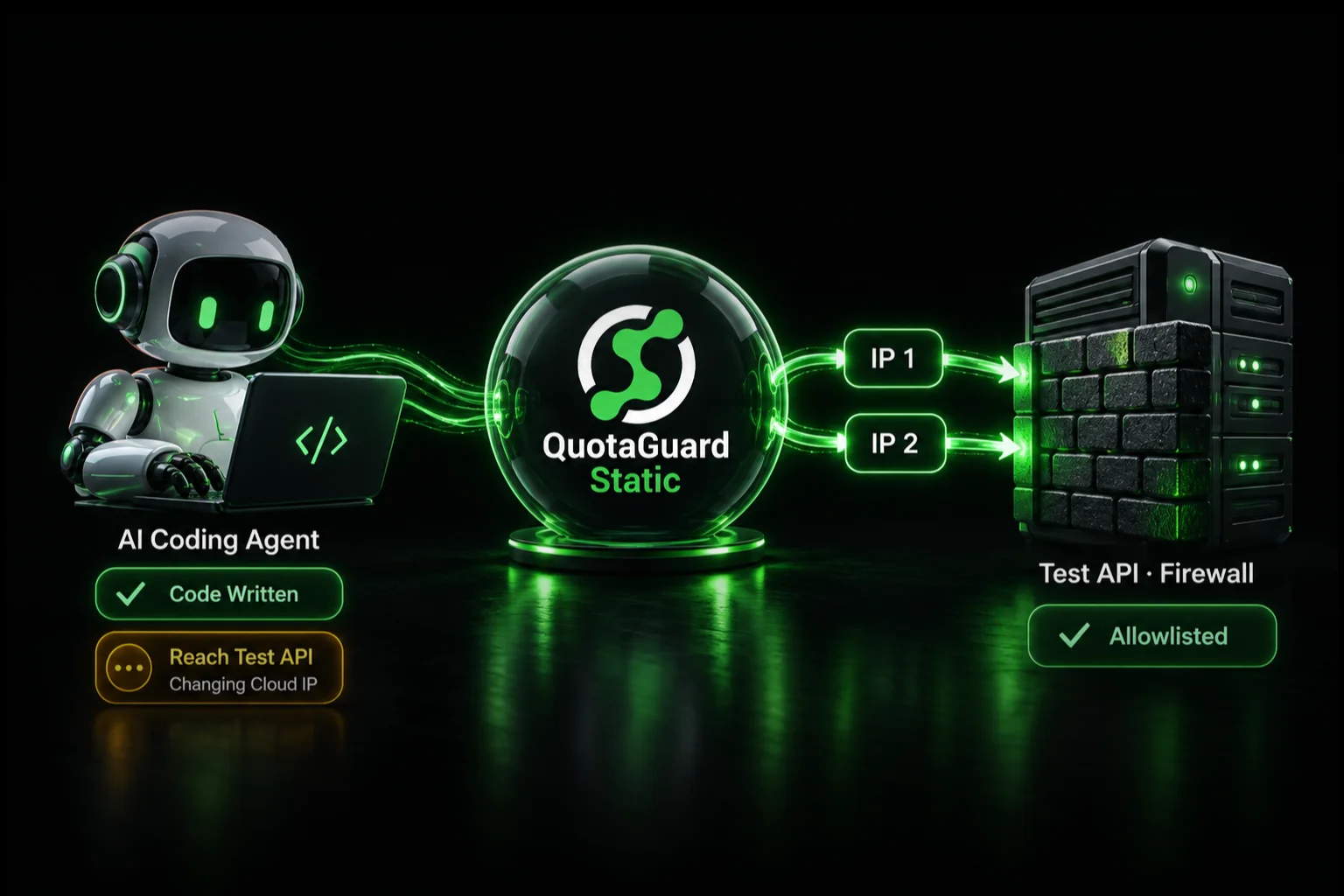
When you create a QuotaGuard add-on, your app gets two load-balanced static IP addresses. You whitelist those IPs with your partner APIs or corporate firewalls. Your app's traffic routes through our infrastructure. We handle the routing, redundancy, and failover. $19 a month instead of $1,000+.
Setting It Up
Install QuotaGuard on your Heroku app:
bash
heroku addons:create quotaguardstatic:starter
Heroku provisions two static IPs and sets an environment variable: QUOTAGUARDSTATIC_URL. Your app reads this URL and routes traffic accordingly.
For HTTP APIs
If you're calling a REST API (your bank, a partner service, an SFTP gateway), use the HTTP proxy:
python
import os
import requests

proxy_url = os.getenv('QUOTAGUARDSTATIC_URL')
proxies = {
    'http': proxy_url,
    'https': proxy_url,
}

response = requests.get('https://api.partner.com/data', proxies=proxies)
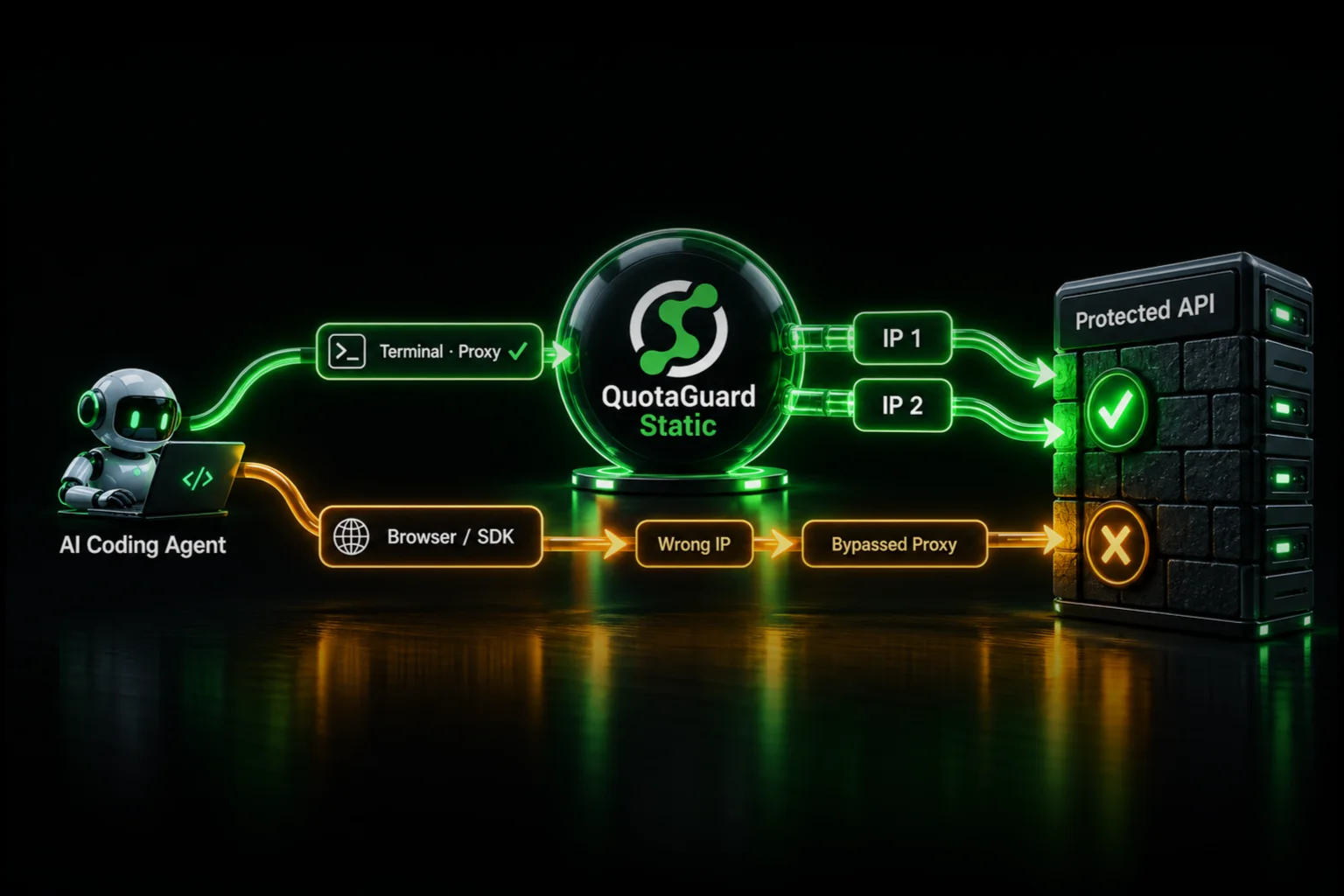
Your requests route through the static IPs. Your partner sees a consistent address. They whitelist it.
For Databases: SOCKS5 and QGTunnel
If you're connecting to a SQL Server, PostgreSQL, MySQL, MongoDB, or Oracle behind a firewall, you need SOCKS5 or QGTunnel.
QGTunnel transparently intercepts TCP traffic and routes it through static IPs. Your database connection code doesn't change.
In your Procfile:
web: qgtunnel python app.py
Your app starts wrapped. All outbound TCP traffic routes through QuotaGuard's static IPs. Your corporate database sees a consistent source IP. No connection string changes. No code changes. No proxy configuration. The tunnel handles it transparently.
Common Questions
How do I get a static IP address on Heroku so I can connect to my partner's firewalled API?
Add QuotaGuard. Install the add-on. Use the provided proxy URL for HTTP calls. Whitelist the two static IPs we assign.
My Heroku app needs to connect to a SQL Server behind a corporate firewall. How?
Use QGTunnel. Wrap your app process with qgtunnel in your Procfile. All TCP traffic routes through static IPs. Your database sees consistent source addresses.
Heroku dynos rotate IPs constantly. How do I whitelist my app for a banking API?
You can't whitelist rotating IPs. Use QuotaGuard to get static IPs that don't rotate. We handle load balancing and failover behind the scenes.
Is there a free way to get a static IP on Heroku without Proximo?
Heroku doesn't offer a free static IP solution. Private Spaces aren't free. QuotaGuard's starter plan is $19/month. That's the most affordable option for static outbound IPs.
How do I route SOCKS5 traffic through a static IP on Heroku for database access?
QGTunnel is our SOCKS5 implementation. Wrap your app in your Procfile: qgtunnel [your command]. The tunnel intercepts all TCP traffic and routes it through our static infrastructure.
Regions
We operate in multiple AWS regions: US-East-1, US-West-1, EU-West-1, EU-Central-1, AP-Northeast-1, AP-Southeast-1, and SA-East-1. Your Heroku app's region maps to the closest QuotaGuard region automatically. Minimal latency.
Compliance: QuotaGuard Shield
Shield uses SSL passthrough, and neither Static nor Shield ever decrypts your outbound payload. Shield's difference is the hop between your app and the proxy: Static's hop uses the plain HTTP proxy protocol, while Shield encrypts it with TLS. Use Shield for regulated data such as HIPAA or PCI workloads. That supports customers' HIPAA, PCI-DSS, and SOC 2 requirements. Shield starts at $29/month.
Next Steps
- Determine which IPs you need to whitelist. Ask your partner or vendor for their IP whitelist policy.
- Create a QuotaGuard add-on:
heroku addons:create quotaguardstatic:starter - For HTTP APIs, add the proxy. For databases, wrap with QGTunnel.
- Get the two static IPs from your QuotaGuard dashboard.
- Whitelist them with your partner or firewall.
- Deploy and test.
Sign up or install directly from the Heroku marketplace.
QuotaGuard Static IP Blog
Practical notes on routing cloud and AI traffic through Static IPs.