Static IPs for Zendesk: Account-Level IP Restrictions for Cloud Apps and AI Agents


Zendesk blocks API calls and UI logins from IPs outside your account allowlist. QuotaGuard gives AI agents and cloud apps two stable IPs to register once.
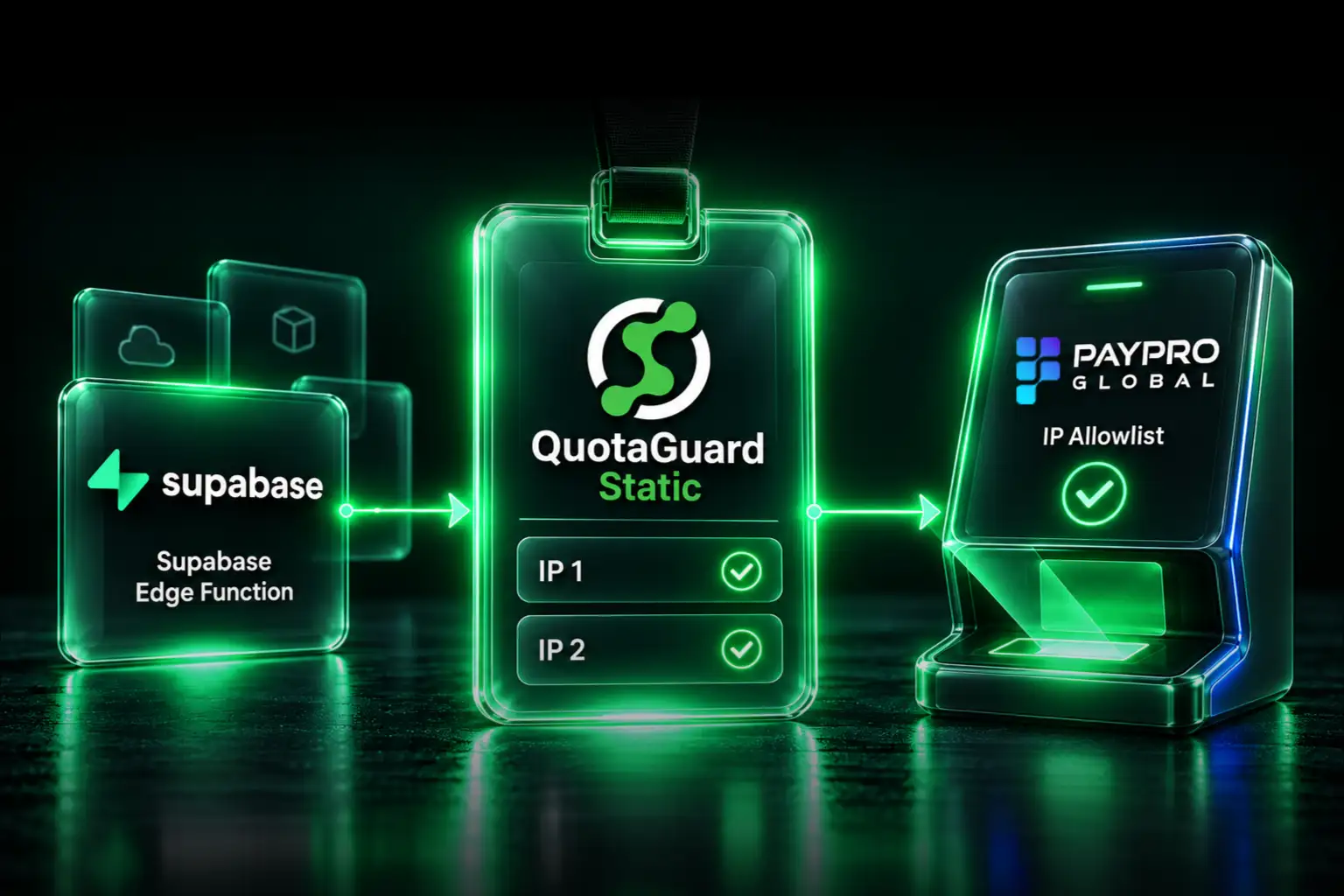
Zendesk's IP Restrictions feature is unusual among SaaS allowlist mechanisms. It's account-level, not per-token. Turning it on affects API calls, agent logins, admin sign-ins, and page access at the same time. That's strong protection when configured correctly, and it's also why cloud integrations with rotating IPs break the moment it's enabled. QuotaGuard solves the integration-breaks-when-IPs-change half of that problem by giving your cloud apps and AI agents a fixed pair of IPs to register.
Zendesk's IP Restrictions Apply to API Calls AND UI Logins
From Zendesk's IP restrictions documentation: any attempt to make API calls, sign in, or access pages in any Zendesk product will fail from outside your approved range.
That's a broader scope than a per-token allowlist. Enabling Zendesk's IP Restrictions doesn't just lock one API key. It locks the whole account. Every agent's connection, every admin sign-in, every CI runner, every third-party integration, every AI agent, and every API-driven automation has to come from an allowlisted IP or the request is rejected.
Zendesk's documentation states the implication directly: enabling IP-based access restrictions can break third-party integrations, and you must include all external IPs that need access to your account via the Zendesk API. Zendesk also notes that some integrations use variable IP addresses that can't be allowlisted, and that if you want to use those, you have to disable IP restrictions.
That last point is exactly the failure mode QuotaGuard fixes. A cloud app with variable egress IPs becomes a cloud app with two stable egress IPs that go on the allowlist permanently.
Configure IP Restrictions in Admin Center
The setting lives at Admin Center, Account, Security, Advanced, IP Restrictions. You need administrator access on the Zendesk account.
- In Admin Center, click Account in the sidebar, then select Security, then Advanced.
- On the IP Restrictions tab, select Enable IP restrictions.
- Enter your Allowed IP Ranges. Your two QuotaGuard static IPs go here, along with every other IP that needs to reach Zendesk: office network, VPN exit IPs, CI/CD runners, and third-party integration IPs.
- Optional: select Allow customers to bypass IP restrictions if you want end users to reach your help center and messaging channels from anywhere. Agents and administrators cannot bypass this restriction.
- Click Save.
The change takes effect immediately. Test from a verified IP before logging out, because if you save while on a connection that isn't allowlisted, you'll lock yourself out and need Zendesk support to recover access.
Zendesk's allowlist accepts ranges using asterisk wildcards, where a single asterisk substitutes for any number group. For example, 192.*.*.* allows any IP whose first number is 192. For QuotaGuard's setup, register both of your static IPs as individual addresses.
Route Outbound Calls Through QuotaGuard
Zendesk's REST API uses HTTP Basic authentication for API tokens (your email with /token as the username, the API token as the password) or OAuth bearer tokens for OAuth-based integrations. The proxy configuration is the same regardless of which auth method you use.
Python with the requests library routes through QuotaGuard with standard proxy configuration:
import os
import requests

proxies = {
    "https": os.environ["QUOTAGUARDSTATIC_URL"]
}

response = requests.get(
    "https://your-subdomain.zendesk.com/api/v2/tickets.json",
    auth=(
        f"{os.environ['ZENDESK_EMAIL']}/token",
        os.environ["ZENDESK_API_TOKEN"]
    ),
    proxies=proxies
)

tickets = response.json()
Node.js with axios or the official node-zendesk library uses standard HTTPS proxy agent configuration. QuotaGuard's documentation has framework-specific setup examples for major HTTP clients across Node.js, Ruby, Go, Java, and PHP.
QuotaGuard Tip: Add Both Static IPs Before Enabling Restrictions
QuotaGuard provides two static IPs per subscription behind a load balancer for redundancy. Add both to your Zendesk allowlist before you turn IP Restrictions on. If you only add one, roughly half your API calls will fail when the load balancer routes through the unregistered IP, and you'll spend the next hour wondering why ticket updates only work sometimes.
AI Agents Calling Zendesk Are the Common Trigger Today
The most common reason teams hit Zendesk's IP restriction in 2026 isn't traditional cloud apps. It's AI agents. Third-party AI agent platforms and custom LLM-based automations routinely need to call Zendesk to create tickets, post comments, look up customer history, or escalate to human agents. These platforms typically run on cloud infrastructure with dynamic egress IPs.
The fix is the same as any other cloud integration: route the AI agent's outbound HTTP calls through QuotaGuard, add the two static IPs to Zendesk's allowlist, and the agent has a stable identity across every deploy and scaling event.
If you're using Zendesk's own advanced AI agents, that's a separate scenario covered by Zendesk's documentation, where Zendesk publishes the IPs their service uses and you add those to your allowlist. QuotaGuard is for the inverse case: agents and cloud apps you've built or are using from third parties, calling into your Zendesk.
The "Allow Customers to Bypass" Option Keeps Your Help Center Public
Zendesk separates agents and administrators, who must come from allowlisted IPs, from customers, meaning end users accessing the help center, messaging widget, or chat. The Allow customers to bypass IP restrictions checkbox lets you keep public-facing help content reachable from anywhere while restricting internal access.
For most teams running a public help center, this checkbox should be selected. The alternative requires every customer who wants to read your knowledge base or open a ticket to come from a known IP, which defeats the point of a public help center.
This bypass applies only to end-user-facing surfaces. Agents and administrators cannot bypass IP restrictions regardless of the setting. If you have agents working from home on residential connections with rotating IPs, you need a separate strategy for their access, typically a VPN with a static exit IP.
IP Restrictions Are a Layer, Not a Complete Solution
Zendesk's IP Restrictions cover API endpoints and UI sign-ins broadly, but Zendesk documents that certain endpoints remain out of scope. Zendesk's own documentation notes that some undocumented endpoints are not in scope for IP restrictions, and that you should review their security implications.
Two product-level exclusions are documented directly. IP restrictions are not applied to standalone Zendesk Sell accounts or any Zendesk Sell interfaces or APIs. And restrictions configured for Zendesk Support require separate handling for other API surfaces, so confirm coverage against Zendesk's current documentation for any product beyond Support.
The practical takeaway: IP Restrictions are a defense layer, not a complete solution. Combine them with OAuth scope limitations, token rotation, audit logging, and 2FA on agent accounts for layered protection. If your security model requires complete API coverage with no out-of-scope endpoints, confirm the current exclusions with Zendesk Support before relying on IP Restrictions alone.
HIPAA, SOC 2, and PCI-DSS Considerations
Zendesk processes ticket content, which in healthcare, financial services, and other regulated industries can contain PHI, payment card data, or other regulated data. Zendesk offers a compliant tier for healthcare organizations.
For these regulated use cases, QuotaGuard Shield is the recommended product. Shield uses SSL passthrough, and neither Static nor Shield ever decrypts your outbound payload. Shield's difference is the hop between your app and the proxy: Static's hop uses the plain HTTP proxy protocol, while Shield encrypts it with TLS. Use Shield for regulated data such as HIPAA or PCI workloads.
Shield Starter is $29 per month on a direct plan versus Static Starter at $19 per month on a direct plan. In regulated environments the difference is typically trivial relative to the audit-scope reduction.
Common Pitfalls
Three failure modes show up consistently in Zendesk static IP setups.
Locking yourself out by saving from an unallowlisted IP. Test the allowlist with API calls from your QuotaGuard IPs first. Verify your office IP and any admin VPN exit IPs are included. Then turn it on. Skip the verification and the common outcome is locking your team out, with recovery requiring a Zendesk support ticket.
Forgetting integration IPs. Zendesk integrates with many third-party tools, and each calls your Zendesk from its own IP range. Salesforce, Jira, Slack, your CI/CD systems, monitoring tools, AI agent platforms, and any custom internal tools all need to be on the allowlist. Before turning on IP Restrictions, audit every integration in your Apps and Integrations settings and either get a documented IP range from each vendor or accept that the integration will break.
Allowlisting only one of the two QuotaGuard IPs. Same as every vendor with allowlisting. Add both. QuotaGuard's load balancer routes through either IP for any given request, and the half that hits the unregistered IP will fail.
Frequently Asked Questions
Which Zendesk plans include IP Restrictions?
IP Restrictions is a security setting in Admin Center under Account, Security, Advanced. Availability and the exact location can change across plans and over time, so confirm it's present on your specific plan in your own Admin Center before planning a rollout.
Does this affect Zendesk's mobile apps for agents?
Yes. Zendesk's docs state that IP restrictions managed in Admin Center apply to all Zendesk products and Zendesk mobile applications. Agents using the mobile app on cellular connections will be blocked, because cellular networks assign rotating IPs that can't be allowlisted. Mobile access for agents typically requires a VPN with a static exit IP, or accepting that mobile access doesn't work with IP Restrictions enabled.
Does the restriction work for OAuth tokens used by third-party apps?
Treat this as unverified until you confirm it. Zendesk's documentation is explicit that API token (Basic auth) access is covered by IP Restrictions. Coverage of OAuth 2.0 bearer tokens used by Marketplace apps and custom OAuth integrations is not clearly stated in the IP Restrictions documentation. If your security model depends on IP Restrictions covering OAuth flows, contact Zendesk Support to confirm in writing, and until then use OAuth scopes plus token rotation as your primary control on those credentials.
What happens to Zendesk webhooks when I enable IP Restrictions?
Zendesk webhooks flow the opposite direction, with Zendesk sending events to your endpoint, so IP Restrictions on your account don't affect outbound webhooks from Zendesk. Your webhook endpoint needs to be publicly reachable and to verify Zendesk's signature. If you need to receive webhooks at a static inbound endpoint for compliance reasons, QuotaGuard's inbound proxy capability is available on direct plans starting at $19 per month.
What's the relationship between IP Restrictions and Zendesk's outbound IPs?
They're two different things. Your IP Restrictions allowlist controls who can connect to your Zendesk. Zendesk's outbound IPs are the addresses Zendesk uses when connecting out to your systems, for webhooks and integrations. Zendesk publishes their outbound IPs so you can allowlist them on your firewall if needed. The two allowlists are independent. QuotaGuard solves the first direction, your cloud apps reaching Zendesk.
How does this affect agents working from home on residential ISPs?
Residential ISPs typically assign rotating IPs, so home-based agents won't have stable IPs to add to your allowlist. The standard solutions are routing agent traffic through a corporate VPN with a static exit IP, or accepting that home-based agents need a stable network. QuotaGuard addresses cloud-app and AI-agent egress, not employee browser sessions, so this scenario needs a separate VPN solution.
Static IPs for Zendesk in 2 Minutes
Zendesk's IP Restrictions are a strong security control for organizations willing to commit to the operational discipline they require: every external IP that needs to reach Zendesk must be enumerated and maintained. QuotaGuard removes the maintenance burden for your cloud apps and AI agents specifically. Two stable IPs go on the allowlist once and stay valid across every deploy, autoscaling event, and infrastructure migration.
QuotaGuard Static starts at $19 per month on a direct plan, Shield at $29 per month on a direct plan, recommended if your Zendesk account handles PHI, payment data, or any regulated content. There's a 3-day trial with a credit card required. See pricing or contact us with setup questions.
For the broader picture of SaaS APIs that use IP allowlisting, see the Salesforce Connected App static IP guide, which uses a per-credential model that contrasts with Zendesk's account-level approach.
QuotaGuard Static IP Blog
Practical notes on routing cloud and AI traffic through Static IPs.