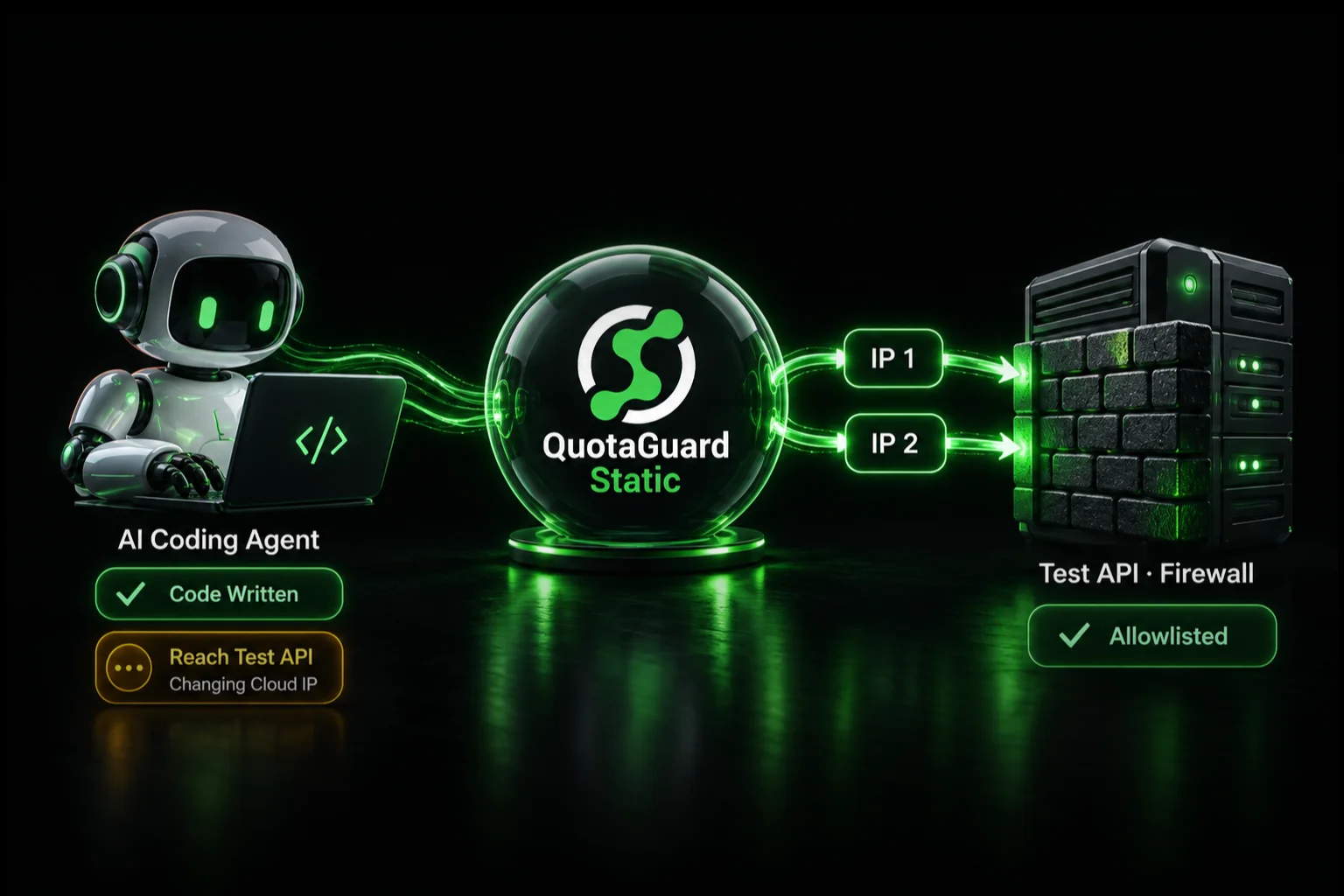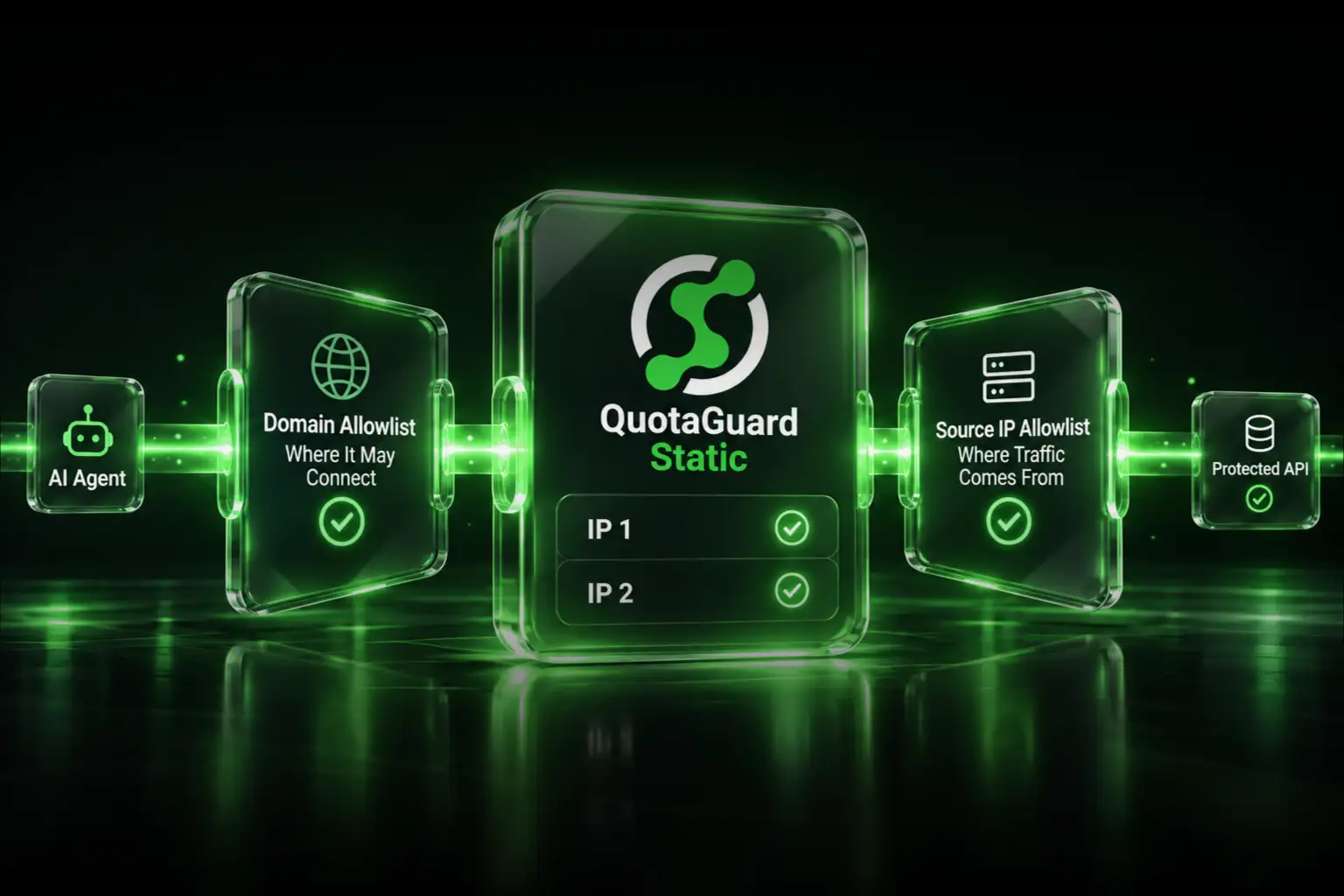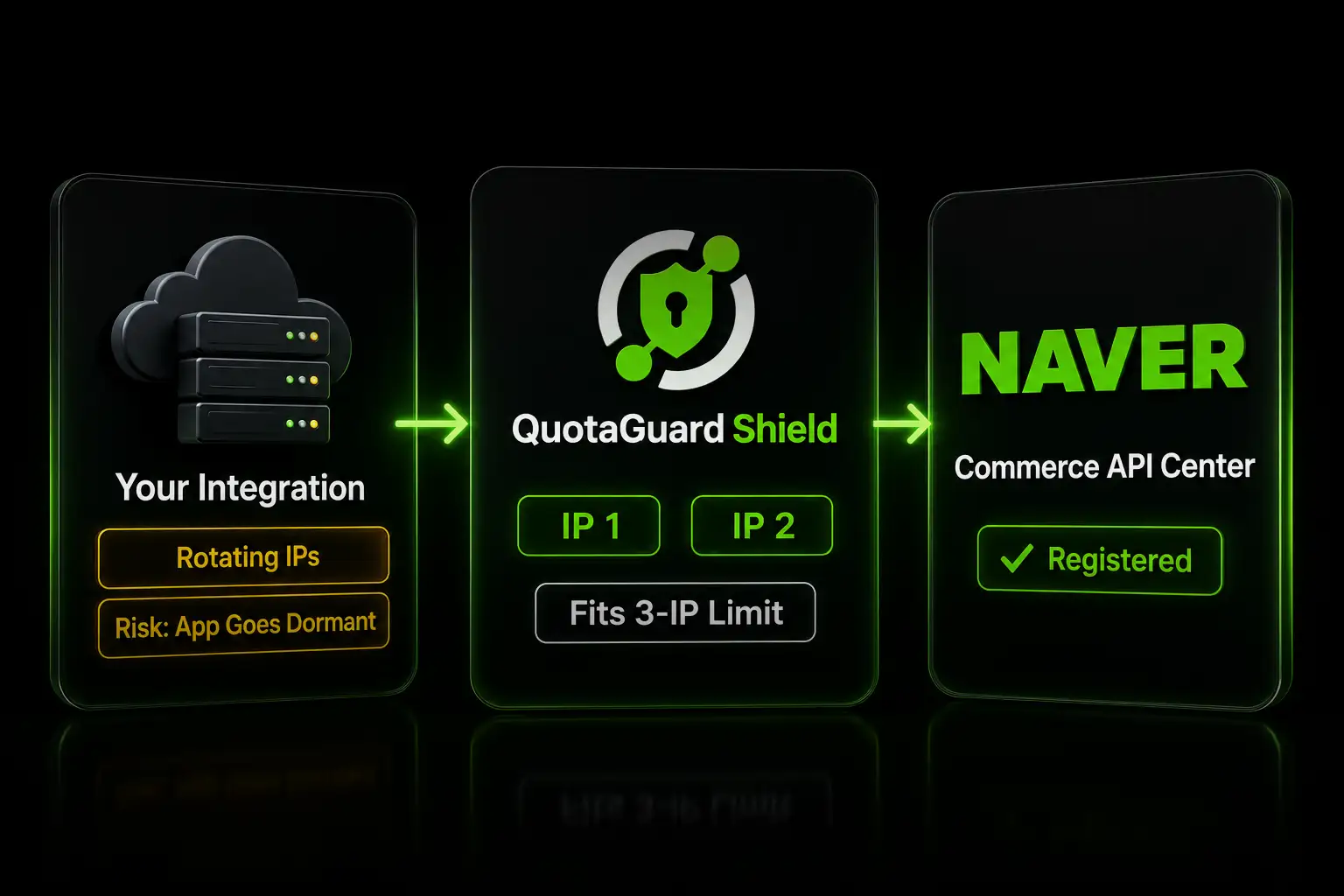
Route your Naver Commerce API calls through QuotaGuard, then register its two static IPs in the Commerce API Center. Both fit under Naver's three-IP limit.

Registering a static IP with the Naver Commerce API Center is mandatory. Naver ties each application to its registered call IPs, calls from an unregistered IP fail authentication, and an app left without a valid registered IP is set dormant. If your integration runs on cloud infrastructure with a changing outbound IP, you will be re-registering constantly or watching calls fail. A static IP fixes it permanently.

The Naver Commerce API Center Requires a Registered Call IP

Naver's Commerce API Center binds each application to the IP addresses it is allowed to call from. You register those addresses when you set the application up. An application with no registered call IP cannot authenticate, and one that sits without a valid registered IP is moved to a dormant state.

The limit is three call IPs per application. That cap is generous if your IPs are stable, and a problem if they are not. You register at the Commerce API Center.

A Dynamic Cloud IP Means Constant Re-Registration

Heroku, Render, Railway, AWS Lambda, and most container platforms assign outbound IPs from shared pools. Every restart, redeploy, or scale event can change the IP your Naver calls exit from. Each change means your registered IP no longer matches, authentication starts failing, and you are back in the Commerce API Center updating the entry.

You cannot register a CIDR range to cover the churn. Naver registers individual addresses, and the platform ranges are shared across thousands of tenants anyway. The fix is a fixed egress IP you control.

Two Static IPs Fit Inside Naver's Three-IP Limit

QuotaGuard routes your outbound Naver calls through static IPs that never change. You register those IPs in the Commerce API Center once, and redeploys on your platform's side stop affecting your integration.

QuotaGuard assigns two static IPs per subscription in a load-balanced pair. Either IP can serve a given request, so you register both. If you register only one, roughly half your calls fail authentication when the load balancer routes through the address you didn't register. Two IPs sit comfortably under Naver's three-IP cap, with a slot to spare.

Route Naver Commerce API Calls Through QuotaGuard

The Naver Commerce API is HTTPS, so setup is one environment variable and pointing your HTTP client at it. It takes 2 minutes.

After adding QuotaGuard Shield, set the connection string from your dashboard:

export QUOTAGUARDSHIELD_URL="https://user:pass@us-east-shield-01.quotaguard.com:9294"

Route your Naver requests through it, starting with the token request. Naver authenticates with an electronic signature, a bcrypt hash of your client ID and a timestamp signed with your client secret. The token call itself has to come from a registered IP, so it routes through the proxy too. In Python:

import os
import time
import bcrypt
import base64
import requests
 
client_id = os.environ["NAVER_CLIENT_ID"]
client_secret = os.environ["NAVER_CLIENT_SECRET"]
 
proxy = os.environ["QUOTAGUARDSHIELD_URL"]
proxies = {"http": proxy, "https": proxy}
 
# Naver electronic signature: bcrypt(clientId + "_" + timestamp), salted with the client secret, base64-encoded
timestamp = str(int(time.time() * 1000))
password = f"{client_id}_{timestamp}"
hashed = bcrypt.hashpw(password.encode("utf-8"), client_secret.encode("utf-8"))
client_secret_sign = base64.b64encode(hashed).decode("utf-8")
 
res = requests.post(
    "https://api.commerce.naver.com/external/v1/oauth2/token",
    data={
        "client_id": client_id,
        "timestamp": timestamp,
        "client_secret_sign": client_secret_sign,
        "grant_type": "client_credentials",
        "type": "SELF",
    },
    proxies=proxies,
)
access_token = res.json()["access_token"]
print("Authenticated from your static IP:", res.status_code)

In Node.js:

const bcrypt = require("bcrypt");
const axios = require("axios");
const { HttpsProxyAgent } = require("https-proxy-agent");
 
const clientId = process.env.NAVER_CLIENT_ID;
const clientSecret = process.env.NAVER_CLIENT_SECRET;
const agent = new HttpsProxyAgent(process.env.QUOTAGUARDSHIELD_URL);
 
const timestamp = Date.now().toString();
const password = `${clientId}_${timestamp}`;
const hashed = bcrypt.hashSync(password, clientSecret);
const clientSecretSign = Buffer.from(hashed).toString("base64");
 
const res = await axios.post(
  "https://api.commerce.naver.com/external/v1/oauth2/token",
  new URLSearchParams({
    client_id: clientId,
    timestamp,
    client_secret_sign: clientSecretSign,
    grant_type: "client_credentials",
    type: "SELF",
  }),
  { httpAgent: agent, httpsAgent: agent }
);
const accessToken = res.data.access_token;

The token request must be form-urlencoded, and seller applications use type=SELF. Generate the signature exactly as shown in Naver's Commerce API authentication reference. Every Commerce API call after this uses the same proxy configuration and the bearer token, so all of them exit from your registered static IPs.

Register Both IPs in the Commerce API Center

Before you register anything, confirm which IP your app is actually exiting from. Make a request to an IP echo endpoint through the proxy:

curl -x $QUOTAGUARDSHIELD_URL https://ip.quotaguard.com

The response should match a static IP in your QuotaGuard dashboard. Take both IPs from the dashboard, open your application in the Commerce API Center, and add both under the application's call IP registration. Save. Your integration now authenticates from a fixed pair that does not change with deploys.

Use Shield for Order and Settlement Data

Your Naver Commerce calls move order, customer, and settlement data. For that traffic, use QuotaGuard Shield. Shield uses SSL passthrough, so QuotaGuard routes the encrypted connection without decrypting it. The TLS session runs end-to-end between your application and Naver. Setup is identical to Static, using QUOTAGUARDSHIELD_URL.

QuotaGuard Shield Pricing Starts at $29/Month

Bandwidth is bundled, with no per-GB overage fees. A single Naver Commerce integration fits comfortably in the Starter or Production tier. Dedicated IPs are available on Shield Enterprise. On lower tiers, your two IPs are still static, but shared with other customers, which Naver's registration accepts the same way.

Register a Static IP with Naver Today

Naver's call IP requirement is only a problem when your IP keeps moving. Give your integration two static IPs, register both in the Commerce API Center, and the dormancy and authentication failures stop. Start a free trial at quotaguard.com/products/pricing.

QuotaGuard Static IP Blog

Practical notes on routing cloud and AI traffic through Static IPs.

Reliability Engineered for the Modern Cloud

For over a decade, QuotaGuard has provided reliable, high-performance static IP and proxy solutions for cloud environments like Heroku, Kubernetes, and AWS.

Get the fixed identity and security your application needs today.