Give Your Python WooCommerce Script a Static IP Your Firewall Can Whitelist

QuotaGuard Engineering
April 12, 2026
5 min read
Pattern

Route your Python script through a static IP proxy, add that IP to CleanTalk's allowlist, and the JavaScript challenge disappears permanently. Setup takes under five minutes.

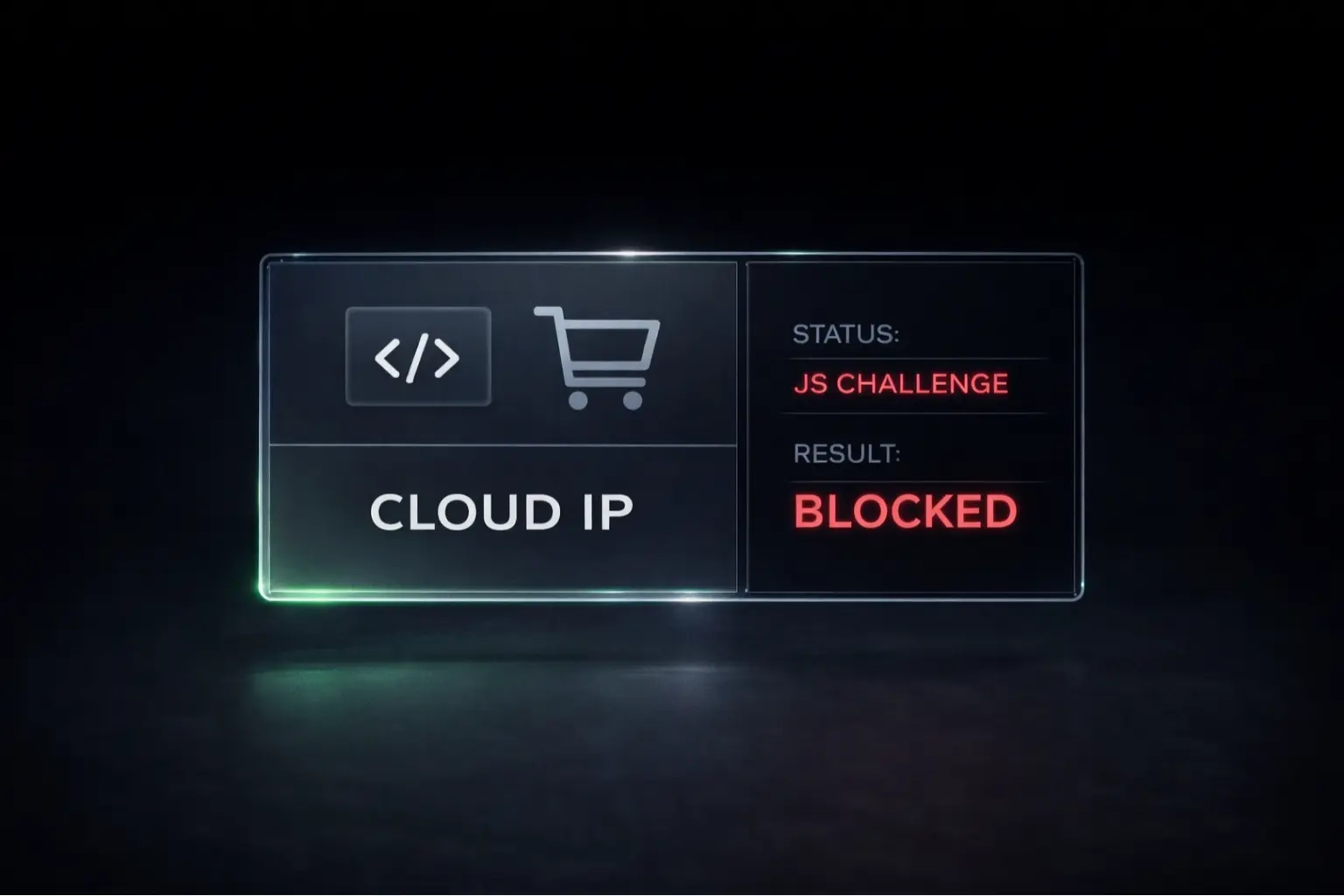
CleanTalk is doing exactly what it's designed to do. Your Python script sends an HTTP request with no browser fingerprint, no cookie, no JavaScript execution. CleanTalk sees a headless client coming from a cloud IP range it doesn't recognize, assumes bot, and fires a JavaScript challenge. Your script can't pass it. The request dies. This isn't a bug. The firewall is working correctly. The fix isn't to trick the firewall. It's to give the firewall a consistent IP it can trust. We see this one regularly in support — the script works fine locally and breaks the moment it gets deployed.

Shared Cloud IP Ranges Carry Other Tenants' Reputation

When you run a Python script on your laptop, your home IP is relatively stable and has browsing history behind it. CleanTalk's reputation data probably trusts it. When you run that same script in the cloud — on AWS, Google Cloud, Render, Railway, or any hosted environment — it runs from a shared IP range that's been used by millions of automated processes. CleanTalk has seen those ranges before. It doesn't trust them by default.

Even if you run the script locally, your ISP may rotate your IP periodically. That means the IP you allowlisted last week isn't the IP making requests today, and the block comes back. You re-add it. It breaks again. This is the cycle most developers hit before they look for a real fix.

The root cause isn't the firewall being too aggressive. It's that your script doesn't have a stable, identifiable IP address. That's what needs to change.

The Fix: Route Through a Static Outbound IP Proxy

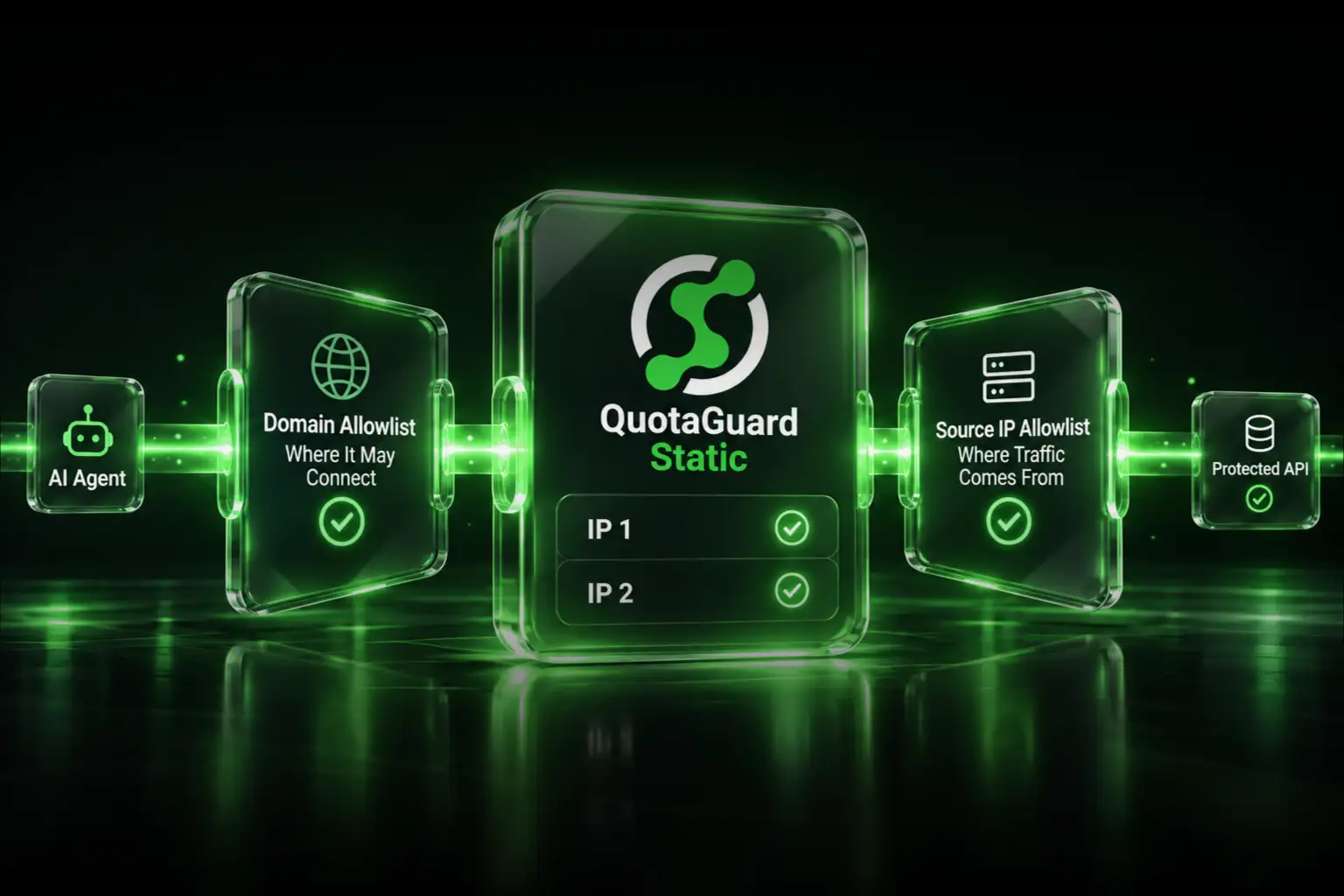
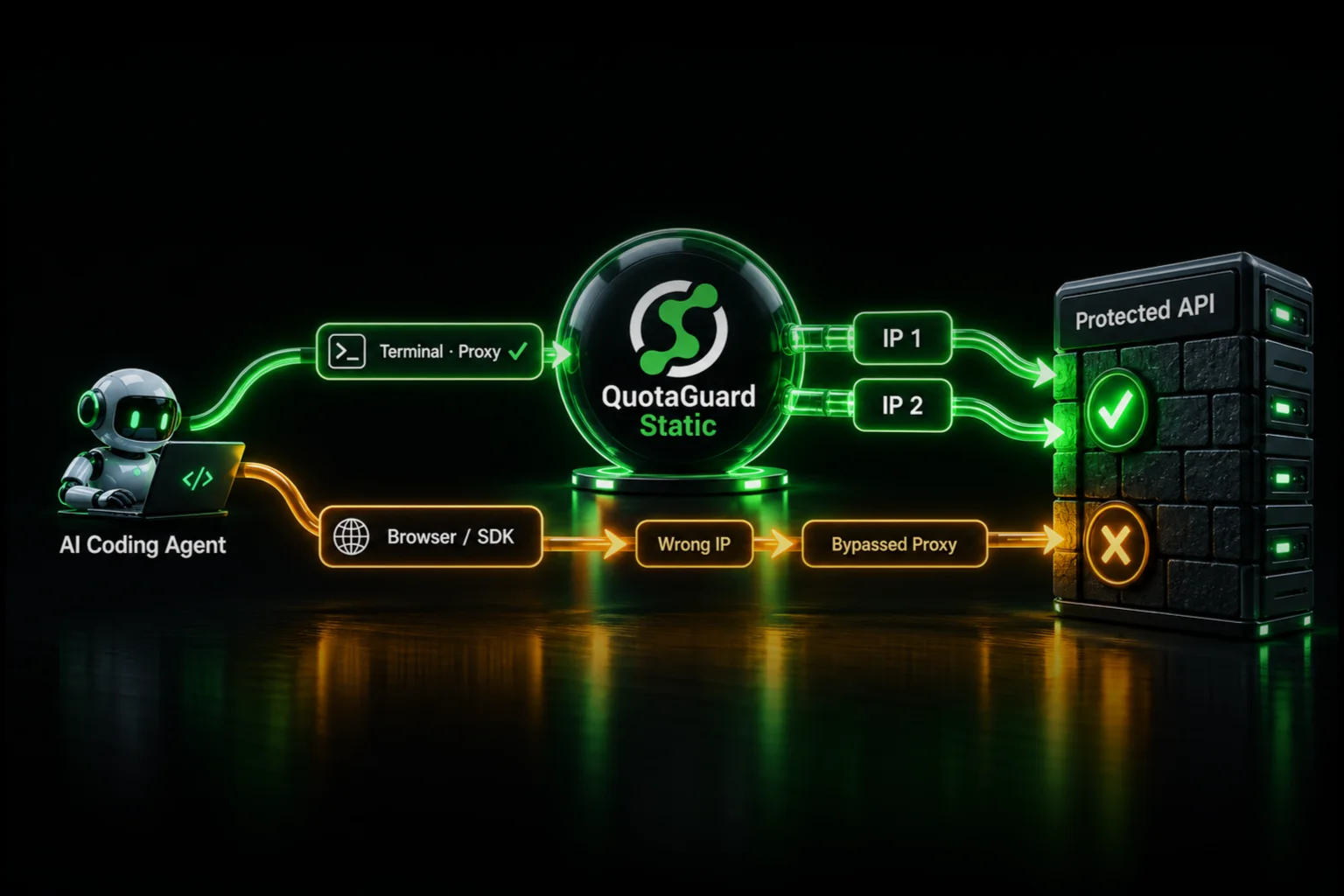
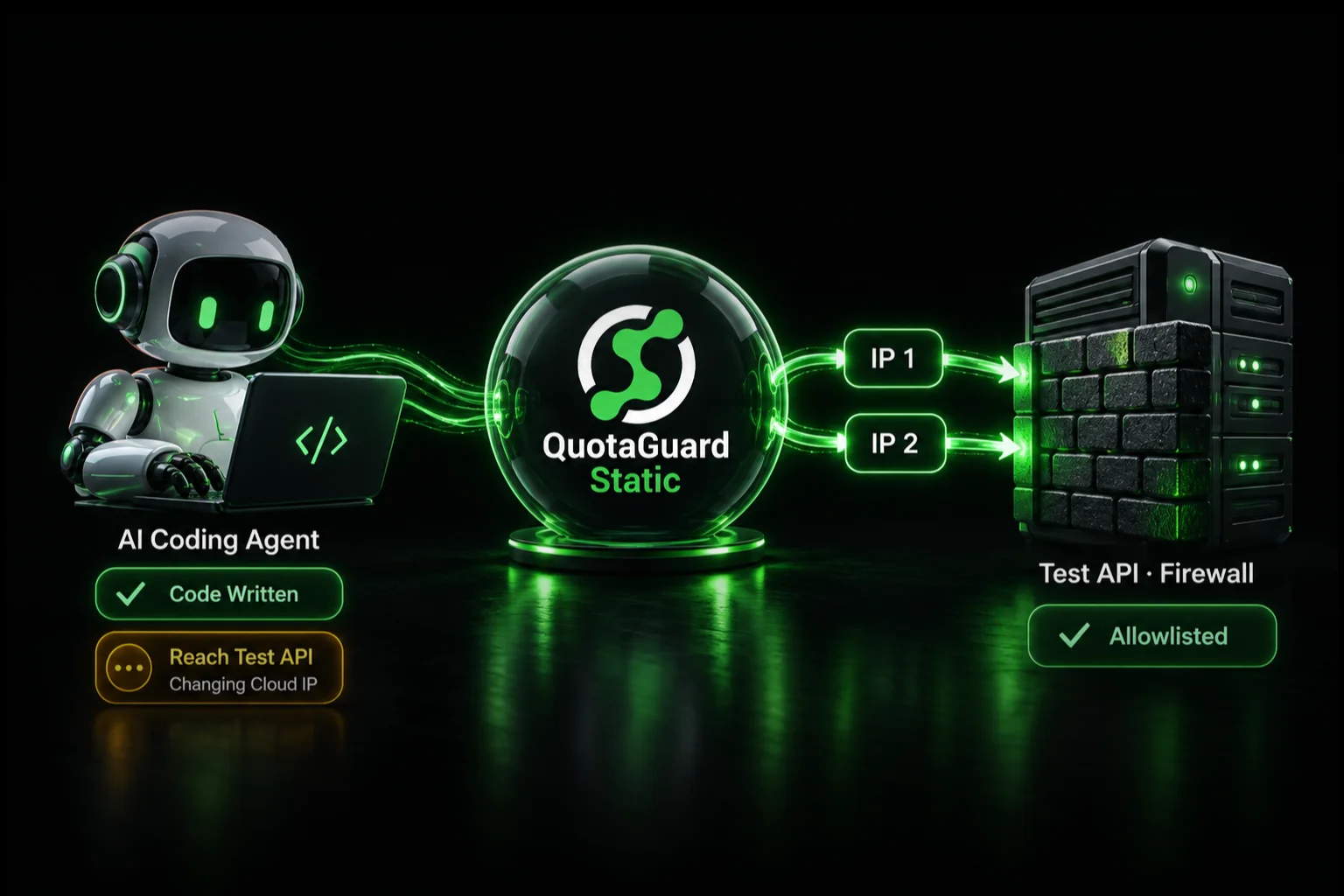
A static outbound IP proxy sits between your Python script and the WooCommerce REST API. Every request your script makes exits through the same IP address every time. You give that IP to CleanTalk once. It gets added to the allowlist. The JavaScript challenge stops firing. Done.

QuotaGuard Static is the straightforward way to do this. You get two static IPs (for redundancy), a proxy URL you set as an environment variable, and your HTTP client routes through it. The WooCommerce API sees a consistent IP from a known source. CleanTalk sees that same IP and, once allowlisted, lets it through without challenge.

QuotaGuard tip: only route the WooCommerce API requests through the proxy. Not all your script's outbound traffic needs to go through it. It keeps things faster and easier to debug when something goes wrong.

Set It Up in Python

Install the requests library if you don't have it already. The proxy setup is a single dictionary you pass to every requests call.

pip install requests woocommerce

Set your QuotaGuard proxy URL as an environment variable:

export QUOTAGUARDSTATIC_URL="http://username:password@proxy.quotaguard.com:9293"

Then in your Python script:

import os
import requests
 
# Load proxy from environment variable
proxy_url = os.environ.get("QUOTAGUARDSTATIC_URL")
 
proxies = {
    "http": proxy_url,
    "https": proxy_url,
}
 
# WooCommerce REST API credentials
WC_URL = "https://yourstore.com/wp-json/wc/v3"
WC_KEY = "ck_your_consumer_key"
WC_SECRET = "cs_your_consumer_secret"
 
# Make a request through the static IP proxy
response = requests.get(
    f"{WC_URL}/orders",
    auth=(WC_KEY, WC_SECRET),
    proxies=proxies,
    timeout=30
)
 
print(response.status_code)
print(response.json())

Run the script once. Check what IP it's hitting the API from. QuotaGuard's dashboard shows this, or you can hit https://api.ipify.org through the same proxy to confirm. Copy that IP. Paste it into CleanTalk's allowlist. That's the entire fix.

If you're using the woocommerce Python package rather than raw requests, the proxy needs to go in slightly differently since that library wraps requests under the hood. The cleanest approach is to set the HTTP_PROXY and HTTPS_PROXY environment variables at the OS level before the script runs, which most HTTP libraries (including the WooCommerce SDK) will pick up automatically:

export HTTP_PROXY="$QUOTAGUARDSTATIC_URL"
export HTTPS_PROXY="$QUOTAGUARDSTATIC_URL"
python your_woocommerce_script.py

Where to Add the IP in CleanTalk

Log into CleanTalk's dashboard. Go to DashboardToolsPersonal Lists. Add the QuotaGuard IP to the whitelist. Save. That's it. CleanTalk will stop issuing JavaScript challenges to requests coming from that IP.

If CleanTalk is configured at the hosting level rather than the plugin level, some managed WordPress hosts wire it in at the server. You may need to add the IP through your host's firewall panel instead. The IP to add is the same either way.

If Your Data Is Sensitive, Use QuotaGuard Shield Instead

The setup above uses QuotaGuard Static, which is the right choice for most WooCommerce scripts. If your integration handles payment information, customer PII, or anything regulated — for example, you're syncing order data into a CRM that falls under PCI-DSS or GDPR constraints — consider QuotaGuard Shield instead.

Shield uses SSL passthrough. The TLS connection runs end-to-end between your script and the WooCommerce API. QuotaGuard routes the packets but never decrypts them. For financial or health data, that distinction matters for compliance. The environment variable is QUOTAGUARDSHIELD_URL and the rest of the setup is identical.

What This Doesn't Fix

A static IP gets you past the JavaScript challenge. It doesn't fix authentication errors, malformed API requests, or WooCommerce's own rate limiting. If you're still getting 401s or 403s after allowlisting the IP, the problem is your consumer key or secret. Not the firewall. If you're getting 429s, you're hitting WooCommerce's rate limit and need to add delays between requests.

Also: CleanTalk's allowlist is per-site. If you're making API calls to multiple WooCommerce stores, you need to add the QuotaGuard IP to each one's CleanTalk configuration separately. The IP is the same for all of them since it's tied to your QuotaGuard account, not the destination.

One more edge case worth noting: some managed WordPress hosts (WP Engine, Kinsta, Pressable) run their own WAF in addition to or instead of CleanTalk. If you've added the IP to CleanTalk and you're still blocked, check whether the host has a separate firewall layer. The fix is the same (allowlist the same IP), but you need to do it in the right control panel.

Pricing and Next Steps

QuotaGuard Static starts at $19 per month on a direct plan. For a script that needs reliable, unblocked API access to a production WooCommerce store, that's a straightforward trade. The Starter plan covers most scripting use cases. You'd move up to Production ($49/month) or Business ($89/month) if you need higher request volume or multiple workloads sharing the same static IPs. There's a 3-day trial with a credit card required.

Your CleanTalk block has a real fix. Route your Python script through a static IP, allowlist it once, and move on. See plans and get your static IP at quotaguard.com/products/pricing.

QuotaGuard Static IP Blog

Practical notes on routing cloud and AI traffic through Static IPs.

Reliability Engineered for the Modern Cloud

For over a decade, QuotaGuard has provided reliable, high-performance static IP and proxy solutions for cloud environments like Heroku, Kubernetes, and AWS.

Get the fixed identity and security your application needs today.