Zapier Static IP: Allowlist Zapier's Outbound Requests in 10 Minutes

QuotaGuard Engineering
April 4, 2026
5 min read
Pattern

QuotaGuard gives your Zapier workflows a fixed outbound IP address. You add one Python code step, hand the IP to your backend team, and the allowlisting problem is solved permanently.

Why Zapier POST Requests Get Blocked

Zapier runs on shared cloud infrastructure. Its outbound IP addresses change constantly and span a wide range of AWS and cloud provider ranges. There is no official static IP list you can give to a firewall administrator.

If your backend API is protected by an IP allowlist, every request Zapier sends is a coin flip. One day it works. The next day a new IP shows up in the logs and the request is rejected with a 403 or a connection timeout.

This is not a Zapier bug. It is an architectural reality of running automation on shared, auto-scaling cloud infrastructure. Zapier has no reason to pin your outbound traffic to a fixed IP, and they don't.

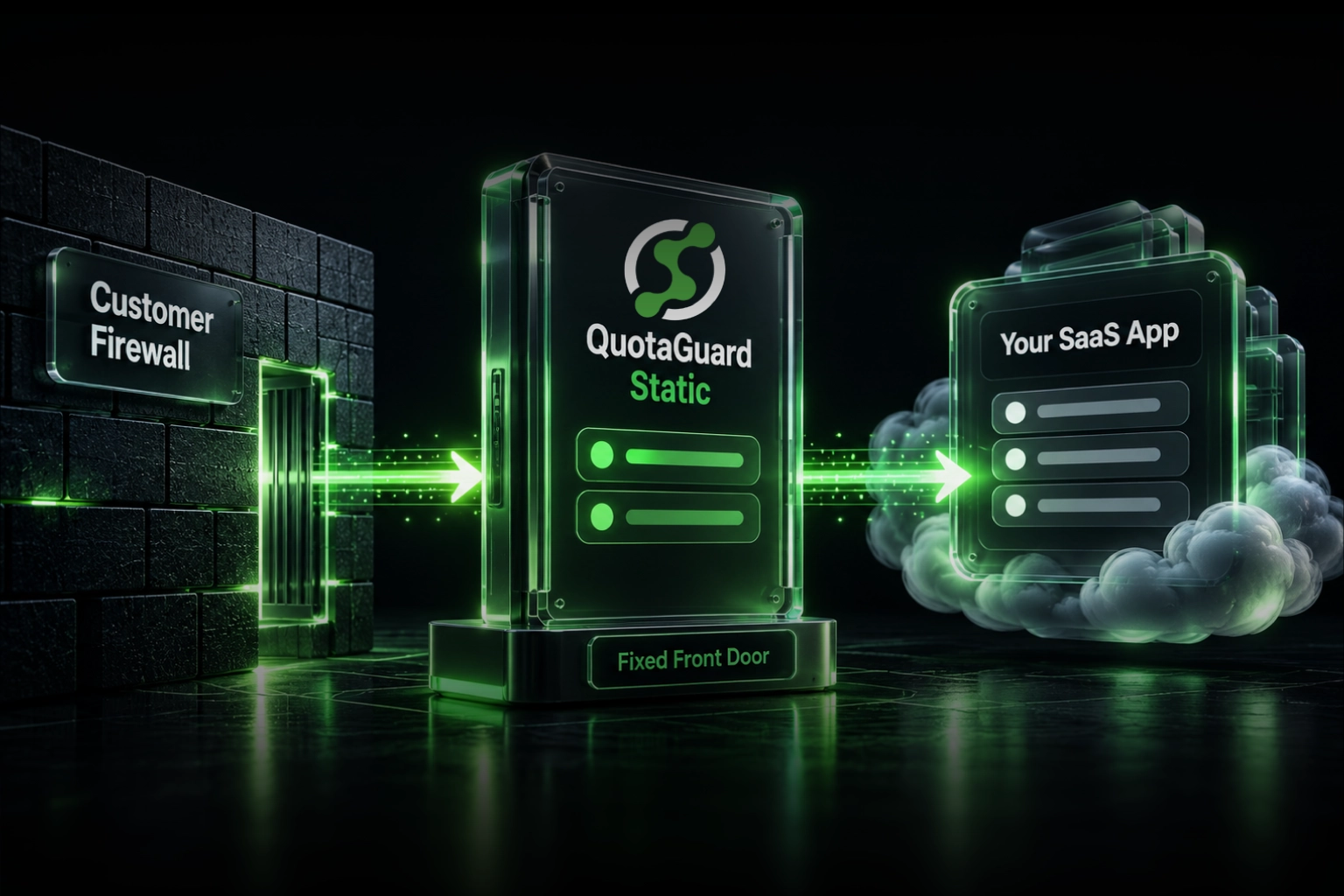
The fix is to route the outbound request through a proxy that does have a fixed IP. Your backend allowlists the proxy IP. Every request from your Zap exits through that IP. The firewall is satisfied.

The Standard Approach That Doesn't Work

The most common suggestion in the Zapier community is to use a Webhook step and point it at your API. That works fine when there's no IP restriction. When there is a restriction, it fails immediately because the outbound IP is still unpredictable.

Some developers try to use a Zapier JavaScript code step with https-proxy-agent from npm. That won't work either. Zapier's JavaScript environment does not have npm available. You cannot install packages in a JS code step.

Python is the correct approach. Zapier's Python code steps include the requests library by default, and requests has built-in proxy support through its proxies parameter.

How QuotaGuard Solves This

QuotaGuard is a static IP proxy service. You get a fixed outbound IP address that never changes. Every HTTP request you route through the proxy exits from that IP.

For Zapier, the workflow is straightforward. Instead of sending your POST request directly from a Webhook step, you add a Python code step that sends the request through the QuotaGuard proxy URL. The proxy forwards the request to your backend. Your backend sees the static QuotaGuard IP. The firewall allows it.

Your backend team adds one IP to the allowlist. That IP never changes. The integration works reliably from that point on.

Setting It Up: Python Code Step in Zapier

Here is the full setup. Replace the placeholder values with your actual credentials and endpoint.

In your Zap, add a Code by Zapier step and select Run Python. Paste the following:

import requests

# Your QuotaGuard proxy URL from your dashboard
# Format: http://username:password@proxy.quotaguard.com:9293
PROXY_URL = "http://YOUR_QG_USERNAME:YOUR_QG_PASSWORD@proxy.quotaguard.com:9293"

proxies = {
    "http": PROXY_URL,
    "https": PROXY_URL,
}

# The backend API endpoint you need to reach
api_url = "https://your-backend.example.com/api/endpoint"

# Build your payload from upstream Zap steps
payload = {
    "name": input_data["name"],
    "email": input_data["email"],
    "event": input_data["event"],
}

headers = {
    "Content-Type": "application/json",
    "Authorization": "Bearer YOUR_API_KEY",
}

response = requests.post(
    api_url,
    json=payload,
    headers=headers,
    proxies=proxies,
    timeout=10,
)

# Return the status so downstream steps can act on it
output = {
    "status_code": response.status_code,
    "response_body": response.text,
}

The input_data dictionary is how Zapier passes values from earlier steps into a Python code step. Map whatever fields your upstream trigger or action produces into input_data using the step's input configuration panel.

Where to Find Your Proxy Credentials

After you create a QuotaGuard account, your proxy URL is in the dashboard under Connection Details. It looks like this:

http://username:password@proxy.quotaguard.com:9293

Copy the full URL including the credentials and paste it into the PROXY_URL variable in your Python step. That URL is what routes your traffic through the fixed IP.

Your static outbound IP is listed on the same dashboard page. That is the IP you give to your backend team to add to the allowlist.

Testing the Connection Before Going Live

Before you publish the Zap, test the Python step in isolation. Use a service like httpbin.org/ip as your api_url temporarily. It returns the IP address of the incoming request as JSON.

api_url = "https://httpbin.org/ip"

response = requests.get(api_url, proxies=proxies, timeout=10)

output = {"origin_ip": response.json()["origin"]}

Run the test step. The origin_ip field in the output should match the static IP shown in your QuotaGuard dashboard. If it matches, your traffic is routing through the proxy correctly. Swap the URL back to your real backend and you're done.

Handling Errors Gracefully

Add basic error handling so the Zap doesn't silently fail if the proxy or the backend is unreachable. A timeout or a non-2xx response should produce a clear output rather than an exception that stops the Zap mid-run.

try:
    response = requests.post(
        api_url,
        json=payload,
        headers=headers,
        proxies=proxies,
        timeout=10,
    )
    response.raise_for_status()
    output = {"status": "success", "status_code": response.status_code}
except requests.exceptions.Timeout:
    output = {"status": "error", "message": "Request timed out"}
except requests.exceptions.HTTPError as e:
    output = {"status": "error", "message": str(e), "status_code": response.status_code}
except requests.exceptions.RequestException as e:
    output = {"status": "error", "message": str(e)}

Downstream steps in the Zap can then check the status field and branch accordingly using a Filter or Paths step.

Which QuotaGuard Plan You Need

For most Zapier use cases, the Micro plan at $19/month is sufficient. It gives you a shared static outbound IP and a generous request quota that covers typical automation volumes.

If your organization requires a dedicated IP that is not shared with any other customer, that is available on the Enterprise plan. The IP is yours exclusively and will never appear in another customer's traffic logs.

The plan decision usually comes down to how strict your backend's security team is. Shared IPs work fine for most API allowlisting scenarios. Dedicated IPs are for environments where the security team asks whether anyone else uses that IP.

The One-Time Setup, Permanent Fix

The appeal of this approach is that you do it once. You add the Python step, configure the proxy URL, give the static IP to your backend team, and it works. Zapier's underlying infrastructure can change as much as it wants. Your requests always exit from the same IP. The allowlist never needs updating.

Compare that to the alternative: maintaining a list of Zapier's IP ranges, adding them all to your firewall, and updating that list every time Zapier's infrastructure changes. That is a maintenance burden with no end date.

One static IP is a simpler contract between your automation layer and your backend.

Get Started

QuotaGuard plans start at $19/month. You can have a static IP configured and your Zap routing through it in under 10 minutes. See the full pricing breakdown and sign up at quotaguard.com/products/pricing.

QuotaGuard Static IP Blog

Practical notes on routing cloud and AI traffic through Static IPs.

Reliability Engineered for the Modern Cloud

For over a decade, QuotaGuard has provided reliable, high-performance static IP and proxy solutions for cloud environments like Heroku, Kubernetes, and AWS.

Get the fixed identity and security your application needs today.