Why Your Legitimate Cloud App Gets Blocked as a Bot (And How to Check)

QuotaGuard Engineering
March 16, 2026
5 min read
Pattern

This post is for developers whose apps are making legitimate API calls and getting blocked anyway. Not scrapers. Not bots. Actual production workloads that happen to share an IP range with tenants who've caused problems. If your automation, AI agent, or cloud service is hitting 403s, timeouts, or rate limits you can't explain, your IP's abuse history is likely the reason. Here's how to confirm it in five minutes using free tools.

Your IP Carries Other Tenants' History

When you deploy on AWS, Heroku, Render, or any major cloud platform, your app shares outbound IP ranges with thousands of other tenants. IPs get recycled constantly as tenants spin up and tear down infrastructure. Some of those previous tenants scraped aggressively, sent spam, ran credential stuffing attacks, or otherwise behaved in ways that got those IPs flagged and reported.

The abuse reports don't reset when the IP gets reassigned to you. Your new deployment inherits whatever history that IP accumulated before you got it.

Anti-bot systems and firewalls don't evaluate your code. They evaluate your IP's reputation score. A cloud IP with a high abuse confidence score looks the same whether the current tenant is a scraper or your n8n workflow making one legitimate API call per hour. Both get the same treatment: blocked, rate-limited, or silently dropped.

I've seen this come up repeatedly with customers connecting to financial APIs, healthcare data providers, and corporate firewall systems. The integration is built correctly. The credentials are valid. Everything works in local dev, where they're on a residential ISP with a clean IP. Then it gets deployed and starts failing. The IP is the difference.

How to Diagnose Your Current Egress IP

Before you change anything, verify that your IP's abuse history is actually the problem. These tools are free.

Step 1: Find your actual egress IP. Your app's outbound IP isn't always what you expect. Run this from your deployed environment:

curl http://ip.quotaguard.com

That returns your current outbound IP as a JSON object. Write it down. Everything below uses this IP.

Step 2: Check your IP's abuse confidence score on AbuseIPDB. Go to abuseipdb.com and paste your IP. AbuseIPDB aggregates community-reported abuse events and returns an Abuse Confidence Score from 0 to 100%. It also shows the number of reports filed and the categories of abuse — web scraping, brute force, spam, and so on. A score above 25% means a meaningful number of security teams have flagged that IP for bad behavior. Many corporate firewalls and API security systems automatically block IPs above their configured threshold. AbuseIPDB recommends a blocking threshold around 90% for fully automated systems, but individual vendors set their own cutoffs. The key thing to look for is whether any reports exist at all — a score of 0% with zero reports is what you want.

Step 3: Get a fraud risk score on Scamalytics. Go to scamalytics.com and enter your IP. Scamalytics returns a risk score from 0 to 100 with a descriptive tier: Very Low, Low, Medium, High, or Very High. It also flags whether your IP is identified as a datacenter, known proxy, or VPN. Many fraud prevention systems used by payment processors and API vendors integrate Scamalytics scores directly. A "High" or "Very High" rating means those systems are likely treating your traffic with significant suspicion. Each vendor sets their own threshold for what score triggers a block — there's no universal cutoff — but if Scamalytics rates your IP as High or Very High, that's a clear signal.

Step 4: Confirm the IP is a cloud range on ipinfo.io. Go to ipinfo.io and look up your IP. The "org" field shows the registered ASN and company. If it shows "Amazon Technologies," "Heroku," "DigitalOcean," or any major cloud provider, your IP is identifiable as a datacenter IP to any system that checks. Many API vendors and security systems apply stricter scrutiny to datacenter IPs regardless of abuse score, because legitimate human users don't originate from datacenters. This is worth knowing before you assume a proxy will solve everything — see the next section for the honest version of what a static IP fixes.

Step 5: Confirm it's the IP and not your code. Route one test request through a proxy with a clean IP and compare the response. If the blocked request succeeds through the proxy, the IP is the problem.

What a Static IP Actually Fixes — and What It Doesn't

Here's the honest version.

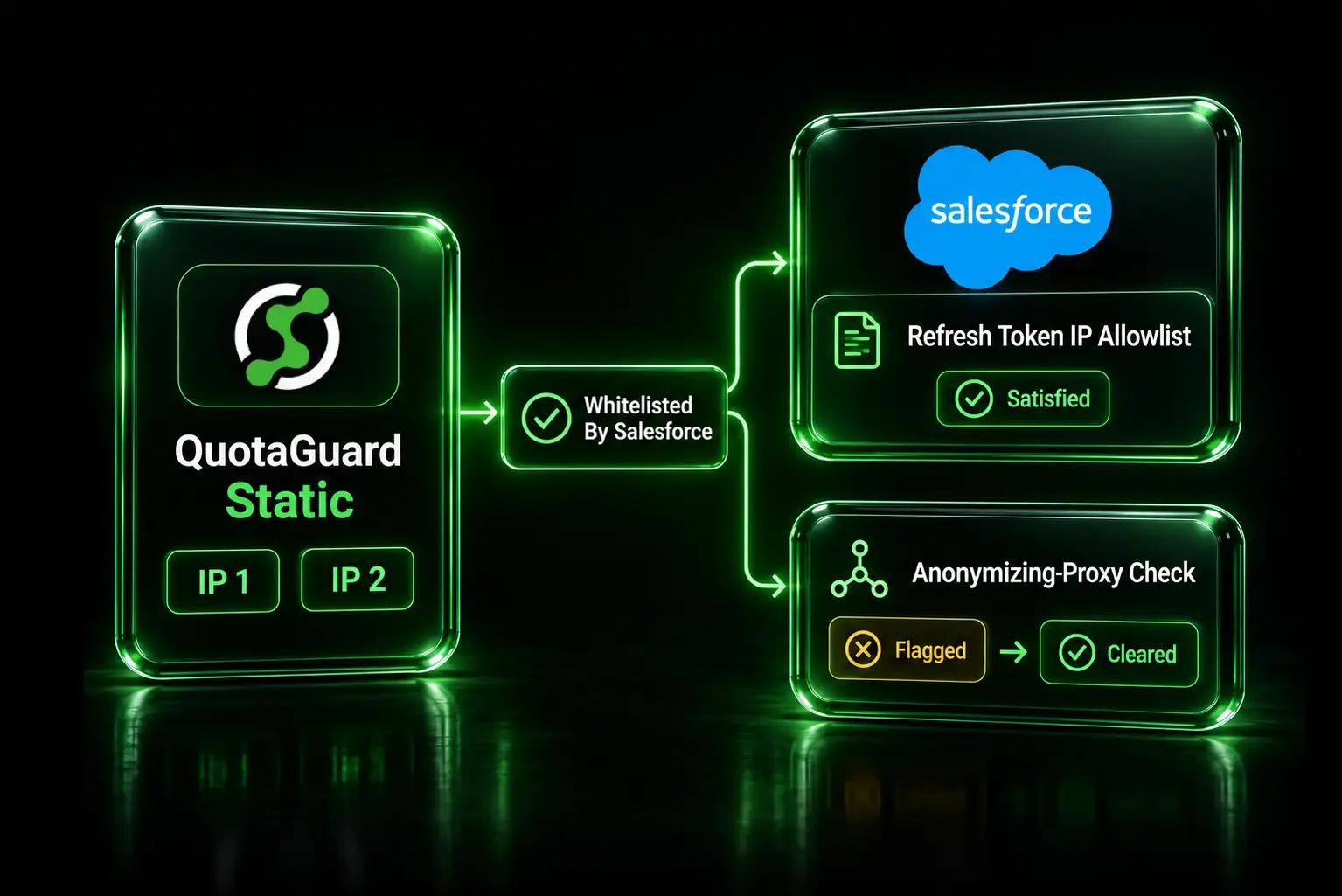
QuotaGuard runs on AWS infrastructure. That means your static IP will still identify as a datacenter IP on ipinfo.io. If a vendor blocks all cloud IPs by ASN, a QuotaGuard proxy won't help — and neither will any other proxy service that runs on cloud infrastructure.

What it does fix is the abuse history problem. QuotaGuard static IPs are used exclusively for legitimate API proxy traffic by QuotaGuard customers. They're not recycled across thousands of random AWS tenants. An IP that's never been used for spam, credential stuffing, or scraping has a clean AbuseIPDB score and a clean Scamalytics score. Run the checks above on a QuotaGuard static IP and compare. The difference is usually immediate and visible.

For the large majority of blocking scenarios — IP allowlisting, firewall rules, API security systems using abuse scores — that clean history is exactly what solves the problem.

Shared Static IP vs. Dedicated: When Each One Is Right

QuotaGuard offers two tiers. The right one depends on your risk tolerance.

Shared static IPs (Micro at $19/month through Large at $89/month) are shared across QuotaGuard customers on the same plan. The IPs are maintained with clean abuse histories. For the vast majority of API integrations and allowlist use cases, this is the right choice.

Dedicated IPs (Enterprise at $219/month) give you two static IPs that no other customer uses. Your IP history is entirely yours. Nothing any other customer does can affect your reputation. This matters when:

  • You're running production AI agents making high volumes of API calls where a single block shuts down a critical workflow
  • Your API vendor is strict enough to flag shared proxy IPs
  • You're in a regulated environment where an auditor needs to see a fixed, isolated network identity
  • You need certainty that no other customer's behavior can ever affect your IP's standing

Most teams don't need dedicated. If you're connecting to a partner API that just needs to allowlist your IP, shared works fine. If you're running production workloads where availability is critical and a block has real business cost, dedicated is the right call.

Verify It's Working After Setup

After configuring your proxy, confirm your traffic is exiting from your static IP:

curl -x "$QUOTAGUARDSTATIC_URL" http://ip.quotaguard.com

That should return your QuotaGuard static IP, not your cloud provider's shared range. Then run the same AbuseIPDB and Scamalytics checks on your new static IP and compare the scores to what you saw in Step 2 and Step 3 above.

Full setup guides for specific platforms are at quotaguard.com/company/integrations. Plans and pricing are here.

QuotaGuard Static IP Blog

Practical notes on routing cloud and AI traffic through Static IPs.

Reliability Engineered for the Modern Cloud

For over a decade, QuotaGuard has provided reliable, high-performance static IP and proxy solutions for cloud environments like Heroku, Kubernetes, and AWS.

Get the fixed identity and security your application needs today.