How to Give a Cloud Integration a Static IP for DocuWare Cloud

QuotaGuard Engineering
June 10, 2026
5 min read
Pattern

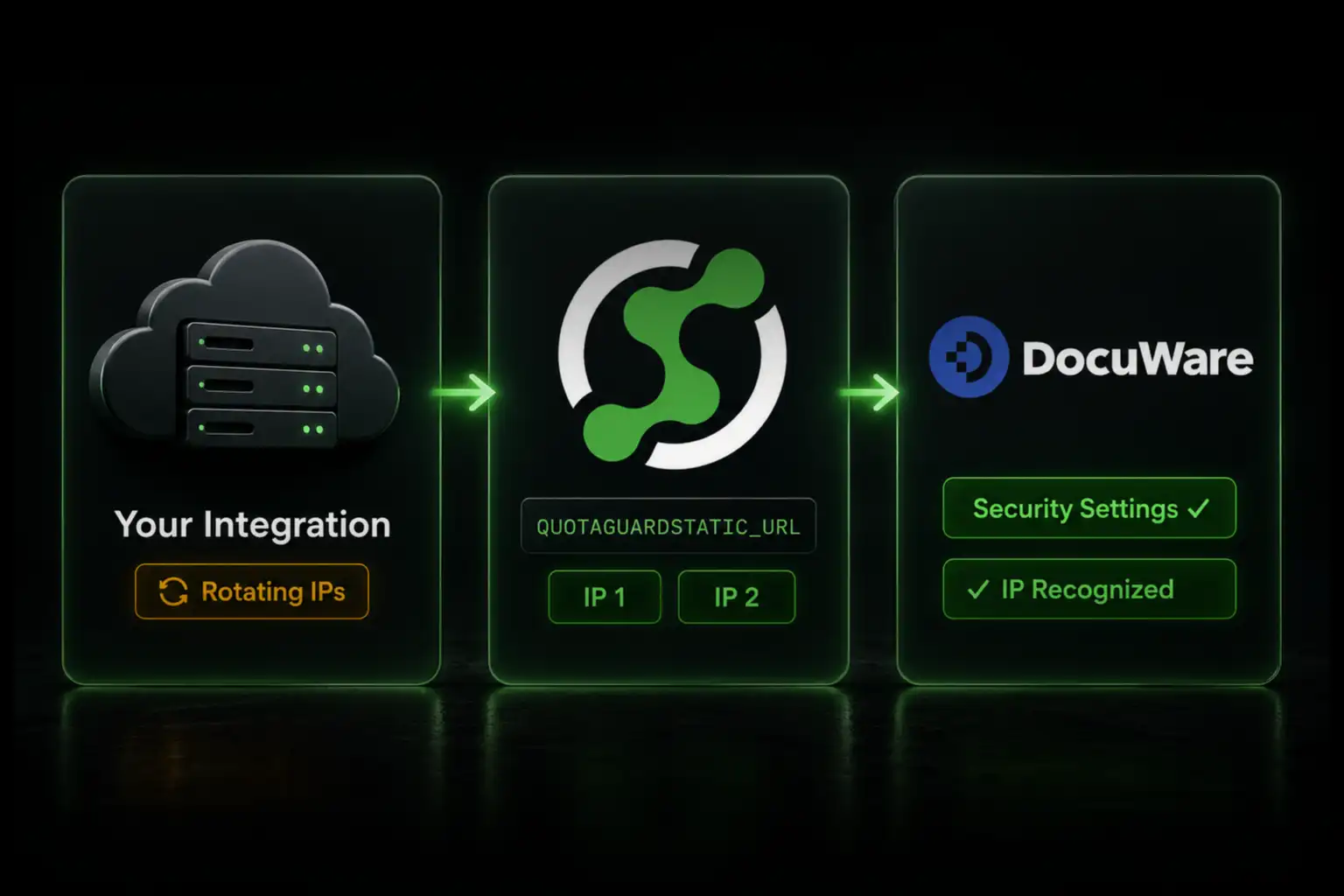
Route your integration's DocuWare Platform API calls through QuotaGuard Static, set QUOTAGUARDSTATIC_URL, and add your two fixed IPs to DocuWare's IP-based access control in Security settings.

When you turn on IP-based access control in DocuWare Cloud, only allowlisted addresses can reach your organization, and that includes your API and integration traffic. A cloud integration that calls the DocuWare Platform API from a platform with a rotating egress IP, like Heroku or AWS Lambda, gets blocked the moment the allowlist is active. The fix is two static IPs you add to the allowlist once. For inbound static IPs, EU residency options, and the full picture, see the DocuWare static IP integration page.

DocuWare Cloud's IP Allowlist Blocks Rotating Integration IPs

DocuWare Cloud includes IP-based access control in its Security settings. An administrator enters specific IP addresses or ranges, and once any address is listed, only those addresses can access the organization. The control is enforced on all access, including the REST API, so a server-side integration must come from an allowlisted IP. A document-sync job, a workflow automation, or a custom app on a cloud platform egresses from an address that changes on deploys and scaling, so the allowlist rejects it. This applies to DocuWare Cloud, where the egress IP of your integration is the variable you need to fix. On-premises DocuWare runs on your own network, where you control egress directly.

QuotaGuard Static Gives You Two Fixed IPs to Allowlist

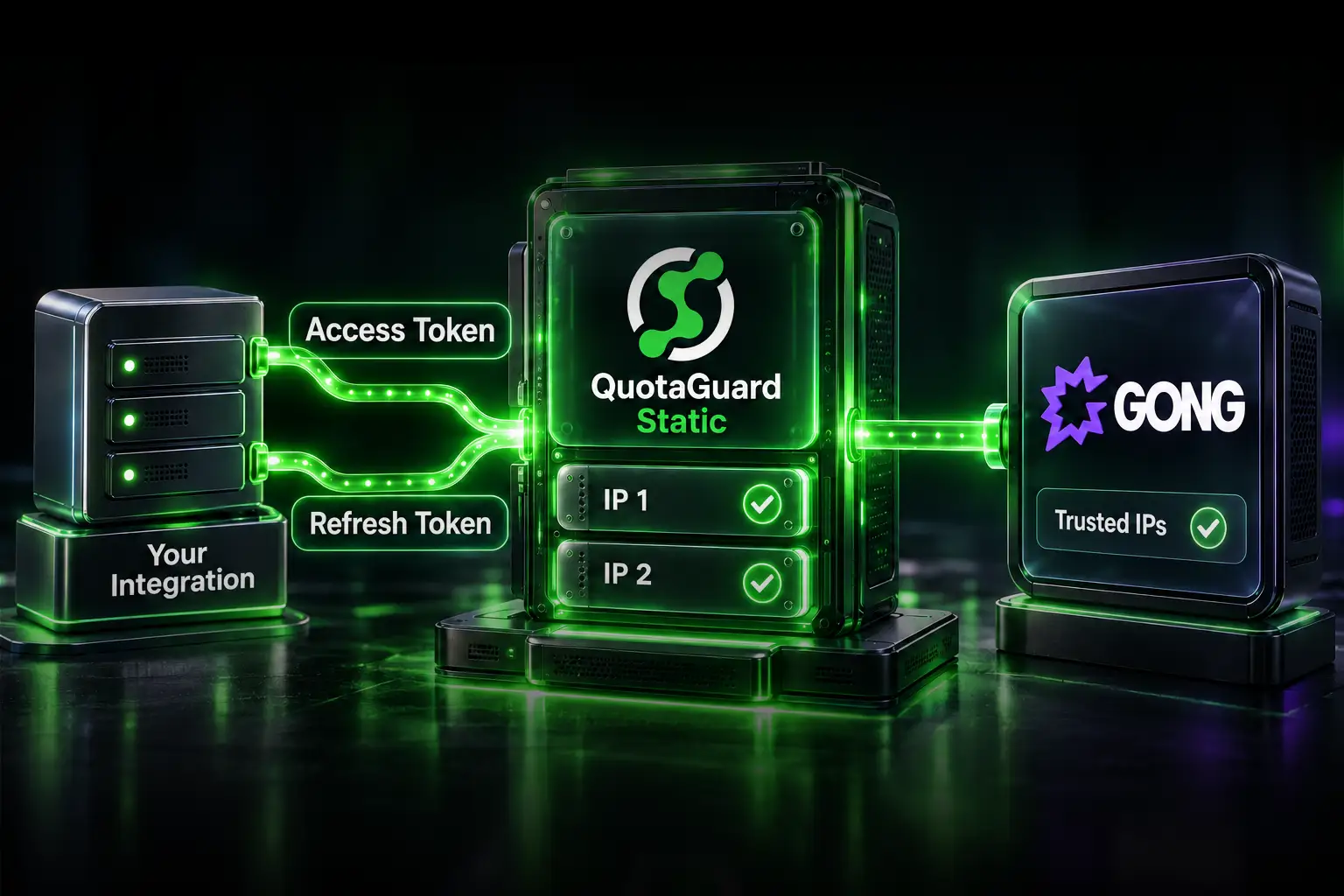
QuotaGuard Static is an HTTP, HTTPS, and SOCKS5 proxy running on AWS. Every account is assigned two static IP addresses behind a load balancer, and those two IPs don't change. You add both to DocuWare's IP-based access control, route your integration's DocuWare calls through the proxy, and every request exits from one of those two addresses no matter how your hosting platform rotates underneath. Your two assigned IPs are shown in your QuotaGuard dashboard after sign-up.

Add Your QuotaGuard IPs to DocuWare

In DocuWare, open Configurations, then Security settings, and find IP-based access control. Enter your two QuotaGuard IP addresses. Once any address is listed, the allowlist takes effect and only listed addresses reach the organization, so confirm your own admin access is covered before you rely on it. DocuWare currently supports IPv4, which matches QuotaGuard.

Set Your Proxy URL as an Environment Variable

Store the proxy URL from your QuotaGuard dashboard as an environment variable on your integration's host. Keep it in the environment, not in source code, so you can rotate it without a redeploy.

QUOTAGUARDSTATIC_URL="http://username:password@proxy.quotaguard.com:9293"

Route Only the DocuWare Calls Through the Proxy, in Your Code

Attach the proxy to the requests that reach DocuWare, rather than forcing all traffic through it. This keeps the rest of your integration's traffic on its normal path, and it means a proxy issue can only affect the calls you deliberately routed. DocuWare Cloud's Platform API lives at your organization's endpoint, https://your-org.docuware.cloud/DocuWare/Platform, and uses OAuth 2.0 bearer tokens. Route both the token request and the Platform API calls through the proxy so every request to DocuWare exits from your static IPs.

In Python, pass proxies on the individual call with the requests library:

import os, requests
 
proxies = {
    "http": os.environ["QUOTAGUARDSTATIC_URL"],
    "https": os.environ["QUOTAGUARDSTATIC_URL"],
}
 
base = "https://your-org.docuware.cloud/DocuWare/Platform"
 
# Both the token request and the API call exit from your static IPs
resp = requests.get(
    f"{base}/FileCabinets",
    headers={"Authorization": f"Bearer {access_token}", "Accept": "application/json"},
    proxies=proxies,
)
print(resp.status_code)

In Node.js, pass an agent on the individual request. The agent option is honored by node-fetch. Node's built-in fetch ignores it and needs an undici dispatcher instead.

const fetch = require('node-fetch');
const { HttpsProxyAgent } = require('https-proxy-agent');
 
const agent = new HttpsProxyAgent(process.env.QUOTAGUARDSTATIC_URL);
const base = 'https://your-org.docuware.cloud/DocuWare/Platform';
 
// This request exits from your two static IPs
await fetch(`${base}/FileCabinets`, {
  agent,
  headers: { Authorization: `Bearer ${accessToken}`, Accept: 'application/json' },
});

To obtain the bearer token, DocuWare's OAuth 2.0 flow first discovers the identity service for your deployment with a call to GET /Home/IdentityServiceInfo, then requests a token scoped to docuware.platform. Tokens are valid for about 60 minutes. Route those token calls through the same proxy so they also come from your static IPs.

Or Set HTTP_PROXY Globally for a Quick Start

If you want every outbound HTTP call to route through the proxy without touching code, set the standard proxy variables and exclude internal hosts. This is faster but coarser, so use it when most of your external calls need the static IP.

export HTTP_PROXY="http://username:password@proxy.quotaguard.com:9293"
export HTTPS_PROXY="http://username:password@proxy.quotaguard.com:9293"
export NO_PROXY="localhost,127.0.0.1"

The risk with the global approach is that any internal host not covered by NO_PROXY gets routed through the proxy too, which is why the in-code pattern above is the safer default.

Verify Your Integration Is Using the Static IP

After configuring the proxy, make a request to the QuotaGuard IP check endpoint through the same path and confirm the address.

curl -x "$QUOTAGUARDSTATIC_URL" https://ip.quotaguard.com

The response returns the IP your request came from. It should match one of the two static IPs in your QuotaGuard dashboard. Once both are on your DocuWare allowlist, a Platform API call that previously returned an access error will succeed.

Regulated Document Data Belongs on QuotaGuard Shield

DocuWare often stores regulated documents, such as HR records, contracts, invoices, and health information. If your integration moves that kind of data, use QuotaGuard Shield instead of Static. Shield uses SSL passthrough and never decrypts your traffic at the proxy, and your TLS keys never leave your servers. That zero-knowledge model is what HIPAA, PCI-DSS, and SOC 2 reviews expect. QuotaGuard Static tunnels outbound HTTPS without decrypting the payload and is appropriate for everything that is not regulated, but not for regulated data.

QuotaGuard Static Pricing Starts at $19/Month

Bandwidth is bundled, with no per-GB overage fees. Document API traffic is low-volume for most integrations, so the Starter plan at 20,000 requests and 10 GB per month covers a typical workload. Production is $49 per month, Business is $89, and Enterprise is $219 with dedicated IPs and 1 TB of bandwidth. On the lower tiers your two IPs are static but shared.

QuotaGuard Shield Pricing Starts at $29/Month

For standard document integrations, Static is the right product. Use Shield when your integration carries regulated data or your environment requires that no proxy ever decrypts traffic in transit. Shield costs slightly more than Static at each tier.

All plans include a 3-day trial. Enterprise plans include a 7-day trial. Credit card required.

See the full pricing table at quotaguard.com/products/pricing.

QuotaGuard Static IP Blog

Practical notes on routing cloud and AI traffic through Static IPs.

Reliability Engineered for the Modern Cloud

For over a decade, QuotaGuard has provided reliable, high-performance static IP and proxy solutions for cloud environments like Heroku, Kubernetes, and AWS.

Get the fixed identity and security your application needs today.