Interactive Brokers API Static IP: Fix IP Restrictions for Cloud Deployments

QuotaGuard Engineering
April 11, 2026
5 min read
Pattern

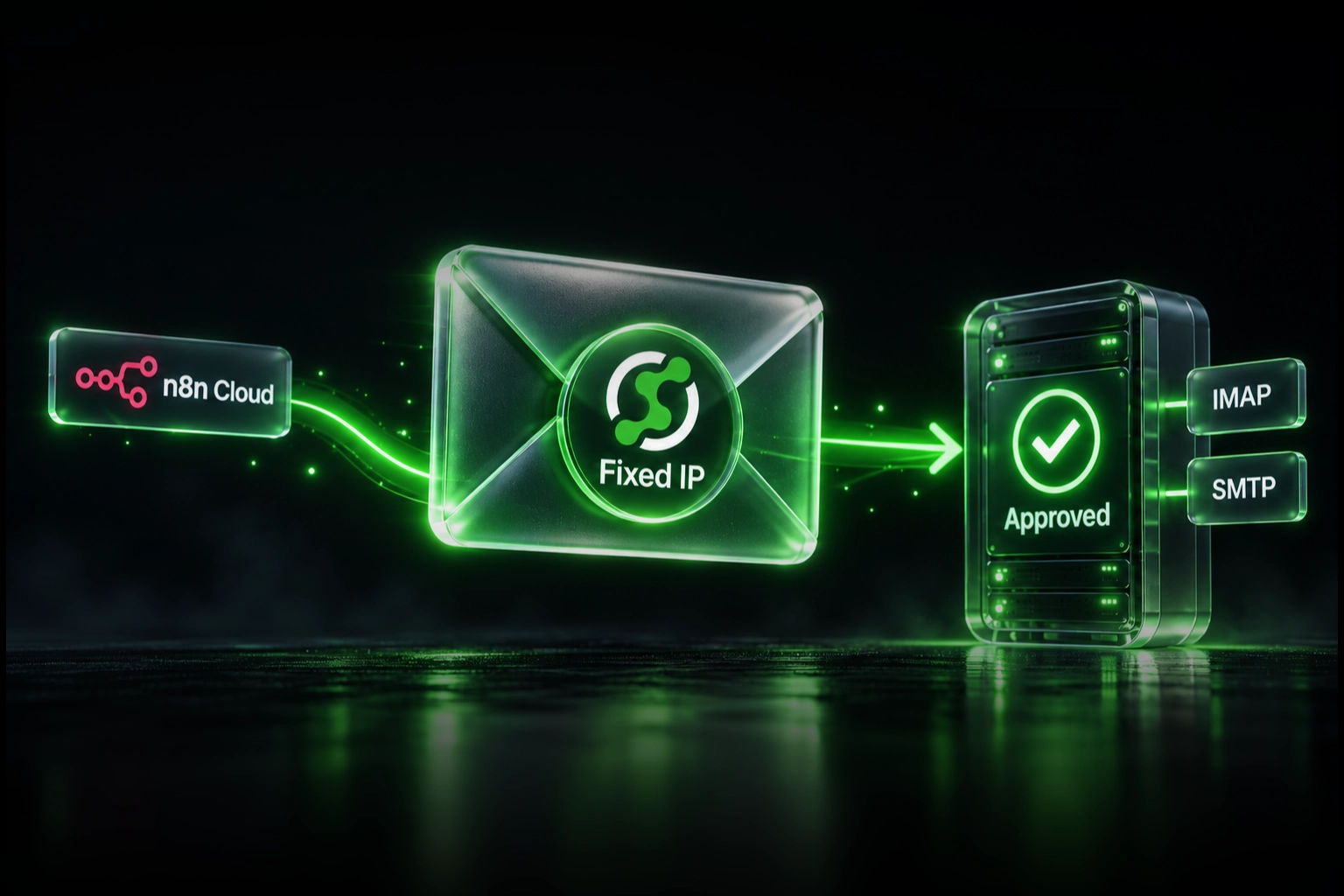
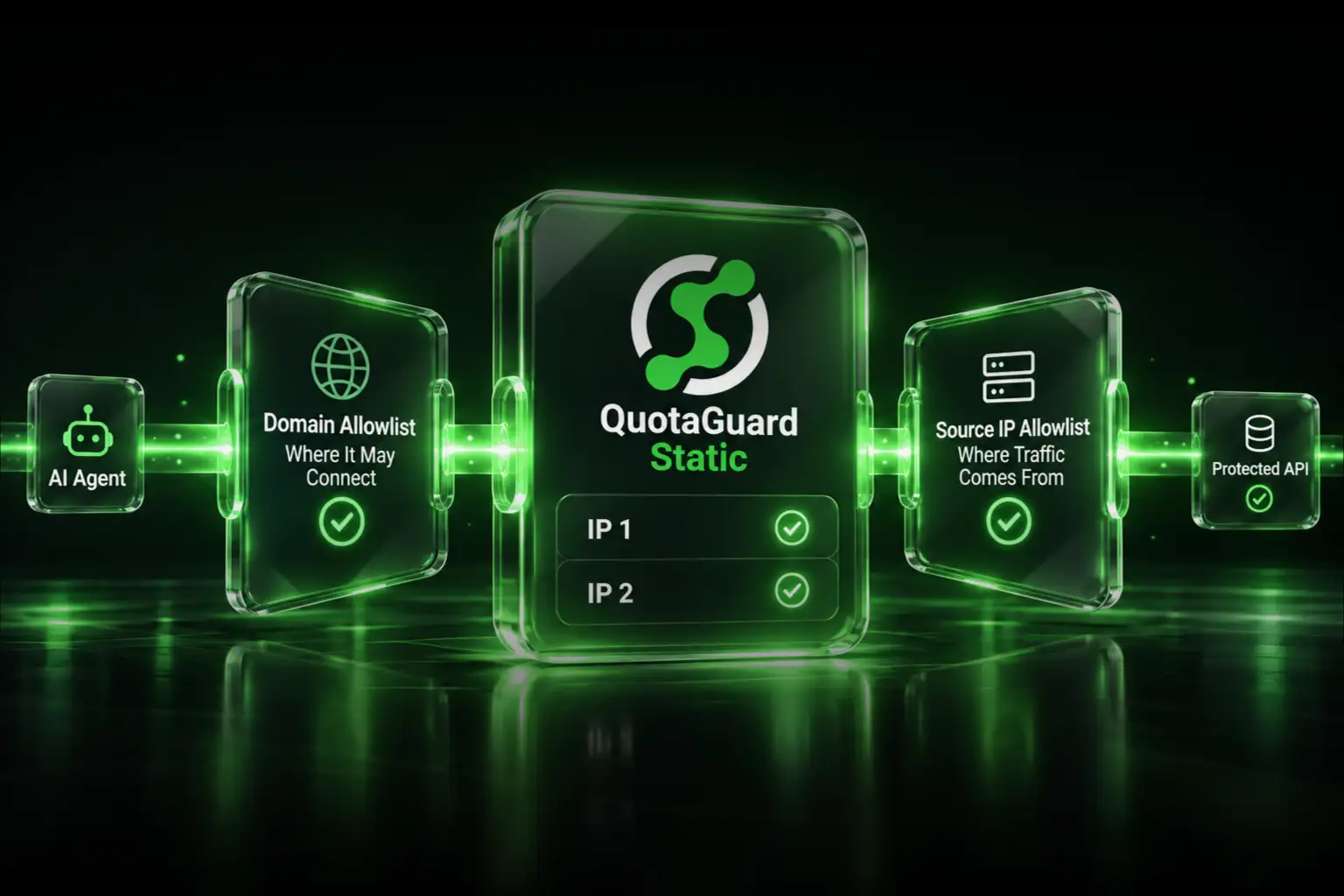
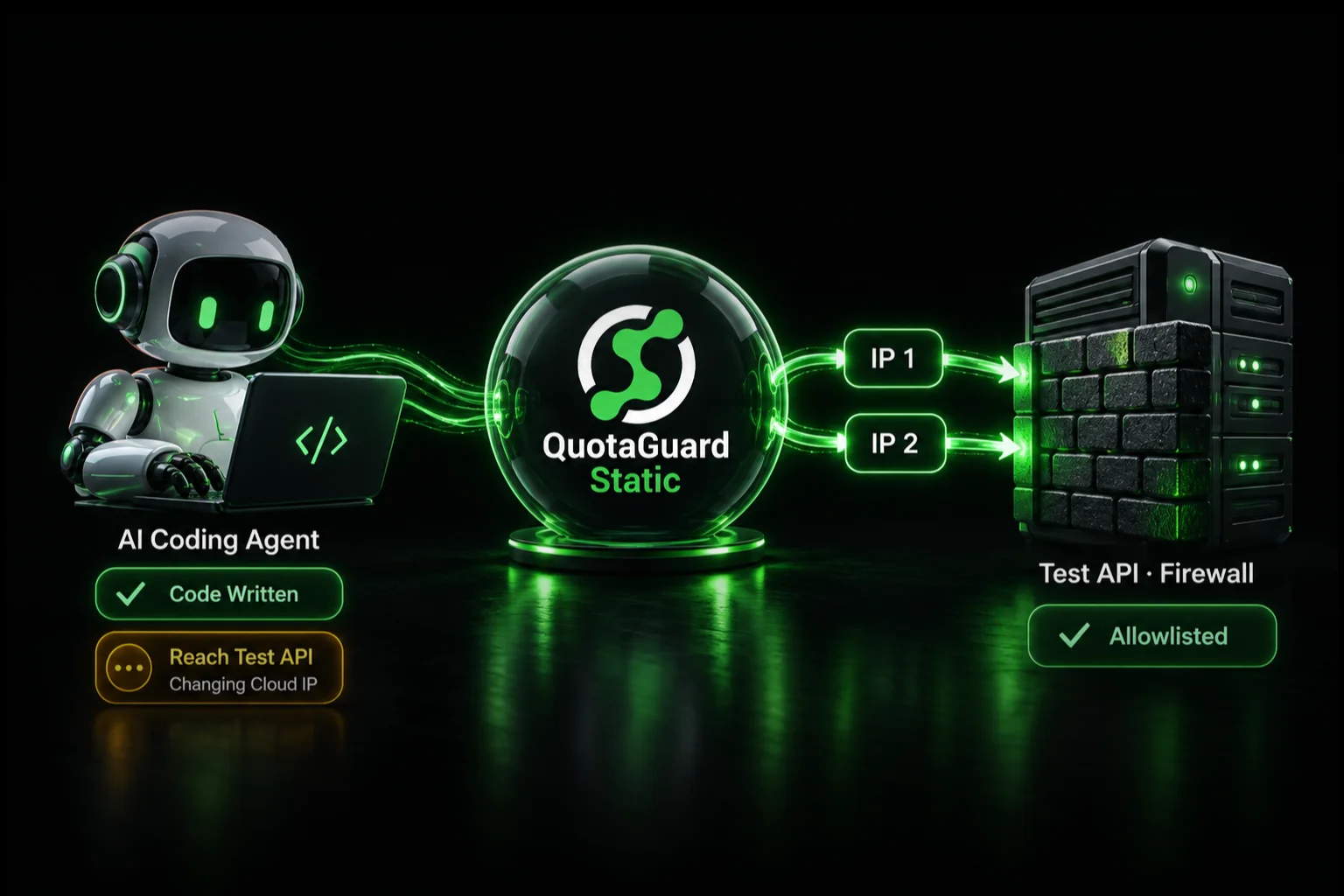
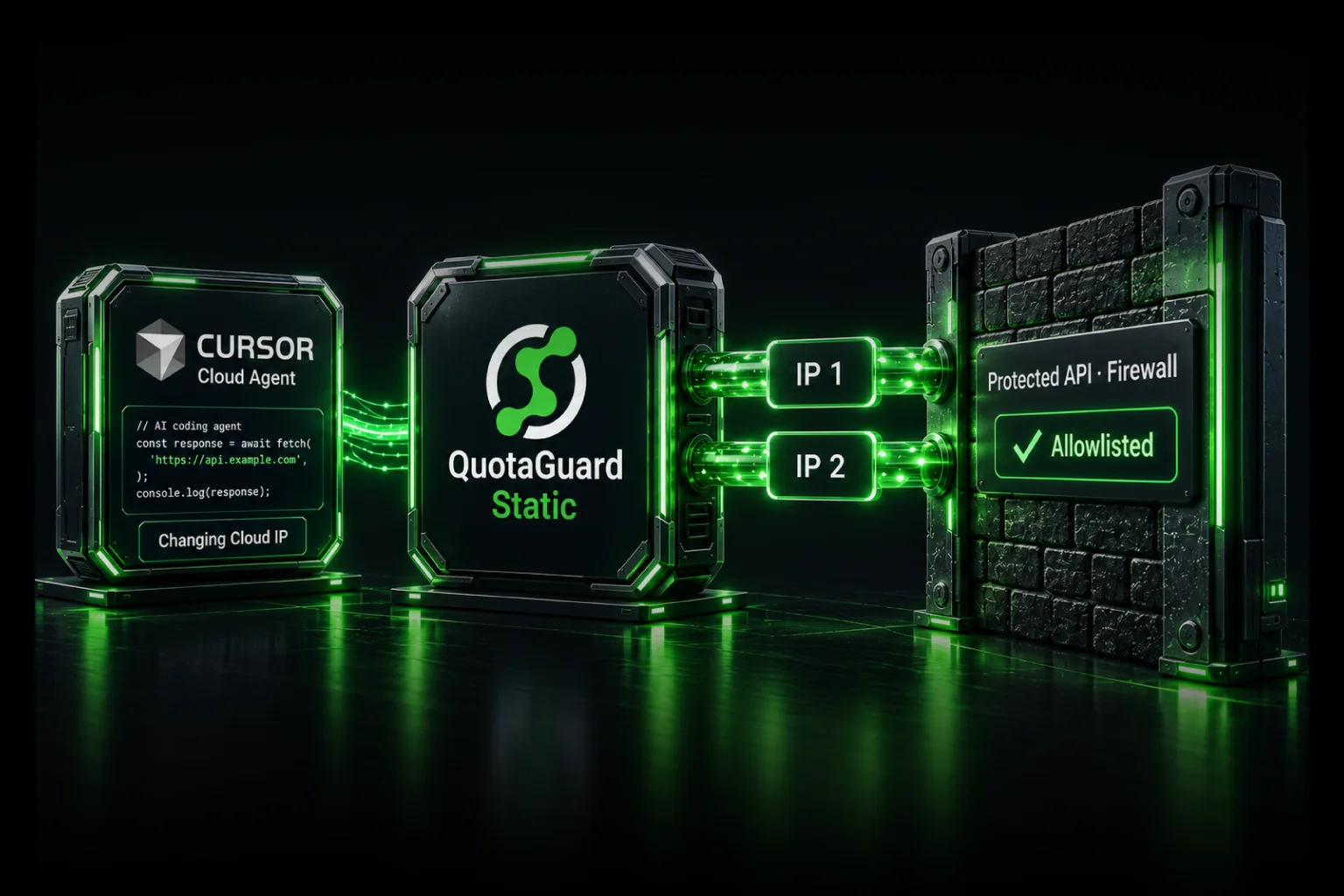
Interactive Brokers enforces IP-level restrictions on both of its API paths. If your trading bot runs on a cloud platform with a dynamic IP address, IBKR will either reject your requests outright or freeze your session until you manually verify. QuotaGuard Shield gives your cloud app a fixed outbound IP that you register once with IBKR and never touch again.

Here is how each API path handles IP restrictions, where things break for cloud deployments, and the cleanest fix for each.

IBKR's Two API Paths

Interactive Brokers offers two distinct APIs for programmatic trading. They are architecturally different, and the IP restriction problem manifests differently in each.

Client Portal REST API

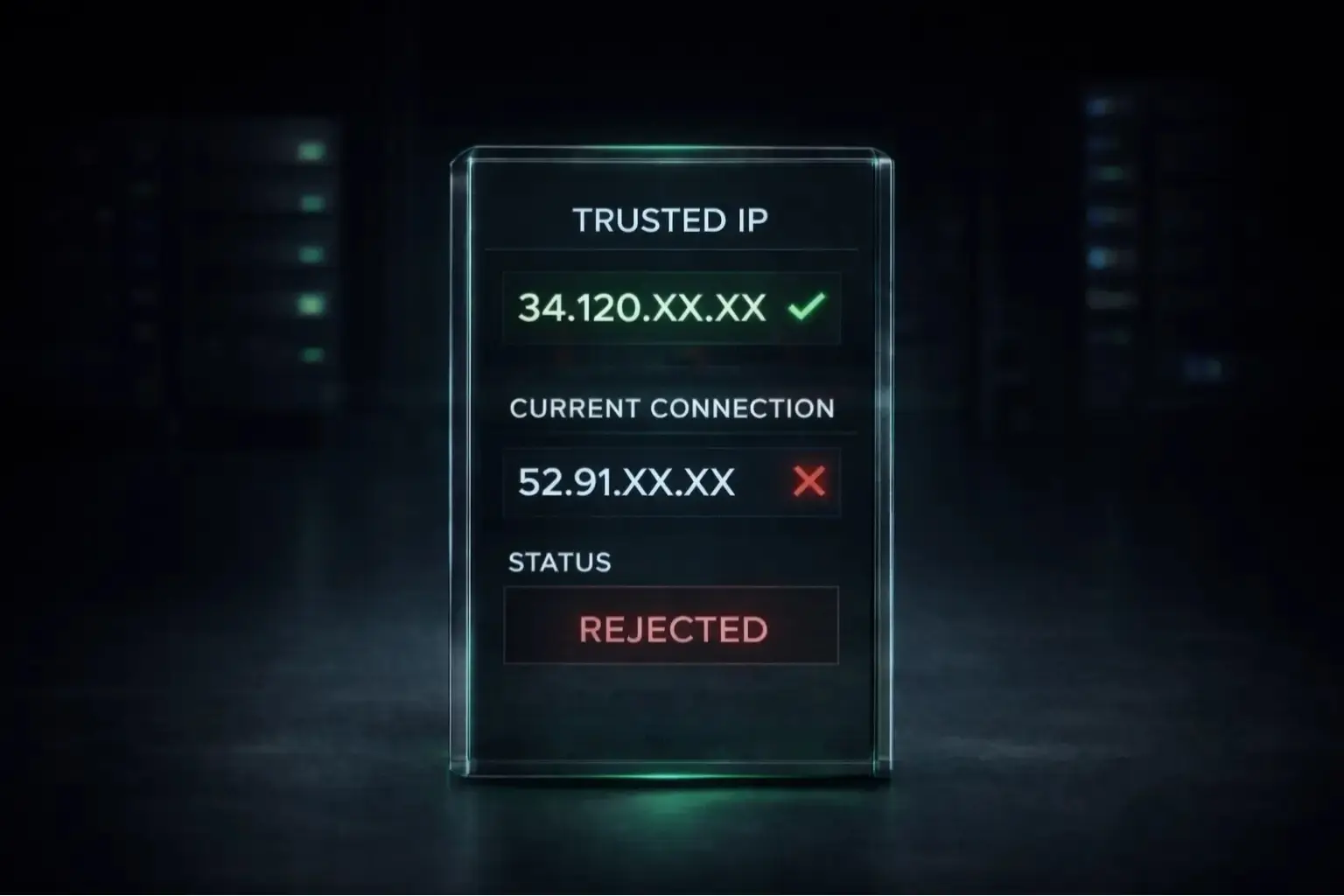
The Client Portal REST API is a locally-hosted gateway you run alongside your application. It exposes a REST interface on localhost:5000 (or a custom port), handles the OAuth session with IBKR's servers, and forwards your requests. The session is tied to the IP address that authenticated it. If your cloud instance gets a new IP, IBKR detects the IP change and prompts for manual re-authentication. For automated bots running unattended, that is a hard stop.

IBKR's IP restriction settings for the Client Portal are documented in their broker portal user settings. You can allowlist specific IPs so that only requests from those addresses are accepted without additional verification. On a dynamic cloud IP, that allowlist is useless. The IP rotates, the session breaks, and your bot stalls.

IB Gateway Socket API

IB Gateway is the older desktop-style application that exposes a socket interface (TCP, default port 4001 or 4002). The Trusted IPs list in IB Gateway settings controls which IP addresses are permitted to open a socket connection at all. Requests from unlisted IPs are simply refused. On a cloud VPS with a dynamic IP, you cannot predict what address will be in the Trusted IPs list next week.

The fix path is slightly different for each. Start with Client Portal REST API if you are building something new. IB Gateway is worth understanding if you are maintaining an existing TWS-based bot.

Why Cloud Deployments Break

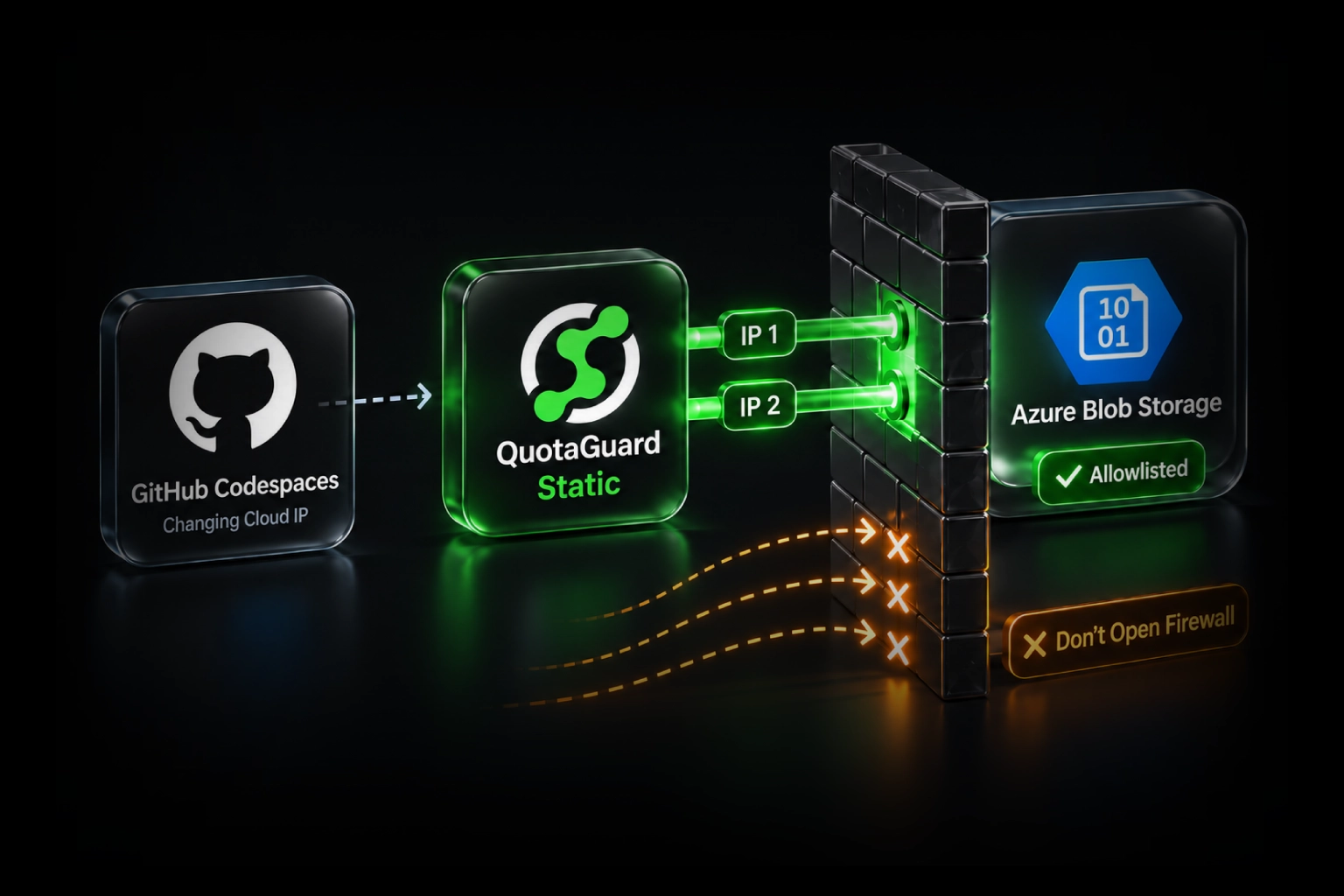
Heroku, Render, Railway, Fly.io, AWS Lambda, and most PaaS platforms assign outbound IP addresses from large shared pools. Your app's egress IP changes on every deploy, every dyno restart, or whenever the scheduler moves your workload. There is no way to predict it ahead of time and no way to pin it to a specific address without external infrastructure.

Even a cloud VPS on DigitalOcean or Hetzner, if you did not explicitly request a reserved IP, will give you an address that can change if you rebuild the droplet or resize it. Most developers discover this only after their bot has been running fine for two weeks and then silently stops authenticating at 2am.

The Fix for Client Portal REST API: QuotaGuard Shield

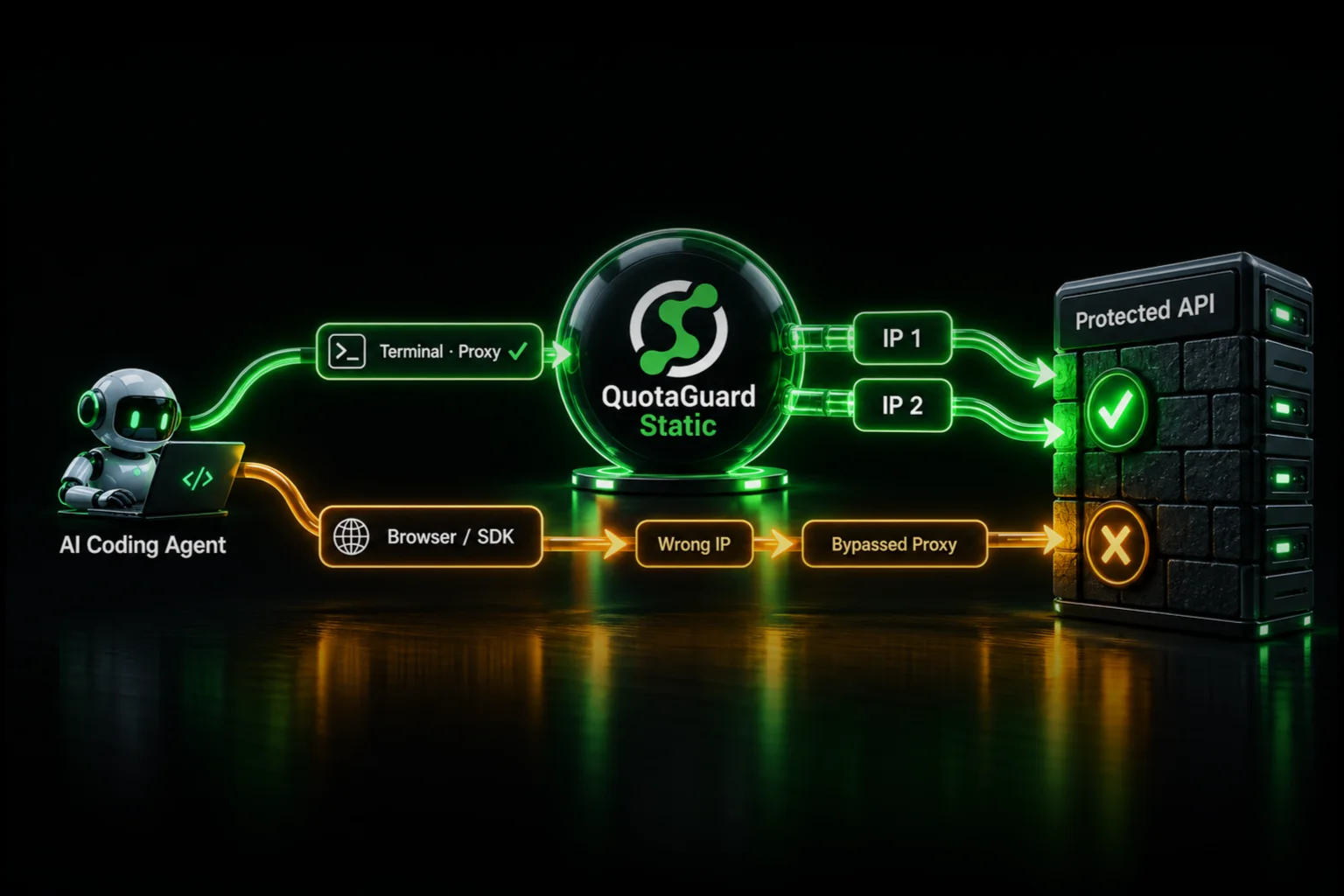
For Client Portal REST API deployments, QuotaGuard Shield is the right tool. Shield is an SSL-passthrough SOCKS5 proxy. Your app's outbound HTTPS traffic routes through a fixed IP without the proxy infrastructure ever terminating or inspecting the TLS session. That matters here. Your IBKR session traffic includes authentication credentials. You do not want a proxy decrypting and re-encrypting that traffic.

Shield uses the QUOTAGUARDSHIELD_URL environment variable. Set it in your platform's environment config and route your IBKR Client Portal requests through it.

Here is a minimal Python example using requests with a SOCKS5 proxy. Install requests[socks] first:

pip install requests[socks]
import os
import requests

shield_url = os.environ.get("QUOTAGUARDSHIELD_URL")
# Example format: socks5h://username:password@proxy.quotaguard.com:9293

proxies = {
    "http": shield_url,
    "https": shield_url,
}

# Client Portal REST API runs on localhost:5000 by default.
# Route only the IBKR-bound traffic through Shield if needed.
# This example targets the IBKR session tickle endpoint.
response = requests.get(
    "https://localhost:5000/v1/api/tickle",
    proxies=proxies,
    verify=False  # Client Portal uses a self-signed cert by default
)

print(response.status_code)
print(response.json())

A few notes on that example. The socks5h scheme routes DNS resolution through the proxy as well as the TCP connection. That is the correct scheme for Shield. Using socks5 would resolve DNS locally first, which can leak your real IP in some configurations. The verify=False flag is expected for Client Portal's self-signed certificate in local development. In production, configure your own cert or suppress only for the IBKR host.

Once Shield is configured, your outbound IP is the static IP assigned to your QuotaGuard account. Add that IP to IBKR's allowlist once under Account Management > Settings > IP Restrictions. It will not change unless you explicitly request a new one.

What About IB Gateway Socket API?

IB Gateway's socket API is a different situation. It is a TCP connection, not HTTP. SOCKS5 proxies can technically tunnel TCP connections, but IB Gateway's Trusted IPs list is evaluated at the point of connection, and the gateway itself is typically running on the same host as your application. The proxy model does not map cleanly to this architecture.

The practical fix for IB Gateway socket deployments is a reserved IP on a VPS. DigitalOcean calls them Reserved IPs. Hetzner has Floating IPs. AWS Elastic IPs serve the same purpose. You assign the reserved address to your droplet or instance, add it to IB Gateway's Trusted IPs list, and it stays fixed regardless of what happens to the underlying host. If you rebuild, resize, or migrate the instance, you reassign the reserved IP and the allowlist entry is still valid.

This approach keeps the TCP session entirely local. There is no proxy layer in the path, which is appropriate for a persistent socket connection that may stay open for hours.

Choosing the Right Path

If you are starting a new IBKR cloud project, the Client Portal REST API with Shield is the cleaner architecture. REST over HTTPS is easier to deploy on PaaS platforms, scales better, and does not require a stateful socket connection. The IP restriction problem is fully solved by routing outbound requests through Shield's fixed IP.

If you have an existing IB Gateway integration and want to keep it, use a reserved VPS IP rather than adding a proxy layer to a TCP connection that was not designed for it. The operational overhead is low and the reliability is high.

Either way, the underlying issue is the same. IBKR's IP enforcement is not unreasonable for a brokerage API that touches real money. The solution is simply to give your cloud app a fixed identity that you control.

One More Operational Note

IBKR sessions on the Client Portal API expire after 24 hours and require re-authentication. Some developers build a headless re-auth flow using Selenium or Playwright to handle this automatically. If that automation also runs on a dynamic IP, the login request itself may trigger a challenge. Run the re-auth flow through the same Shield proxy so every interaction with IBKR's servers comes from the same registered IP address. Consistency across the full session lifecycle is what keeps the allowlist clean.

Get a Static IP for Your IBKR Bot

QuotaGuard Shield runs on shared infrastructure starting at $19/month, with dedicated IP plans available for deployments that require guaranteed exclusivity. Setup takes under 2 minutes. You set one environment variable, add the static IP to your IBKR allowlist, and your bot's authentication stops breaking on redeploys. See the available plans at quotaguard.com/products/pricing.

QuotaGuard Static IP Blog

Practical notes on routing cloud and AI traffic through Static IPs.

Reliability Engineered for the Modern Cloud

For over a decade, QuotaGuard has provided reliable, high-performance static IP and proxy solutions for cloud environments like Heroku, Kubernetes, and AWS.

Get the fixed identity and security your application needs today.