GAMSTOP Batch API Integration: Static IPs for UK Gambling Operators

QuotaGuard Engineering
May 27, 2026
5 min read
Pattern

Route your GAMSTOP batch API calls through QuotaGuard Shield, set QUOTAGUARDSHIELD_URL as an environment variable, and whitelist your two assigned static IPs with GAMSTOP.

GAMSTOP's batch API is one of the most compliance-critical integrations a UK gambling operator runs. The Gambling Commission expects you to check every new registration against the national self-exclusion register. If your integration breaks, you're liable. And if you can't tell GAMSTOP a fixed IP address to permit, you can't register your server to make those checks in the first place.

Cloud platforms make this harder. AWS, GCP, Azure, Render, Railway, and every other managed host rotate your outbound IP constantly. GAMSTOP's allowlist requires you to submit specific IPs before you can go live. A rotating IP fails that check. This guide covers how to fix it.

GAMSTOP Batch API Requires a Whitelisted Static Outbound IP

GAMSTOP operates the national self-exclusion scheme for online gambling in Great Britain. UK operators licensed by the Gambling Commission are required by licence condition to integrate with it. The batch API is how operators submit player registration data and receive self-exclusion status in return.

Before you can connect to the GAMSTOP batch API in production, you must register your server's outbound IP address with GAMSTOP. They maintain an IP allowlist. Requests from unregistered IPs are rejected. This is a deliberate security control, not a configuration quirk.

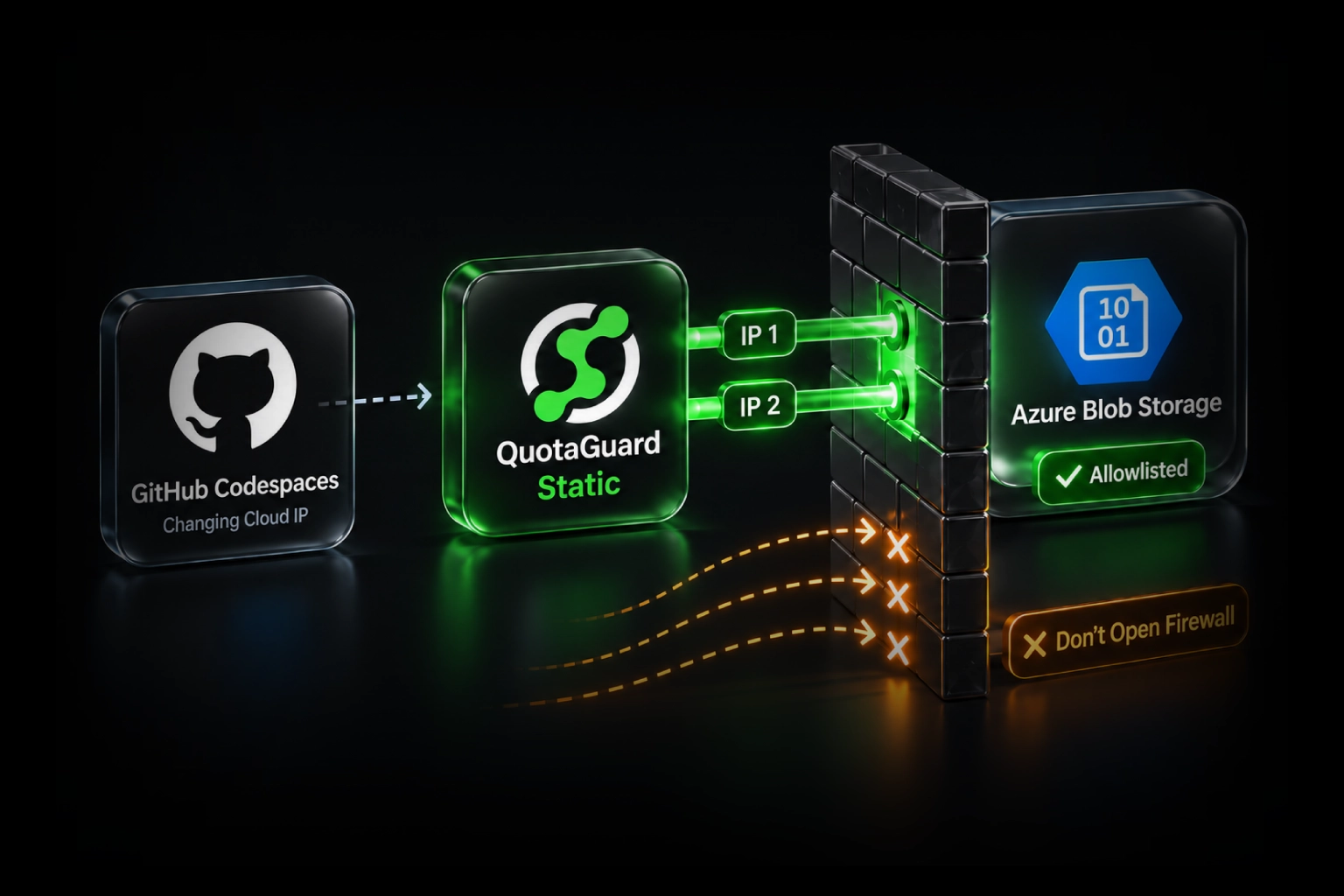
The problem is that cloud-hosted applications don't have a stable outbound IP by default. Every time your app restarts, scales, or gets redeployed, it may egress from a different address in your cloud provider's shared pool. You cannot submit a single IP to GAMSTOP if that IP changes tomorrow.

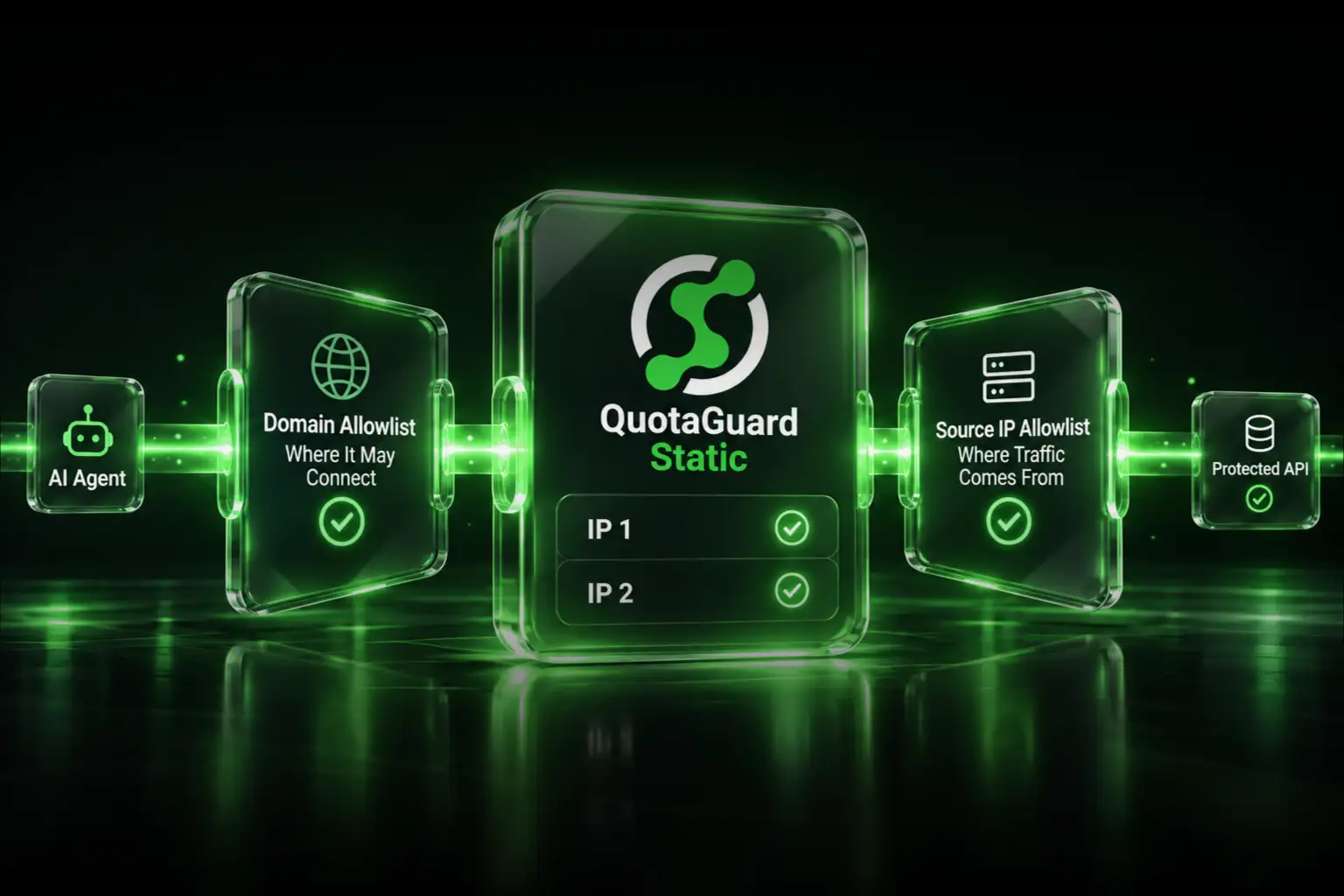
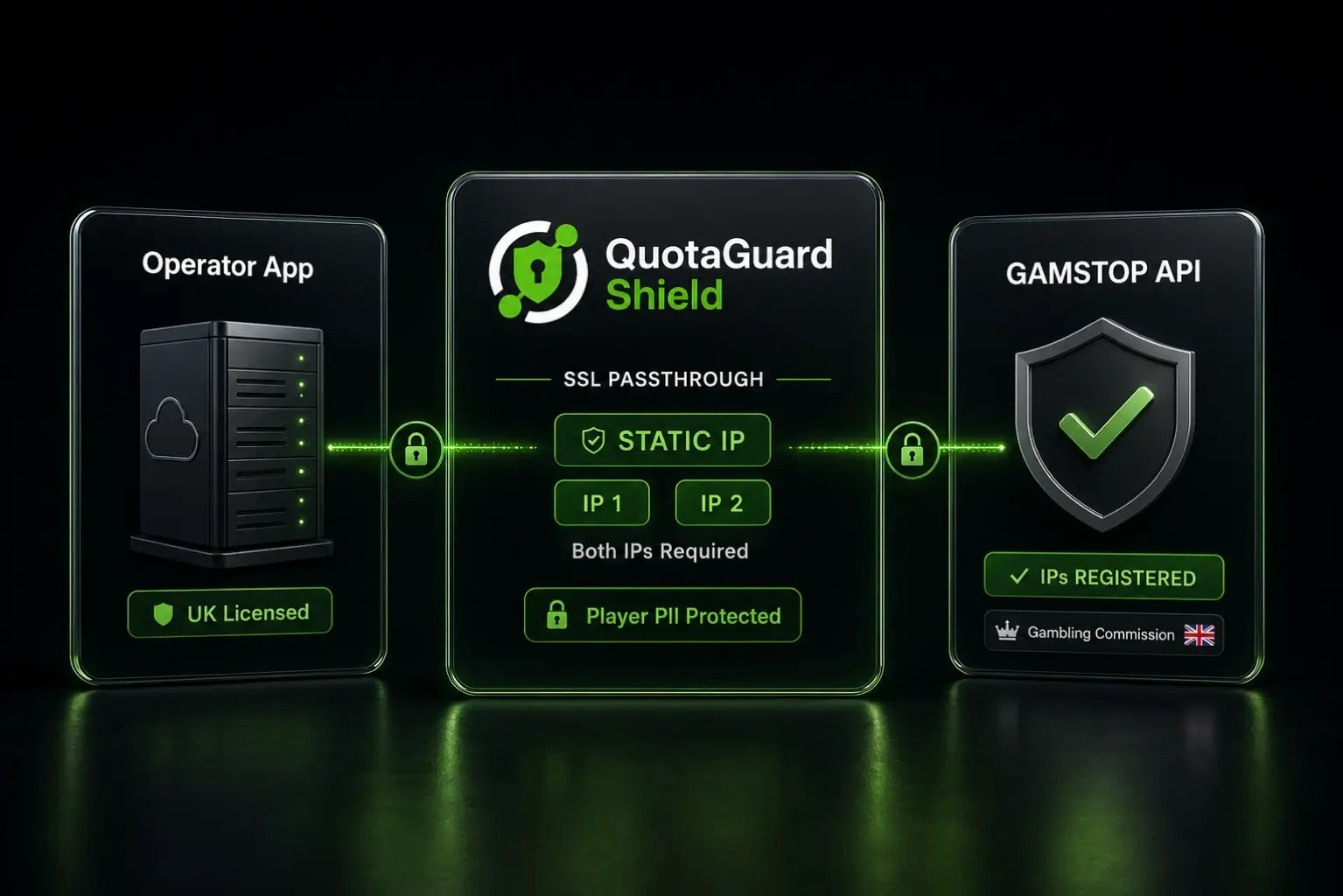
The fix is to route all GAMSTOP-bound traffic through a static IP proxy. Every request to GAMSTOP leaves from the same two IP addresses every time. You submit those addresses to GAMSTOP during onboarding and they never change.

QuotaGuard Shield Is the Right Product for GAMSTOP Traffic

GAMSTOP batch API traffic contains personally identifiable information about players, including self-exclusion status. This is sensitive regulated data. Under UK GDPR and Gambling Commission requirements, you need to be able to account for every party that handles or has access to it.

QuotaGuard Shield uses SSL passthrough. The TLS connection runs end-to-end between your application and GAMSTOP's API. QuotaGuard routes the packets but never decrypts the payload. No player data is exposed to QuotaGuard's infrastructure. This keeps your third-party data processor list clean and simplifies your data protection impact assessment.

QuotaGuard Static would also give you a static IP. But with Static, QuotaGuard terminates and re-establishes the SSL connection, which means the plaintext passes through QuotaGuard's infrastructure. For GAMSTOP traffic, that's an unnecessary compliance exposure. Use Shield.

Two Static IPs Per Account Cover Redundancy at the Proxy Layer

QuotaGuard Shield assigns two static IPs per account, active behind a load balancer. Your traffic balances across them. If one IP has a routing issue, traffic continues through the other.

Submit both IPs to GAMSTOP during your IP registration process. GAMSTOP's onboarding documentation covers the submission procedure. Verify the current submission process against GAMSTOP's operator portal before going live, as the exact steps may change. Both IPs must be registered before requests from either one will be permitted.

The most common cause of allowlist failures at go-live is submitting only one of the two assigned IPs. Submit both, confirm both are listed, then test.

QuotaGuard Shield Setup Takes One Environment Variable

Sign up for QuotaGuard Shield at quotaguard.com/products/quotaguard-shield. After signup, your dashboard shows your two static IPs and your Shield connection URL. The URL format is:

QUOTAGUARDSHIELD_URL=https://username:password@us-east-shield-01.quotaguard.com:9294

Your actual URL will use the region you selected at sign-up. Pick the region geographically closest to GAMSTOP's API endpoints, or the one closest to your application if latency from your side is the constraint. Changing regions after sign-up requires contacting QuotaGuard support at quotaguard.com/contact. Do not swap the region code in your connection string manually.

Set that URL as an environment variable in your application host. Then configure your HTTP client to use it for outbound GAMSTOP requests. The examples below show the proxy setup; substitute the GAMSTOP batch API endpoint and authentication headers from your operator documentation when you implement the actual call.

Node.js with https-proxy-agent

const { HttpsProxyAgent } = require('https-proxy-agent');
const axios = require('axios');

const proxyUrl = process.env.QUOTAGUARDSHIELD_URL;
const agent = new HttpsProxyAgent(proxyUrl);

// Use this configured axios instance for GAMSTOP batch API calls.
// Refer to your GAMSTOP operator documentation for the batch endpoint URL
// and required authentication headers.
const gamstopClient = axios.create({ httpsAgent: agent });

Python with requests

import os
import requests

shield_url = os.environ['QUOTAGUARDSHIELD_URL']

proxies = {
    'https': shield_url
}

# Use these proxies for GAMSTOP batch API calls.
# Refer to your GAMSTOP operator documentation for the batch endpoint URL
# and required authentication headers.
session = requests.Session()
session.proxies = proxies

Route Only GAMSTOP Traffic Through the Proxy, Not All Traffic

QuotaGuard Shield plans include bundled bandwidth. Routing all outbound traffic through the proxy burns bandwidth unnecessarily and adds latency to requests that don't need a static IP.

Configure your HTTP client to use the proxy only for requests destined for GAMSTOP's API domain. Route everything else directly. Most HTTP client libraries support selective proxy configuration. The examples above already do this by creating a dedicated client instance with the proxy configured, rather than setting the proxy globally.

Selective routing also makes debugging cleaner. When a GAMSTOP check fails, you know immediately whether it's a proxy issue or an application issue based on which code path triggered.

Test the Integration Before Submitting IPs to GAMSTOP

Before contacting GAMSTOP to register your IPs, confirm the proxy is routing correctly. From your production environment, with the proxy configured, hit an IP reflection service and verify the IPs that appear match the two on your QuotaGuard dashboard.

A simple curl test confirms it:

curl --proxy $QUOTAGUARDSHIELD_URL https://ip.quotaguard.com

Run this from your production environment, not your local machine. The IPs that appear are the ones to submit to GAMSTOP. Once you've confirmed both IPs are routing correctly, proceed with the GAMSTOP IP registration process through the operator portal.

QuotaGuard Static Pricing Starts at $19/Month

Bandwidth is bundled. No per-GB overage fees. [One sentence about typical usage for this post's use case.] Dedicated IPs are available on Enterprise and above. On lower tiers, your two assigned IPs are still static, but shared with other customers.

QuotaGuard Shield Pricing Starts at $29/Month

Shield costs slightly more than Static at each tier because SSL passthrough adds routing overhead. The compliance coverage it provides like HIPAA, PCI-DSS, and SOC 2 is worth the difference if your data requires it.

All plans include a 3-day trial. Enterprise plans include a 7-day trial. Credit card required.

See the full pricing table at quotaguard.com/products/pricing.

GAMSTOP batch traffic volume is modest for most operators. The Starter plan at $29/month handles the bandwidth for most single-brand operations. Multi-brand operators or those running high-frequency real-time checks should check current bandwidth usage before selecting a tier. All plans include a 3-day trial. Enterprise includes a 7-day trial. Credit card required.

View full pricing at quotaguard.com/products/pricing.

Next Steps: Go Live With a Compliant GAMSTOP Integration

The path from here is straightforward. Sign up for QuotaGuard Shield. Note your two static IPs from the dashboard. Configure your application with the QUOTAGUARDSHIELD_URL environment variable. Test from production using the curl check above. Submit both IPs to GAMSTOP through the operator portal. Go live.

If your platform is unusual or you're running on a managed runtime where sidecar processes aren't possible, contact QuotaGuard support before going live. Most standard cloud platforms work with Shield out of the box. Edge cases exist and support can confirm compatibility quickly.

Start your Shield trial at quotaguard.com/products/pricing. Your two static IPs are ready in 2 minutes.

QuotaGuard Static IP Blog

Practical notes on routing cloud and AI traffic through Static IPs.

Reliability Engineered for the Modern Cloud

For over a decade, QuotaGuard has provided reliable, high-performance static IP and proxy solutions for cloud environments like Heroku, Kubernetes, and AWS.

Get the fixed identity and security your application needs today.