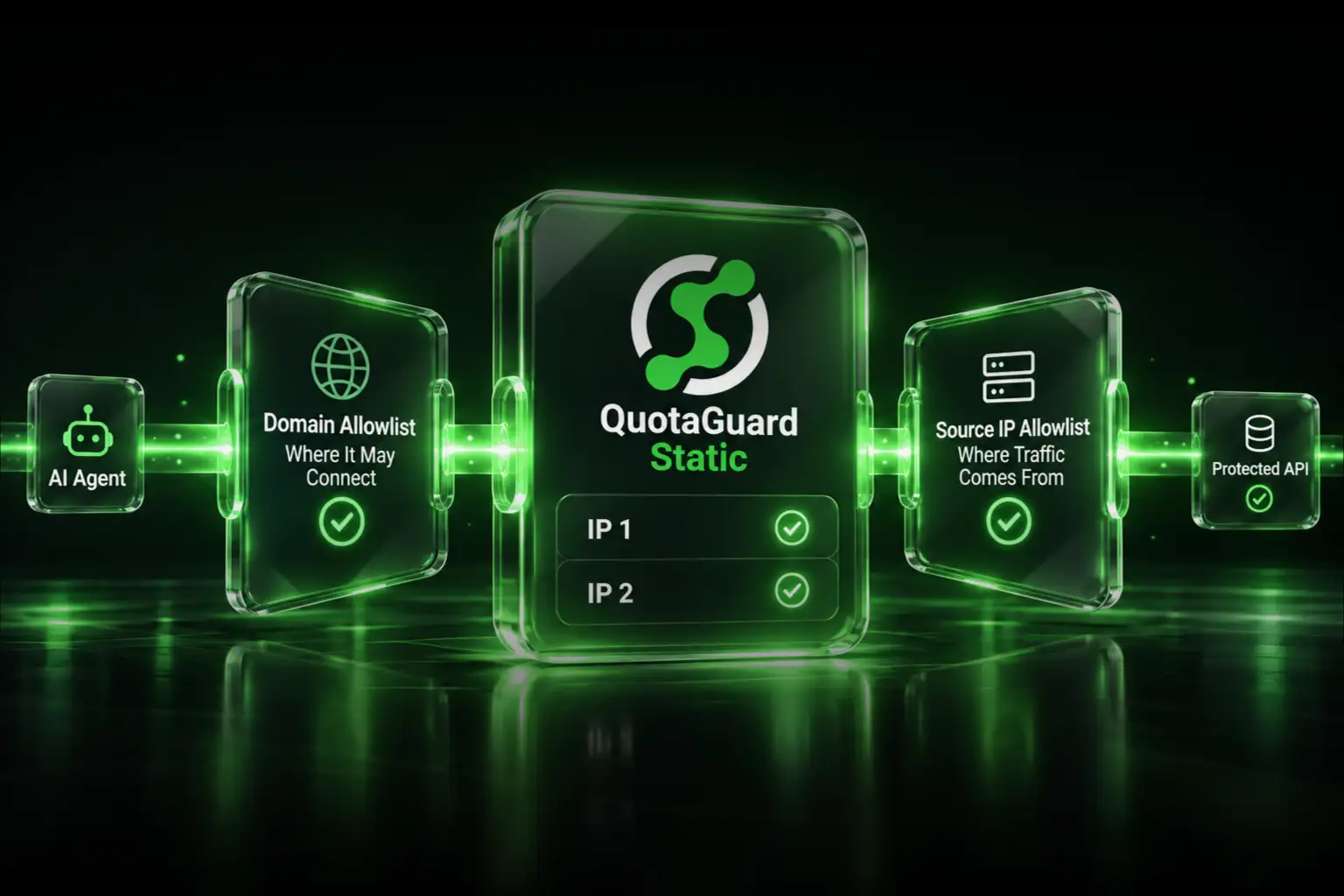
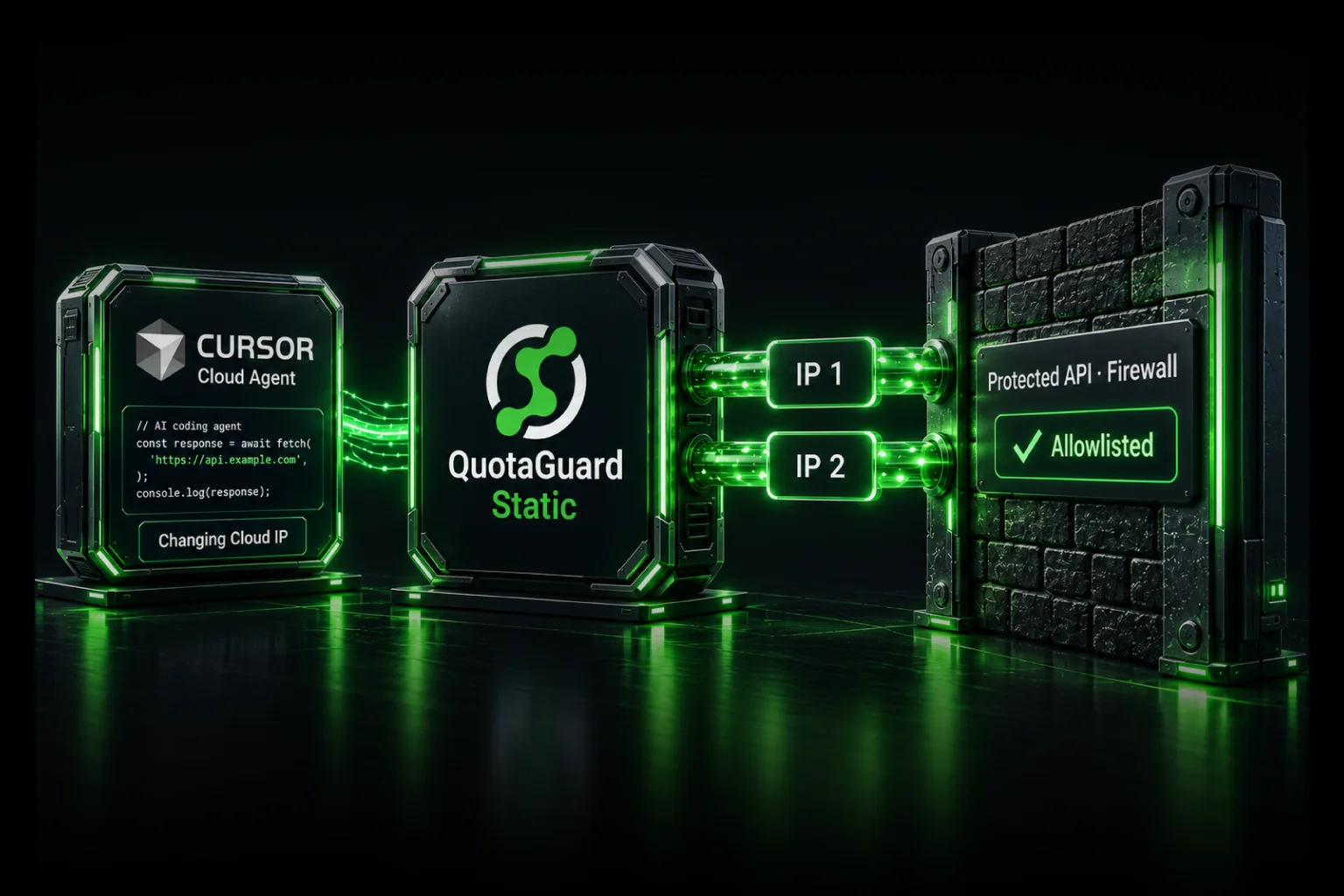
Base44 apps get a fixed outbound IP by adding a QuotaGuard Static subscription and routing requests through Deno.createHttpClient, so vendors can allowlist them.

Base44 apps run on serverless infrastructure. That's great until a third-party API, a bank, or a payment gateway tells you it only accepts traffic from IP addresses you've registered in advance. Your Base44 app doesn't have one. Here's how to give it one.

Base44's Outbound IP Changes on Every Request

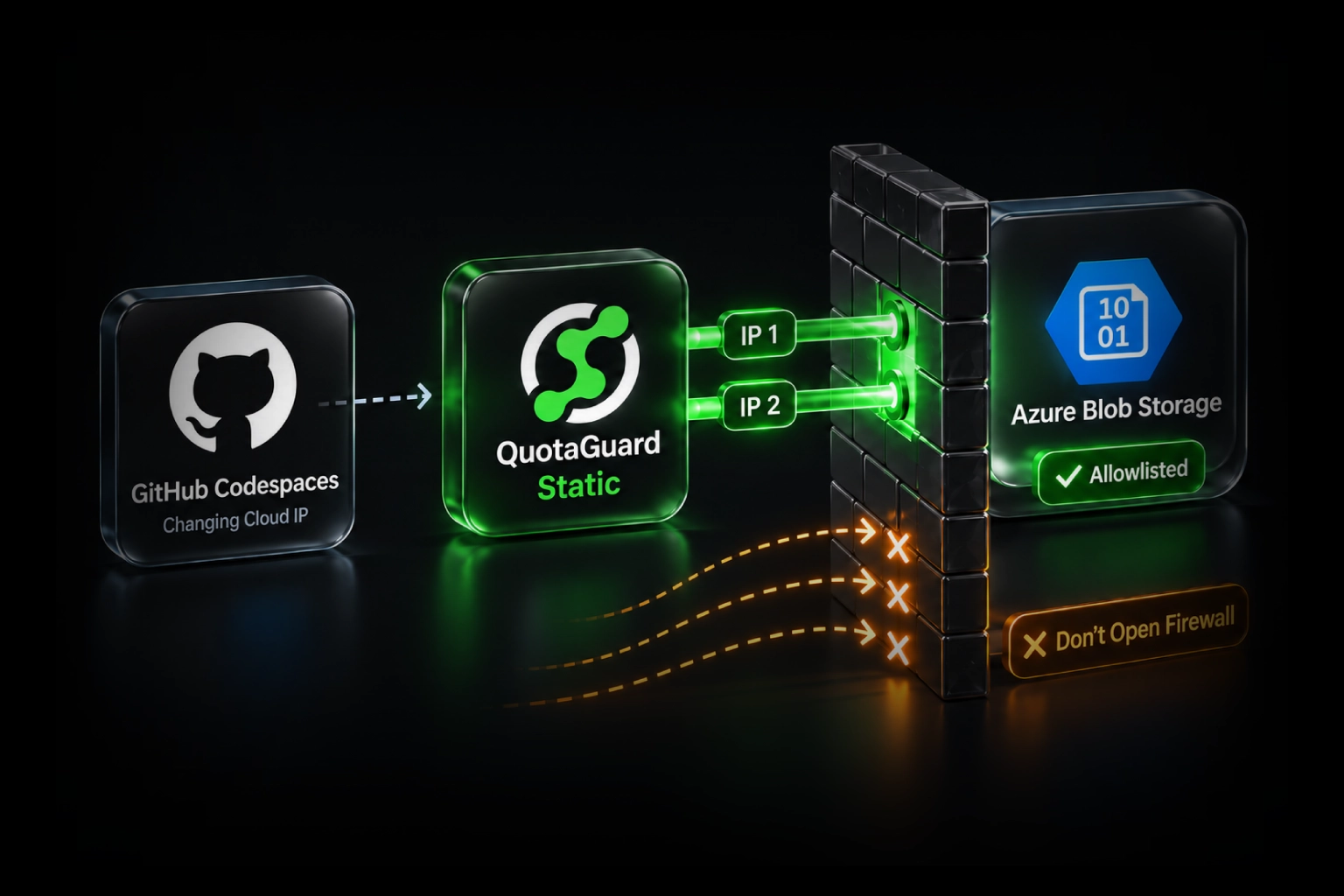
Base44 backends run on the Deno runtime, on shared serverless infrastructure. Your outbound requests can leave from a different IP each time. Vendors that require IP allowlisting can't work with that. They need a fixed source IP to add to their firewall, and a moving one fails their check.

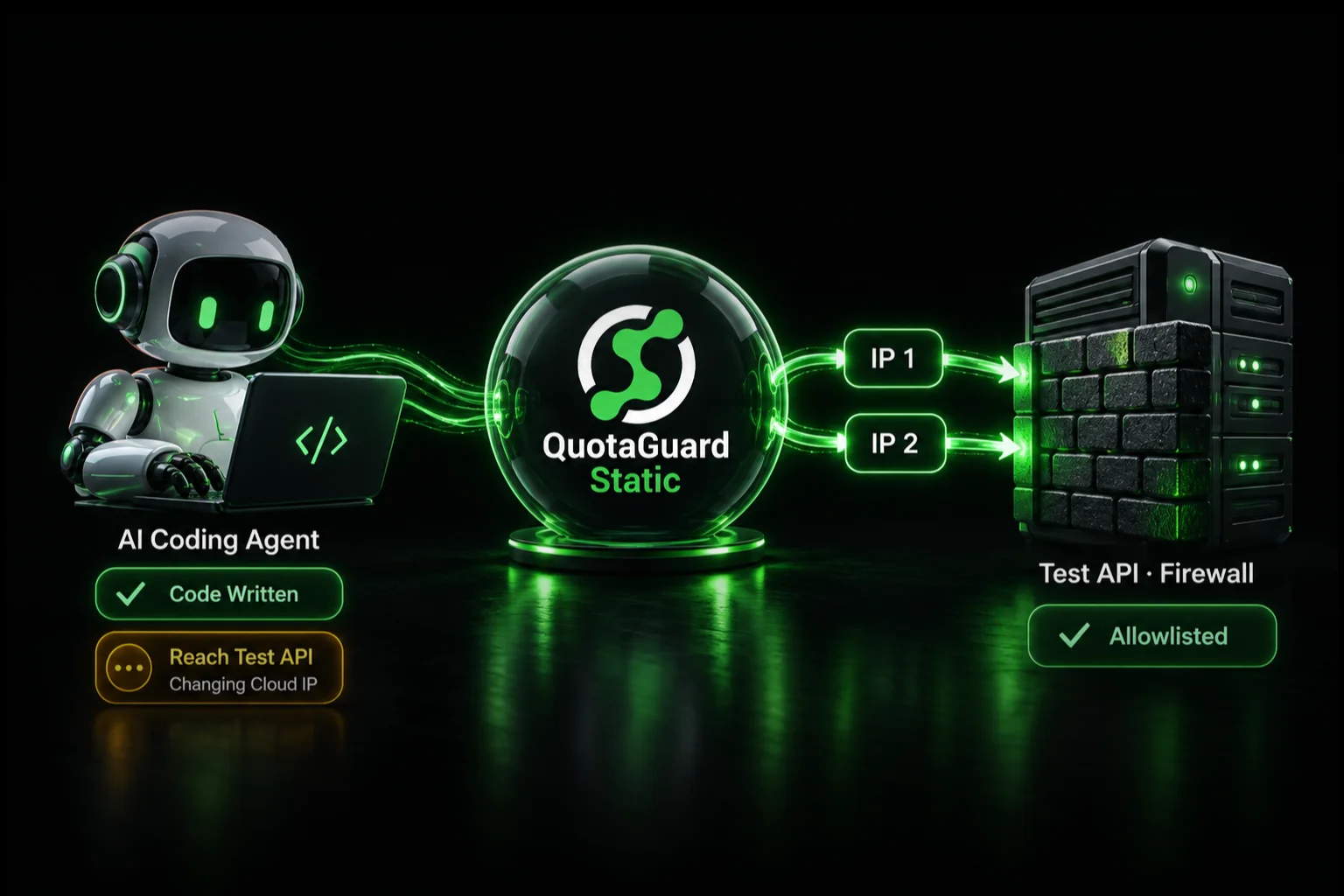
A static IP proxy fixes this. Your app routes its outbound calls through the proxy, and the destination sees every request arriving from the same fixed addresses. You register those addresses with the vendor once.

Use QuotaGuard Static on Base44, Not Shield

On Base44, use QuotaGuard Static. It's the right technical choice and the cheaper one, at $19/month versus $29 for Shield.

Here's why it matters. Shield's job is to also encrypt the hop between your app and the proxy, which means your HTTP client has to connect to the proxy over TLS. Deno's HTTP client can't do that. QuotaGuard tested this on a current Deno build: with Shield, auth to the proxy succeeds, then the connection fails at the TLS step. Trying different Shield hosts or credentials won't change it.

Static doesn't need that hop. It carries your HTTPS traffic through a blind CONNECT tunnel and never decrypts it, so your calls stay encrypted end to end between your app and the destination. The proxy relays the encrypted tunnel and can't see the contents. For a Base44 app, that's exactly what you want.

Route Base44 Through Static in 2 Minutes

Setup is adding a subscription and pointing your Deno client at it. Four steps.

1. Add a Static subscription. In your QuotaGuard dashboard, open Manage Subscriptions, add a subscription, and choose Static. Pick the region closest to the API you're calling. The region is set at sign-up. Changing it later means contacting support, so pick the right one now.

2. Store the connection URL as a Base44 secret. Copy the HTTP connection URL from your dashboard. Use the HTTP URL, not the SOCKS one. Then set it as a secret.

base44 secrets set QUOTAGUARDSTATIC_URL "http://username:password@us-east-static-01.quotaguard.com:9293"

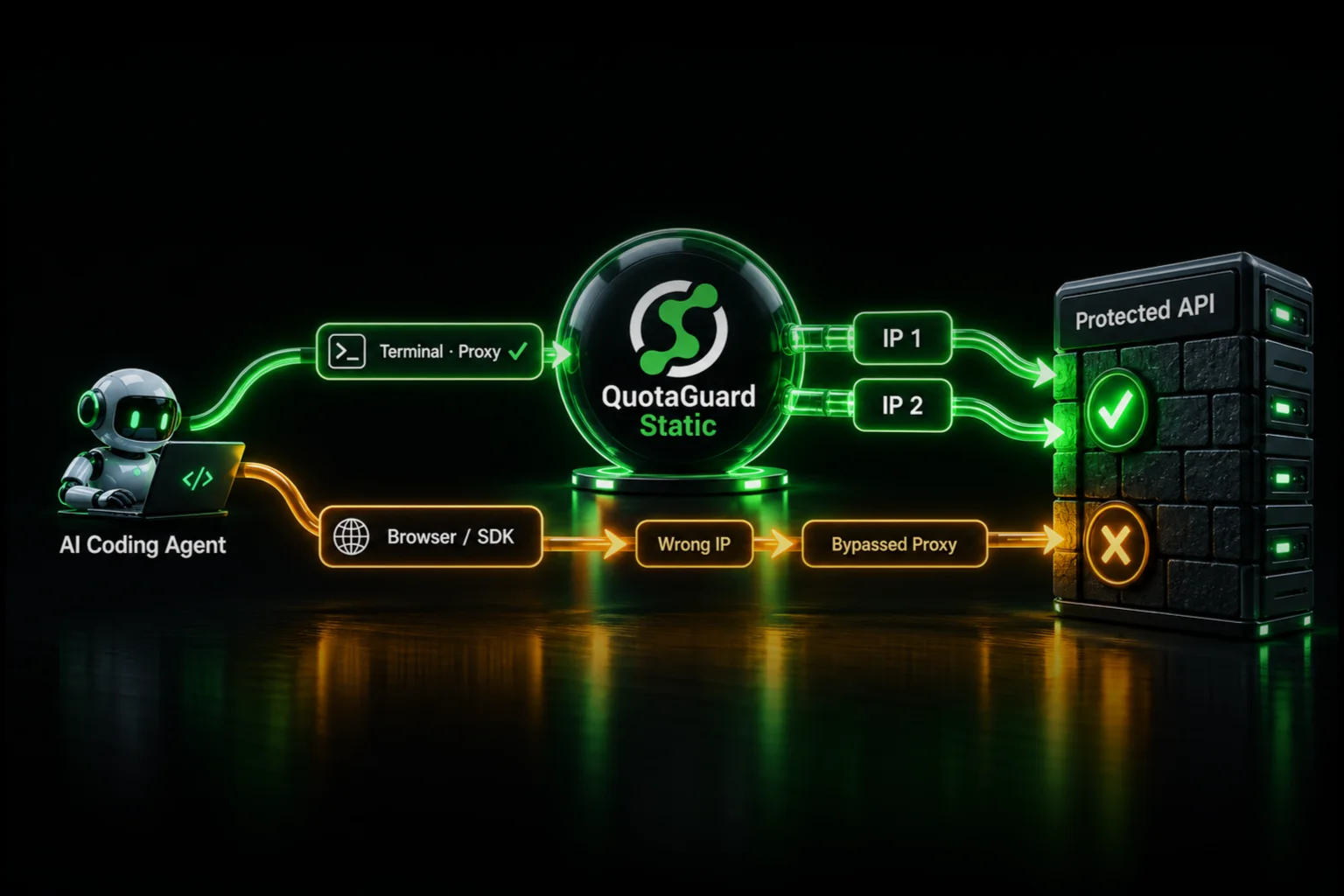
3. Route requests through the proxy. Create an HTTP client that points at the proxy, then pass it to fetch.

const client = Deno.createHttpClient({
  proxy: { url: Deno.env.get("QUOTAGUARDSTATIC_URL") },
});
 
const res = await fetch("https://your-api.example.com/endpoint", { client });

4. Confirm your egress IP. Fetch ip.quotaguard.com through the same client. It returns the IP the destination sees.

const check = await fetch("https://ip.quotaguard.com", { client });
console.log(await check.text());

Your dashboard shows two load-balanced static IPs for your subscription. Give both to the vendor to allowlist. Traffic is balanced across the pair, so both need to be registered, and they stay with your subscription for as long as it's active.

Static Carries Mutual TLS for Bank-Grade APIs

If your API requires mutual TLS with a client certificate and TLS 1.2 or higher, which many bank APIs do, Static handles it. Because Static never terminates TLS, the certificate exchange happens directly between your app and the destination. The proxy stays out of it. The bank still sees the connection arriving from your static IPs.

Add your client certificate and key to the Deno client.

const client = Deno.createHttpClient({
  proxy: { url: Deno.env.get("QUOTAGUARDSTATIC_URL") },
  cert: Deno.env.get("CLIENT_CERT"),
  key: Deno.env.get("CLIENT_KEY"),
});
 
const res = await fetch("https://your-bank-api.example.com/endpoint", { client });

cert and key take the PEM text of the client certificate and private key the vendor issues you. Store them as Base44 secrets, the same way as the proxy URL. If multi-line secrets are awkward to set, base64-encode them and decode in code. If the vendor uses its own private certificate authority instead of a public one, pass caCerts with their CA certificate too.

QuotaGuard Static Pricing Starts at $19/Month

Bandwidth is bundled. There are no per-GB overage fees. Starter includes 10 GB, which covers a lot of API traffic for a Base44 backend. Dedicated IPs are available on Enterprise and above. On lower tiers, your subscription's two IPs are still static, but shared with other customers.

QuotaGuard Shield Pricing Starts at $29/Month

Shield costs slightly more than Static at each tier because SSL passthrough adds routing overhead. It's built for compliance-sensitive workflows on platforms that support proxy-over-TLS. Base44's Deno runtime doesn't, so Shield isn't an option here, and Static with mutual TLS covers the regulated case instead. All plans include a 3-day trial. Enterprise plans include a 7-day trial. Credit card required.

Give Your Base44 App a Static IP Today

Add a Static subscription, store your connection URL, and route your first request in about 2 minutes. See the full pricing table at quotaguard.com/products/pricing, or contact us to confirm the setup against your specific API or bank requirements first.

QuotaGuard Static IP Blog

Practical notes on routing cloud and AI traffic through Static IPs.

Reliability Engineered for the Modern Cloud

For over a decade, QuotaGuard has provided reliable, high-performance static IP and proxy solutions for cloud environments like Heroku, Kubernetes, and AWS.

Get the fixed identity and security your application needs today.