Give a Splunk Cloud Forwarder a Static IP for the Allow List

QuotaGuard Engineering
August 18, 2026
5 min read
Pattern

Route your forwarder's traffic through a QuotaGuard static IP, then add that fixed IP to the matching Splunk Cloud feature allow list through the ACS API.

Splunk Cloud decides what data it accepts by looking at the source IP. Your forwarder is the client connecting in, and Splunk checks the address it arrives from against an allow list. Lock that list down to real subnets and a forwarder on a rotating cloud IP stops getting through. The data just disappears from your indexes.

Splunk Cloud Allowlists Ingest by Source IP, Per Feature

Splunk Cloud manages its IP allow list by feature type. Each ingest path has its own list. The hec list gates the HTTP Event Collector. The s2s list gates forwarder-to-indexer traffic. The search-api and search-ui lists gate programmatic and interactive search. There are also idm and hf feature types.

Splunk's own guidance is direct about it. You must add the IP subnet that contains the forwarder's IP address to the correct allow list. Many of these lists default open at 0.0.0.0/0, so ingest works before you touch anything. The problem starts when you tighten a list to real subnets for security or compliance. From that point, only the addresses on the list get in.

A Rotating Cloud IP Breaks the Allow List on Every Deploy

If your forwarder or HEC client runs on Render, Railway, Heroku, Fly.io, or AWS Lambda, its outbound IP changes on every deploy and restart. You add today's IP to the s2s or hec list, it works, and then the next release moves your app to a new address. Splunk rejects the traffic because the source no longer matches the list.

You can't allowlist the platform's whole range instead. PaaS hosts don't publish narrow CIDR blocks. Trusting your platform's range means trusting every other customer running on it, which defeats the reason you locked the list down. Splunk allows up to 200 subnets per feature and 230 shared across the group, so there's room, but a moving IP still means editing the list on every deploy.

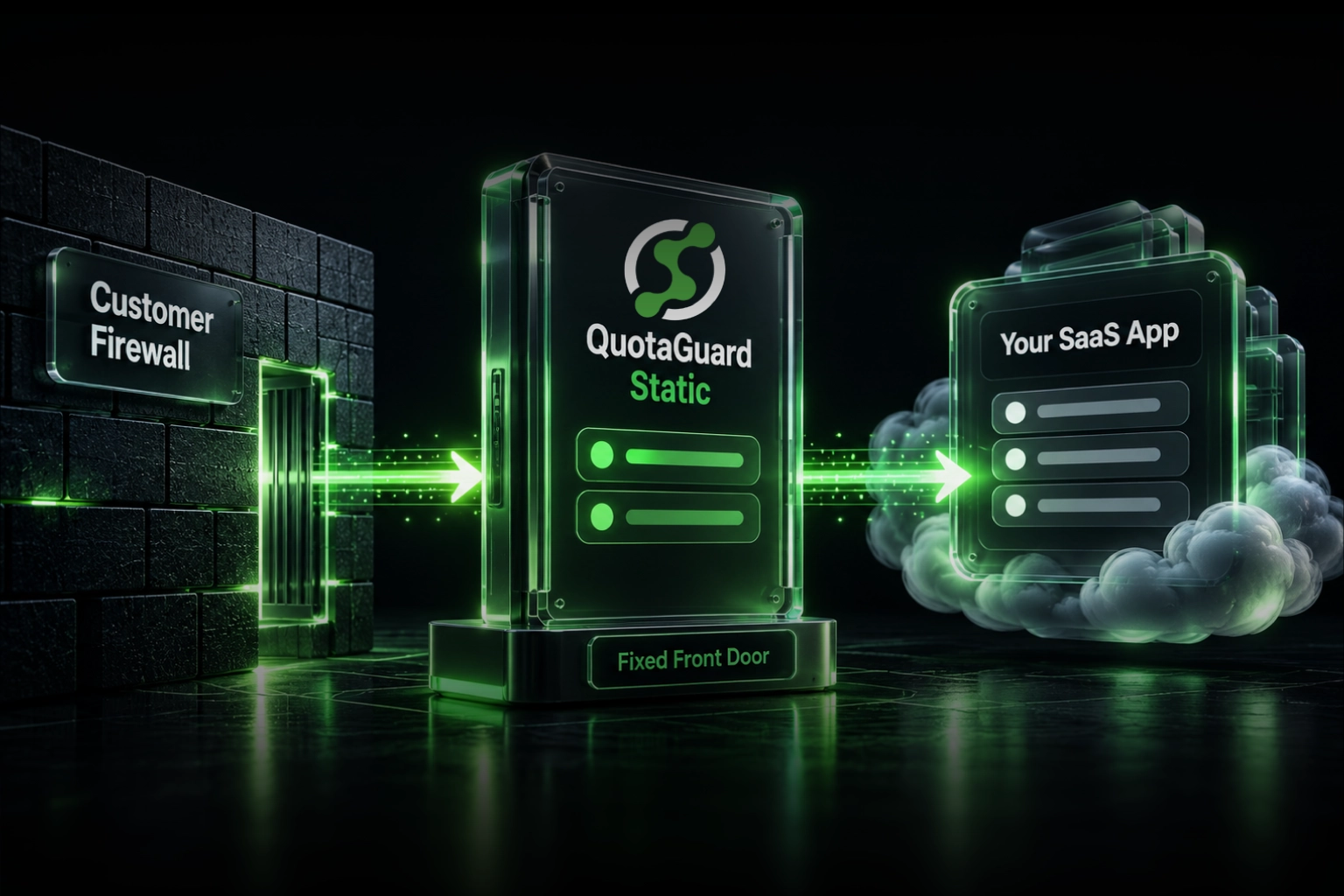
A static egress IP fixes it. Your forwarder leaves from the same address every time, the allow list entry stays valid, and no other tenant shares it.

QuotaGuard Gives Your Forwarder a Static IP in 2 Minutes

QuotaGuard is a proxy. Your forwarder or HEC client sends its Splunk traffic through QuotaGuard, and Splunk sees one of your two fixed IPs on every connection. Setup is one environment variable and a proxy config on your HTTP client.

Add the connection URL to your environment:

QUOTAGUARDSTATIC_URL="http://username:password@us-east-static-01.quotaguard.com:9293"

Then route your Splunk traffic through it. For a HEC client in Python:

import os, requests

proxy = os.environ["QUOTAGUARDSTATIC_URL"]
proxies = {"http": proxy, "https": proxy}

requests.post(
    "https://http-inputs-YOUR_STACK.splunkcloud.com/services/collector",
    headers={"Authorization": "Splunk YOUR_HEC_TOKEN"},
    json={"event": "hello from a fixed IP"},
    proxies=proxies,
)

Every subscription includes two load-balanced static IPs. Add both to the allow list so a connection served by either one passes. The example host above is region-specific. You pick your region at sign-up, so choose the one closest to your Splunk Cloud stack, and changing it later means contacting QuotaGuard support.

Add the Two IPs to the Right Feature List in ACS or Splunk Web

With your traffic proxied, the last step is on the Splunk side. You add your two QuotaGuard IPs to the allow list for the feature you're using. There are two supported ways to do it: the Admin Config Service (ACS) API, or the IP allow list management page in Splunk Web. ACS allow lists accept IPv6 subnets alongside IPv4.

Match the feature to your path. A universal or heavy forwarder shipping to indexers goes on the s2s list. A HEC client goes on the hec list. A tool running saved searches over the REST API goes on search-api. Add both IPs to each feature your integration touches. That's the full loop: two QuotaGuard IPs on the correct list, your forwarder proxied through them, and Splunk now accepts your data while rejecting every unknown source. For the conversion-side walkthrough in one place, see the Splunk Cloud static IP integration page.

Compliance Stacks Close Search by Default and Make the IP Required

On a Splunk Cloud compliance stack, allowlisting stops being optional. On PCI and HIPAA compliance stacks, the search-api and search-ui allow lists are closed by default, so nothing connects until you add an approved subnet. A stable egress IP is what you add.

FedRAMP High goes further. ACS self-service allow list changes aren't supported there, so you contact Splunk Support to change a list. An IP that rarely changes turns that into a single request instead of a support ticket after every deploy. Confirm the current defaults for your stack in Splunk's docs before you rely on them, since compliance-stack behavior is set by Splunk.

QuotaGuard Static Pricing Starts at $19/Month

Bandwidth is bundled. No per-GB overage fees. Log volume varies a lot by workload, so size your tier to your daily ingest. Dedicated IPs are available on Enterprise and above. On lower tiers, your two assigned IPs are still static, but shared with other customers.

QuotaGuard Shield Pricing Starts at $29/Month

Shield costs slightly more than Static at each tier because SSL passthrough adds routing overhead. If the logs you send to Splunk carry PHI, cardholder data, or other regulated PII, or your stack is under SOC 2, PCI-DSS, or HIPAA review, Shield keeps the payload encrypted end to end and is worth the difference. QuotaGuard never decrypts your data in ordinary operation.

All plans include a 3-day trial. Enterprise plans include a 7-day trial. Credit card required.

See the full pricing table at quotaguard.com/products/pricing.

QuotaGuard Static IP Blog

Practical notes on routing cloud and AI traffic through Static IPs.

Reliability Engineered for the Modern Cloud

For over a decade, QuotaGuard has provided reliable, high-performance static IP and proxy solutions for cloud environments like Heroku, Kubernetes, and AWS.

Get the fixed identity and security your application needs today.