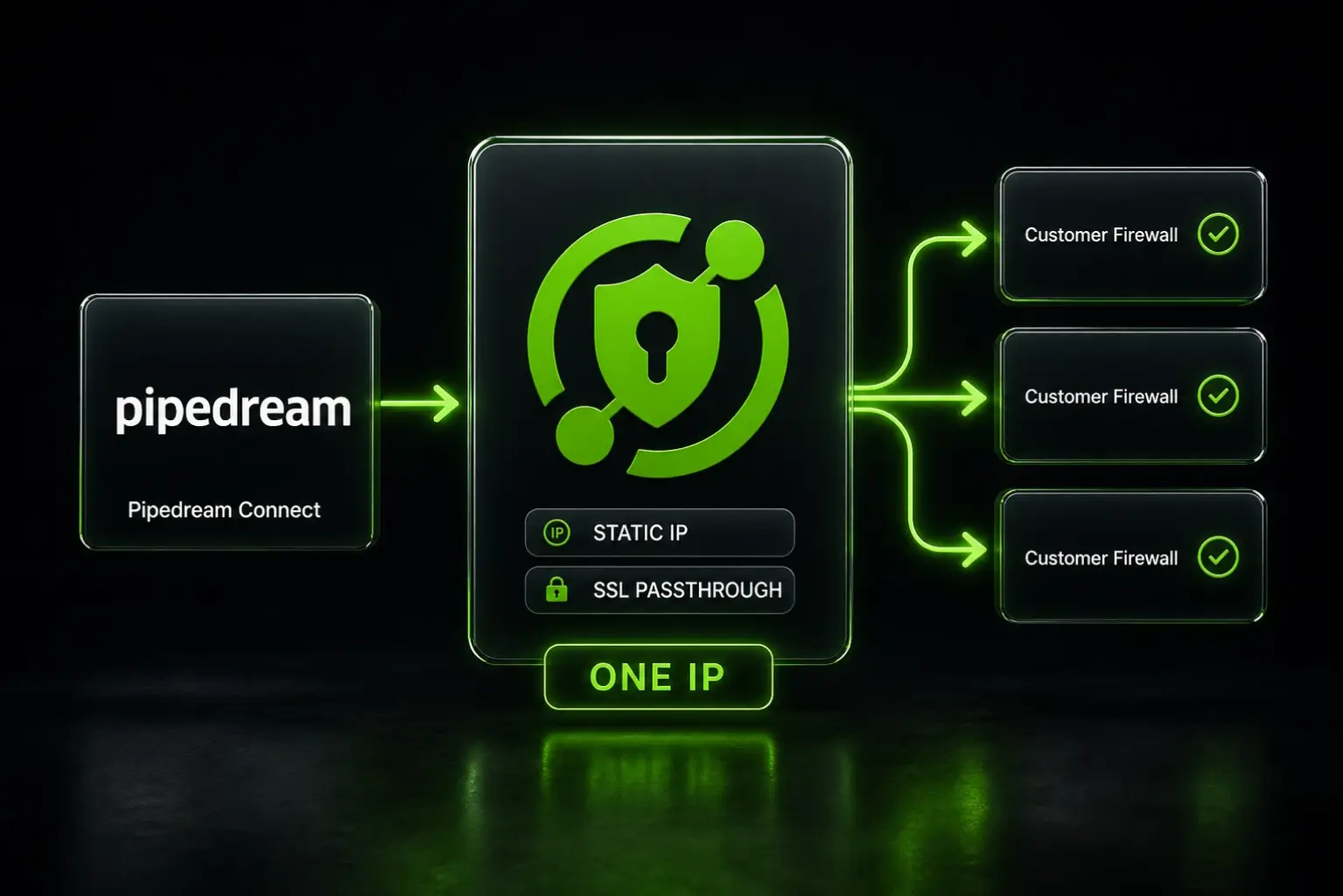
Give Pipedream a Static Outbound IP for Firewall Allowlisting

QuotaGuard Engineering
May 9, 2026
5 min read
Pattern

Add your QuotaGuard Shield URL as a Pipedream environment variable, configure https-proxy-agent in your Node.js step, and any downstream firewall allowlist passes in 2 minutes.

Pipedream Connect developers hit this wall constantly. Their end users run Contact Centers, Order Management Systems, and warehouse platforms where IP allowlisting is the first line of defense. The problem isn't the firewall. The problem is that Pipedream's outbound IPs rotate, and you can't allowlist a moving target.

Firewall Allowlisting Requires a Fixed Egress IP

Every outbound request from a Pipedream workflow leaves from a shared pool of rotating IP addresses. Pipedream publishes the ranges, but the list is large and changes. Most enterprise IT teams won't allowlist a broad CIDR block. They want a specific IP, ideally a short list.

If your Pipedream workflow calls a database, an internal API, or any service behind a corporate firewall, the receiving system sees a different source IP on every run. The connection gets rejected. The workflow fails. Your end user's IT team files a ticket. The cycle repeats.

A static egress IP breaks the cycle. One IP. You hand it to the IT team once. Every request from every workflow run clears the allowlist check without intervention.

Pipedream's Native VPC Is Business-Plan-Only and Excludes Connect

Pipedream offers a VPC feature that assigns dedicated static outbound IPs to workflows. It works. But it's available on the Business plan only, and it covers standard workflows. Pipedream Connect, the developer toolkit for embedding integrations into your own product, has no native static IP option as of 2026. The feature request at PipedreamHQ/pipedream#20699 has been open since the Connect launch with no committed timeline.

If you're on the Business plan and you only need static IPs for standard workflows (not Connect), the VPC is the zero-code path. Set it up in Pipedream's VPC settings, assign your workflow to the VPC, and outbound traffic routes through the dedicated IP.

If you're building with Connect, on a lower plan, or need one fixed IP to share across your entire customer base, the VPC doesn't solve it. A proxy does.

QuotaGuard Routes Pipedream Requests Through a Fixed IP in 2 Minutes

A static IP proxy works at the application layer. Instead of assigning a fixed IP to Pipedream's infrastructure, you route specific outbound requests through a proxy that has a fixed IP. The receiving server sees the proxy's IP. That IP never changes.

Here's the setup. First, add your proxy URL to Pipedream's environment variables. Go to Settings, then Environment Variables, and add:

QUOTAGUARDSHIELD_URL=https://username:password@us-east-shield-01.quotaguard.com:9294

When you sign up, you can pick the region closest to your destination API or database. (If you need to change it, write us at Support). Available regions include US-East, US-West, EU-West, EU-Central, AP-Northeast (Tokyo), AP-Southeast (Singapore), and more.

Then in the Node.js code step that makes the blocked request, configure the proxy agent explicitly:

import { HttpsProxyAgent } from 'https-proxy-agent';

export default defineComponent({
  async run({ steps, $ }) {
    const proxyUrl = process.env.QUOTAGUARDSHIELD_URL;
    const agent = new HttpsProxyAgent(proxyUrl);

    const response = await fetch('https://your-restricted-api.example.com/endpoint', {
      agent,
    });

    return response.json();
  },
});

Pipedream does not automatically apply HTTP_PROXY environment variables. You need to configure the agent explicitly in each step that requires a fixed IP. That's intentional. It means only the requests you specify route through the proxy. Everything else continues as normal.

The IP your customer's IT team adds to the allowlist is the QuotaGuard egress IP for your chosen region. That IP stays fixed across every workflow run, every redeployment, every plan change.

QuotaGuard tip: for Pipedream Connect use cases where the same workflow serves multiple end users, you only need one QuotaGuard account. All your customers' firewalls allowlist the same IP. One update to your workflow, one IP to distribute, done.

QuotaGuard Shield Keeps PII Encrypted End-to-End for Compliance Use Cases

The GitHub issue that prompted this post describes a specific pattern: customers processing PII through Contact Centers, Order Management Systems, and warehouse platforms. These are regulated environments.

QuotaGuard Shield is the right product here. Shield uses SSL passthrough. The TLS connection runs end-to-end between your Pipedream workflow and the destination. QuotaGuard routes the packets but never decrypts them. Your data is never exposed to QuotaGuard's infrastructure.

This matters for HIPAA, PCI-DSS, and SOC 2 workloads. If customer PII, payment data, or healthcare records pass through the proxy, Shield removes QuotaGuard as a data handler in the compliance picture. QuotaGuard Shield plans start at $29/month. Learn more about QuotaGuard Shield.

If your Pipedream workflows don't handle regulated data, QuotaGuard Static is the standard choice. Plans start at $19/month. The environment variable is QUOTAGUARDSTATIC_URL, the port is 9293, and the setup is identical.

One Proxy URL, Every Customer's Firewall

The operational advantage here is worth naming. Pipedream workflows change. Plans change. Connect expands. Infrastructure gets restructured. Through all of it, the QuotaGuard egress IP stays the same.

Your customers' IT teams allowlist it once. Your sales team stops losing deals because procurement can't get a static IP approved. Your support queue stops filling with "my firewall is blocking your requests" tickets.

For Pipedream Connect developers building products where end users operate in compliance-sensitive environments, that's the whole story. Set the environment variable. Configure the agent. Hand your customers one IP. Everything else is already solved.

QuotaGuard Shield plans start at $29/month with setup in 2 minutes. Review pricing and pick the tier that fits your traffic volume at quotaguard.com/products/pricing.

QuotaGuard Static IP Blog

Practical notes on routing cloud and AI traffic through Static IPs.

Reliability Engineered for the Modern Cloud

For over a decade, QuotaGuard has provided reliable, high-performance static IP and proxy solutions for cloud environments like Heroku, Kubernetes, and AWS.

Get the fixed identity and security your application needs today.