
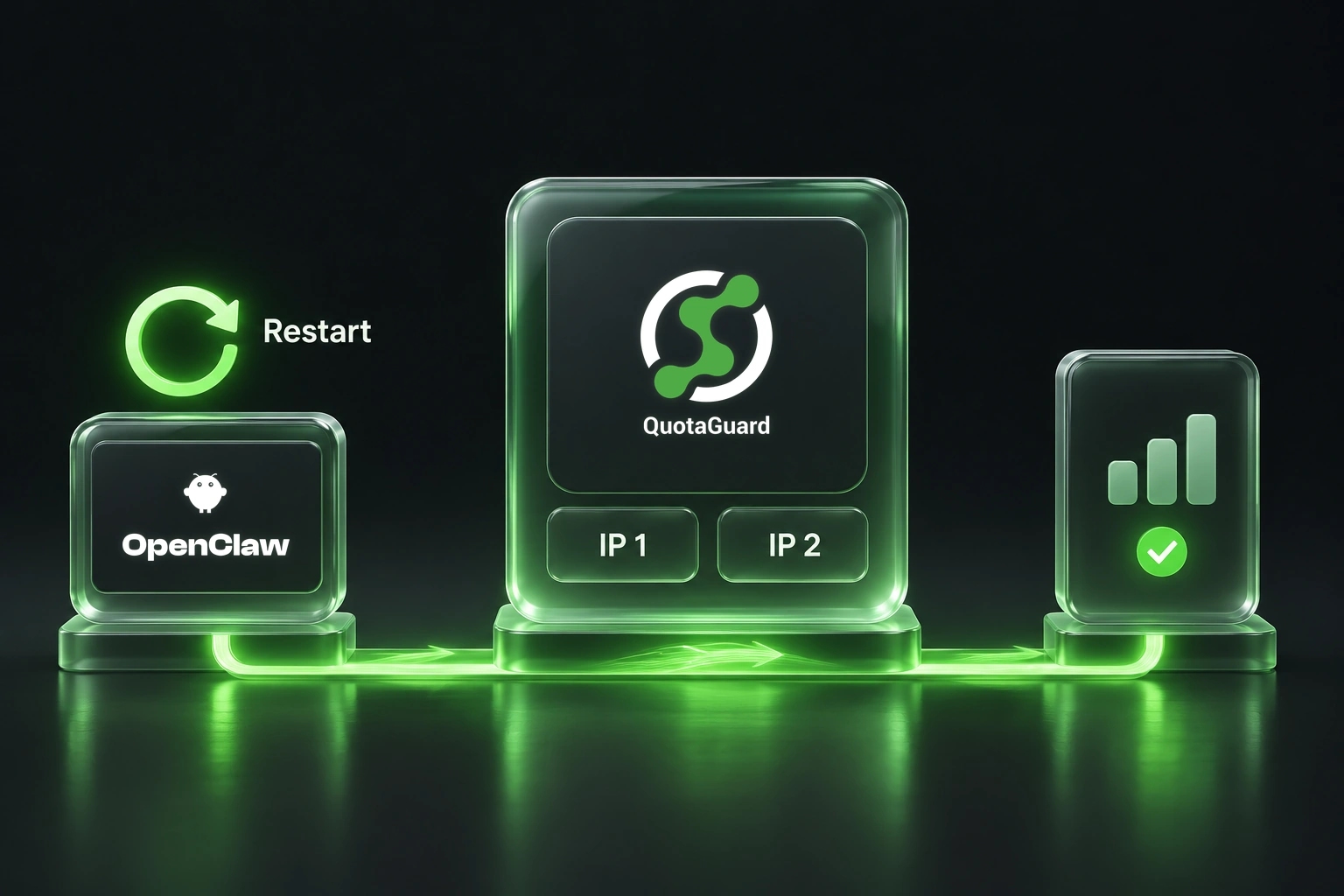
An API check that works in your terminal can fail after the machine reboots. The scheduled job may still exist, but the service running it may no longer have the proxy settings you exported during setup.
OpenClaw's automation system persists jobs and wakes the agent to run them. A practical application is a recurring, read-only check of an approved operations API before a team status report. If that API restricts callers by source IP, the request needs the same approved outbound route after every service restart.
The goal is reliable access to one approved endpoint, not permission for the agent to contact arbitrary services.
Configure the service that opens the connection
First identify where the check runs. OpenClaw's exec documentation distinguishes Gateway, sandbox and node execution. A proxy setting on the Gateway host is not proof that a separate container or paired node uses it.
For a request owned by a supported managed OpenClaw runtime, use its documented proxy configuration. For an external script or custom transport, configure that actual client and verify it separately. Browser page traffic and provider-hosted extraction are also separate routes.
QuotaGuard supplies two static outbound IPv4 addresses for supported requests. Have the API owner approve both addresses and keep destination authentication in place. Either address may be used; repeated checks are not required to alternate between them.
Make the configuration survive restart
For managed routing, merge this fragment into the existing OpenClaw configuration rather than replacing the whole file:
{
  "proxy": {
    "proxyUrl": "${QUOTAGUARDSTATIC_URL}",
    "loopbackMode": "gateway-only"
  }
}
Have your trusted secret mechanism supply QUOTAGUARDSTATIC_URL to the service at startup. In this guide's naming convention, that variable holds the complete connection URL for either selected product: Static's assigned HTTP URL or Shield's assigned HTTPS URL. It is not your QuotaGuard account password. Keep the real value outside the repository, prompt and command history.
OpenClaw supports environment substitution and layered environment loading. Confirm that the service, with its actual profile and state directory, can resolve the variable before restarting it. A value exported only in an interactive shell does not establish that.
The network proxy reference gives config-based routing precedence over OPENCLAW_PROXY_URL. Check for a stale config value or an explicit proxy.enabled setting that disables routing. After updating the config and trusted service environment, restart the Gateway using its normal service procedure.
If you instead use the OPENCLAW_PROXY_URL environment fallback with an installed service, persist it in that service's durable environment and follow the documented reinstall step: openclaw gateway install --force, then openclaw gateway start. OpenClaw copies this variable into the generated service environment; an ordinary systemd restart alone is not the documented way to refresh it.
Verify after restart from the actual client
Run the public IP check from the same runtime and HTTP client that will contact the protected API. Compare the observed result with the subscription's dashboard pair. The full OpenClaw guide provides a qg-curl.py helper that validates pair membership without printing credentials or arbitrary response bodies.
A passing curl check establishes curl's route only. For an OpenClaw tool using another client, repeat the observation through that client. If the check uses web_fetch, disable its cache for the diagnostic and distinguish direct retrieval from a hosted-provider fallback. Do not accept an old cached IP response as evidence of the restarted process's route.
Only then make the authorized read to the protected API. Check the destination's response or audit record, not just whether the scheduled job appears as completed. A task can finish while reporting an authentication or network error.
Keep static egress separate from security policy
Static tunnels destination HTTPS through an HTTP proxy. Shield adds TLS on the proxy hop for compatible clients. Use the exact subscription URL; changing the scheme or port on a Static URL does not enable Shield.
OpenClaw's managed-proxy security design expects operator-controlled destination filtering. QuotaGuard's static egress service does not, by itself, establish that policy or contain every agent connection. Retain your approved network and tool restrictions, and review routing changes against them.
The guide's managed-routing baseline is OpenClaw v2026.10.7.
Use the full OpenClaw setup guide for service, container and client instructions, and QuotaGuard for OpenClaw for product fit.
QuotaGuard Static IP Blog
Practical notes on routing cloud and AI traffic through Static IPs.