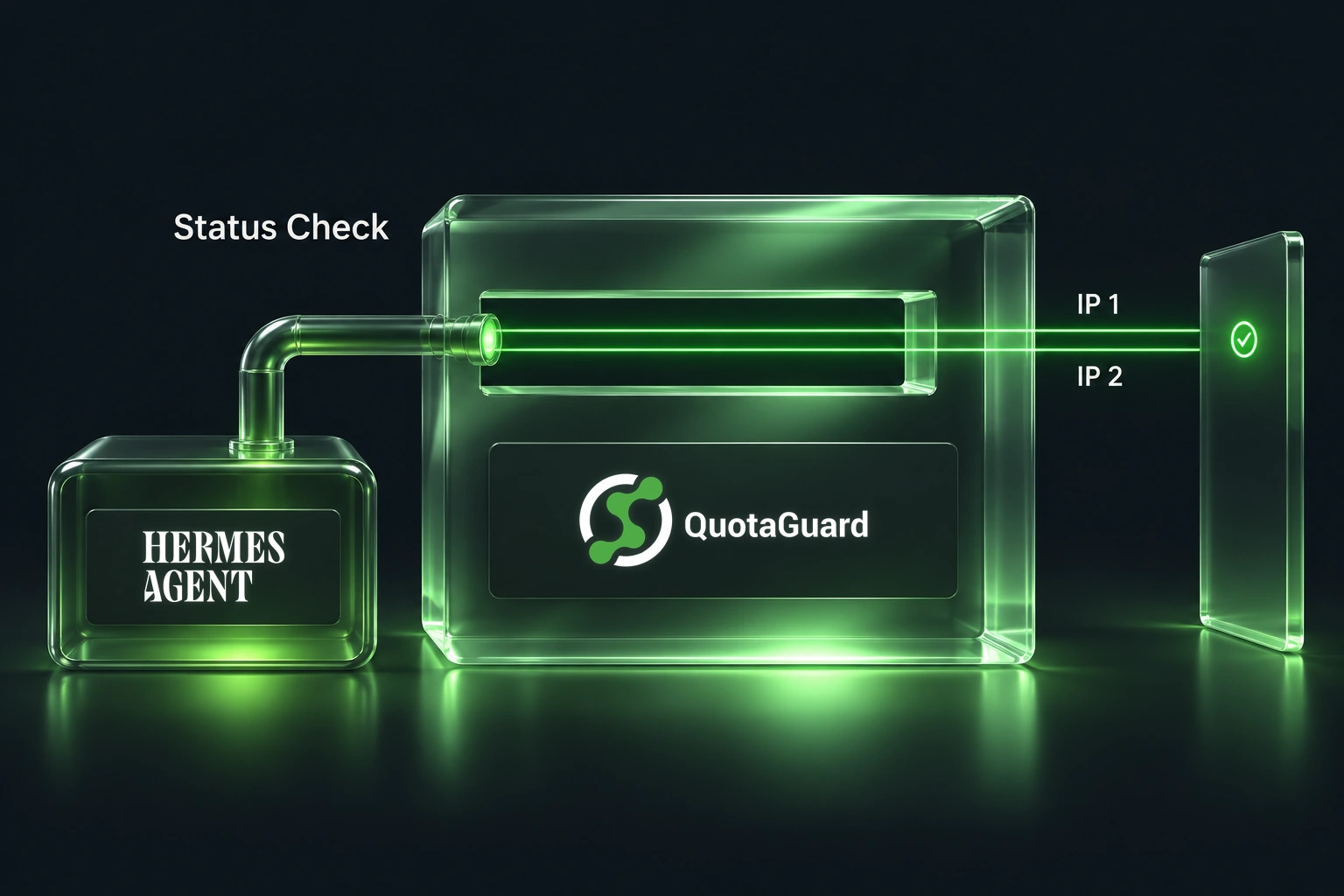
Give a Hermes MCP Status Tool a Stable Outbound IP

QuotaGuard Engineering
November 5, 2026
•
5 min read
Pattern

A useful first tool for an operations agent is a narrow status check: can it reach an approved partner API, and did that endpoint return a successful response? The agent does not need a general-purpose HTTP client or the partner's entire response body to answer that question.

Hermes Agent's MCP documentation describes connecting local and remote tool servers, including company APIs and per-server tool filtering. This example adapts that documented workflow into a customer-owned local MCP server with two read-only tools: verify its outbound IP and check one fixed partner status endpoint.

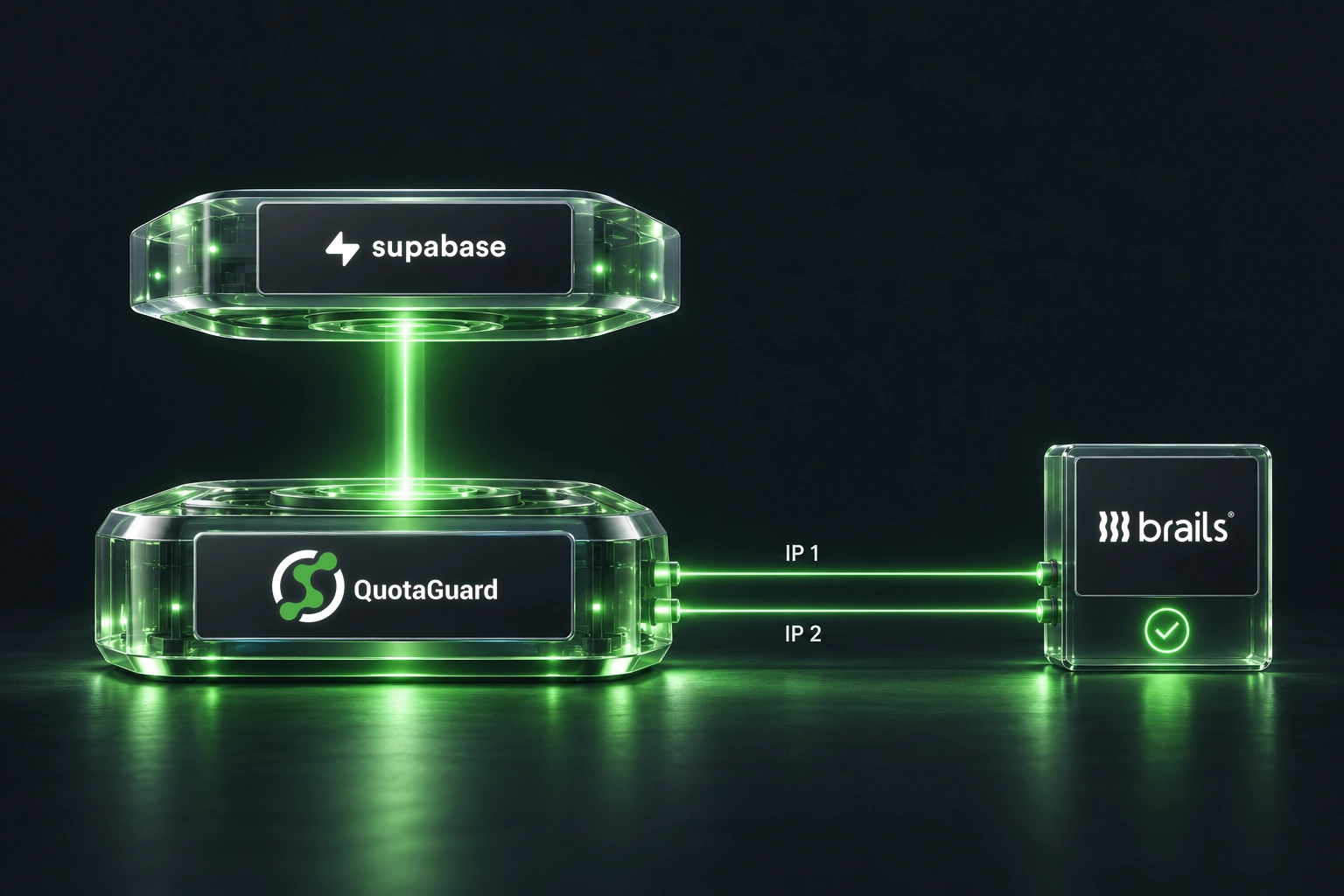
If the partner requires source-IP approval, put QuotaGuard on the server's onward HTTP client. The local stdio connection between Hermes and the MCP process has no public source IP to allowlist.

Keep the API destination under operator control

The complete example in the Hermes integration guide exposes verify_partner_client_egress and read_partner_status. The operator configures the partner URL. Neither tool accepts an arbitrary destination from the model, and neither performs a write.

That makes the tool useful as a connectivity check before an incident investigation or a wider integration rollout. A successful response means the configured endpoint was reachable with the supplied credentials. It does not mean every partner service is healthy or that the agent has permission to change anything there.

Use a public HTTPS endpoint your partner has approved for this read. A private-only service still needs its supported private network path. Add both QuotaGuard dashboard addresses to the destination's allowlist and retain the partner's authentication and access scopes.

Prove the client's route before adding the tool

Save qg_client.py from the guide and install the documented HTTPX dependency in your tool's virtual environment. For Static, securely supply QUOTAGUARDSTATIC_URL and set QG_PRODUCT to static. For Shield, supply QUOTAGUARDSHIELD_URL and set QG_PRODUCT to shield. In either case, set QG_EXPECTED_IPS to the two comma-separated dashboard IPv4 addresses.

This concise check uses the same client the MCP tools call:

# Run beside qg_client.py with its environment supplied securely.
from qg_client import check_egress

result = check_egress()
print(result)

The expected result contains verified and matches_dashboard_pair set to true. The helper requests only https://ip.quotaguard.com, validates that the response is one of the configured addresses, and returns a small result without proxy credentials. No partner token is needed for this check.

The helper configures HTTPX explicitly with proxy=, trust_env=False, timeouts and redirects disabled. Ambient proxy variables or a NO_PROXY entry therefore do not silently change this particular client's route. That explicit route belongs in this customer-controlled tool process; do not transplant it into another runtime that requires its own enforced proxy chain.

Give Hermes the two tools and no broader interface

The guide provides the complete partner_mcp.py server and the matching mcp_servers entry. Pass the required variables explicitly in that entry, because the MCP child environment is filtered. Supply the fixed PARTNER_STATUS_URL and separate PARTNER_API_TOKEN only when you are ready to enable the partner read.

Reload MCP where supported, or restart the correct profile gateway after its configuration is ready. Then run verify_partner_client_egress from Hermes before invoking read_partner_status. The latter returns a success flag and HTTP status, not the partner response body.

The distinction between client and server matters for remote MCP too. If a hosted MCP service calls the partner from its own infrastructure, proxying Hermes's connection to that service does not change the source address the partner sees. Configure the API-facing server if you control it; otherwise use the provider's supported networking option.

Hermes Agent is the runtime coordinating these tools. Changing its selected model does not configure the tool server's network path.

Match the product to the tool's transport

The guide's HTTPX client supports Static's HTTP proxy and Shield's HTTPS proxy. Both tunnel destination HTTPS. Shield additionally encrypts the client-to-proxy hop; Static does not encrypt that initial hop or its proxy authentication. Other clients have different support, so do not generalize the HTTPX result to every Hermes tool.

The example is a focused routing pattern, not a security boundary for the entire agent.

Follow the full Hermes setup guide for the server, configuration and diagnostics, or see QuotaGuard for Hermes Agent for deployment choices.

QuotaGuard Static IP Blog

Practical notes on routing cloud and AI traffic through Static IPs.

Reliability Engineered for the Modern Cloud

For over a decade, QuotaGuard has provided reliable, high-performance static IP and proxy solutions for cloud environments like Heroku, Kubernetes, and AWS.

Get the fixed identity and security your application needs today.