Reach an IP Restricted GitHub Repository from Claude Code

QuotaGuard Engineering
November 9, 2026
•
5 min read
Pattern

Before asking Claude Code to investigate a build or inspect repository metadata, check that its command environment can read the repository at all. A token with the right permissions can still fail when an enterprise restricts access by source IP.

GitHub documents that its enterprise IP allow list applies to protected repository access through the API as well as the web interface and Git. This example uses a personal access token for a private repository on github.com. Other authentication methods and GitHub deployments have their own rules and exceptions.

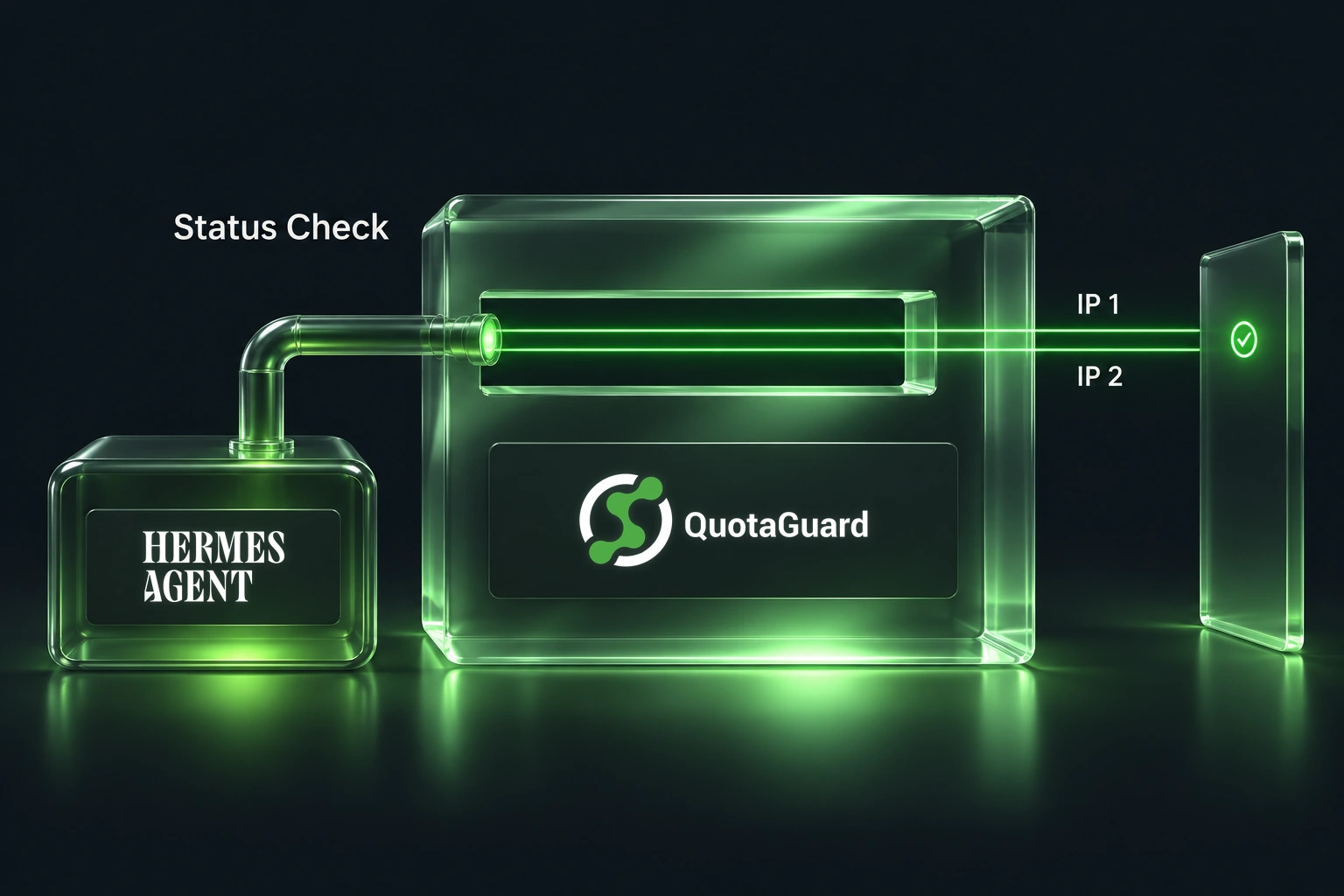
The practical job is small: make a read-only repository request from Claude Code's Bash tool while preserving its sandbox network controls. QuotaGuard supplies a stable source-IP pair for the upstream connection; it does not replace GitHub permissions or Claude Code's sandbox.

Two allowlists answer different questions

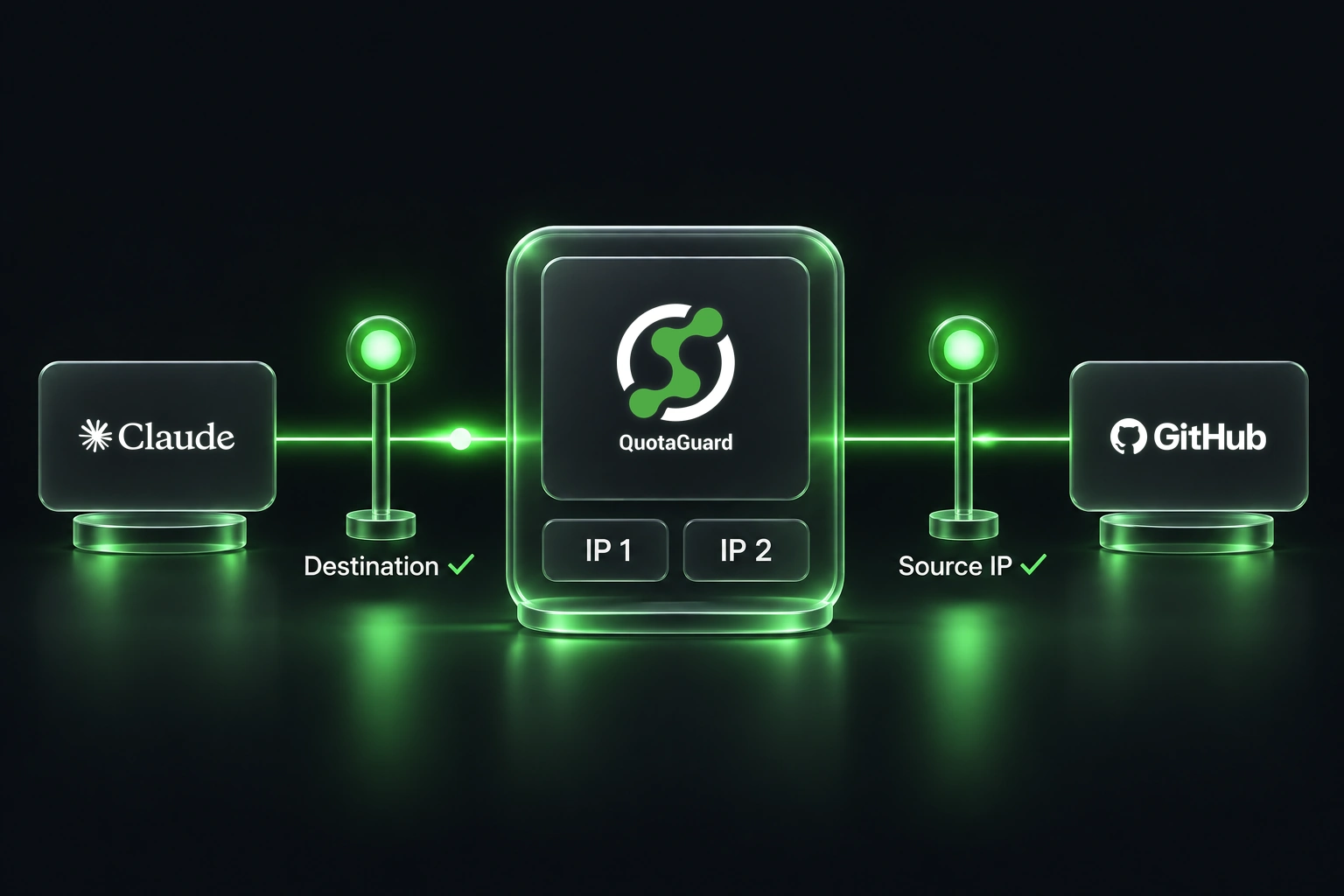
Claude Code's network policy decides which destination the command may contact. GitHub's IP allowlist decides which source addresses may access the repository. You need both to permit the intended request.

Ask the GitHub administrator to approve both addresses shown for your QuotaGuard subscription. Keep existing authorized callers and repository access controls intact. A shared IP pair is not exclusive to your account, so the GitHub token remains essential.

Anthropic documents an upstream proxy route for sandboxed commands: the built-in proxy checks the destination policy and then forwards allowed connections through the configured upstream proxy. Configure QuotaGuard before launching Claude Code, not by overwriting the local proxy variables inside an already sandboxed Bash command.

Use the launcher and environment instructions in the Claude Code integration guide. Align uppercase and lowercase proxy variables, check bypass rules, and relaunch the affected session. Anthropic's network configuration reference documents startup behavior and proxy-variable precedence.

Make one read without printing repository data

Save protected_get.py from the full guide and install its Requests dependency in the intended Python environment. Have your trusted secret workflow supply DESTINATION_TOKEN with an authorized token that can read the selected repository. Keep the token out of prompts, source control and logs.

After the guide's public IP check reports one of your dashboard addresses, run this through Claude Code's Bash tool. Replace OWNER and REPO with the approved private repository:

# Keep the proxy environment injected by Claude Code's sandbox.
# protected_get.py is the complete Requests helper in the full guide.
set +x
: "${DESTINATION_TOKEN:?Supply the authorized GitHub token securely}"
PROTECTED_URL='https://api.github.com/repos/OWNER/REPO' \
  python3 protected_get.py

The helper uses the effective environment proxy, keeps TLS verification enabled, disables redirects, and prints only the HTTP status. GitHub's get-repository endpoint is a read operation. A successful result checks access without editing the repository or dumping its contents into the conversation.

Do not use an anonymous public-repository request as proof that a private repository's source-IP rule is satisfied. Test the actual authorized resource with the appropriate token, and keep that token separate from the QuotaGuard proxy credential.

Diagnose the failing layer instead of removing controls

A failed request is not automatically an IP problem. Check these layers in order:

  1. If Claude Code rejects the destination, review its approved domain policy.
  2. If the public IP check is off-pair, inspect the requesting process, proxy settings and bypass list.
  3. If the route is correct but GitHub refuses access, check token validity, repository permission, organization requirements and the applicable IP rule.
  4. If TLS verification fails, investigate trust and client compatibility. Do not add an insecure TLS flag.

A public Claude Code issue reports different results for curl and a Go-based GitHub client on one macOS setup. It illustrates why the actual client matters; it is not evidence that QuotaGuard fixes that report, or that the behavior applies to every installation.

Static tunnels destination HTTPS through an HTTP proxy. Shield adds TLS on the proxy hop with a compatible client. Keep the exact connection scheme and port supplied for your subscription rather than changing them by hand.

Use the full Claude Code setup guide for the launcher, sandbox and MCP details, and QuotaGuard for Claude Code to compare deployment options.

QuotaGuard Static IP Blog

Practical notes on routing cloud and AI traffic through Static IPs.

Reliability Engineered for the Modern Cloud

For over a decade, QuotaGuard has provided reliable, high-performance static IP and proxy solutions for cloud environments like Heroku, Kubernetes, and AWS.

Get the fixed identity and security your application needs today.